Xaero's Drawings
- By
Paint directly on Xaero's World Map & Minimap with brushes, shapes, and stamps.
Screenshot_20260719_080913.png
Screenshot_20260719_075005.png
Screenshot_20260719_080036.png
Description
Xaero's Drawings
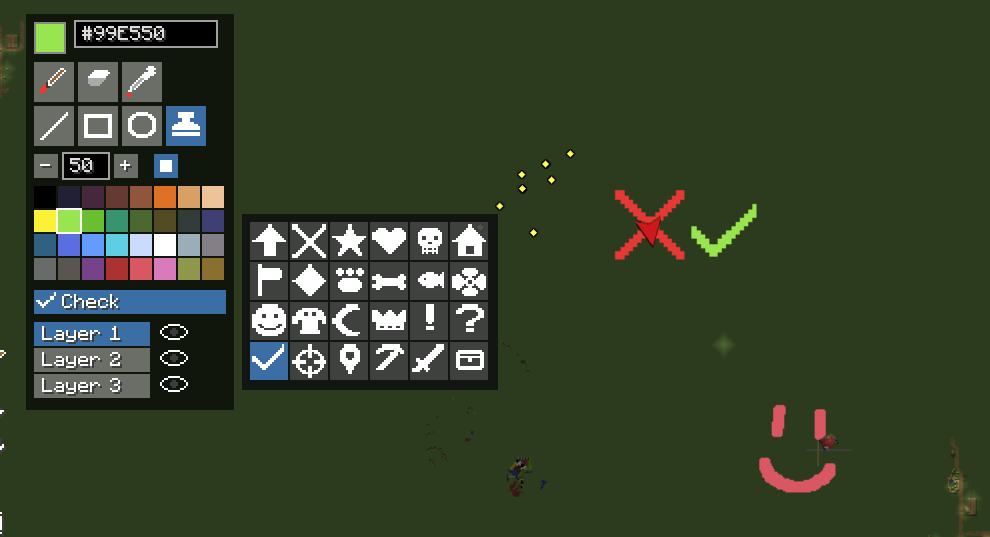
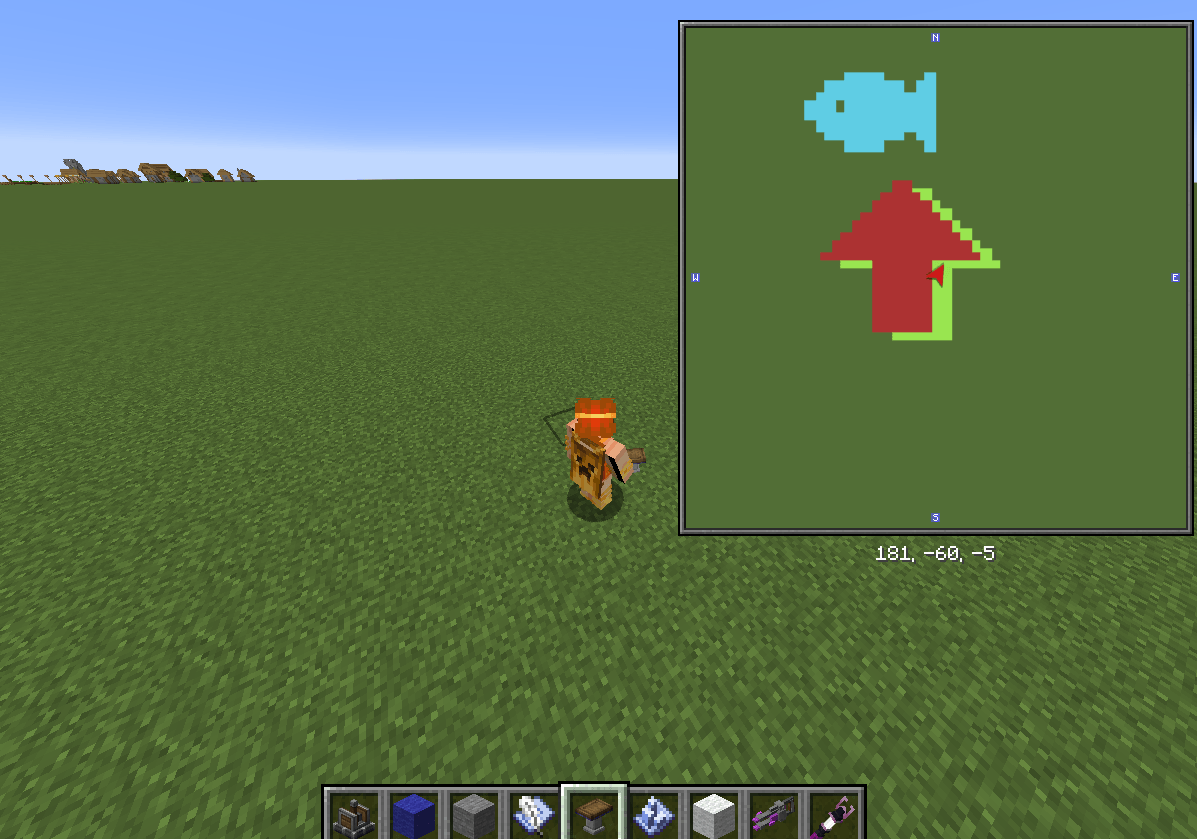
Draw on your map. Xaero's Drawings adds a full paint toolkit on top of Xaero's World Map and Xaero's Minimap. Sketch route plans, mark dig sites, outline builds, doodle on your friend's base. Your drawings are anchored to world coordinates, so they pan and zoom with the map and show up on your minimap as you travel.
Features
Paint tools
- Freehand brush with adjustable size (1–64 blocks) type the size or use the +/- buttons
- Eraser and a color picker that samples painted pixels or any rendered map color (terrain included)
- Shapes: lines, rectangles, and ellipses with a live ghost preview. Outline or filled, thickness follows brush size
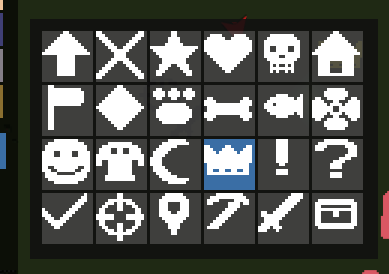
- Stamps: one-click symbols (arrows, pins, hearts, paws, skulls, pickaxes, chests and more), scaled to brush size
Colors
- Classic 32-color 8-bit palette (DB32)
- Hex input supporting #RRGGBB and #RRGGBBAA transparency works
- Hover any swatch to see its hex value
Layers
- 3 independent layers, each individually toggleable
- Paint on one layer while hiding others e.g. keep "routes", "resources", and "plans" separate
🐾 Custom stamps
Stamps are just PNG files. On first run the 24 built-ins are exported to config/xaeros-drawings/stamps/ edit them, delete them, or drop in your own (square PNGs, 8–32 px, transparency = empty). The selector rescans every time it opens; no restart needed.
Optional multiplayer sync
Install the mod on a dedicated server and drawings become a shared canvas: strokes appear live for everyone, and new players receive the existing canvas when they join. Strokes are validated and re-rasterized server-side, and even custom stamps sync (the bitmap travels with the stroke). Without the server mod, everything works fully client-side, drawings are saved locally per world/server and per dimension, right next to your Xaero map data.
How to use
- Open the fullscreen map (default M)
- Click the paintbrush button in the left button column
- Paint! Esc exits drawing mode; drawings autosave every 30 seconds
▎ Version note: this mod integrates deeply with Xaero's internals, so each release is pinned to exact Xaero's World Map / Minimap versions. Match the versions listed on the release you download.
FAQ
Does this lag on big maps?
No. Only painted regions use memory, saving/loading runs on a background thread, and off-screen GPU textures are evicted automatically.
Where is my data?
Drawings: <game dir>/xaeros-drawings/<world>/<dimension>/ as ordinary PNG tiles (you can open them in an image editor!). Stamps: config/xaeros-drawings/stamps/.
Client only?
Yes, fully functional client-side. The server install is optional and only adds shared canvases.
Fabric / other versions?
NeoForge 1.21.1 only for now, More loaders and versions planned !
License
GPLv3
Xaero's Drawings Team
Owner