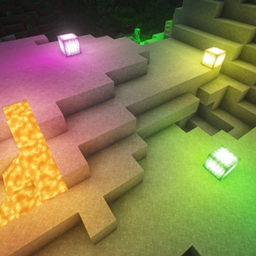
Workshop core block
- By
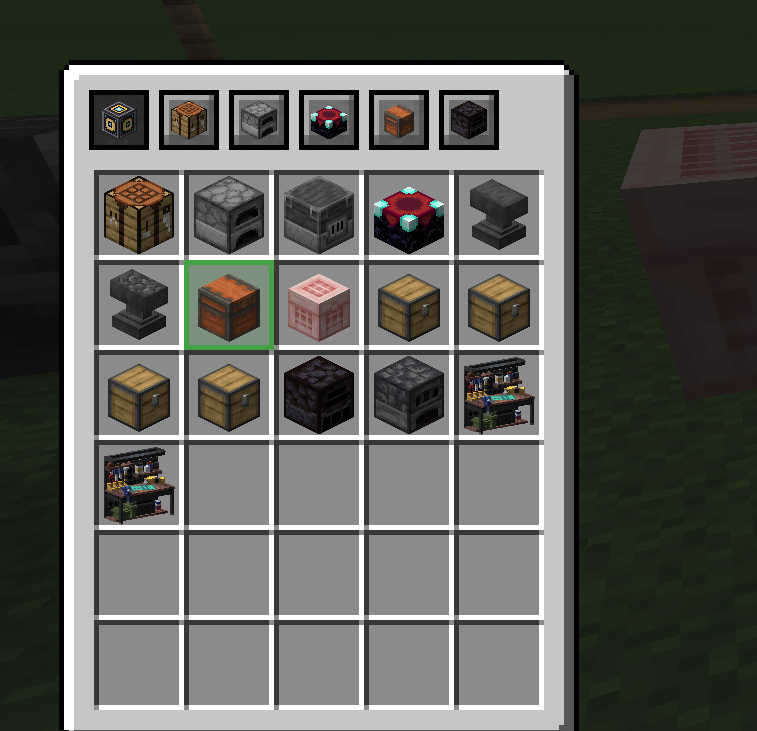
Switch between crafting tables, furnaces, anvils, chests, or other mod's station without having to walk around or close the menu.
2026-08-02_20.25.49.png
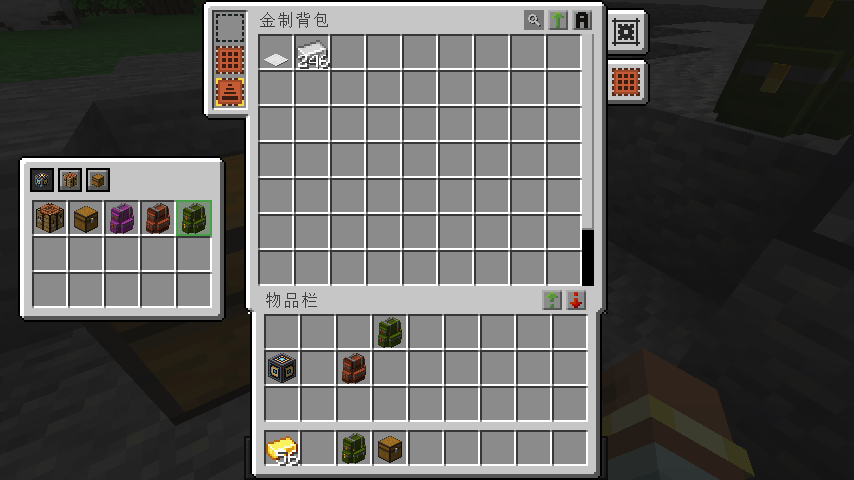
update: compat for Sophisticated Backpacks
switcher.png
Description
- This mod add a new block:
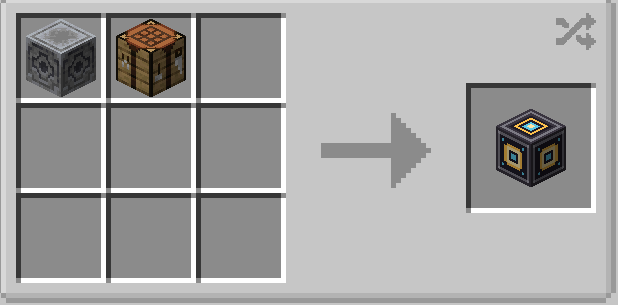
Craft a Workshop Core from a lodestone and a crafting table. It has the same hardness as a block of iron and needs a stone pickaxe.
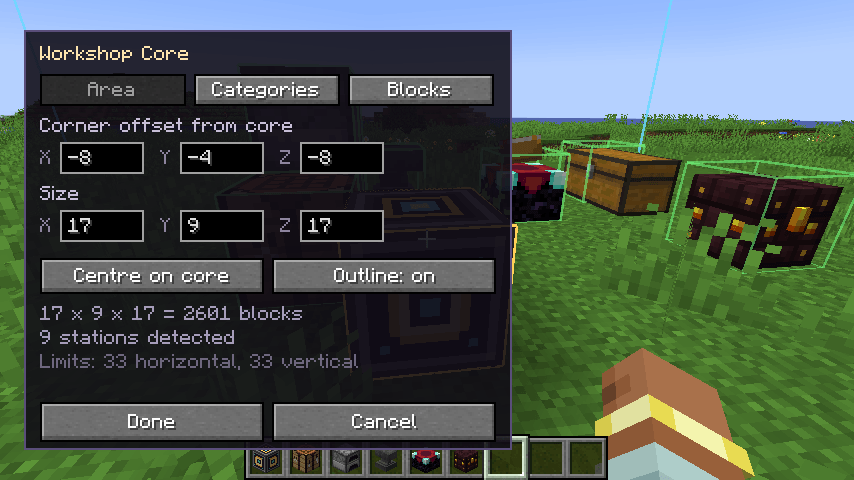
Place it and right-click to open its settings screen:
- Area — set the XYZ size and corner offset, like a structure block. The world stays visible while you type, and the area is outlined live (cyan = area, gold = the core, green = stations found, red = stations that fell outside). The outline lingers for a few seconds after you close the screen, then disappears. "Centre on core" places the core in the middle of the area.
- Categories — toggle Crafting / Smelting / Enchanting & Repair / Storage / Logistics / Other.
- Blocks — toggle individual entries, with a count of how many are in the area.
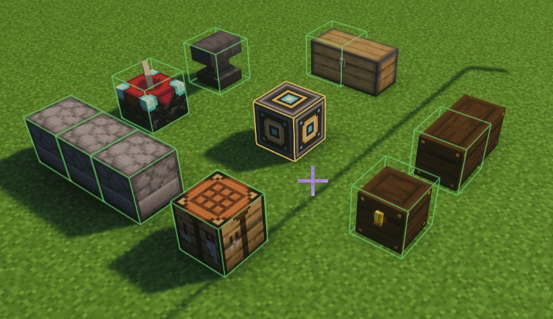
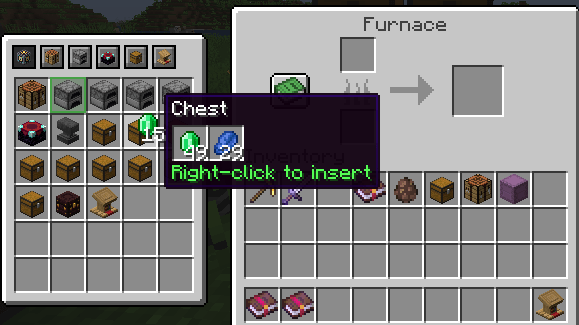
Use it by right-clicking any station inside the area as you normally would. The switcher appears beside the menu. Click an icon to switch to that station — it opens the real vanilla menu, and stats are awarded exactly as if you had walked over and used the block.
Toggle the panel with V by default (rebindable under Controls → Workshop Core). With it off, everything behaves like vanilla.
Configuration
config/workshopcore-server.toml — area limits, re-scan interval, station cap, block blacklist.
config/workshopcore-client.toml — which side the panel docks to (LEFT / RIGHT / AUTO), column count, tooltips, outline duration.
If the panel overlaps JEI's bookmark list, set
overlay.sidetoRIGHTorAUTO.
Adding modded workbenches
Most modded blocks need nothing — anything that offers a menu is detected automatically and lands in the "Other" category. Write a definition only to set its category, its sort order, or to group a whole family of blocks under one filter switch.
Definitions load from data/<namespace>/workshop_stations/*.json in any data pack, and from config/workshopcore/stations/*.json (applied afterwards, so it wins). One file is one filter entry:
{
  "category": "crafting",
  "category_priority": 10,
  "priority": 20,
  "match": [ "somemod:alloy_bench", "#c:chests" ]
}
match takes block ids or #namespace:tag. Because one file is one entry, matching a tag groups the whole family under a single switch while each block still shows its own icon. Optional fields: id, name (a lang key), enabled_by_default, open, and "disabled": true to remove a built-in entry.
Workshop core block Team