Wind's Utilities
- By
a5b7f8db32d14744989906b153ca36c36940eddf.png
b71e69f70037cc0ccc6701ef0d0eadc5a39c84c2.png
Description
🍃 Wind's Utilities
Wind's Utilities is a lightweight, modern, client-side Fabric mod designed to enhance your gameplay experience with visual quality-of-life improvements, customizable HUD elements, fog control, inventory previews, and diagnostic utilities.
Everything is completely client-side, fully configurable in-game, and works on both singleplayer and multiplayer servers without requiring the mod on the server!
✨ Features Overview
👁️ Visual & Camera Tweaks
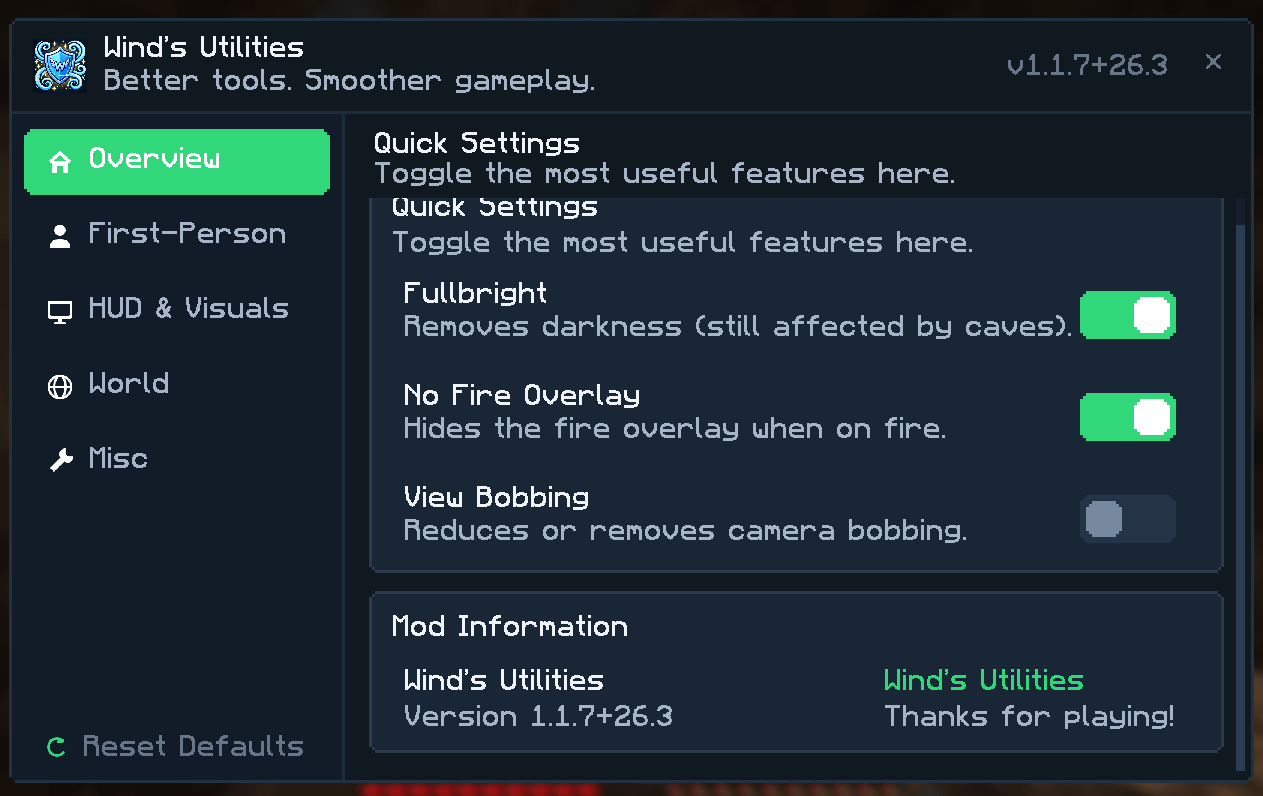
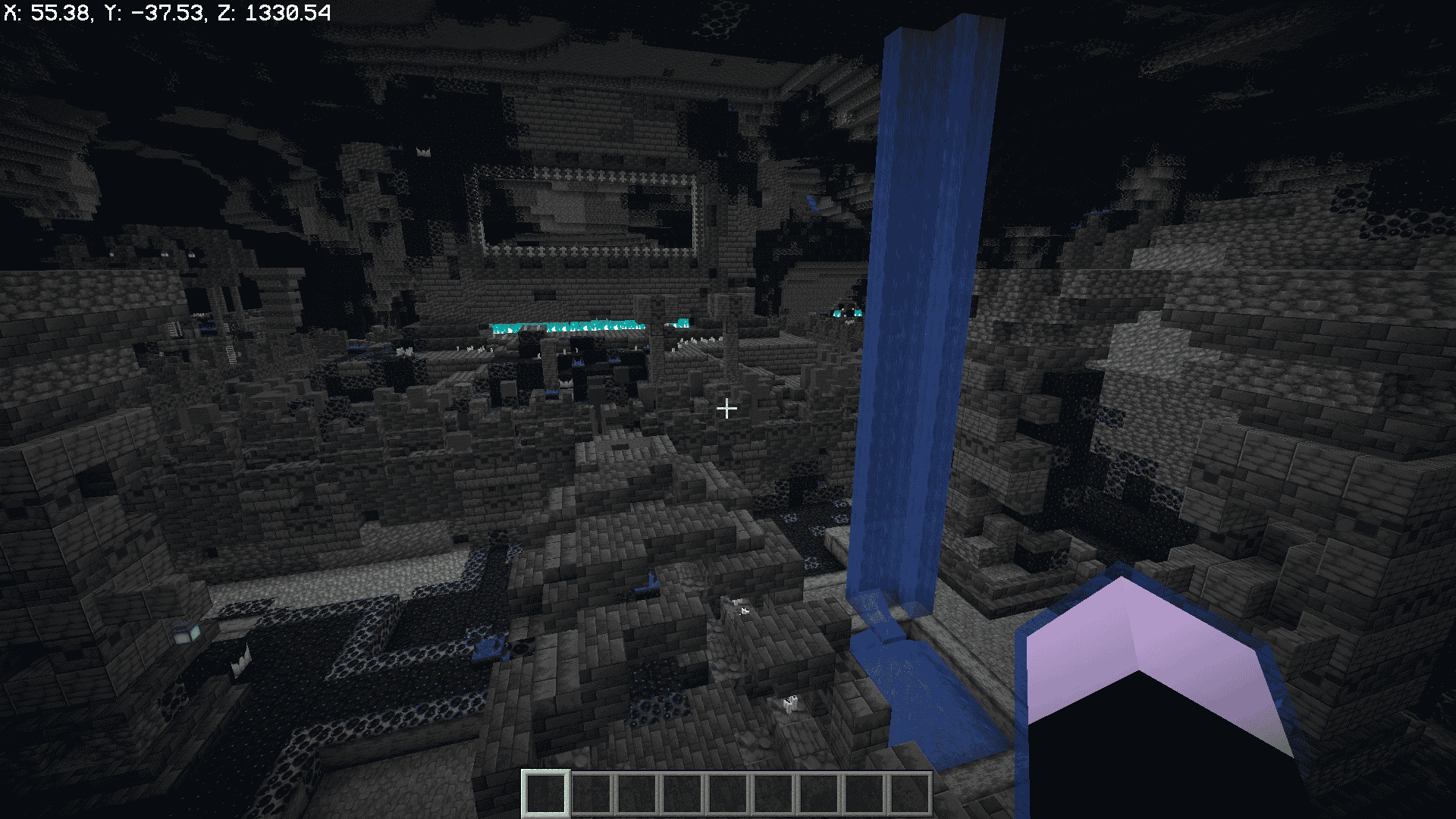
- Fullbright: Maximizes gamma brightness across dark caves, underwater areas, and nighttime.
- View Bobbing Control: Easily toggle vanilla view bobbing via menu or chat commands (
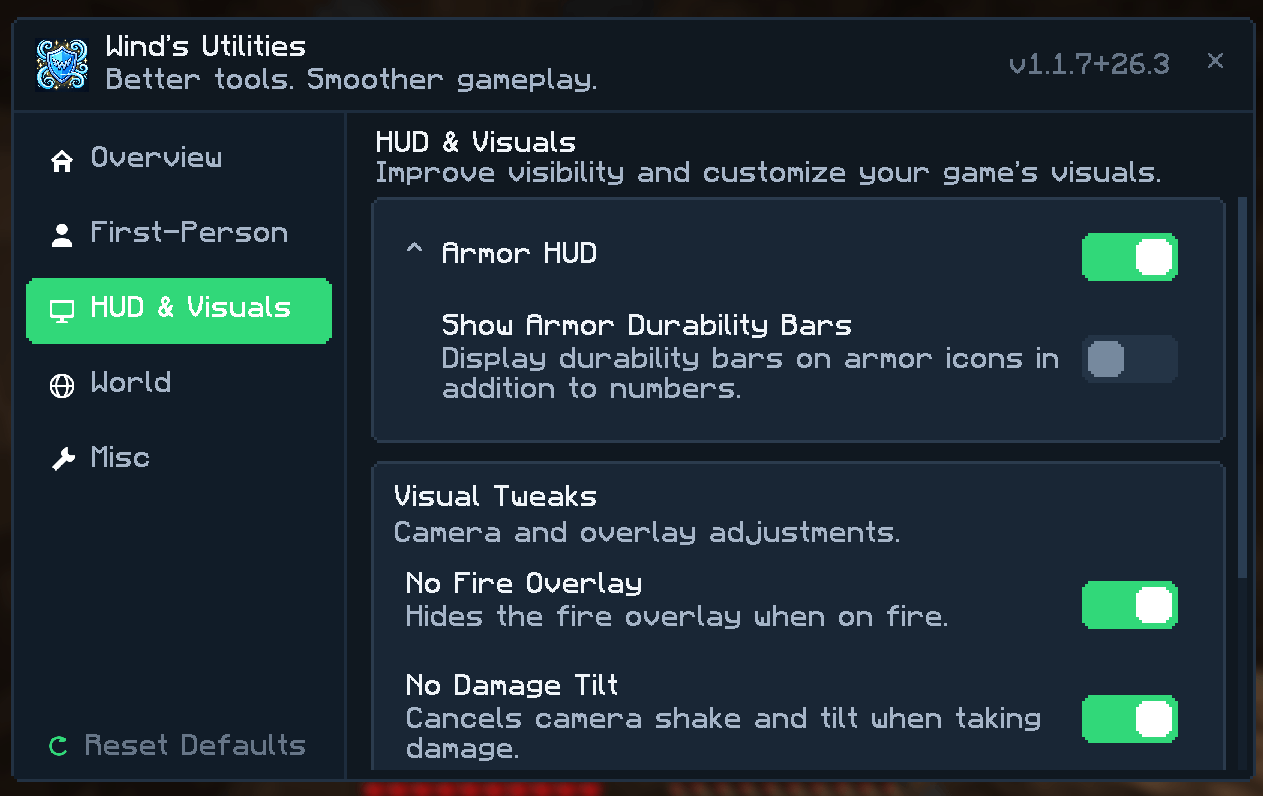
/bobbing,/viewbobbing,/wind bobbing). - No Fire Overlay: Removes the burning texture that covers your camera when on fire, keeping your screen clear in combat and lava.
- No Damage Tilt: Eliminates the disorienting screen shake and camera tilt when taking damage.
- No Pumpkin Blur: Disables the carved pumpkin overlay blocking your vision.
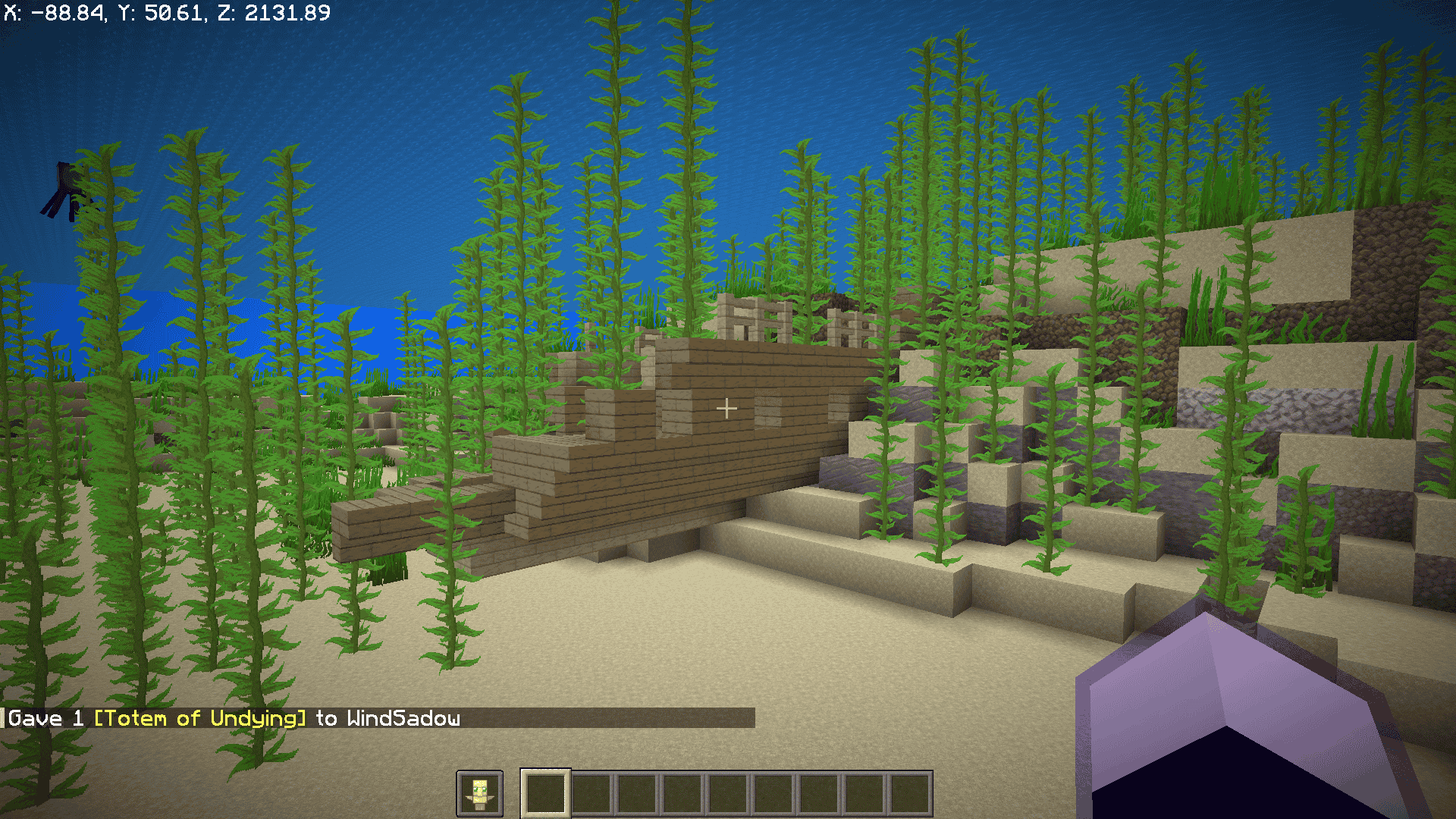
- Offhand Item Visibility: Choose whether shields or Totems of Undying block your first-person view when held in your offhand.
🌫️ Advanced Fog Controls
Fine-tune or remove fog effects individually, or turn them all off globally:
- Global Fog: Disable all terrain and distance fog everywhere.
- Lava Fog: Clear dense lava blindness for crystal-clear vision under lava.
- Water Fog: Crystal-clear underwater vision.
- Powder Snow Fog: Removes freezing whiteout fog when stuck in powdered snow.
- Blindness Fog: Disables the blinding sphere caused by the Blindness effect.
- Darkness Fog: Removes the pulsating dark fog effect from the Warden/Darkness effect.
- Atmospheric Fog: Removes distant horizon fog for clean render distance viewing.
🛡️ Armor Durability HUD
- Displays equipped helmet, chestplate, leggings, and boots icons alongside their remaining durability numbers vertically next to your hotbar.
- Configurable Durability Bars: Option to show or hide durability progress bars alongside numbers.
- Dynamic color-coding according to damage status.
📦 Shulker Box Tooltip Preview
- Hover over any shulker box in your inventory or containers to view a visual 27-slot container preview of its contents inside the tooltip.
- Completely vanilla-styled and instantly responsive.
🗡️ First-Person Item Scaling & Hand Offsets
Customize how held items appear on your screen in first-person view:
- Category Scales: Adjust scale multipliers for Totems, Potions & Bottles, Food, Shields, Weapons (swords, axes, maces, bows, tridents), Tools, and other items.
- Hand Multipliers: Independently scale mainhand and offhand items.
- Vertical Offsets: Raise or lower the vertical position (height) of items held in your main hand and offhand to maximize screen visibility.
⚡ Client Commands
| Command | Description |
|---|---|
/wind |
Opens the mod's configuration screen. |
/ping or /wind ping |
Checks real-time round-trip latency to the server in milliseconds. |
/tps or /wind tps |
Displays current server tickrate (Ticks Per Second). |
/bobbing [on|off|toggle] |
Quickly toggles or sets vanilla view bobbing. |
/viewbobbing [on|off|toggle] |
Alias for /bobbing. |
/wind fullbright |
Quickly toggles fullbright on and off. |
/wind items |
Directly opens the first-person item scaling settings menu. |
⚙️ Configuration
Wind's Utilities features a built-in, native configuration screen with a sleek dark navy theme, green accents, and smooth category navigation.
You can configure all features:
- Pressing F7 (customizable in Options -> Controls -> Key Binds under the dedicated Wind's Utilities category).
- In-game via the
/windcommand. - Via the Mods menu using Mod Menu.
- Directly by editing
.minecraft/config/winds_utilities.json.
📋 Requirements & Compatibility
- Minecraft Version: Supported on 26.1.2 and 26.3 (download the matching jar file for your game version).
- Mod Loader: Fabric Loader.
- Dependencies:
- Fabric API
- (Optional) Mod Menu for graphical settings access.
- Sodium Compatibility: Fully compatible with Sodium and modern visual optimization mods.
📜 License
Wind's Utilities is licensed under the MIT License. Feel free to include it in modpacks!
Wind's Utilities Team