

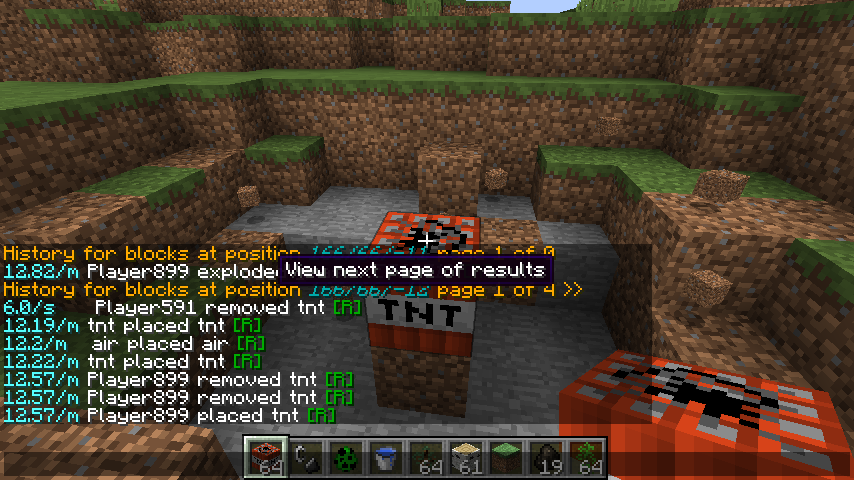
Click on the >>> and <<< buttons to quickly browse through pages of log files
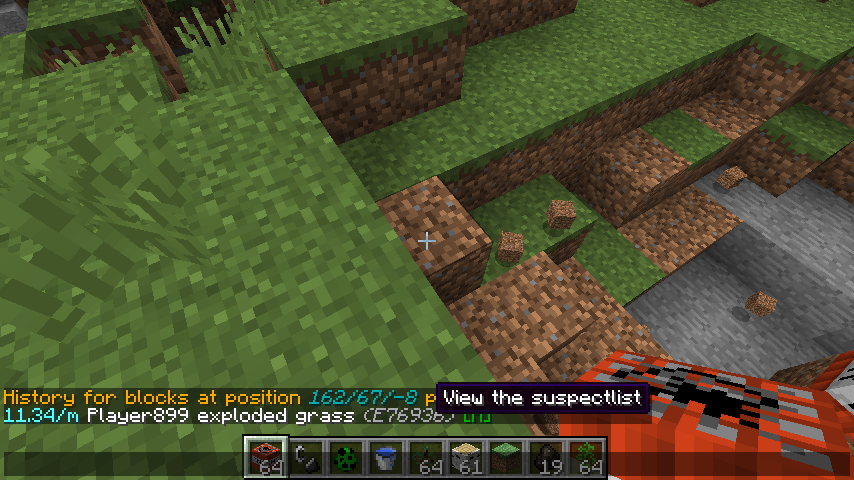
Click on the darkgray text to see the suspect list of entities that were nearby when it all happened.
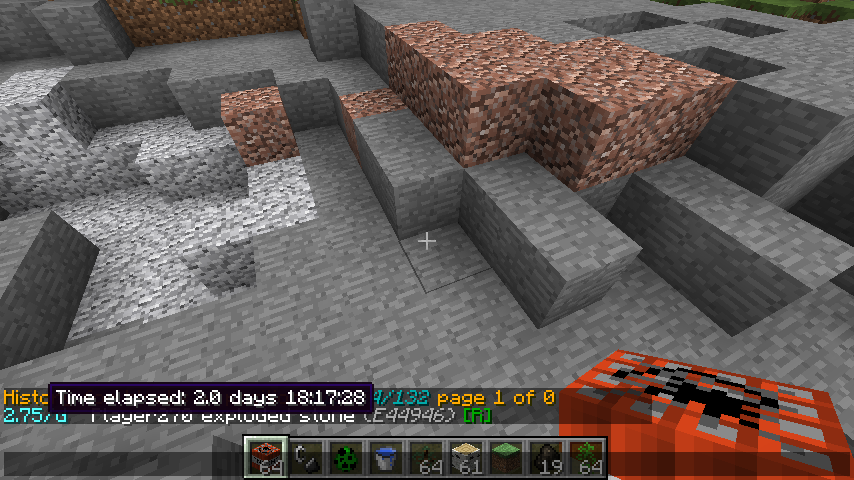
Sometimes you just want a more friendly display of the date
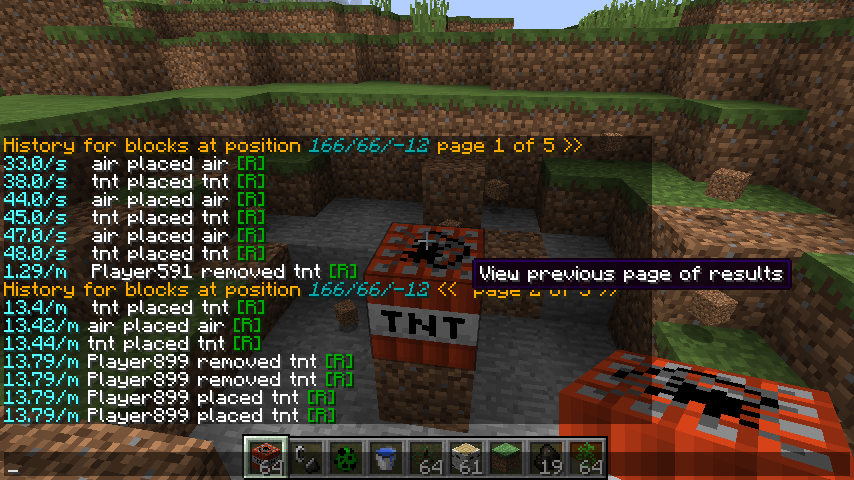
By pressing <<< you can go back in the logs
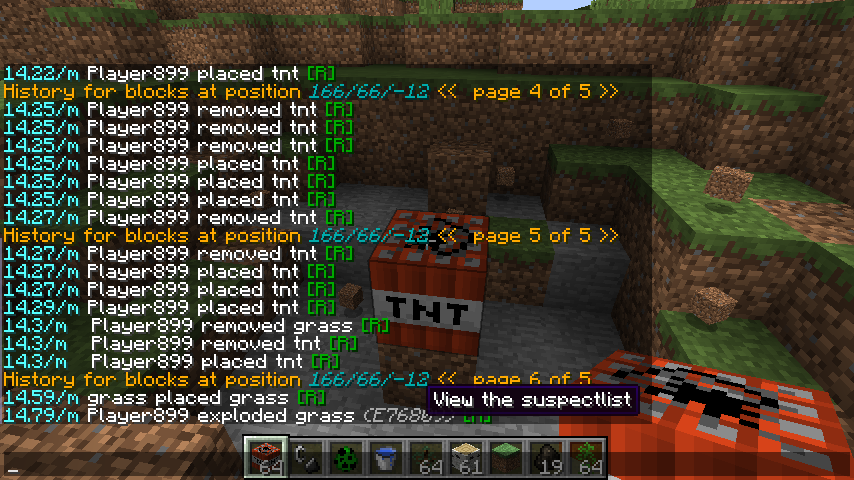
Sometimes you dont wanna see a creeper blew up something, you want to see who was near.
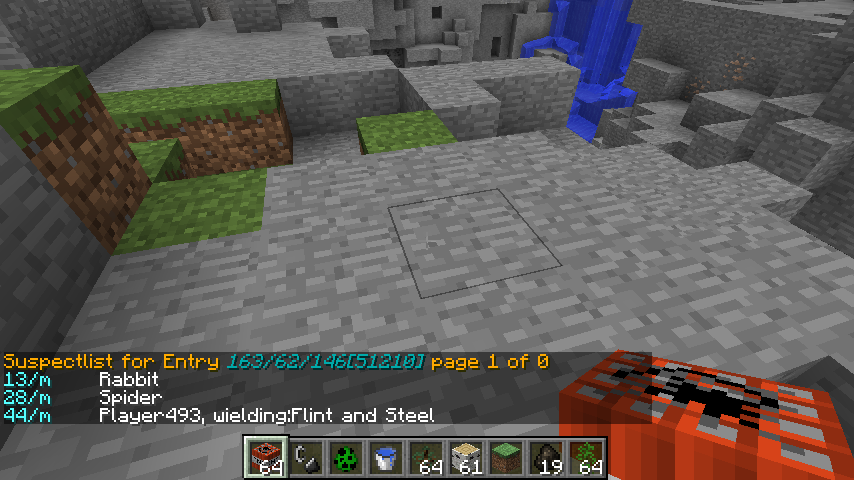
Looking at the suspect list. Who was nearby and what was their distance
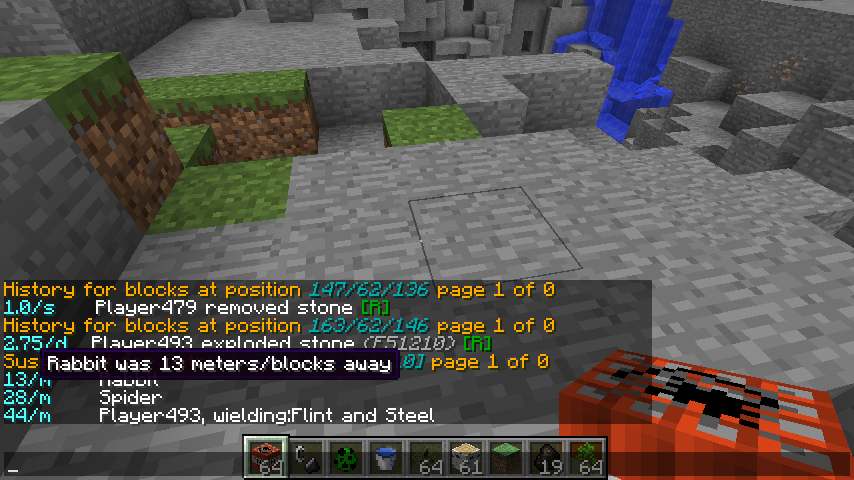
You can NEVER be obvious enough.
![Thumbnail Click on the [R] to restore that specific log entry](https://media.forgecdn.net/attachments/24/123/screenshot3.png)
Click on the [R] to restore that specific log entry
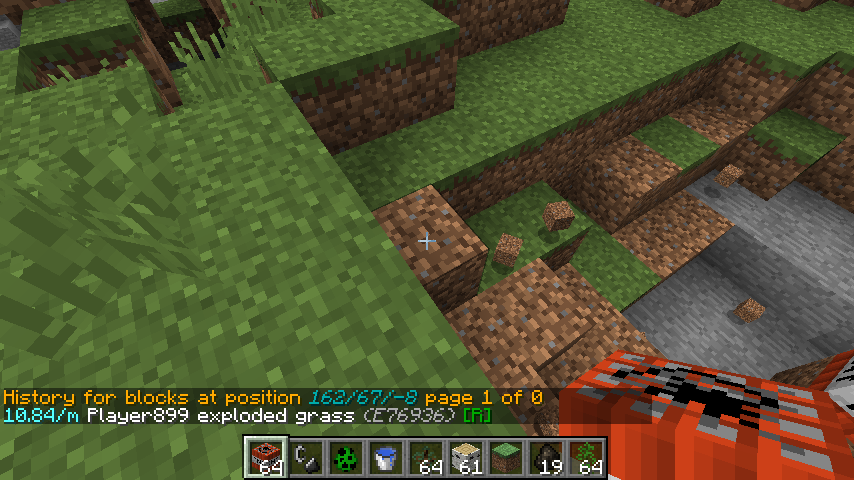
Here you see the history of a location displayed in chat. Most items in the text displayed in chat that look clickable are clickable with your mouse.

