


WatchParty
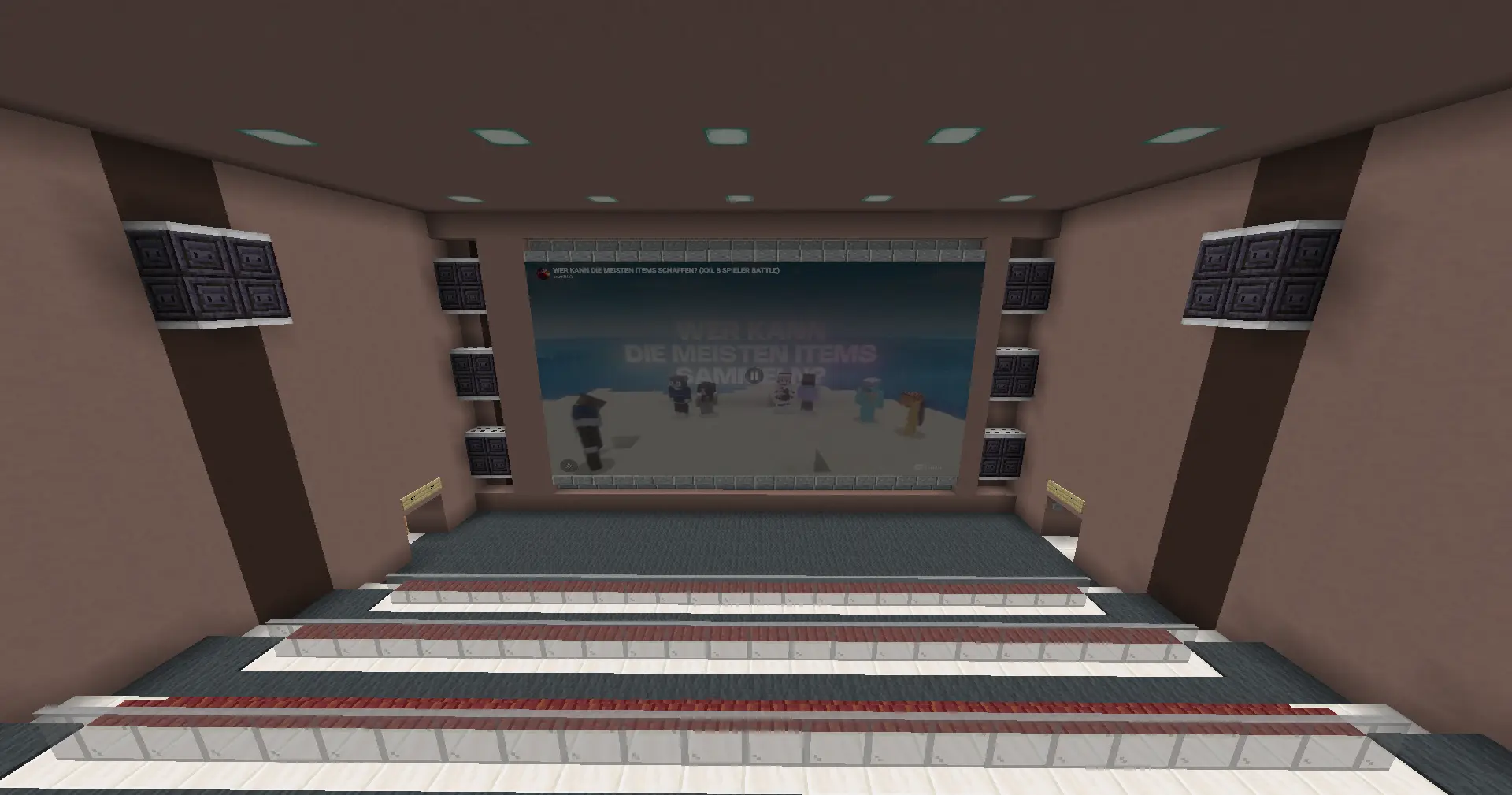
WatchParty lets you create synchronized in-world screens in Minecraft and watch videos and streams together with other players. Create screens directly in the world, control playback from an in-game remote and share private screens through activation codes.
Preview
Features
- Create wall, floor, and ceiling screens with a blaze rod
- Select two block corners while sneaking to define a screen area
- Private screens by default
- Share screens using short activation codes
- Owner-only settings and access management
- Watch YouTube, Twitch and HLS streams
- Synchronized playback between players
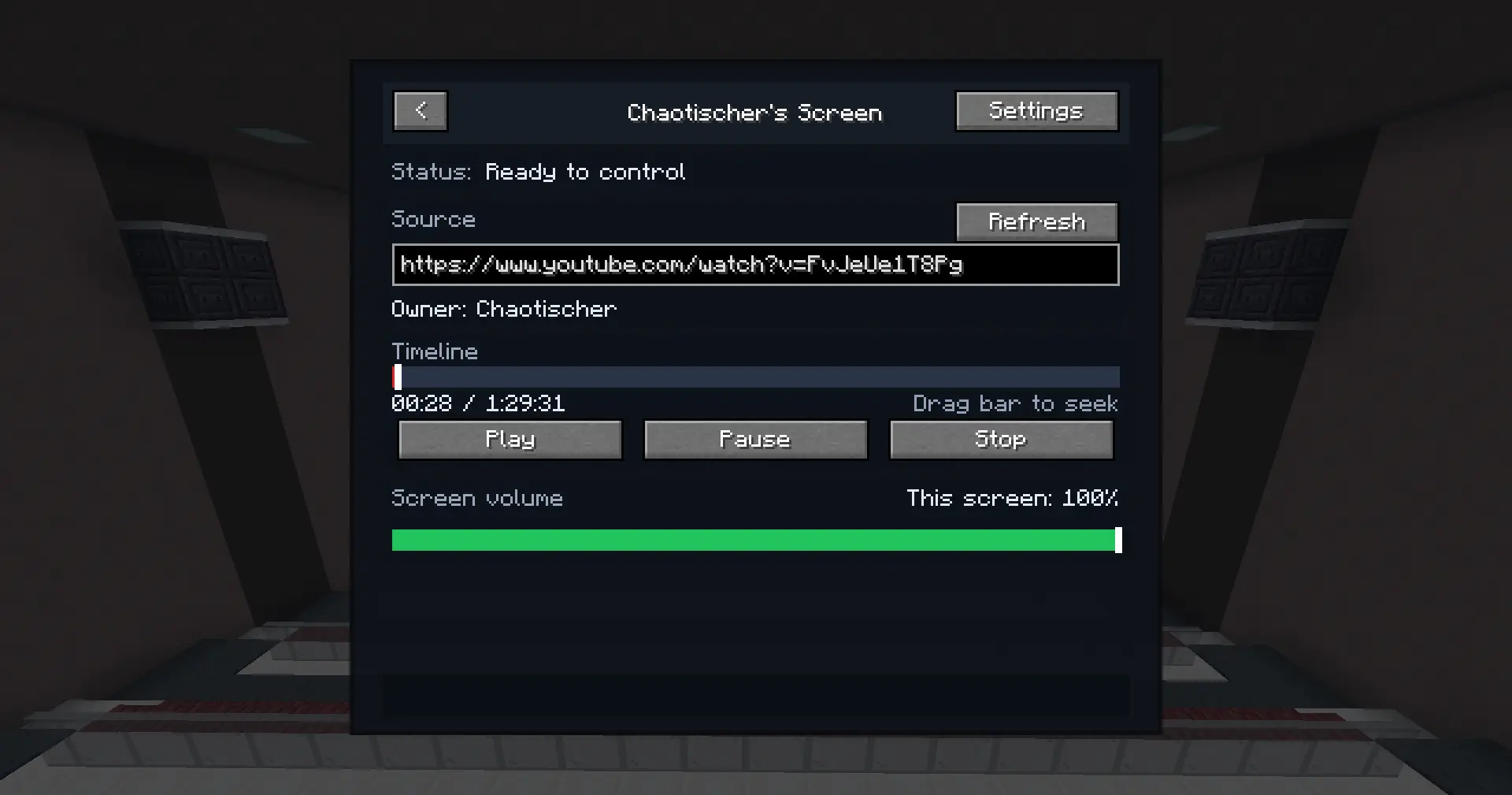
- In-game remote menu for screen selection, playback, settings, permissions, and activation codes
- Optional spatial audio per screen
Creating A Screen
Select the screen area Hold a blaze rod, sneak, and right-click two opposite corners of the screen area.
Configure the screen After selecting the area, choose the screen name, facing, display mode, and rotation.
Share the activation code Screens are private by default. Other players only see a private screen after entering its activation code in the remote menu.

Remote Menu
Open the WatchParty remote in-game (default key O) to:
- select nearby or owned screens
- enter activation codes
- play, pause, stop, and seek media
- change local screen volume
- manage screen settings as the owner
- grant or revoke access
- temporarily remove viewers
Requirements
WatchParty requires:
- Fabric
- Fabric API
- MCEF / Chromium Embedded Framework compatible with your Minecraft version
Each client that wants to see screens must have WatchParty and MCEF installed.
Relay & Privacy
No Minecraft server-side mod is required.
WatchParty uses a relay server to synchronize screens between players. The relay is used only for screen access, permissions, presence, and playback synchronization.
The relay does not download, host, cache, proxy, mirror, or redistribute any video, image, GIF, stream, or other media content. Media playback happens directly on each player’s own client.
WatchParty does not bypass DRM, paywalls, login requirements, region locks, platform restrictions, or other access controls. Users are responsible for the media URLs they choose to play.
The relay may process and store synchronization data required for shared playback and screen access, including:
- randomly generated player installation IDs
- Minecraft player names and UUIDs
- hashed room identifiers derived from the Minecraft server connection
- screen definitions and settings
- screen owners, viewers, activation codes, and permissions
- media source URLs required for synchronization
- playback state such as play, pause, stop, timestamps, and seek position
- temporary presence data used for nearby players
- admin policies such as allowlists, blocklists, and screen limits
The relay does not collect Minecraft account passwords, Microsoft account credentials, Minecraft session tokens, access tokens, chat messages, inventory data, full world data, or media file contents.
Screen coordinates may be processed for screen placement and visibility checks. These coordinates are encrypted before being stored by the relay.
Private screens are only shared with players who enter the correct activation code or are granted access by the owner. “Private” means hidden from other players by default; the relay still processes the synchronization metadata listed above to provide this feature.
The WatchParty Team
