
let it walk-walkers-wired
- By
A keyboard console that drives Let It Walk walkers over Drive By Wire cables, sending per-key wire channels and Create redstone frequencies.
ä¾å.png
3.png
Description
Walkers Wired adds an Advanced Console for Let It Walk! — a keyboard terminal that drives your walkers and speaks both Drive By Wire and Create's redstone link network.

## Features

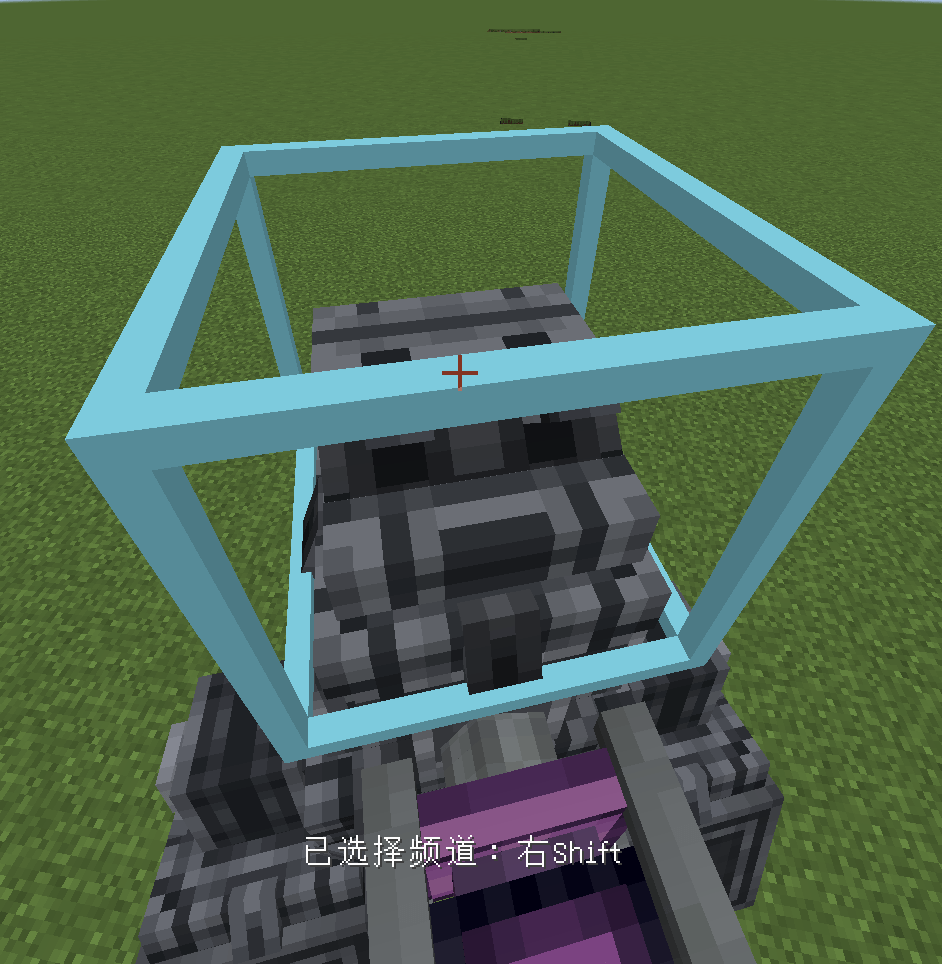
- Advanced Console block, built on the Let It Walk! pilot console look, with two animated levers that follow your throttle and steering input.
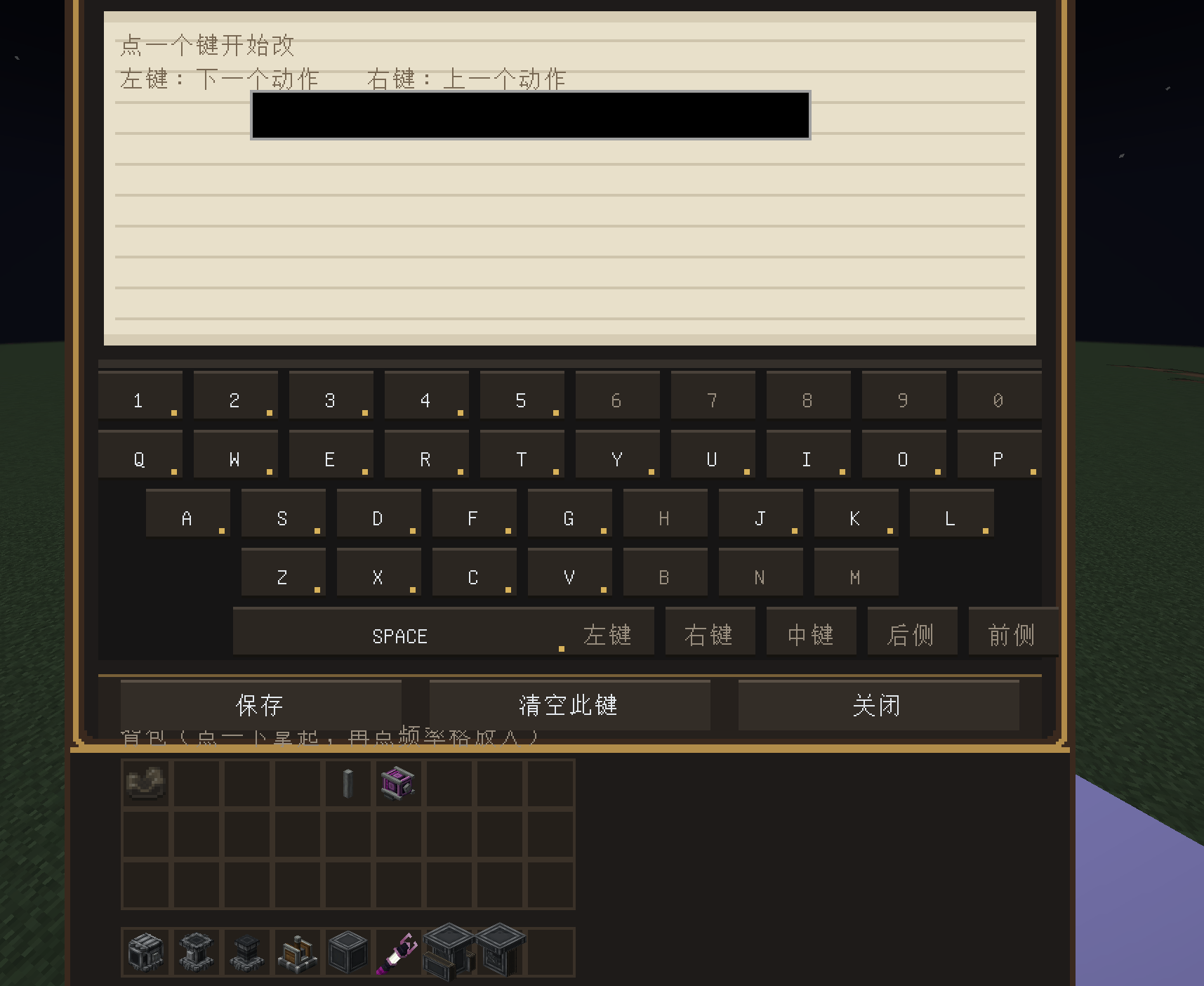
- Every key on your keyboard is usable. Each key can emit its own Drive By Wire channel and be bound to any walker action.
- Per-console configuration: each Advanced Console stores its own keymap, wire channels and lean key in the block itself, so different machines (or different saves) never share settings.
- 4 independent redstone frequency banks per key, 2 ghost slots each — press a key and the console broadcasts that frequency through the Create redstone link network.
- Built-in inventory panel: click an item in your inventory, then click a frequency slot to place it (items are not consumed).
- Mouse support: left / right / middle / side buttons can be bound like keys.
- Lean: hold the lean key and move the mouse; an on-screen quadrant pad shows the current lean point.
- Long presses and multi-key input are synced every tick, so keys never stick.

## Usage

1. Craft the Advanced Console (3 iron ingots, 2 redstone, 1 copper ingot, in the classic pattern).
2. Right-click a walker core with the console item to bind it, or place the console directly on the walker.
3. Right-click the placed console to start typing — every key emits its channel.
4. Shift + right-click to open the configuration panel: bind actions, edit wire channels, set the lean key, and place redstone frequencies.
5. Aim at the console and right-click to leave it.

## Requirements

- Minecraft 1.21.1
- NeoForge 21.1.228+
- Create 6.0.10+
- Sable 2.0+
- Drive By Wire 0.3+
- Let It Walk! 0.1+

## Notes

- Each console keeps its own keymap; picking the block up and placing it again at the same position keeps the configuration.
- The console can also be driven through Drive By Wire cables from any other signal source.