Screenshot 2026-11-11 164552.png
Screenshot 2026-11-11 193913.png
Screenshot 2026-11-11 193755.png
Screenshot 2026-11-11 193823.png
Description
 VUEQuests is a graph OR linear based questing mod. The mod is very configurable and it allows individual mods to include their own questlines!
Quest Mode
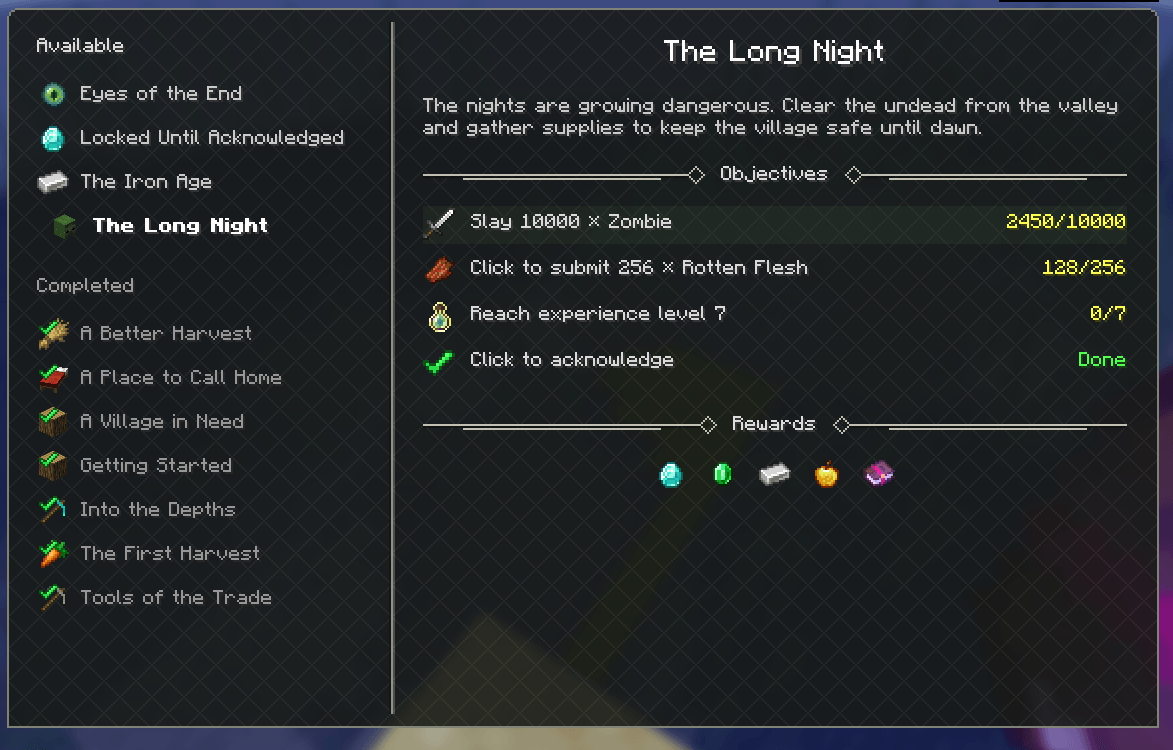
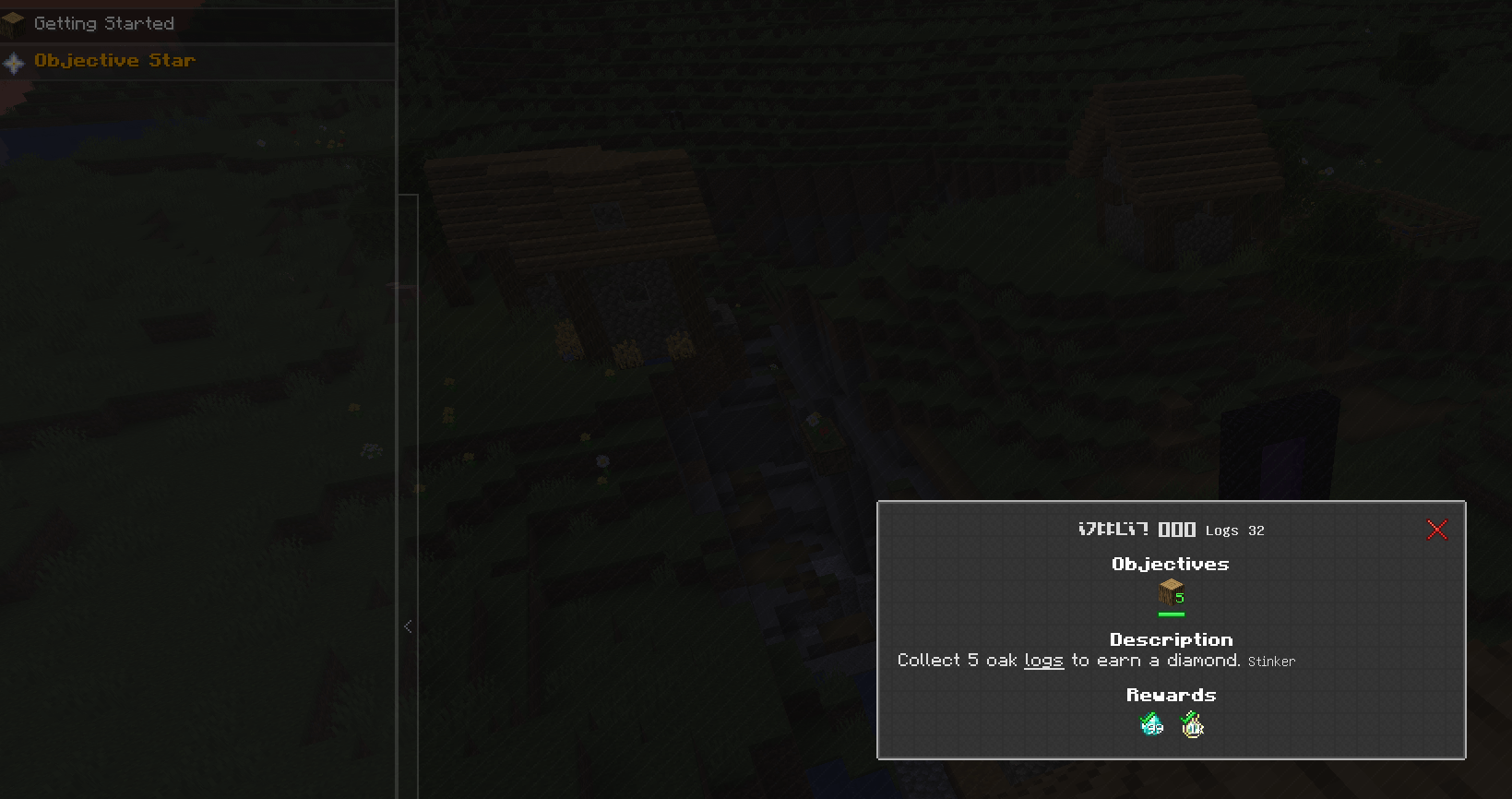
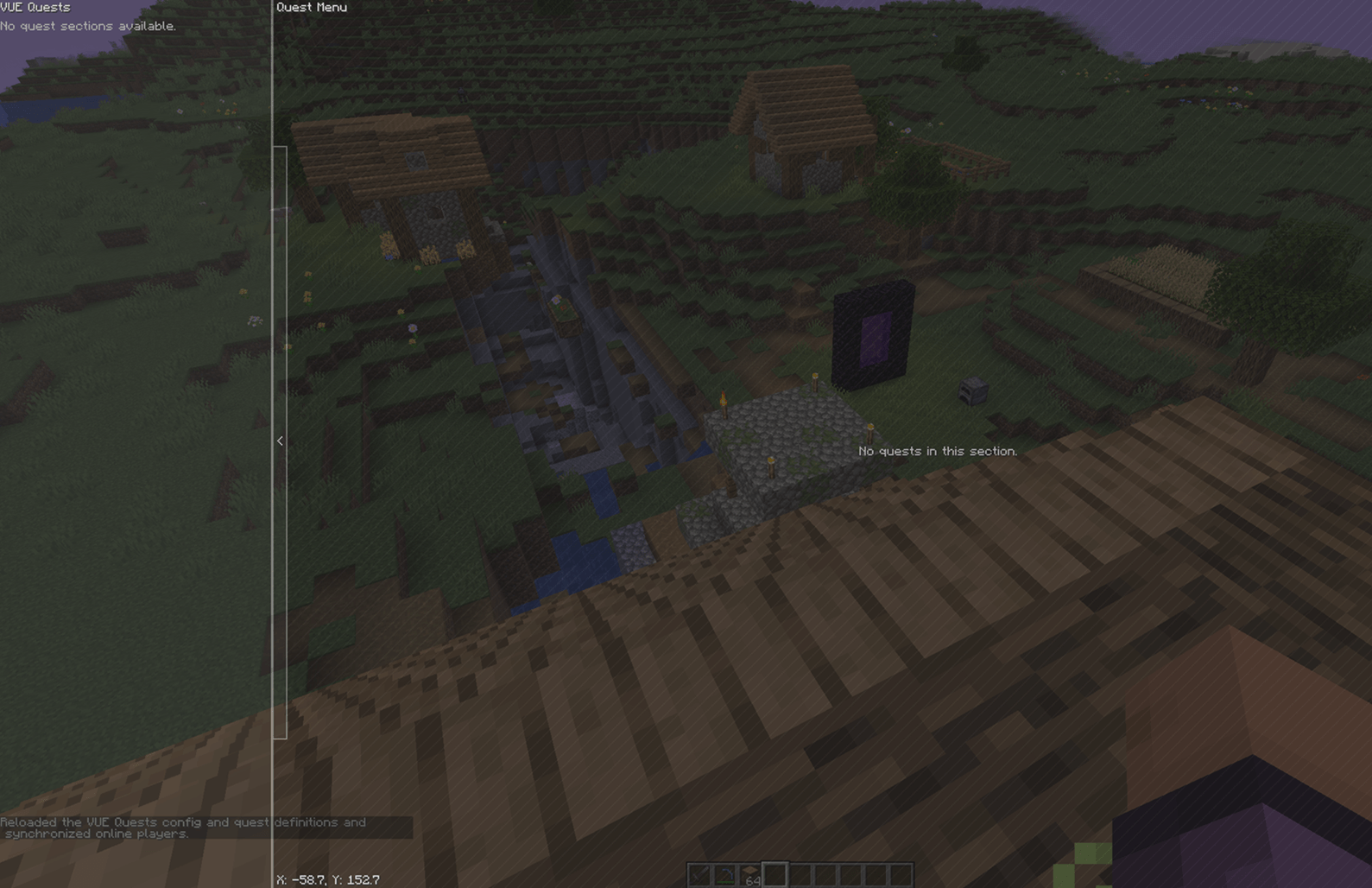
I support two modes of doing quests, the first is the graph based quest line, where you can see all quests at once, their dependencies, and so on. This format of quest is very familiar to anyone that's used a questing mod in the last 5 or more years.
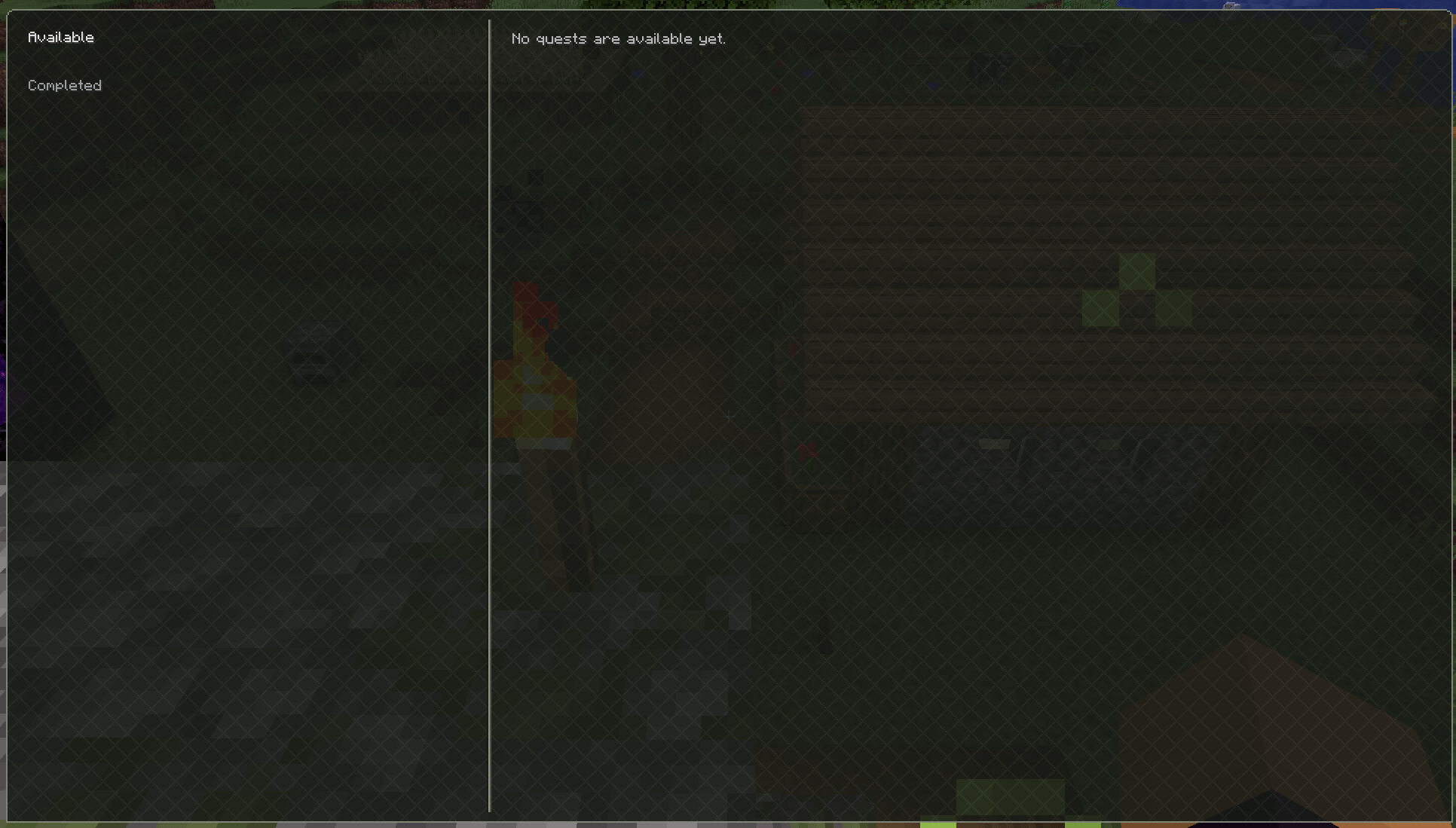
I take a little inspiration from Skyrim for the linear based quest display. This is an alternative that will list quests in a linear fashion. While the quest editor still uses graph nodes, they can be used interchangably. Check the gallery for the difference!
The mode can be set in the config file by going to config/vuequests.json and changing the "quest_view" parameter. The choices are: "graph" or "list." There are comments in the config file to explain it too. The config choice is enforced on the server, and sent to the client.
Quest Loading
Something a little different with VUEQuests is the ability for other mods to include questlines. Since I use a datapack approach that means your favorite mods can now include their own questline. This could act as a form of documentation if you're doing the Craft this, then this, then that approach. Typically this would make it more difficult for modpack authors to distribute their own quests, since datapacks need to be in the world folder. To solve that, the config lets you choose how you want to load quests. in config/vuequests.json changing the "quest_loader" parameter between "DATAPACK_BASED" or "CONFIG_BASED" will let you decide where the quests are loaded from.
For modpack authors including this mod and adding custom quests, you'll likely want to set it to CONFIG_BASED. before you do that, run the /vuequests export command in game to grab quests from all mods that have their own questline. Then you can modify/delete them as needed.
Web Editor
To edit quests, you'll use the web editor, this will start a local http server to create your quests with. I didn't want to write the client code needed to create an in game editor. start the web editor with /vuequests editor start
VUEQuests Team