

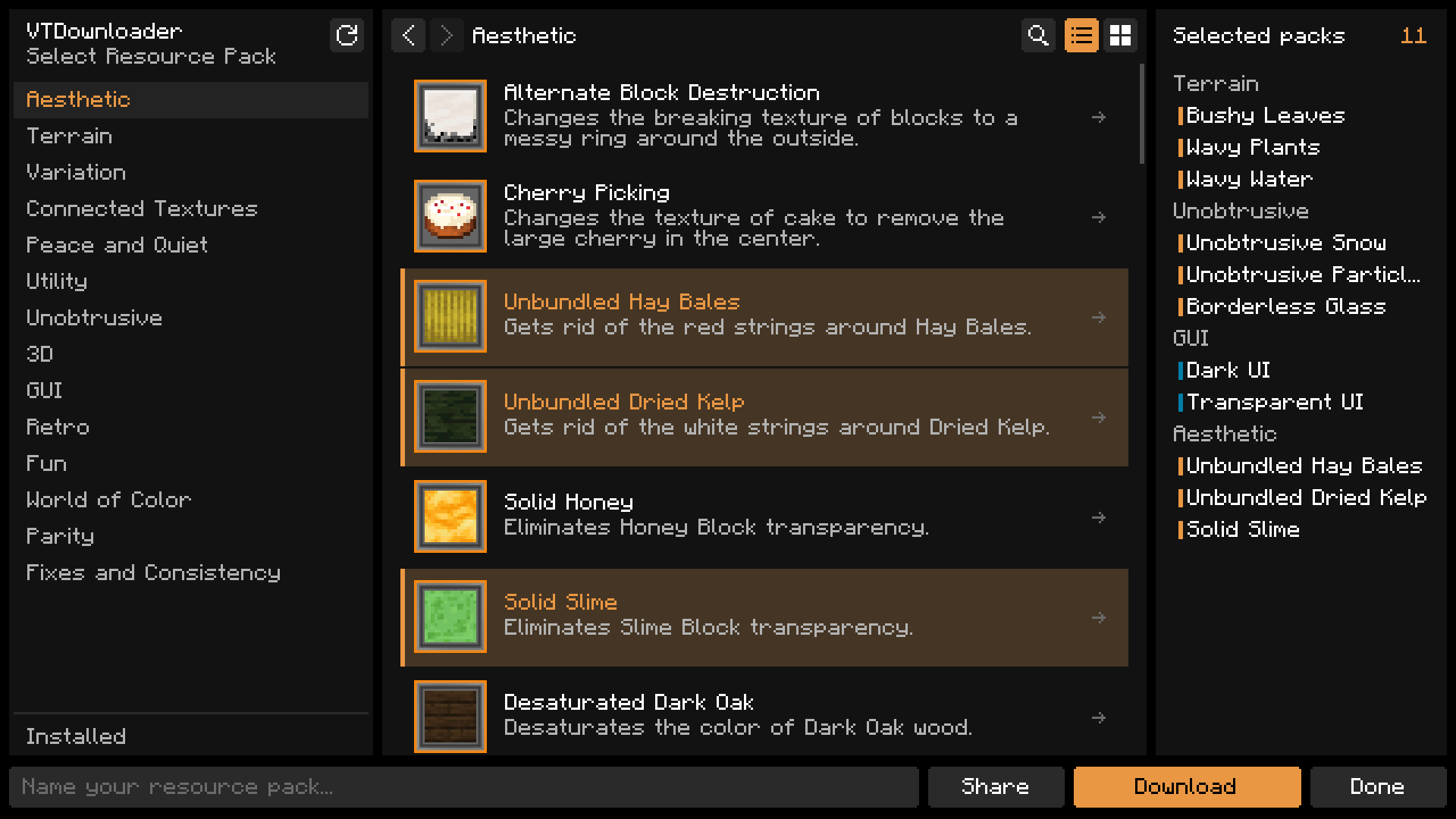
Categories on the left, packs in the middle, and everything you've selected on the right, grouped by category.
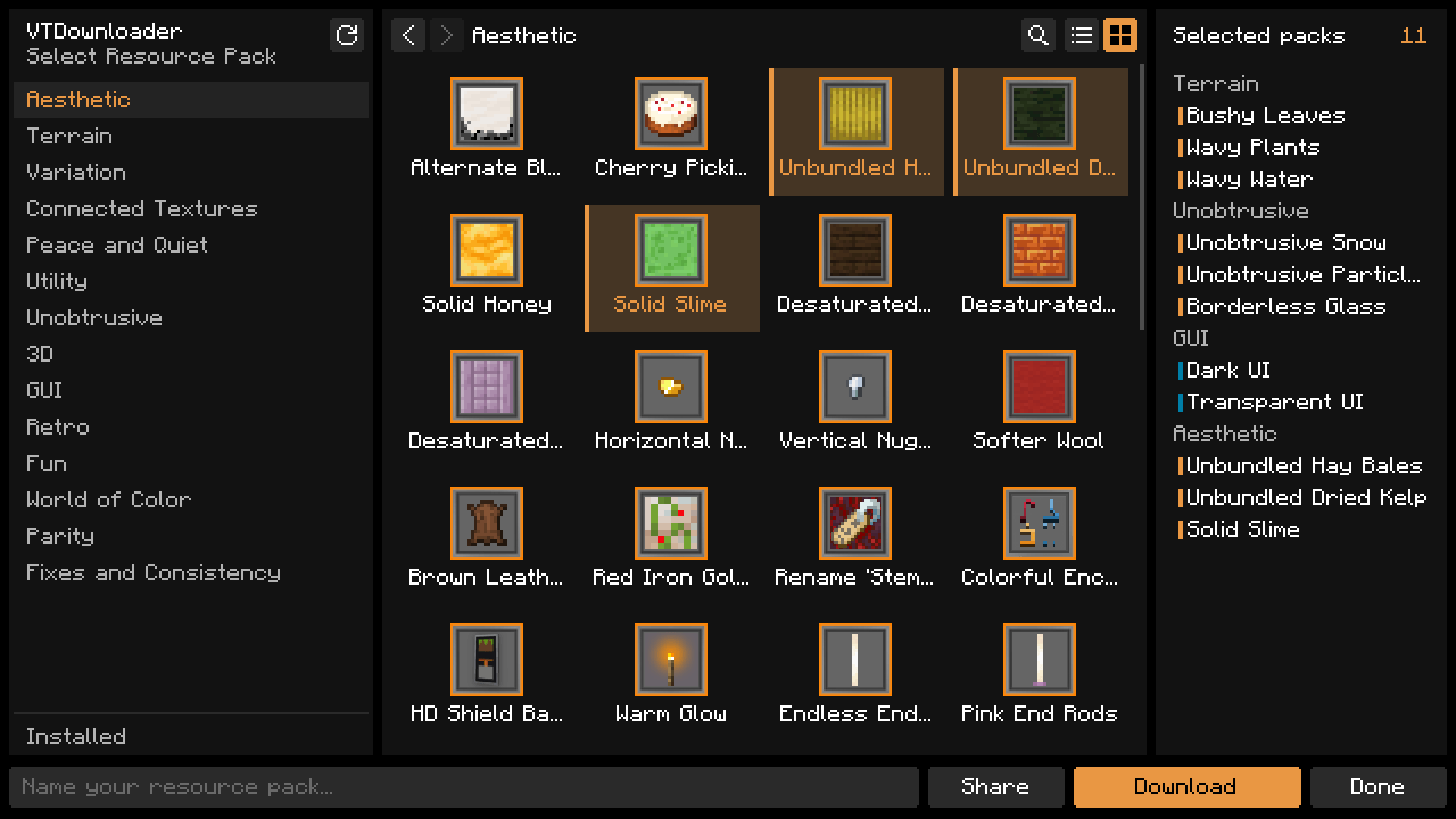
Switch to tiles to see more packs at once. The choice is remembered.
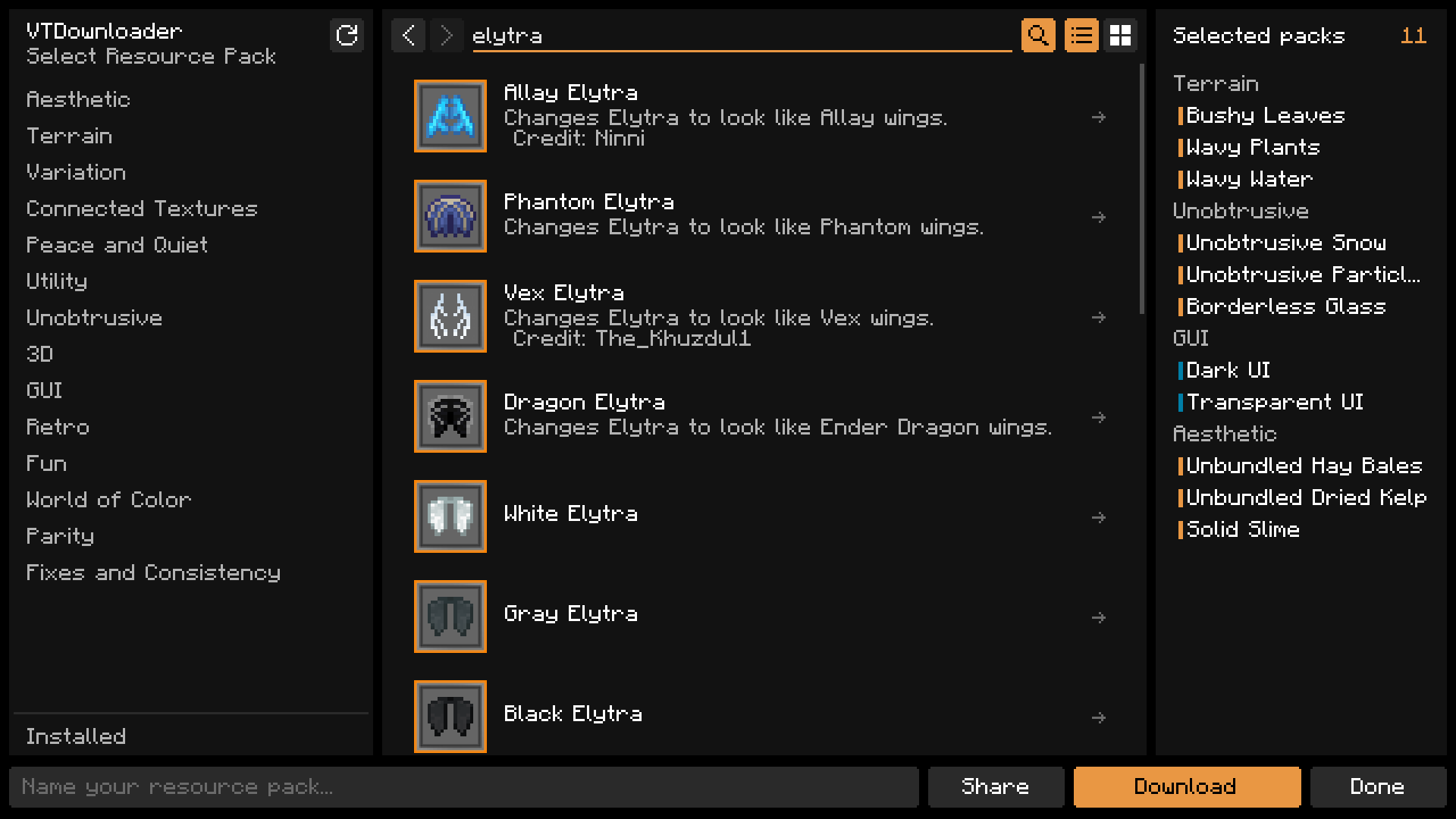
Cmd/Ctrl+F finds packs by name and description across all of Vanilla Tweaks.
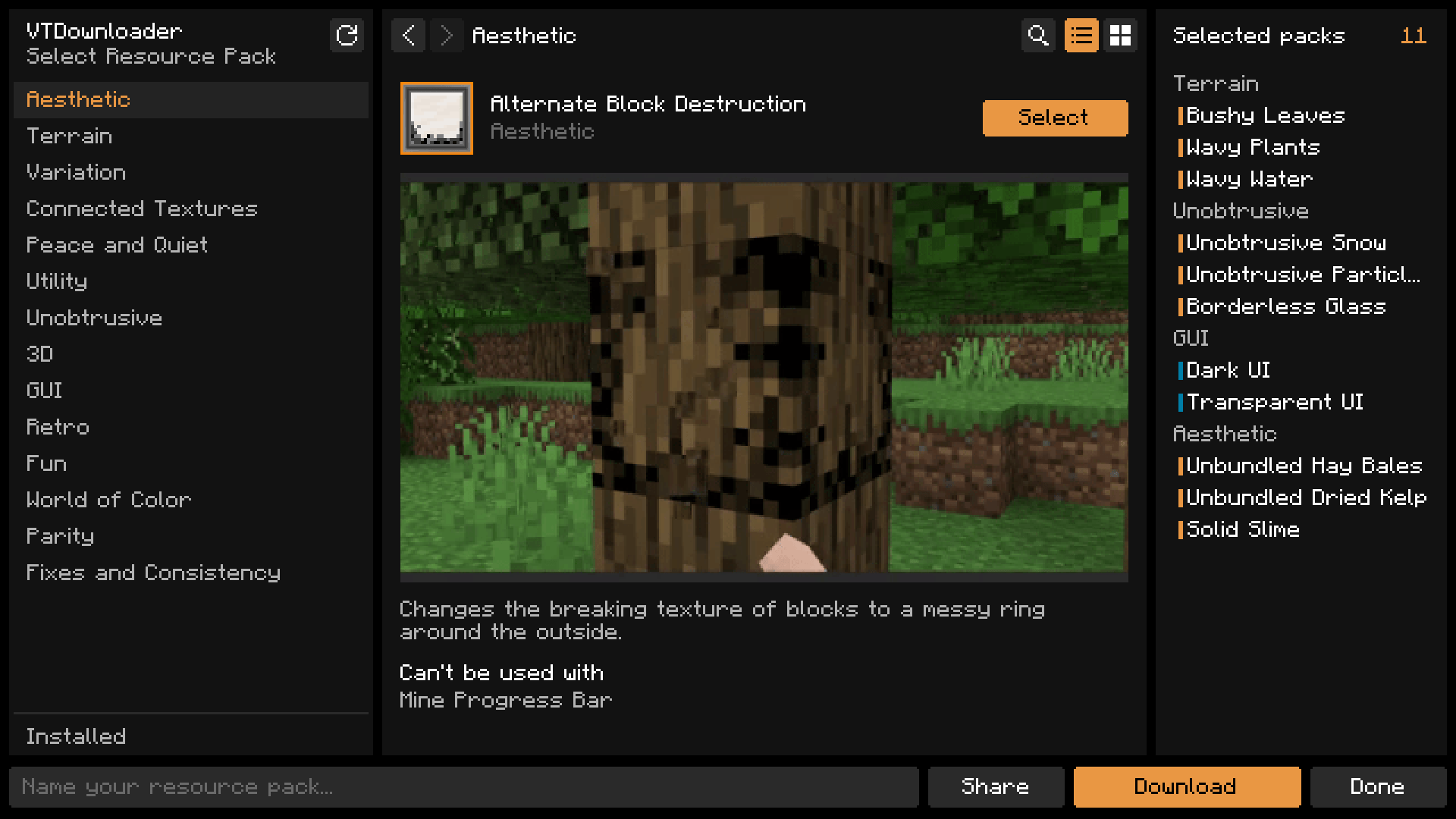
The arrow on a pack opens its preview, its whole description, and what it can't be used with.
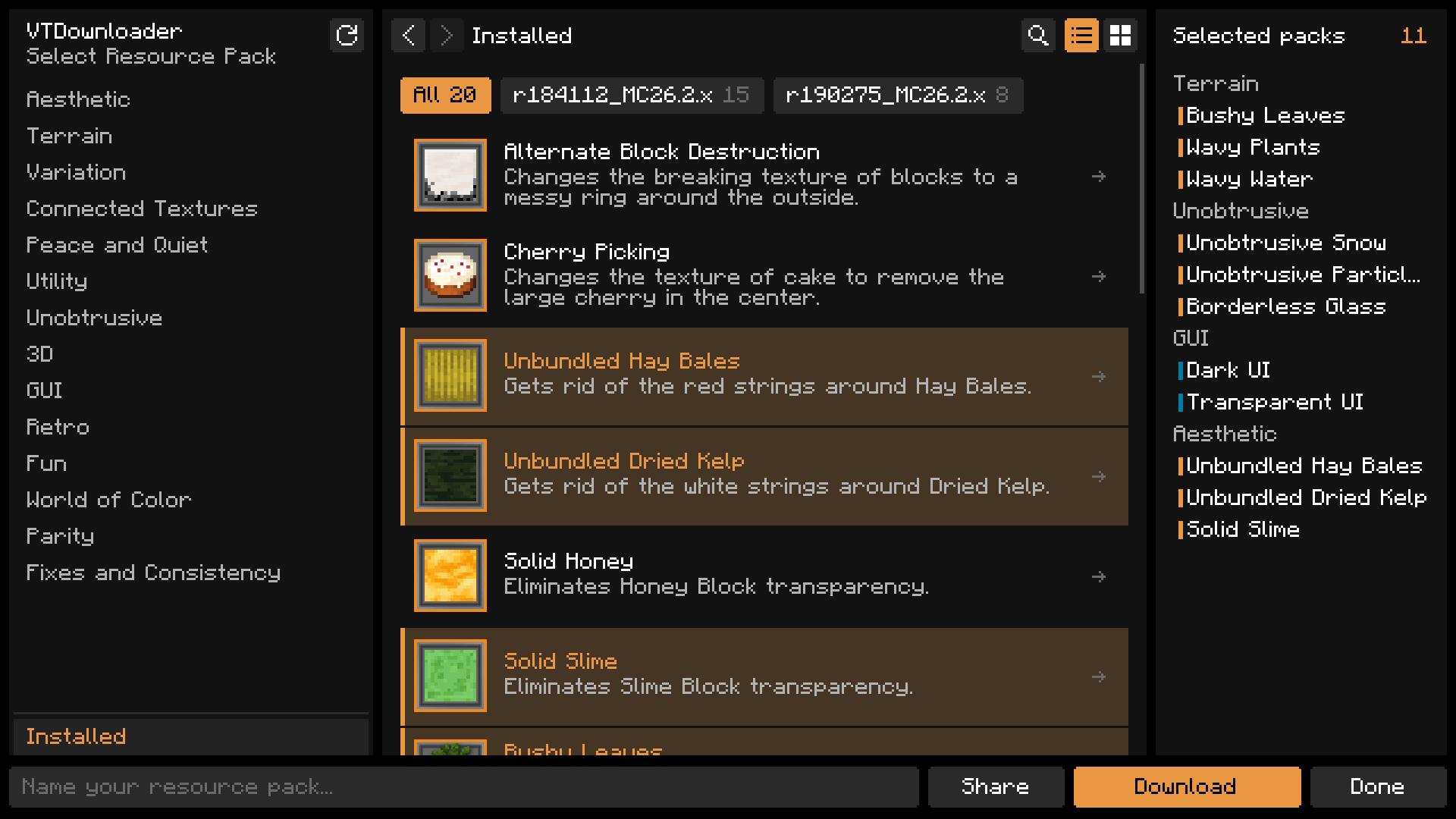
Installed lists the packs in the Vanilla Tweaks zips in your resource pack folder, with a chip for each zip.

