


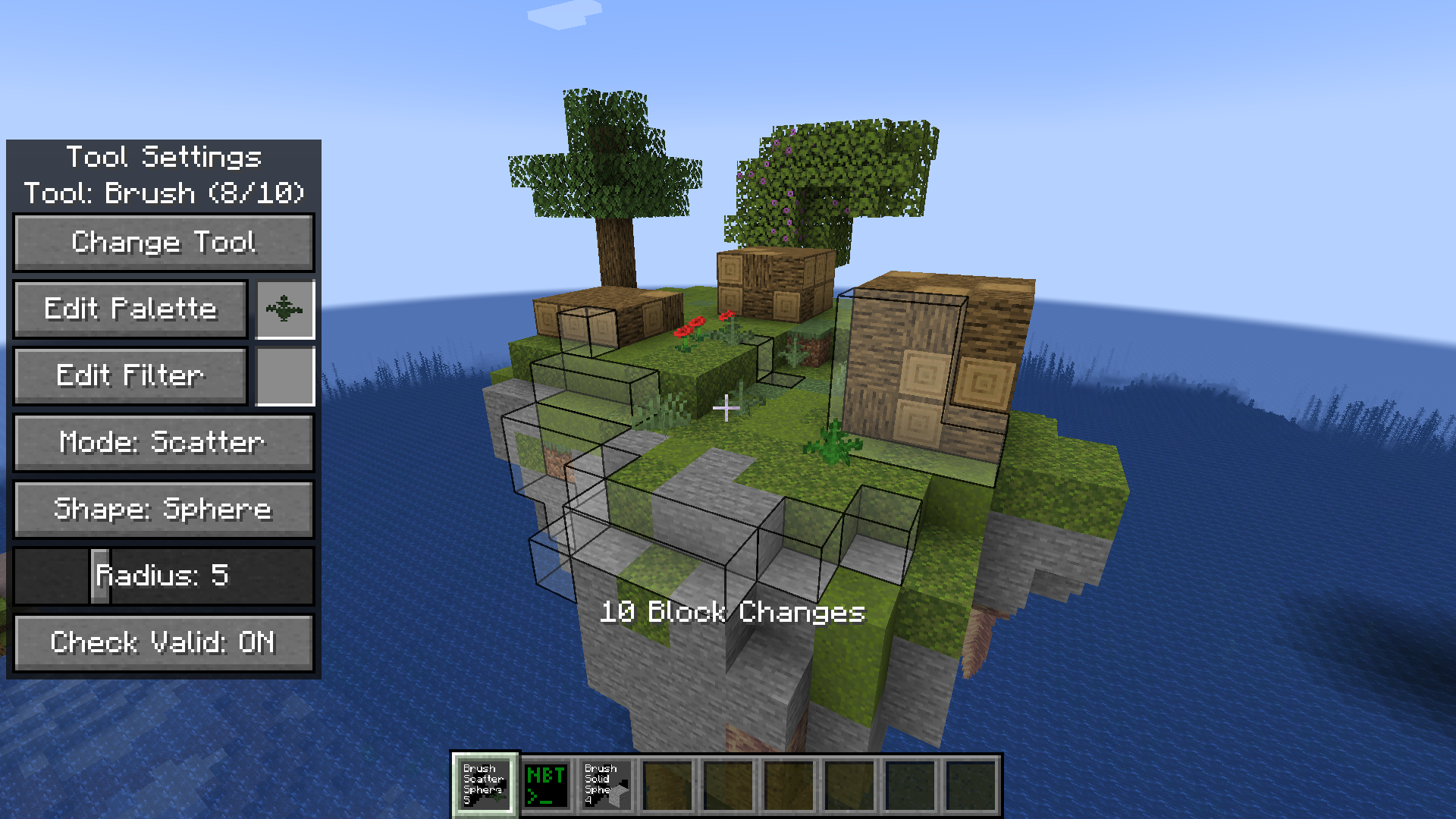
Places blocks on surfaces facing the same direction. See used palette in next image.
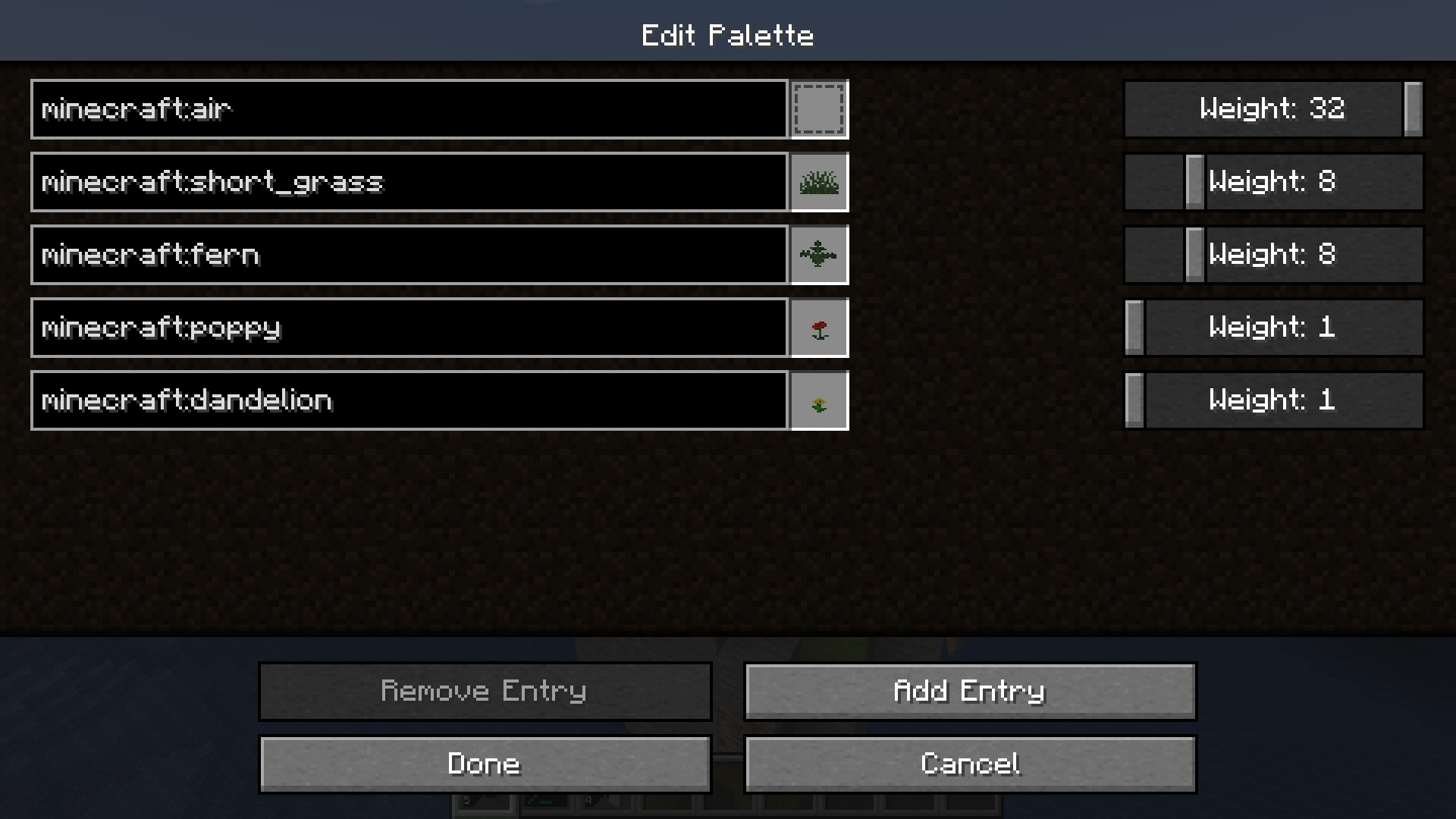
Includes autocomplete, validation and weights.
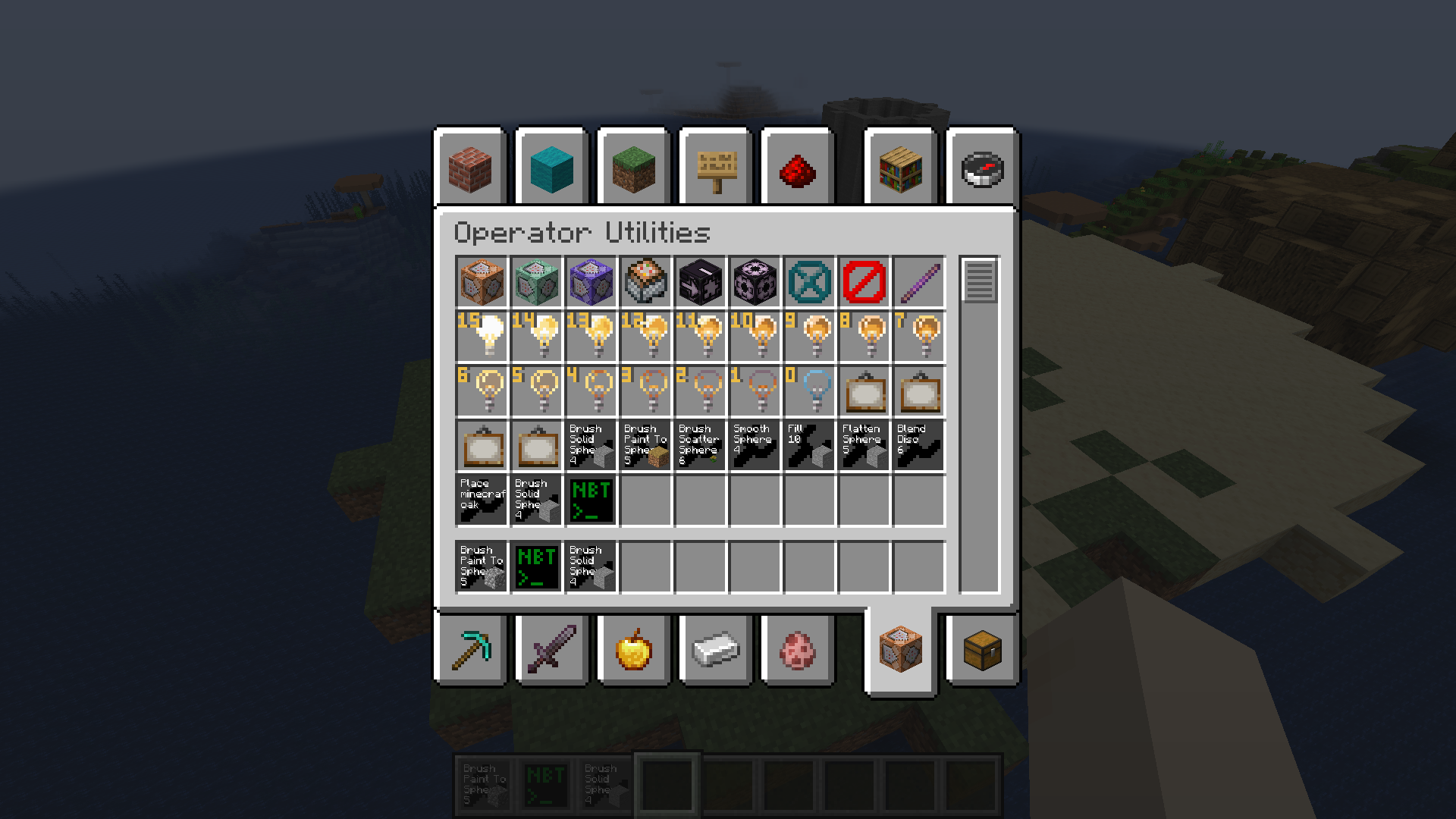
Access example tools, including my own presets, via the operator utilties tab in the creative menu.
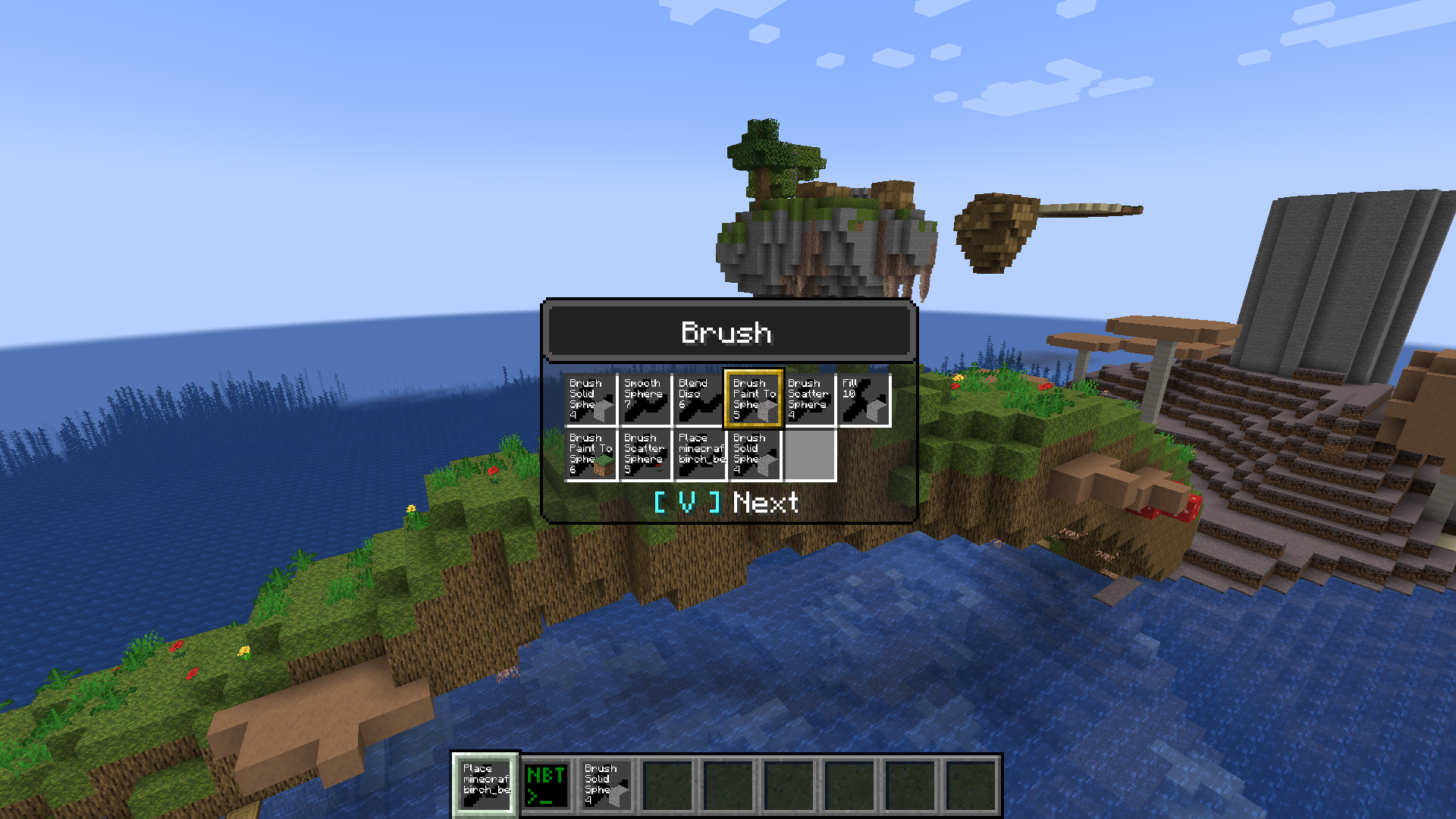
Store multiple tools inside one item and quickly switch between two by pressing ctrl + menu (default: V).
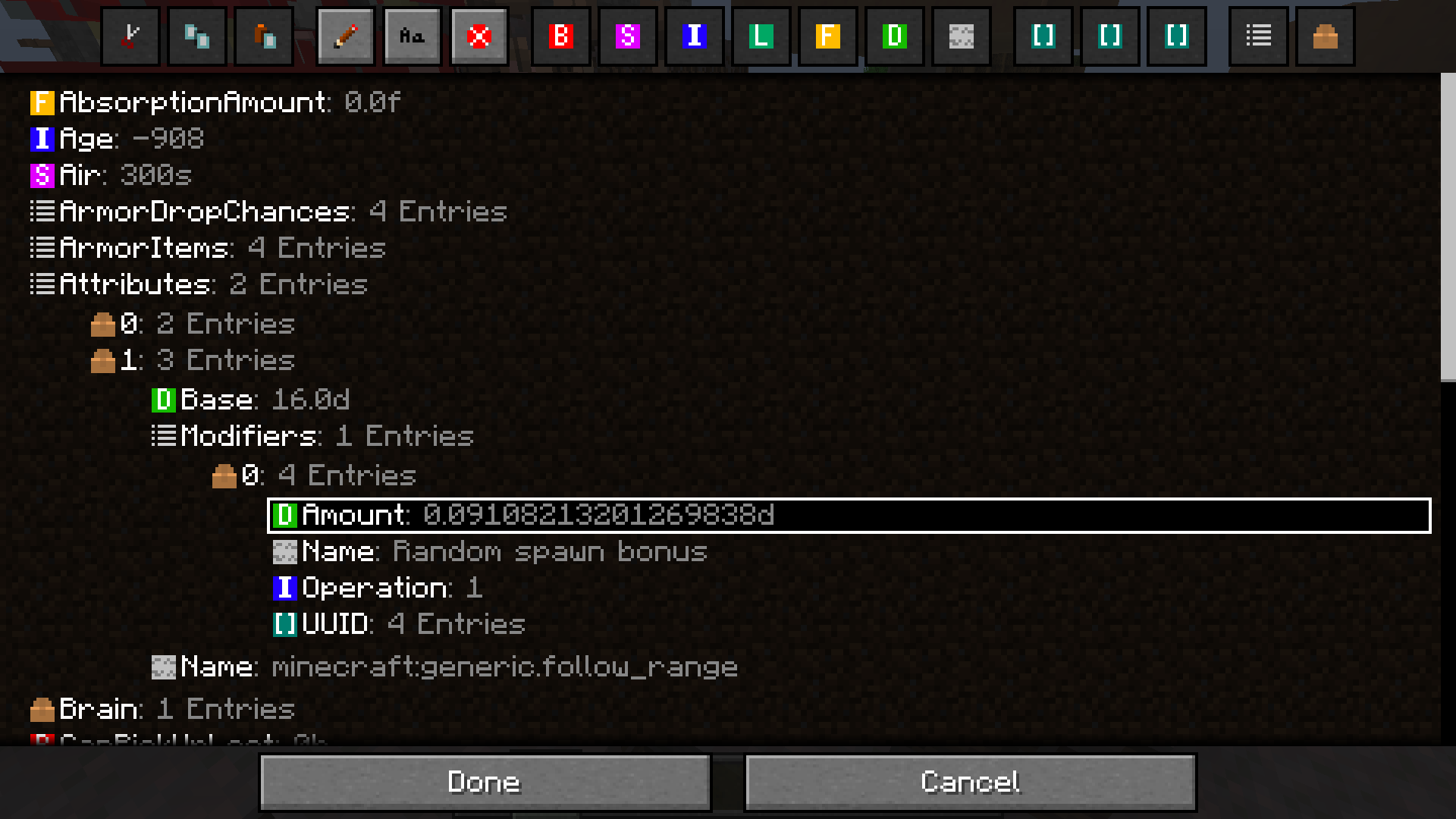
Full NBT Editor directly in game. Simply (shift) right click any (block) entity with the editor tool to access. Changes made by the editor also support the undo system.

Visual representation of tool target and configuration. Use the menu key (default: V) to quickly adjust the settings.
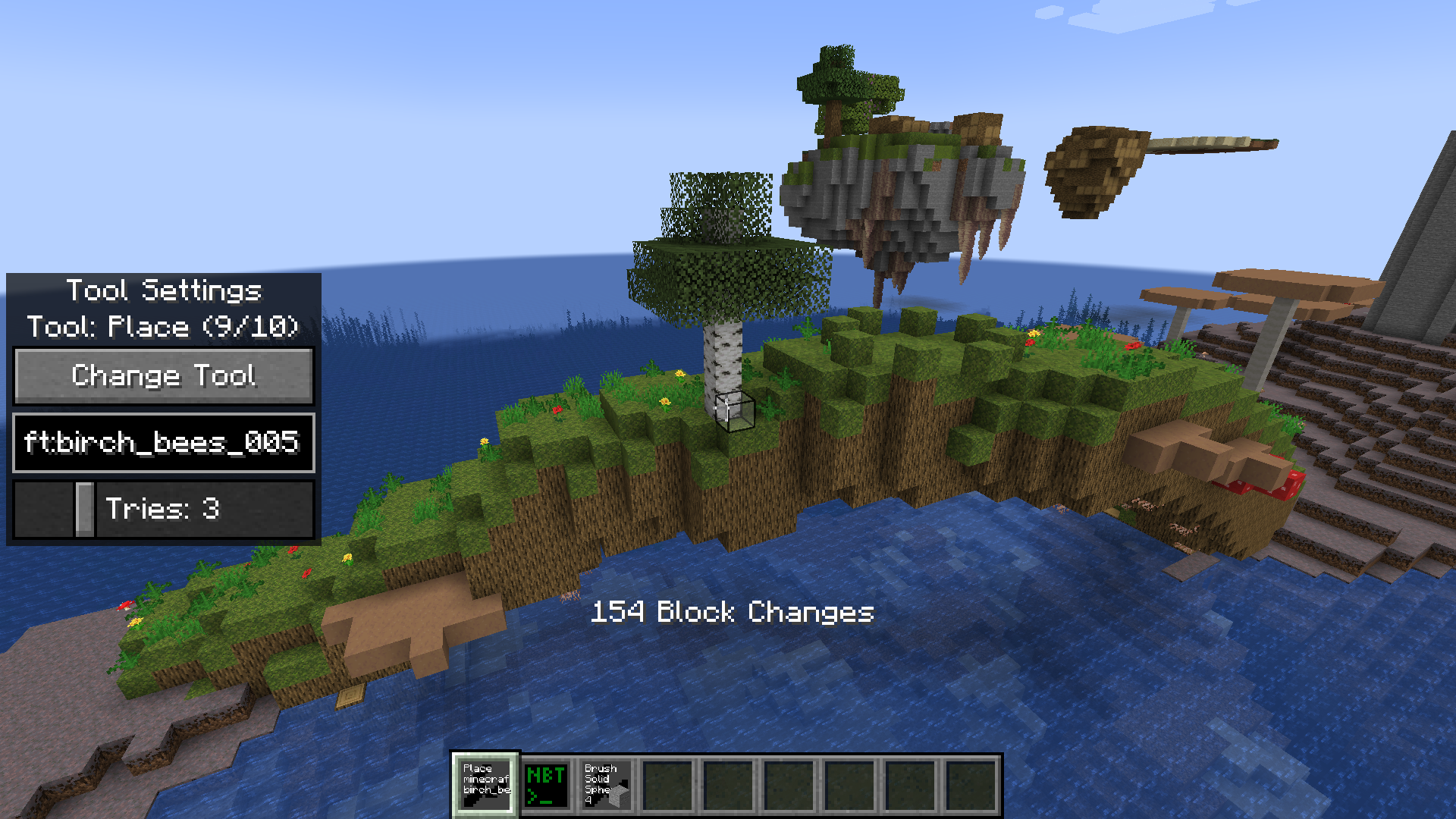
Place any feature (trees, cave decorations, vegetation, ...). With full undo support.

