SBC VoidSkyblock
⚠ Actively under development — updates ship frequently
A lightweight, modpack-ready skyblock framework for NeoForge 1.21.1.
Drop it in, configure your structures and shops, and hand players a complete void skyblock experience out of the box.
✦ Features
🔮 Portal System
Build a frame from Skyblock Portal Frame blocks, ignite it with flint and steel, and step through. First-time players get a new island; returning players are sent home. Frames can be any size from 2×3 up to 21×21 and behave exactly like a nether portal — break one frame block and it goes dark.
🏝️ Island System
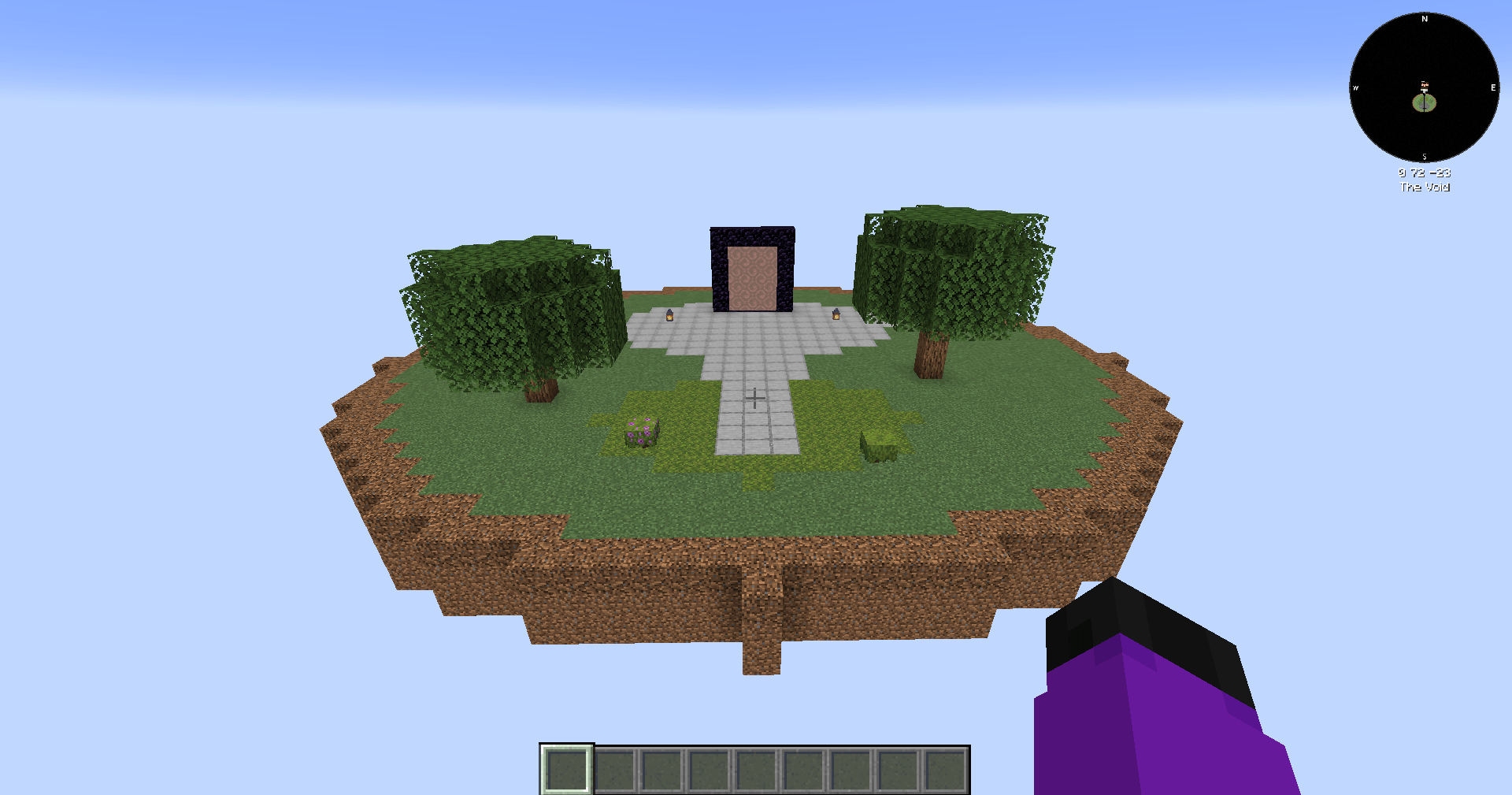
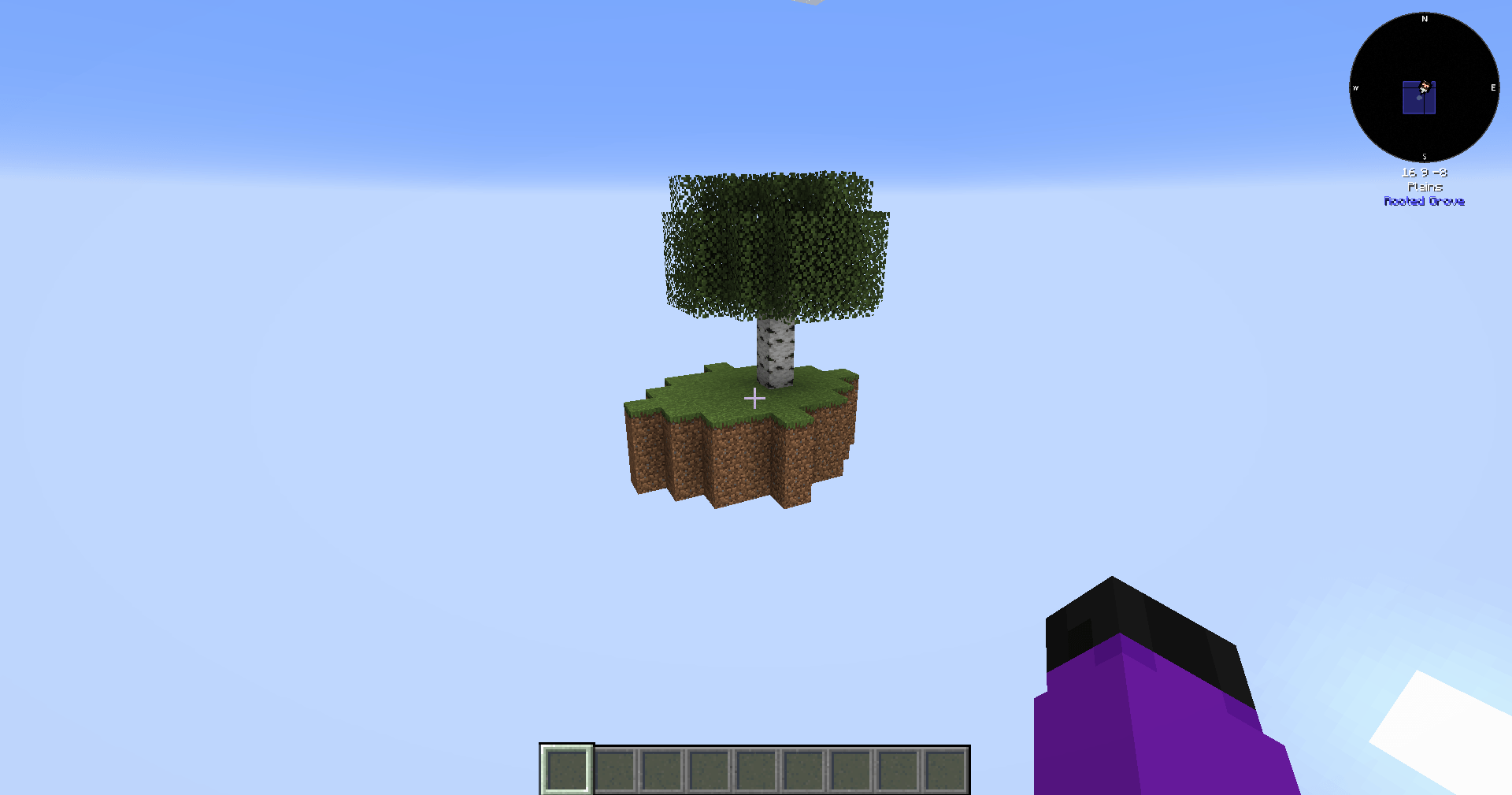
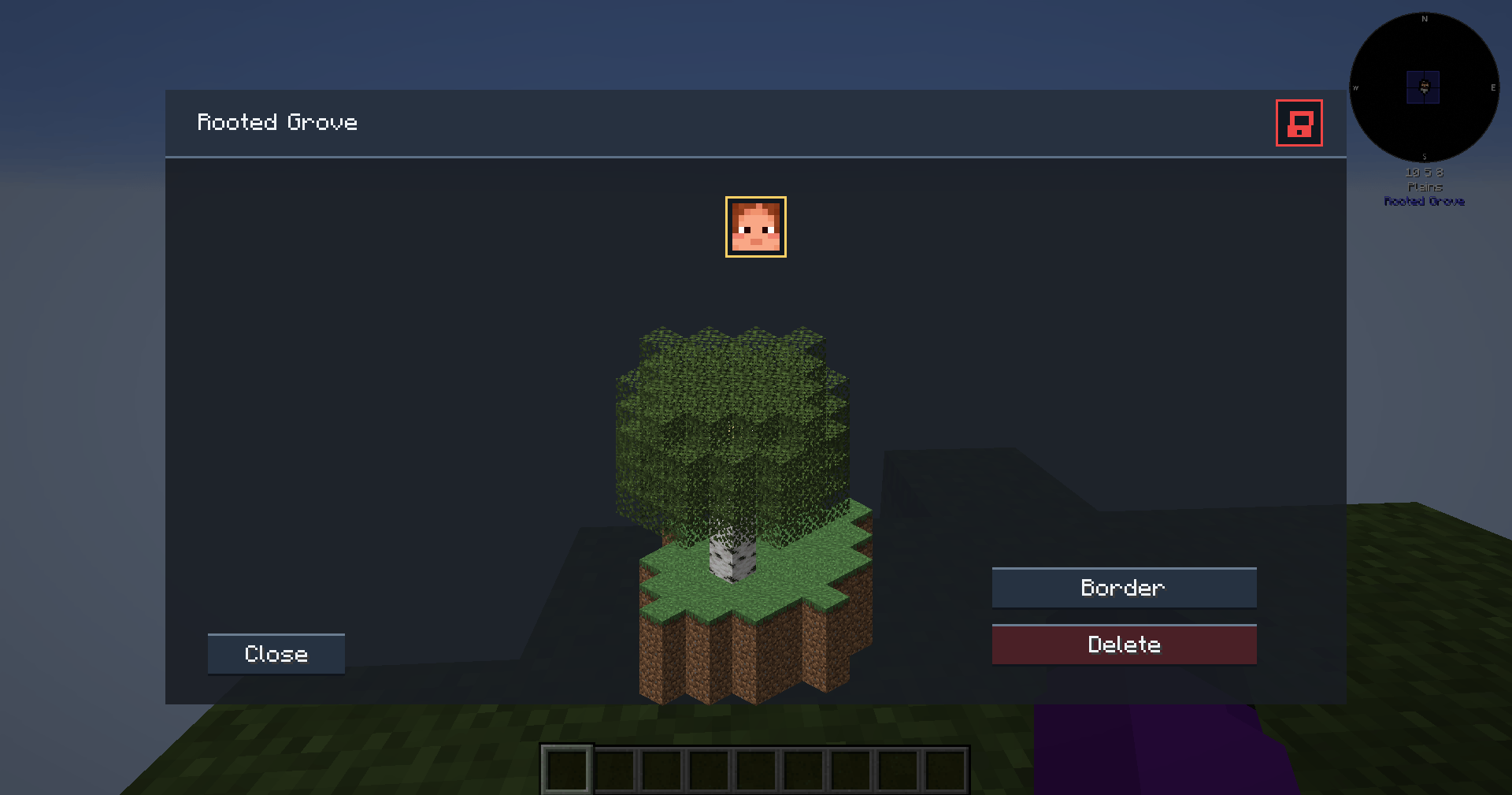
Players start in a central lobby and create their island via the portal or /sb create. Islands generate on a configurable grid with a default 5000-block spread, giving every player an equal 2500-block protected territory. Multiple NBT/Schematic templates are supported so modpack developers can ship any starting island they like.
🔒 Island Border & Protection
Each island is surrounded by an invisible protection boundary automatically sized to match the island grid spacing. Visitors and strangers cannot place or break blocks unless they are a member of the island's team or on the trust list.
A full-height animated border wall — styled similarly to the vanilla world border — becomes visible when a player is near the edge. The wall is color-coded:
- Cyan — normal border (owner toggled on)
- Orange — island is locked to visitors
- Red — you are banned from this island
Island owners can toggle their own border visibility with /sb toggleborder. Banned and untrusted players always see the border regardless of that setting.
🛒 Shop System
A complete economy built for skyblock progression. A default Market shop auto-creates on first load with 80+ pre-balanced items — logs, stone, tools, ores, food, farming supplies, and mob drops. Prices are calibrated around Oak Log = $3 and Cobblestone = $4.
- Shop GUI — 9×4 grid with pagination. Left-click to buy, right-click to sell, shift-click for bulk (×64).
- Shop NPCs — Invulnerable vendor entities that smoothly face nearby players and open the shop GUI on interact.
- Island Economy — All team members share one balance. Balance is always visible in the HUD.
- Admin Tools — Create unlimited shops, add/remove items by holding them, update prices live.
🏛️ Lobby System
The lobby dimension is a protected hub. Players are automatically placed in Adventure mode on arrival and switched back to Survival mode the moment they step onto their island. Server operators and creative-mode players bypass these restrictions entirely.
📊 HUD Overlay
A persistent HUD overlay shows island name, level, and balance. Players can reposition it with /sb hud and the position is saved across sessions and world reloads.
📈 Island Levels & Leaderboard
Island level is calculated from the blocks players have placed. Block values are fully configurable. Use /sb level to check your own island and /sb top to compete on the server leaderboard.
🧑🤝🧑 Team Management
Full integration with FTB Teams and FTB Chunks — island chunks are automatically claimed on creation and released on deletion. Without FTB Teams the mod ships its own invite/kick/leave team system with configurable max team size.
🚪 Visiting & Trust System
Players visit each other with /sb visit <player>. Island owners can lock their island, ban specific players, or add trusted players who can visit even when locked.
📦 Structure Export System (Admin Tool)
Build and export island or lobby structures with no size limits. Grab the Structure Wand with /sb admin wand, shift-right-click two corners, then right-click to open the Export GUI.
- Visual green wireframe shows your exact selection in-world.
- X/Y/Z adjustment buttons expand or contract the selection from both sides.
- NBT format — preserves block entities, chest contents, ComputerCraft computers, signs, and entities.
- Schematic format — WorldEdit-compatible
.schem files (Sponge v2/v3).
- Files export to
config/sbc_voidskyblock/exported/.
⚙️ Configuration
All key values live in config.json: island spacing, max team size, biome per template, block values for island levels, spawn coordinates and facing direction for both lobby and island templates, and FTB integration toggles.
⌨ Commands
Player Commands
| Command |
Description |
/sb create |
Create a new island |
/sb home |
Teleport to your island |
/sb spawn |
Teleport to the lobby |
/sb sethome |
Set a custom home point on your island |
/sb visit <player> |
Visit another player's island |
/sb lock / /sb unlock |
Toggle island visiting restrictions |
/sb ban <player> / /sb unban <player> |
Ban or unban a player from your island |
/sb trust <player> / /sb untrust <player> |
Manage trusted players |
/sb trusted |
List all trusted players |
/sb toggleborder |
Toggle your island border visibility |
/sb name <name> |
Set your island's display name |
/sb bal |
Check your island's balance |
/sb level |
Check your island's level |
/sb top |
View the top islands leaderboard |
/sb shop <name> |
Open a shop by name |
/sb shops |
List all available shops |
/sb team |
View your team info (non-FTB mode) |
/sb hud |
Reposition the HUD overlay |
/sb reset |
Reset your island |
/sb delete |
Permanently delete your island |
/sb help |
View all player commands |
Admin Commands
| Command |
Description |
/sb admin shop create <id> <name> |
Create a new shop |
/sb admin shop delete <shopid> |
Delete a shop |
/sb admin shop additem <shopid> <buyprice> <sellprice> |
Add held item to shop |
/sb admin shop removeitem <shopid> <index> |
Remove an item from a shop |
/sb admin shop list <shopid> |
List all items in a shop |
/sb admin shop setprice <shopid> <index> <buyprice> <sellprice> |
Update item prices |
/sb admin shop npc spawn <name> |
Spawn a Shop NPC |
/sb admin shop npc setshop <shopid> |
Link NPC to a shop (look at NPC) |
/sb admin shop npc setname <name> |
Rename an NPC (look at NPC) |
/sb admin shop npc remove |
Remove an NPC (look at NPC) |
/sb admin setmoney <player> <amount> |
Set a player's island balance |
/sb admin addmoney <player> <amount> |
Add or subtract island money |
/sb admin wand |
Get the Structure Wand |
/sb admin recreatelobby |
Force-rebuild the lobby structure |
/sb admin setlobbyspawn |
Set lobby spawn to your current position and facing direction |
/sb admin reload |
Reload configuration |
/sb admin info |
View server skyblock statistics |
/sb admin tp <player> |
Teleport to a player's island |
/sb admin deleteall |
Delete all islands (use with caution) |
🧱 Blocks & Items
- Skyblock Portal Frame — Crafted block used to build portal frames. Light with flint and steel to activate.
- Structure Wand — Admin-only tool for selecting and exporting structures of any size.
📦 Modpack Developer Setup
- Place custom island structures in
config/sbc_voidskyblock/islands/ as .nbt or .schem files.
- Place your lobby structure at
config/sbc_voidskyblock/islands/lobby_spawn.nbt (or .schem).
- Define templates in
config.json with unique IDs, display names, structure filenames, biomes, and spawn offsets.
- Configure spawn coordinates and facing direction for both lobby and island templates.
- Build a Skyblock Portal in your lobby for players to step through.
- Create shops with
/sb admin shop create and place Shop NPCs in the lobby.
- Configure block values in
config.json to tune island level progression.
The mod handles void world generation, island placement, chunk claiming, team management, and economy automatically.
📚 Dependencies
📋 Changelog
1.0.5
- Fix — New players no longer spawn in the overworld void before being sent to the lobby, preventing random tree generation near world spawn.
- Fix —
/spawn now correctly redirects to the SBC lobby instead of the overworld void.
- Fix —
/setworldspawn now sets the SBC lobby spawn point instead of throwing a "can only set world spawn in overworld" error.
- Fix — Lobby teleport now scans for a safe landing Y automatically so a misconfigured spawn height can no longer kill players.
- New Admin Command —
/sb admin setlobbyspawn — stand where you want players to land in the lobby and run it. Saves position and facing direction to config instantly. No manual JSON editing required.
1.0.4
- Island Border System — Animated full-height border wall auto-sized from island spacing. Color-coded cyan/orange/red by access state. Fades in on approach and scales to render distance.
- Island Protection — Visitors cannot build or break blocks unless on the team or trust list.
- Toggle Border — Players can show/hide their own border with
/sb toggleborder; banned players always see it.
- Fix — Structure templates now load correctly after the 1.0.3 rename; stale namespace references resolved.
- Fix — Structure extraction runs every launch to recover missing files rather than only on first run.
- New Admin Command —
/sb admin recreatelobby forces a lobby structure rebuild on existing worlds.
1.0.3
- Branding — Mod renamed to SBC_VoidSkyblock with updated mod ID
sbc_voidskyblock to reflect SBC_ branding across the portfolio.
1.0.2
- HUD —
/sb hud now lets players drag and reposition the overlay; position persists across sessions.
- Shop System — Full buy/sell GUI with 80+ default Market items, pagination, and bulk transactions.
- Shop NPCs — Invulnerable vendor entities with smooth player-tracking rotation.
- Island Economy — Shared island balance; admin money commands added.
- Lobby Protection — Auto Adventure/Survival mode switching between lobby and island.
- Structure Export — Unlimited-size Structure Wand with visual selection and NBT/Schematic export.
- Fix — Players now respawn at their last location rather than being force-teleported on login.
- Fix — Lobby structure no longer regenerates on every server start.