

Void Hopper
Global.png
Invenatr Epic Void.png
Screenshot_1.png
Description
VoidHopper
Tired of overflowing chests and clogged item pipelines? VoidHopper adds powerful void-filtering hoppers to Minecraft that automatically destroy unwanted items — keeping your storage systems clean and your server lag-free.
Features
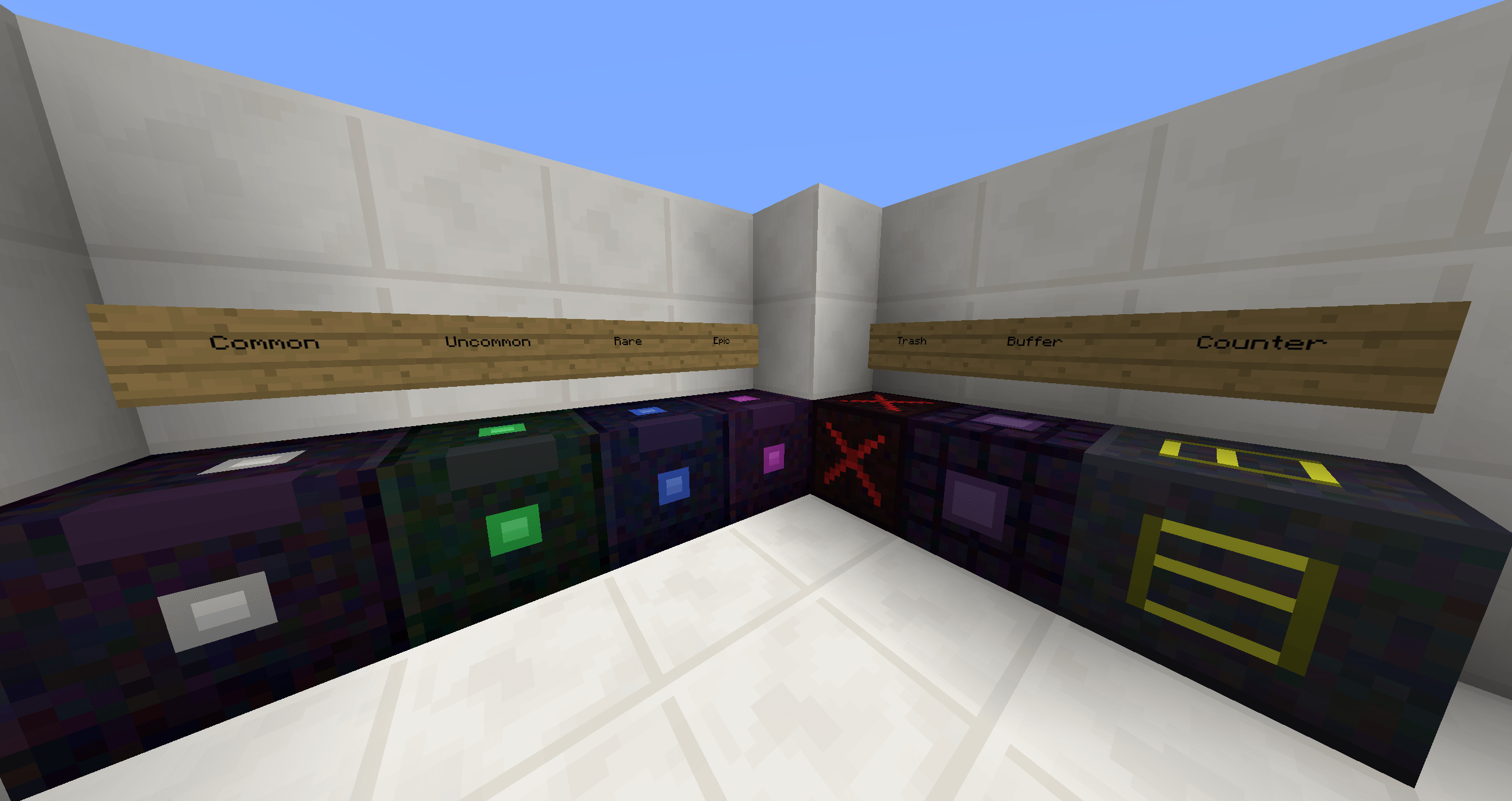
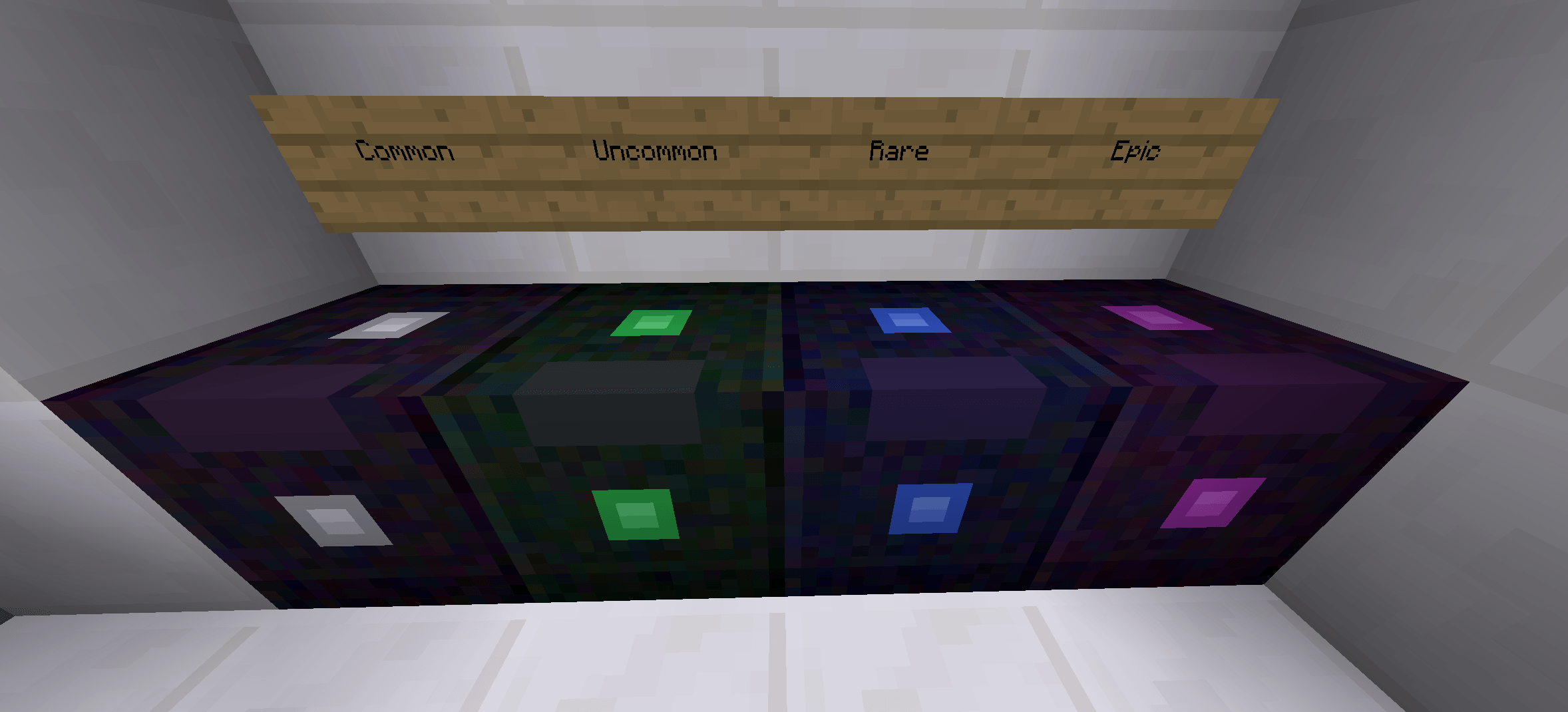
🔮 4 Tier Void Filter Hoppers
Upgrade through four tiers of void
-filtering power:
| Tier | Filter Slots | Items per Tick | Parallel Slots | Cooldown |
|---|---|---|---|---|
| Common | 32 | 1 | 1 | 8 ticks |
| Uncommon | 48 | 16 | 4 | 4 ticks |
| Rare | 64 | 32 | 8 | 2 ticks |
| Epic | 96 | 64 (full stack) | 16 | Instant |
⚙️ Filter Modes
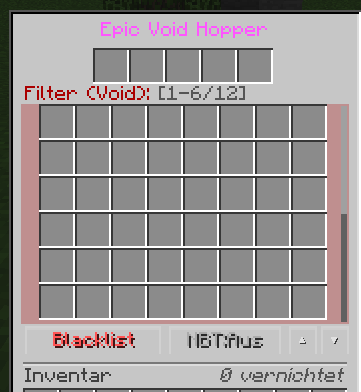
- Blacklist Mode (default): Items in filter slots get destroyed, everything else passes through
- Whitelist Mode: Only items matching the filter pass through, everything else gets destroyed
- NBT Matching: Toggle strict NBT data matching for enchanted items, named items, etc.
🧱 Utility Blocks
Void Trash Can
- Instantly destroys ALL items — no filter, no GUI
- Perfect for quick disposal
- Just toss items in or pipe them through
Void Counter
- Counts items passing through without destroying them
- Outputs a Redstone signal based on item count
- Great for monitoring throughput in sorting systems
Void Buffer
- 54 storage slots + 9 filter slots
- Stores matching items and auto-pushes them downward
- Acts as a smart filtered buffer chest
Crafting
All hoppers follow an upgrade chain — craft your way up:
Common Void Hopper
Obsidian | Ender Pearl | Obsidian
Obsidian |   Hopper   | Obsidian
         |  Obsidian  |
Uncommon = Common + 4 Ender Pearls + 4 Obsidian
Rare = Uncommon + 4 Blaze Rods + 4 Obsidian
Epic = Rare + Nether Star + 4 Obsidian + 4 Ender Eyes
Void Trash Can = Obsidian + Lava Bucket + Hopper
Void Counter = Obsidian + Redstone + Comparator + Hopper
Void Buffer = Obsidian + Chest + Ender Pearl + Hopper
Configuration
All tier values are fully configurable via config/voidhopper.cfg:
- Filter slot counts per tier
- Items per tick per tier
- Parallel processing slots per tier
- Cooldown ticks per tier
- Particle effects on/off
- Sound effects on/off
Details
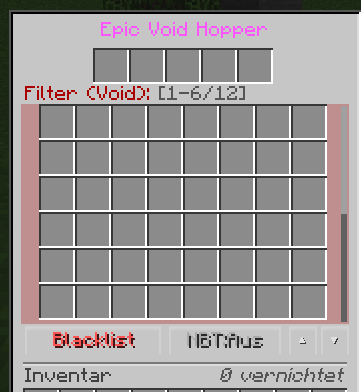
- Scrollable GUI for easy filter management with many slots
- Redstone Comparator output based on filter fill level
- Particle Effects — purple void particles when items are destroyed
- Sound Effects — satisfying destruction sounds
- Item Counter — tracks total items destroyed per hopper
- Localization — English and German included
- Works with all item transport mods (BuildCraft, Thermal Dynamics, EnderIO, etc.)
Installation
-
Install Minecraft Forge for 1.12.2
-
Drop
voidhopper-3.0.0.jarinto yourmodsfolder -
Launch Minecraft
-
No dependencies required — fully standalone
License
MIT License — feel free to include in modpacks.
The Void Hopper Team
