Visual Ore Edit
- By
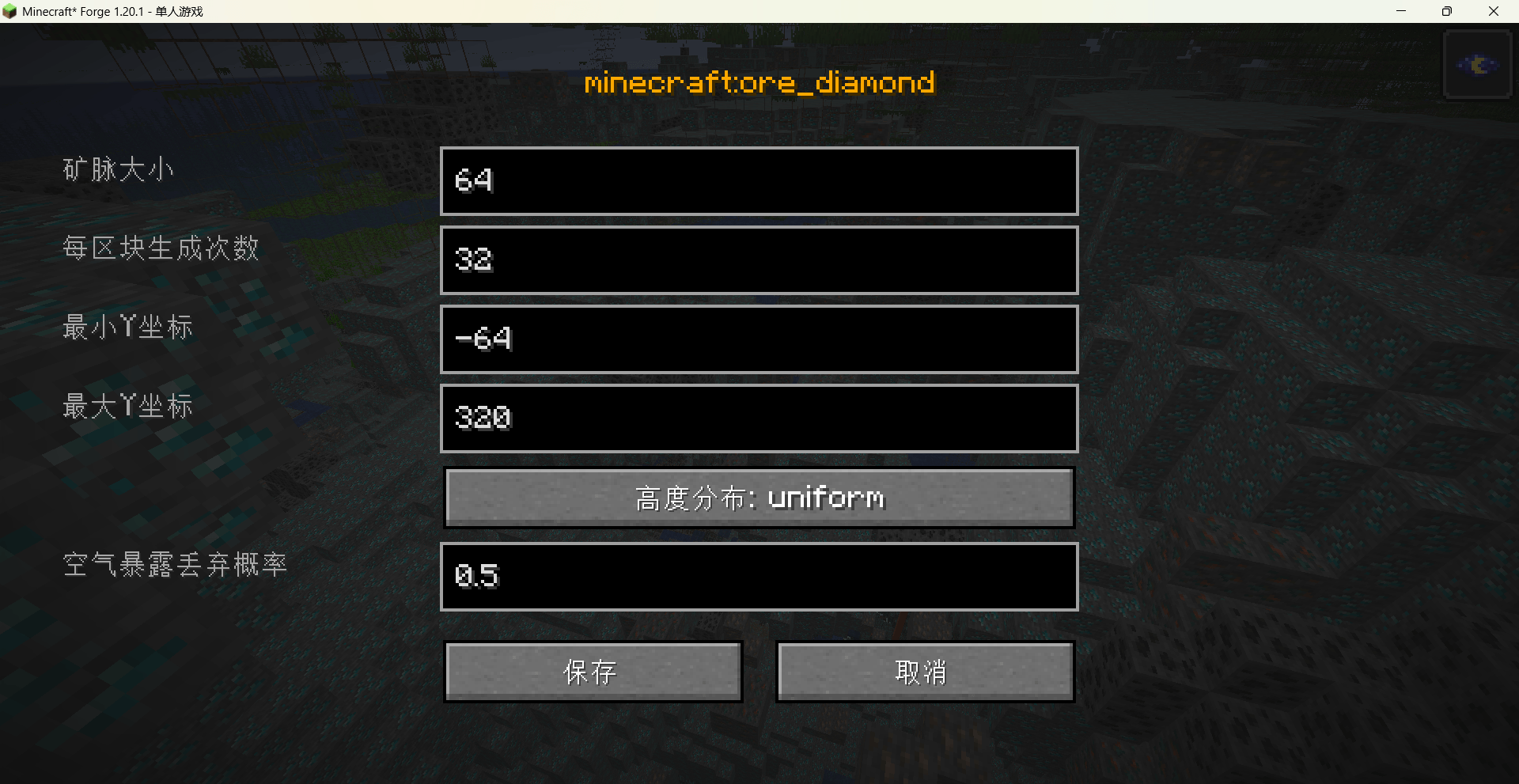
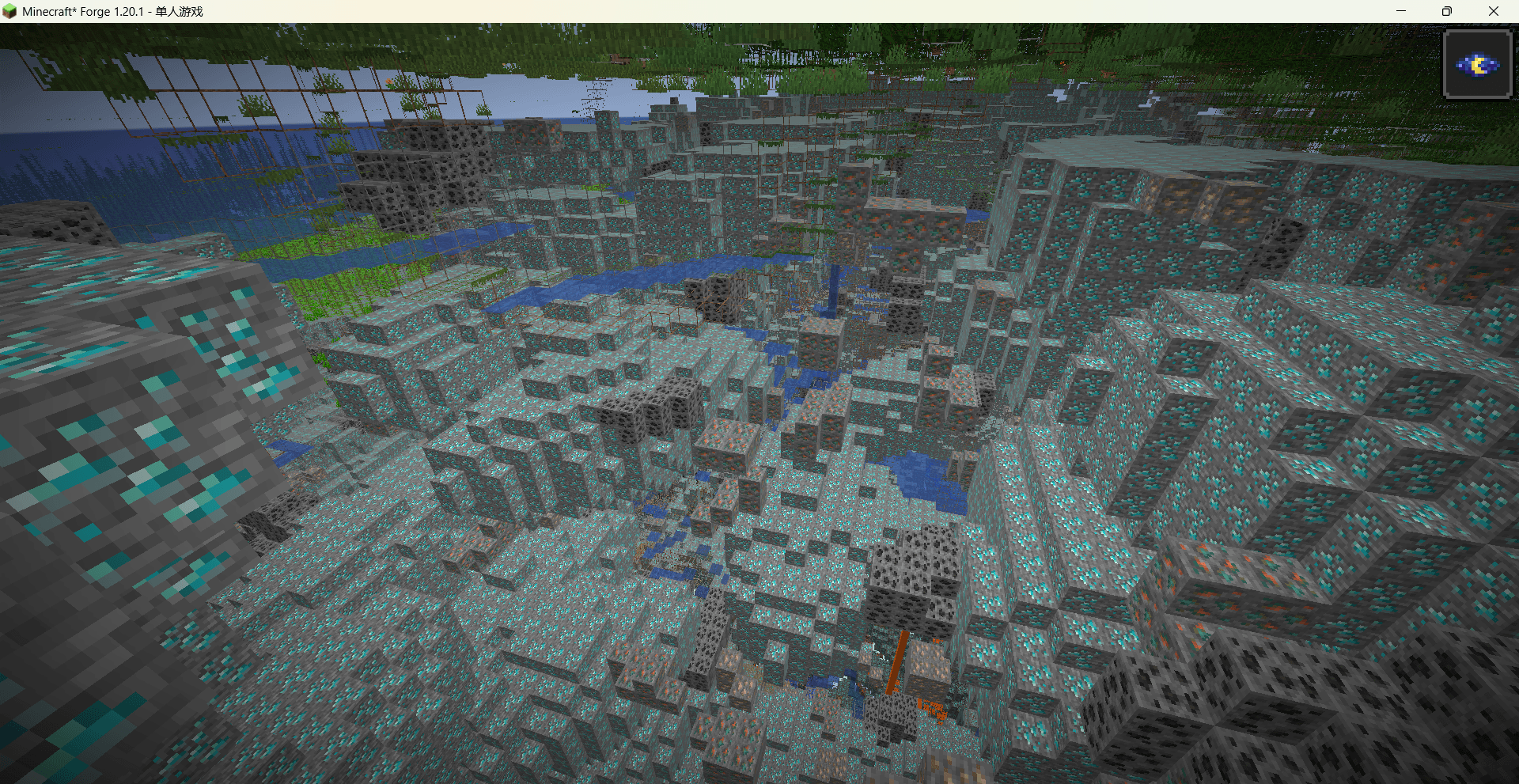
This mod provides a visual GUI for editing ore generation rules. Both client and server must install it. Open the GUI with /voe gui, select an ore, adjust its parameters, and save. The changes apply to newly generated worlds.
Minecraft_ Forge 1.20.1 - å人游æ 2026_5_28 19_09_22.png
Minecraft_ Forge 1.20.1 - å人游æ 2026_5_28 19_09_35.png
Description
Overview
This mod provides a visual GUI for editing ore generation rules. Both client and server must install it. Open the GUI with /voe gui, select an ore, adjust its parameters, and save. The changes apply to newly generated worlds.
Features
-
Edit vein size, count per chunk, min/max Y, height distribution (uniform/triangle), and air-exposure discard chance for each ore.
-
All registered ores (vanilla and modded) are listed and searchable.
-
Config saved to
config/visual_ore_edit/ore_edits.json.
Usage
-
Install on both client and server.
-
Use
/voe guiin a world to open the editor. -
Modify settings and click Save.
-
Create a new world to see the changes.
⚠️ Notes
-
The mod must be installed on the server for the rules to work.
-
Rules only affect newly created worlds.
-
Set reasonable values – extreme settings can severely slow down world generation.
Visual Ore Edit Team


![[VSE]Visual Set Edit project image](https://media.forgecdn.net/avatars/thumbnails/1801/154/256/256/639140205969226065.jpg)