Villager Trade Peek
- By
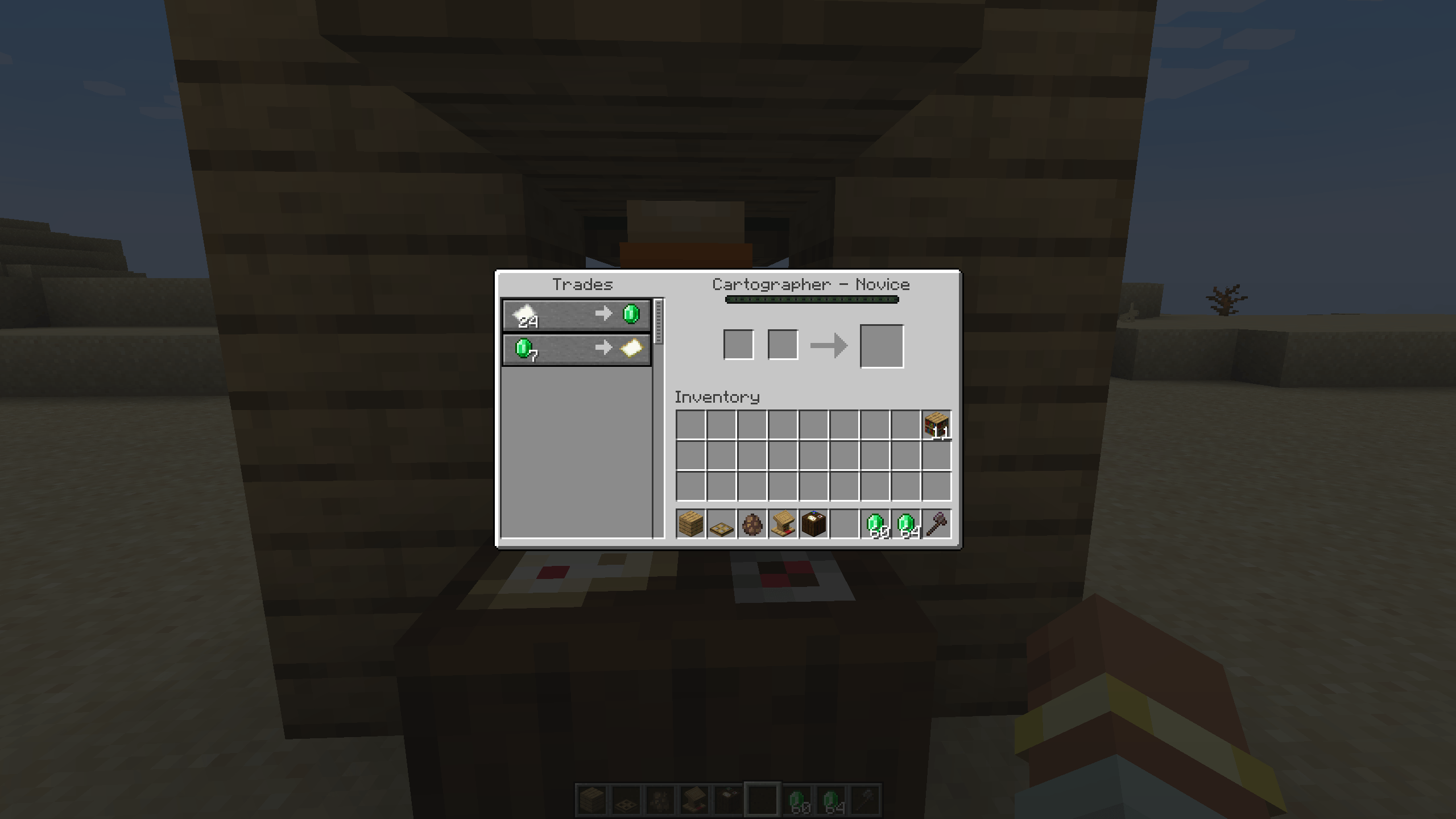
See every locked villager trade up to Master level, greyed out right in the trading screen. No more guessing.
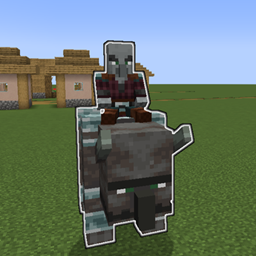
2026-10-07_18.14.11.png
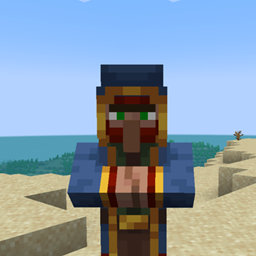
2026-10-07_18.12.49.png
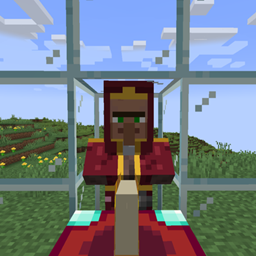
2026-10-07_18.12.03.png
emberbocor | Villager Trade Peek
Create a server, get 25% off your first month

Description
Villager Trade Peek
See every trade a villager will ever offer before you commit to it.
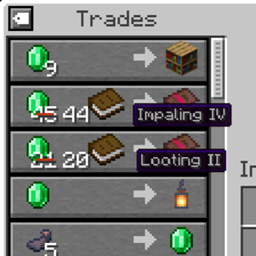
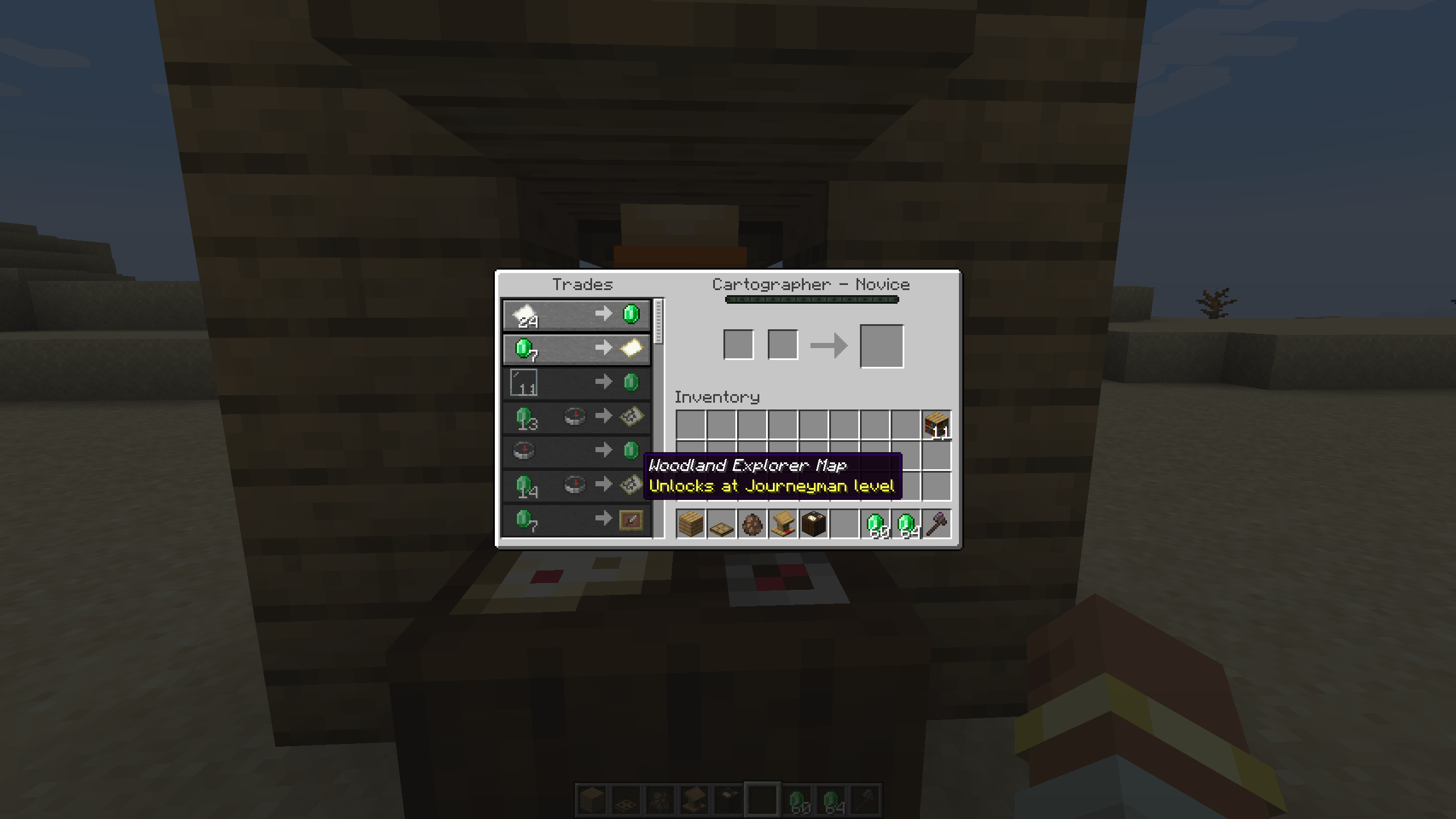
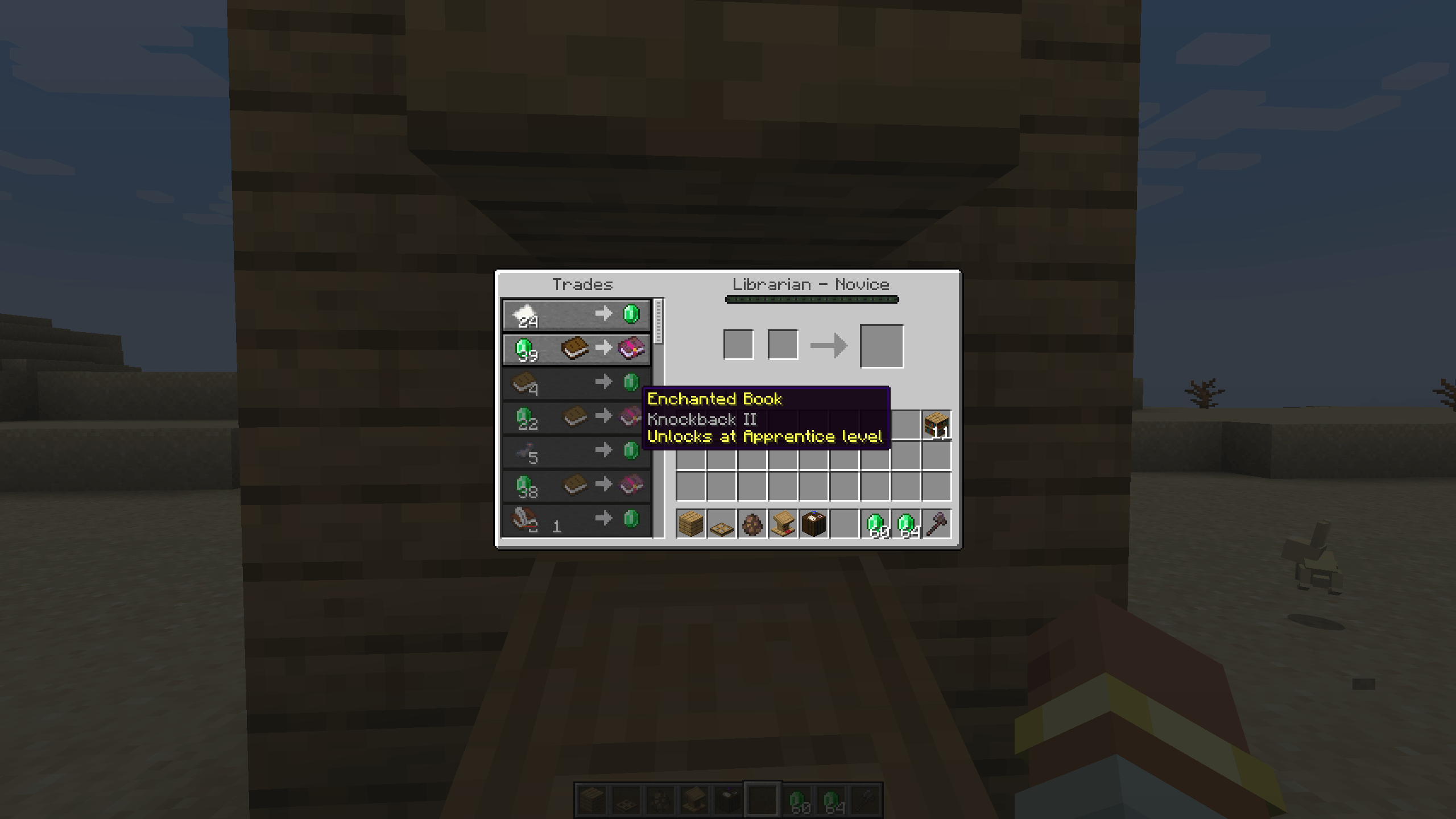
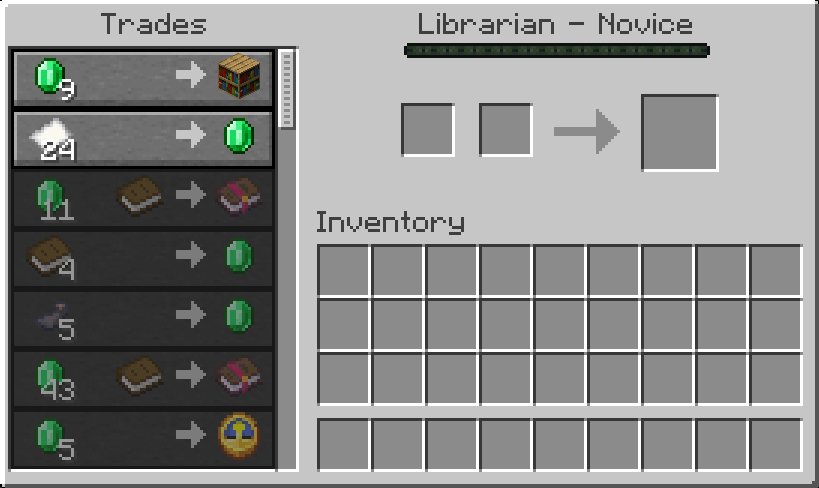
Ever leveled up a librarian for hours, only to find out its Master trade is useless? Villager Trade Peek shows every locked trade up to Master level, right in the vanilla trading screen. Locked trades are drawn greyed out below the ones you can already use, and hovering one tells you which level unlocks it.
Features
- Full preview up to Master. Every future trade is listed below the current ones, in level order, and the list scrolls just like vanilla.
- What you see is what you get. Future trades are rolled once, with the vanilla trade pool and vanilla odds, and stored on the villager. When it levels up, it gets exactly the trades you saw.
- Locked means locked. Locked trades are never part of the villager's real offers, so they can't be used, not even with a modified client.
- Your prices. Locked trades show the price you would pay, including reputation and Hero of the Village discounts.
- Unlock level tooltip. Hover a locked trade to see the full item tooltip (like the enchantment on a book) and the level that unlocks it.
- Rerolling just works. Break and replace a job site block and all future levels reroll along with the level 1 trades. Trade-cycling mods that reroll while the screen is open update the preview instantly.
- Modded trades included. Trades added by other mods through the standard villager trade events appear in the preview automatically.
- Cartographer friendly. Explorer maps are only created when the villager reaches the level that unlocks them, so rerolling a cartographer stays smooth.
- Survives zombification. Zombify and cure a villager for discounts, and its future trades stay the same.
- Works in existing worlds. Villagers from before the mod was installed get their remaining levels the first time you open their trading screen.
- Safe to remove. Without the mod, villagers simply go back to vanilla behavior. Nothing is leaked or unlocked early.
- No configuration. Install it and play.
Versions
| Minecraft | Loader | Requires | File |
|---|---|---|---|
| 1.21.11 | NeoForge | NeoForge 21.11.42 or newer | villagertradepeek-neoforge-1.21.11 |
| 1.21.11 | Forge | Forge 61.0.1 or newer | villagertradepeek-forge-1.21.11 |
| 1.21.11 | Fabric | Fabric Loader 0.17.3+, Fabric API 0.139.5+ | villagertradepeek-fabric-1.21.11 |
| 1.21.1 | NeoForge | NeoForge 21.1.1 or newer | villagertradepeek-neoforge-1.21.1 |
| 1.21.1 | Forge | Forge 52.1.0 or newer | villagertradepeek-forge-1.21.1 |
| 1.21 – 1.21.1 | Fabric | Fabric Loader 0.15.11+, Fabric API 0.102.0+ | villagertradepeek-fabric-1.21-1.21.1 |
| 1.20.1 | Forge and NeoForge | Forge 47.1.0 or newer, or NeoForge 1.20.1 | villagertradepeek-forge-1.20.1 |
| 1.20 – 1.20.1 | Fabric | Fabric Loader 0.15.0+, Fabric API 0.83.0+ | villagertradepeek-fabric-1.20-1.20.1 |
| 1.19.2 | Forge | Forge 43.0.0 or newer | villagertradepeek-forge-1.19.2 |
| 1.18.2 | Forge | Forge 40.2.0 or newer | villagertradepeek-forge-1.18.2 |
Pick the file that matches your loader. On Minecraft 1.21.1 and newer, NeoForge and Forge are separate loaders, so each has its own file. On Minecraft 1.20.1, the single Forge file runs on both Forge and NeoForge.
Client and server
Install it on both the client and the server.
- Forge / NeoForge: required on both sides. Players without the mod can't join a server that has it.
- Fabric: install on both sides to see the preview. Players without the mod can still join and trade normally, they just won't see locked trades.
FAQ
Does it work on servers? Yes. Install it on the server and on every client that should see the preview.
Can I add it to an existing world? Yes. Existing villagers get their future trades the first time you open their trading screen.
What happens if I remove it? Villagers go back to vanilla behavior. Trades that were already unlocked stay, and locked ones are rolled normally by vanilla when the villager levels up.
Does it change which trades villagers get? No. Trades come from the same pool and the same odds as vanilla. The mod only rolls them earlier so it can show them to you.
Is it compatible with other villager mods?
Mods that add new trades or new professions: fully compatible. The preview is rolled from the same trade pool vanilla uses, so trades added by other mods (for example new items to buy or sell, or new enchanted books) show up in the preview and are delivered exactly as previewed.
Mods that change how villagers pick their trades: the preview may not match. This includes mods that:
- change how many trades a villager gets per level,
- replace or rewrite the vanilla trade selection logic,
- re-roll or modify trades on their own when a villager levels up.
With these mods installed, the trades a villager actually gets on level-up can differ from what the preview showed. Nothing breaks and locked trades still can't be used early, but the preview is no longer guaranteed to be accurate.
If you find a villager mod that doesn't play well with Villager Trade Peek, please report it on the issue tracker.
Can I use it in my modpack? Yes, go ahead. The mod is licensed under MIT.
Links
- Source code: https://github.com/emberbocor/villagertradepeek
- Bug reports and suggestions: https://github.com/emberbocor/villagertradepeek/issues
When reporting a bug, please include your Minecraft version, loader, mod version, and your log file. Operators can run /villagertradepeek future <villager> to list a villager's stored future trades, which helps a lot.
Villager Trade Peek Team