
VH Tool Forge
- By

Plan the perfect Vault Hunters tool: scan your jewels in AE2, RS or chests, get the best build, and auto-collect it into a backpack.
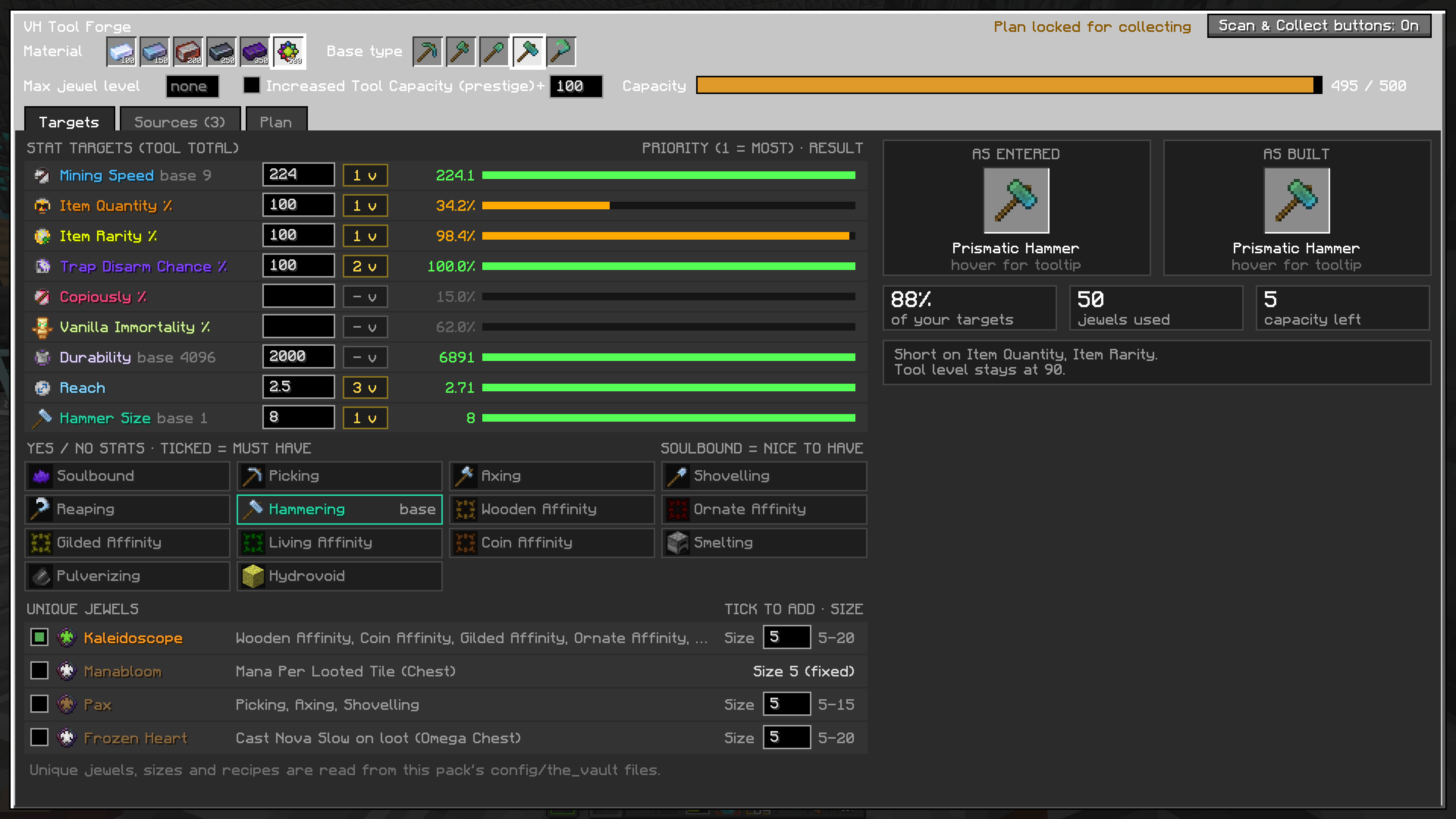
Enter your target stats, and select affinities and unique jewels here
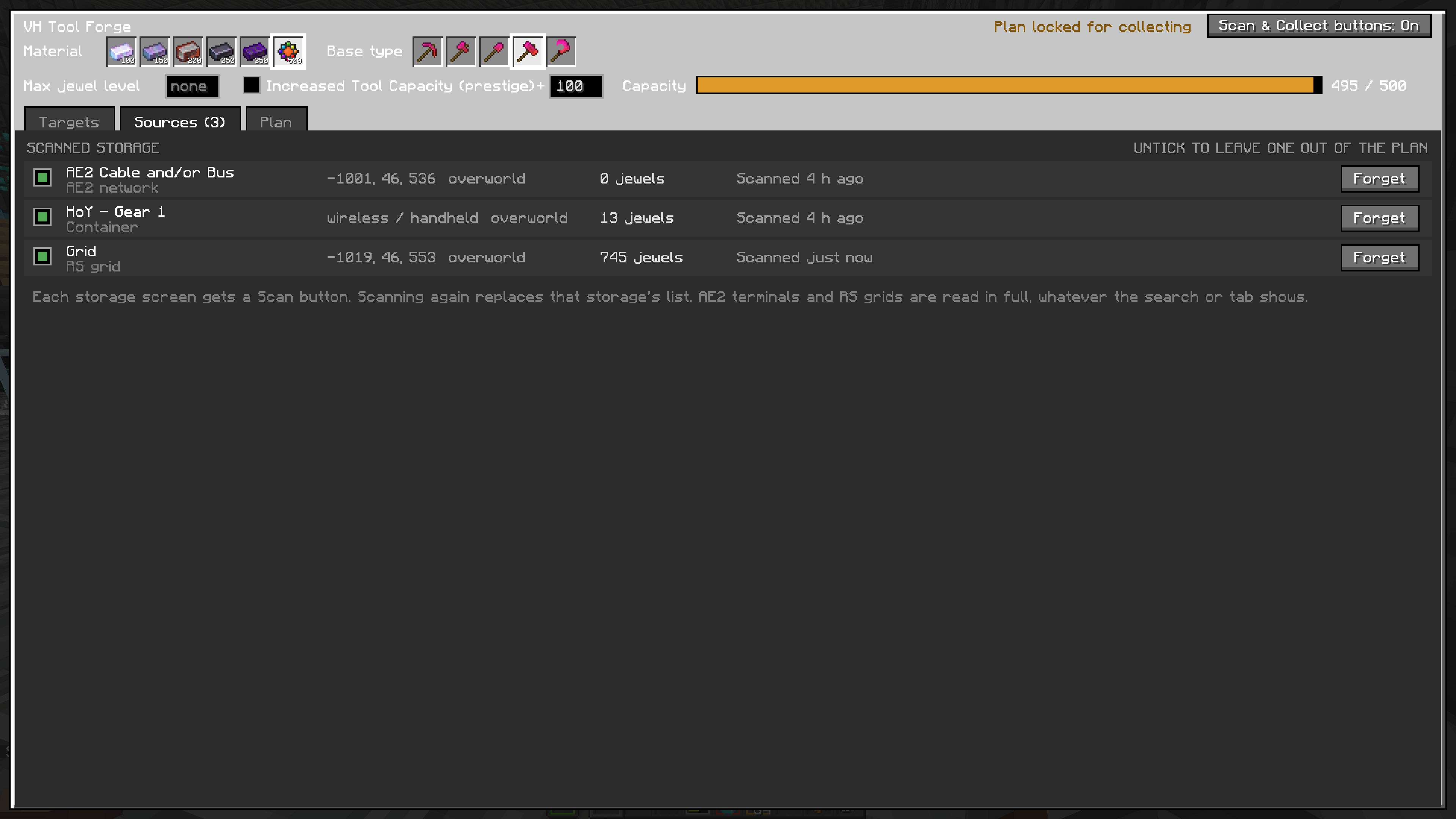
Displays the storage containers that hold your jewels. Once you press Detect while inside the container, the jewels will be added to the list and the container will show up here
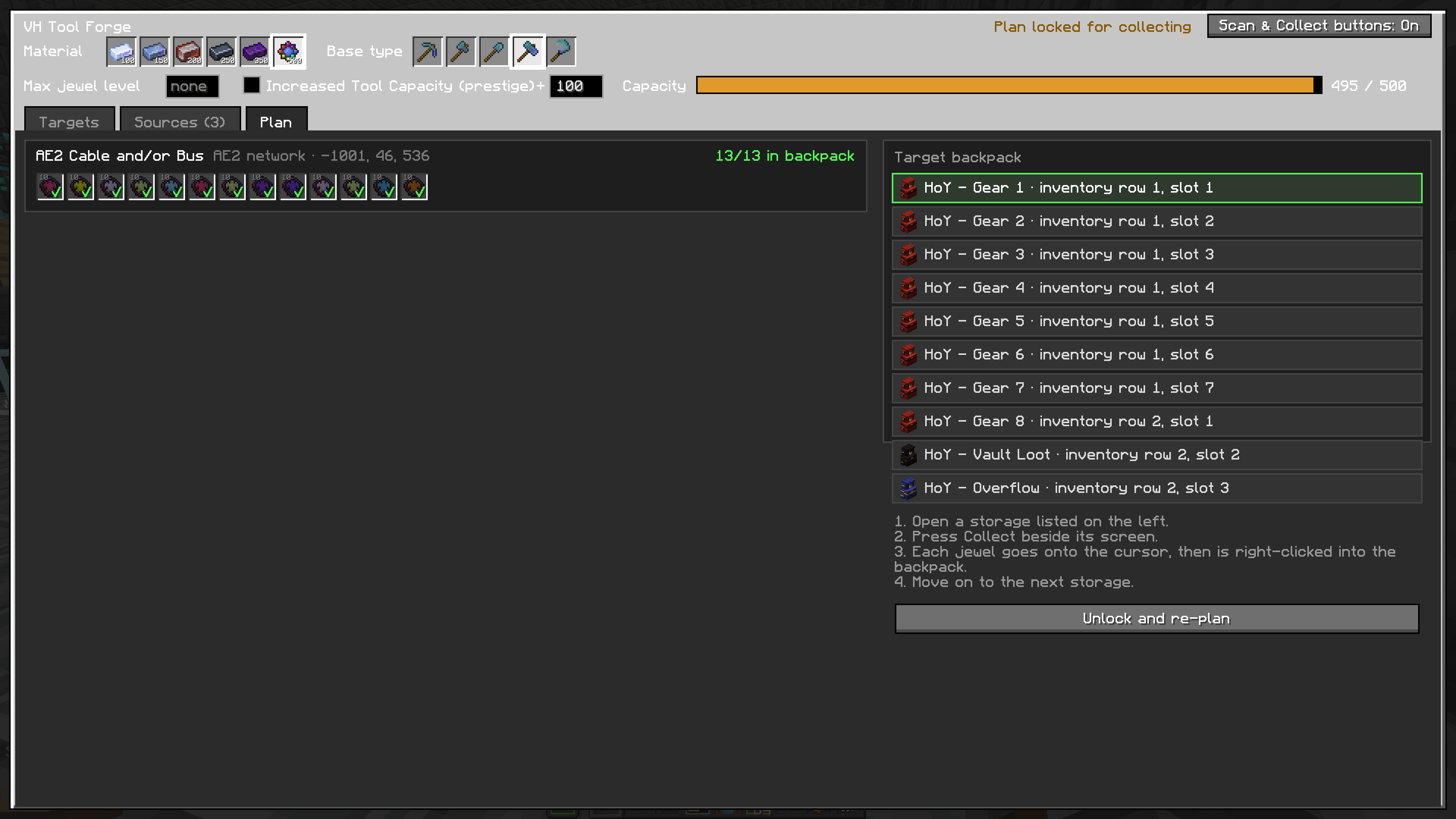
Select the bag you want to move the jewels into from this screen. Also shows which jewels that have been collected already.
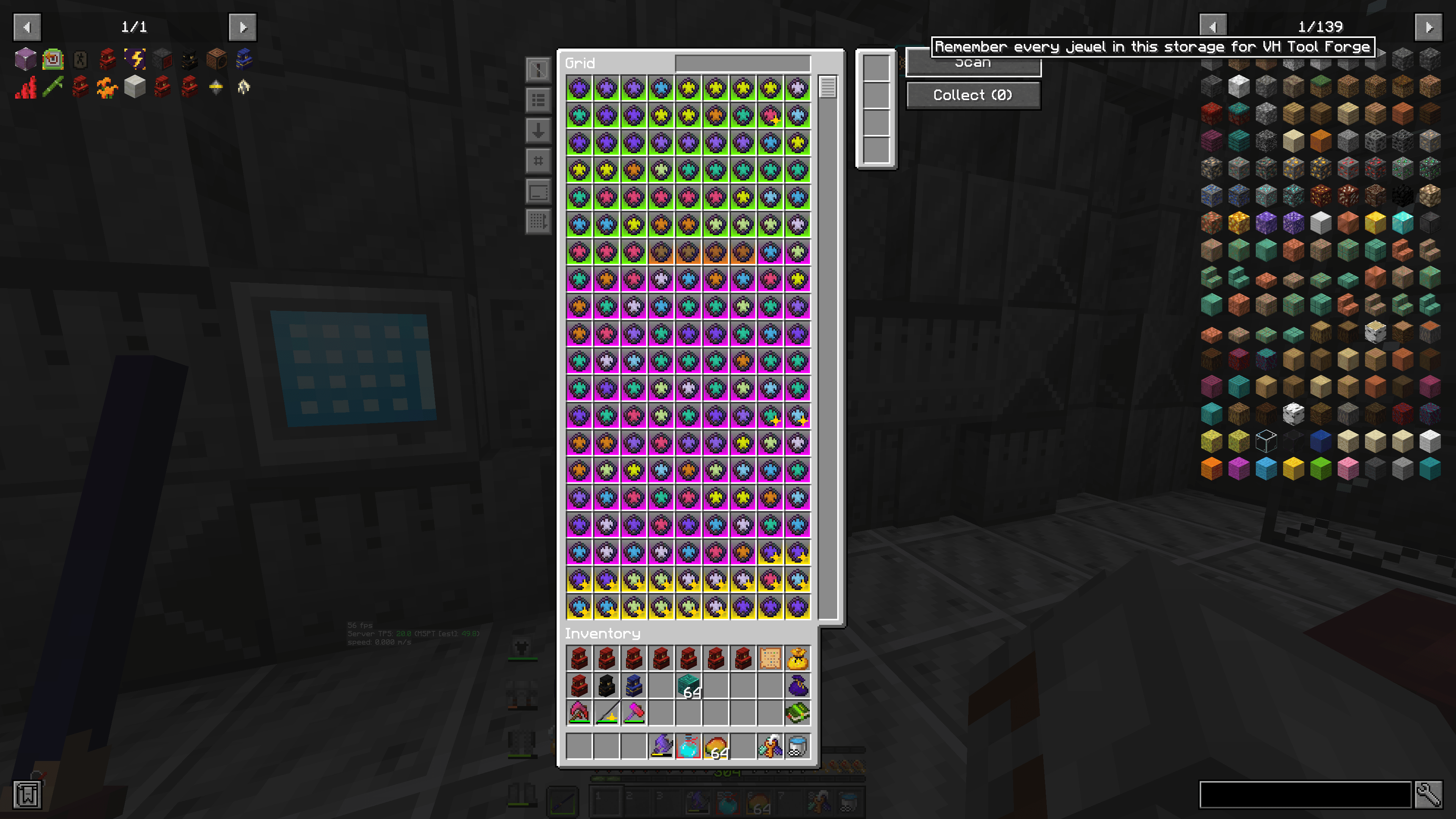
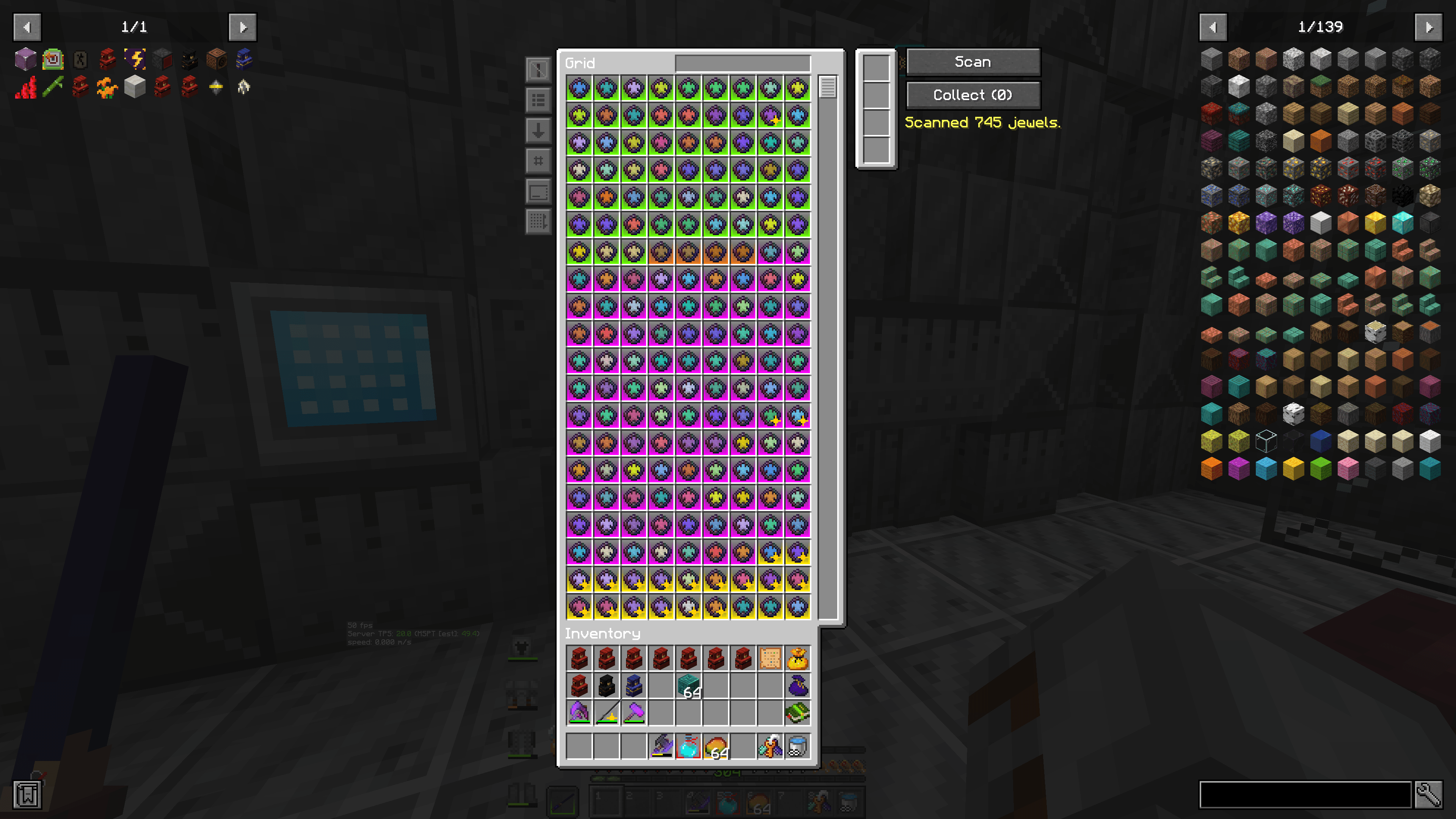
Push this to inventory the storage system or container you are looking at Now
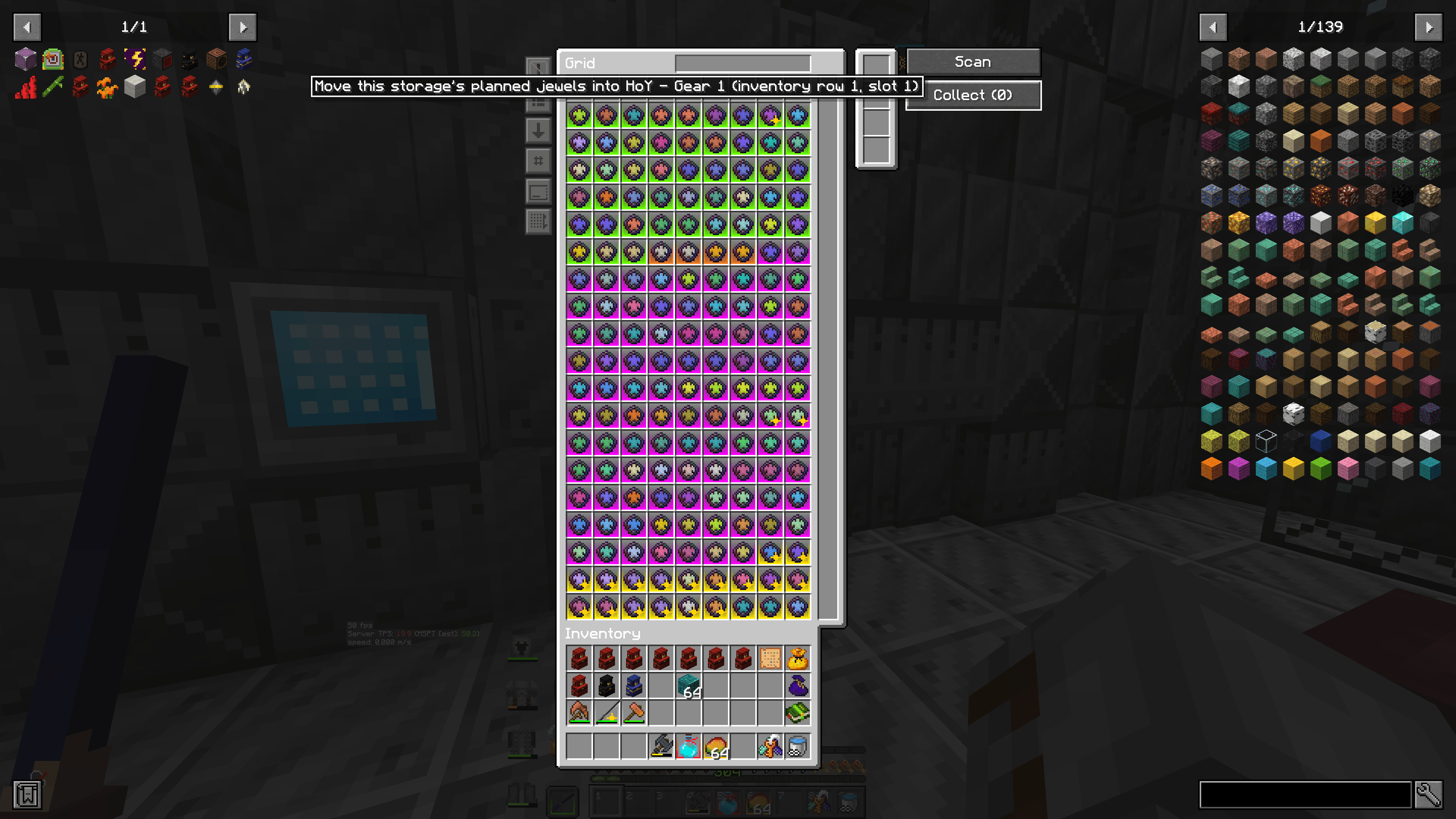
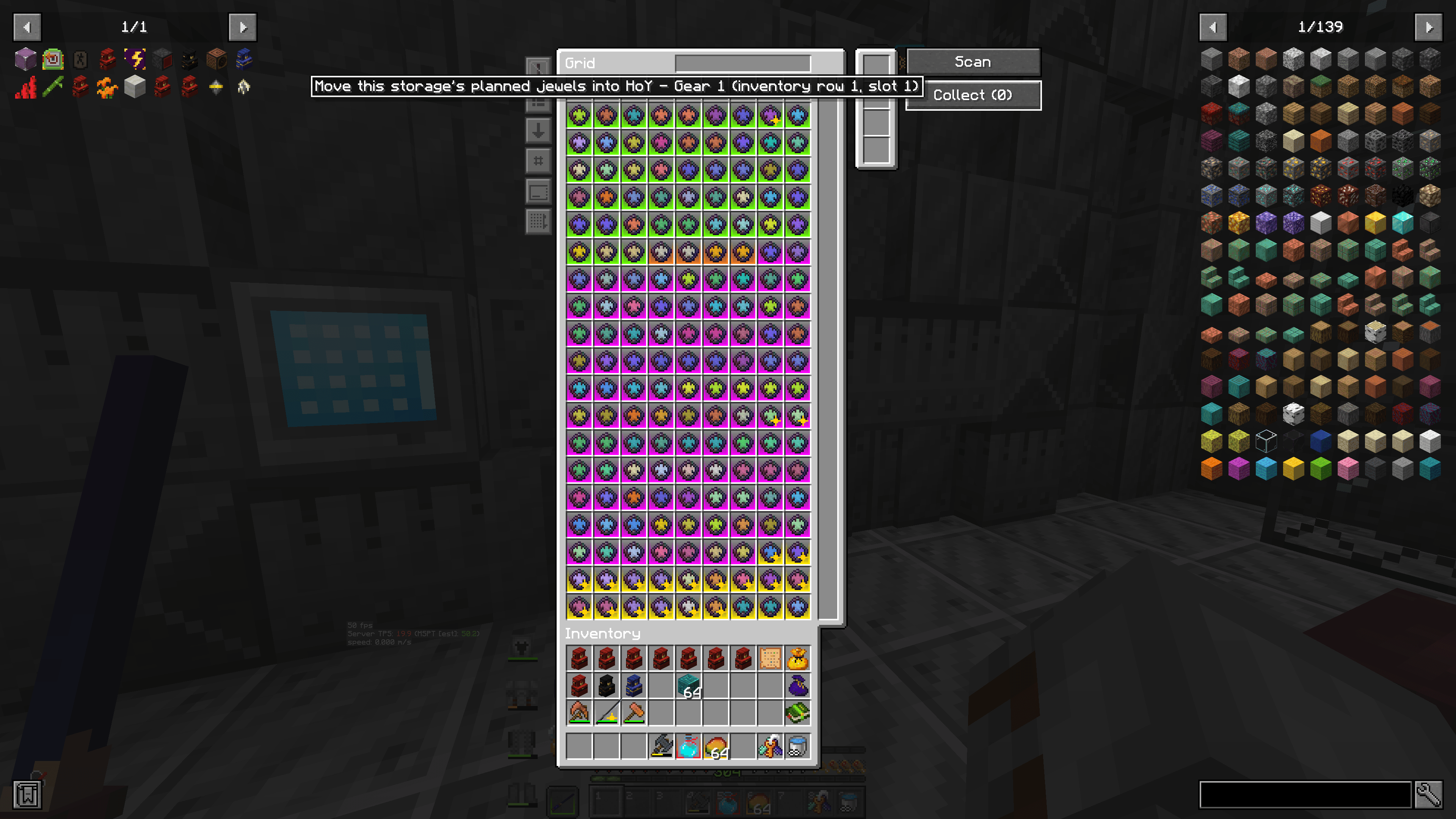
Push this to have ToolForge grab the jewels it has selected from this storage system, and place them into the backpack you have chosen
2026-10-04_17.36.08.png
2026-10-04_17.35.57.png