


VenueSound
- By
console.jpg
vs24.jpg
pro-gear-1.jpg
amplifier-front.jpg
workbench.png
Description







⬇️ Download · Website · User guide · Quick start · Devices · FAQ · What's new · 中文 · Report a problem
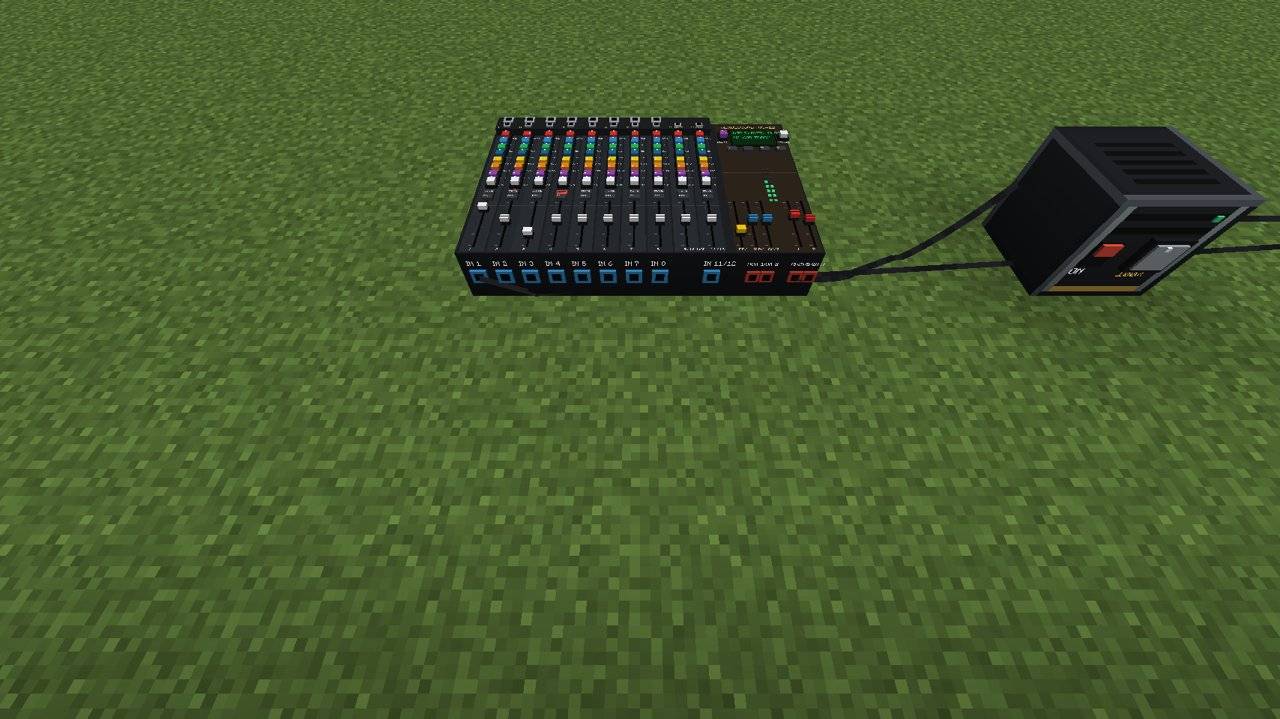
VenueSound puts a real concert sound system into Minecraft. Sing into a wireless mic, and your voice goes through a receiver, along cables you can see, into a mixing console with gain, EQ, aux sends and effects, through a power amplifier and out of the PA speakers, heard by every player from where they stand. Every knob, fader, switch and socket is used right on the model, with a right-click or the mouse wheel. Built on Simple Voice Chat.
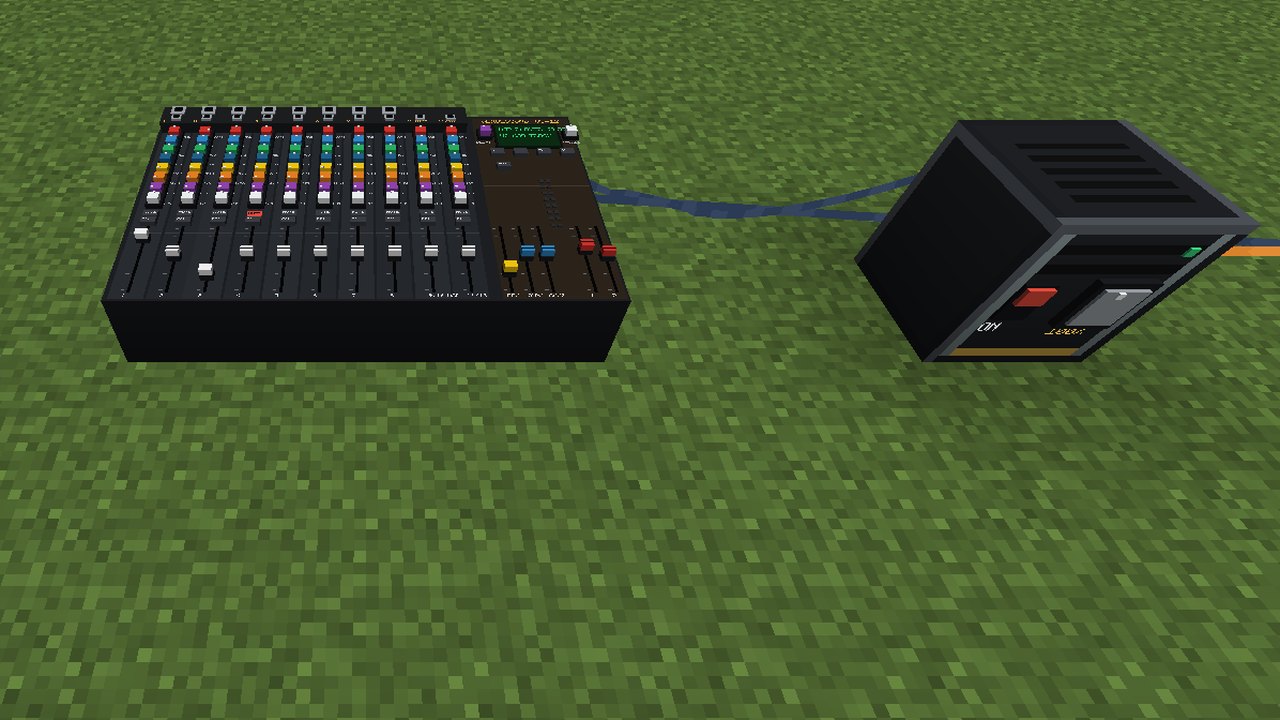
<sub>The VS-12 console in game. Every control works: hold right-click on a fader and move the crosshair, or scroll.</sub>
Three steps: 1. install Fabric API, Simple Voice Chat and VenueSound · 2. place a console, an amplifier and two speakers and cable them up · 3. hold a wireless mic on the receiver's channel and talk.
Why VenueSound
Theatres, concerts and talent shows are some of the most popular things to build in Minecraft, but the sound has always been the weak part: voice chat fades out a few blocks from the stage, and nothing behaves like real audio equipment. VenueSound makes the sound system as real as the building around it, so a show in Minecraft is run the way a real one is: patch the inputs, set the gain, ride the faders, send monitors to the stage.
The signal chain
üé§ Wireless / headset / lavalier mic ‚îÄradio‚îÄ‚ñ∂ üì° Receiver ‚îÄ‚îê
üéôÔ∏è Stand, gooseneck and choir mics ‚îÄ‚îÄ‚îÄ‚îÄ‚îÄ‚îÄ‚îÄ‚îÄ‚îÄ‚îÄ‚îÄ‚îÄ‚îÄ‚îÄ‚îÄ‚îÄ‚îÄ‚îÄ‚îÄ‚îÄ‚îÄ‚îÄ‚îÄ‚î§ üéõÔ∏è EQ ¬∑ compressor ¬∑ effects ¬∑ crossover
üíø Media deck ¬∑ üì∫ Video capture ‚îÄ‚îÄ‚îÄ‚îÄ‚îÄ‚îÄ‚îÄ‚îÄ‚îÄ‚îÄ‚îÄ‚îÄ‚îÄ‚îÄ‚îÄ‚îÄ‚îÄ‚îÄ‚îÄ‚îÄ‚îÄ‚îÄ‚îÄ‚îÄ‚îÄ‚îÄ‚î§ ‚îÇ
üîå Stage box ‚ïê‚ïê multicore snake ‚ïê‚ïê‚ïê‚ïê‚ïê‚ïê‚ïê‚ïê‚ïê‚ïê‚ïê‚ïê‚ïê‚ïê‚ïê‚ïê‚ïê‚ïê‚ïê‚ïê‚ïê‚ïê‚ïê‚ïê‚ïê‚ïê‚ïê‚îÄ‚îÄ‚ñ∂ üéöÔ∏è Console ‚îÄ‚îÄ‚ñ∂ üîä Amplifier ‚îÄ‚îÄ‚ñ∂ üîà Speakers
│ AUX ──▶ wedges · in-ear monitors
Signal only flows along cables you plug in, socket to socket, and every device is used directly on its model. Full details: signal chain guide.
The devices

| Group | Devices |
|---|---|
| Sources | Wireless mic (16 channels), headset and lavalier mics you wear, stand, gooseneck podium and hanging choir mics, media deck (mp3/wav), video capture zone for WATERFrAMES screens |
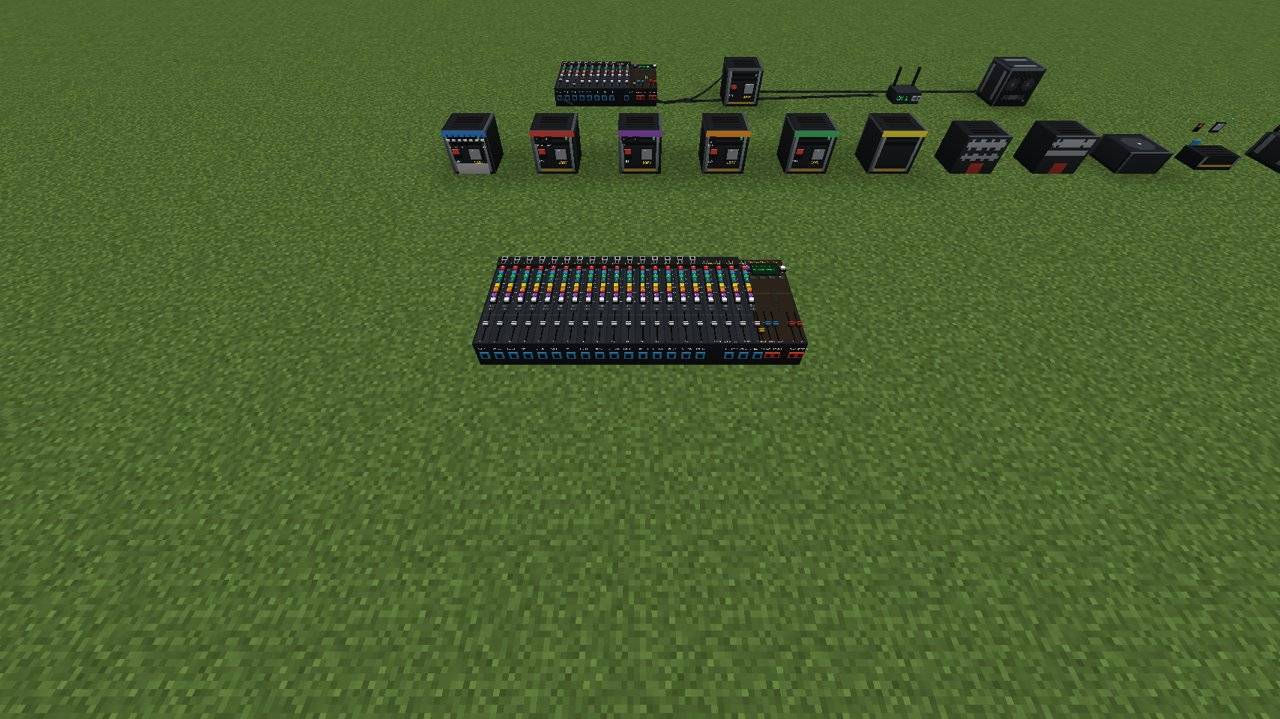
| Mixing | VS-12 console (8 mono + 2 stereo, 3√ó2 blocks), VS-24 console (16 mono + 4 stereo, 5√ó2 blocks): gain, peak LED, HI/MID/LOW EQ, AUX 1/2, EFX, pan, mute, PFL, faders, USB player, meters |
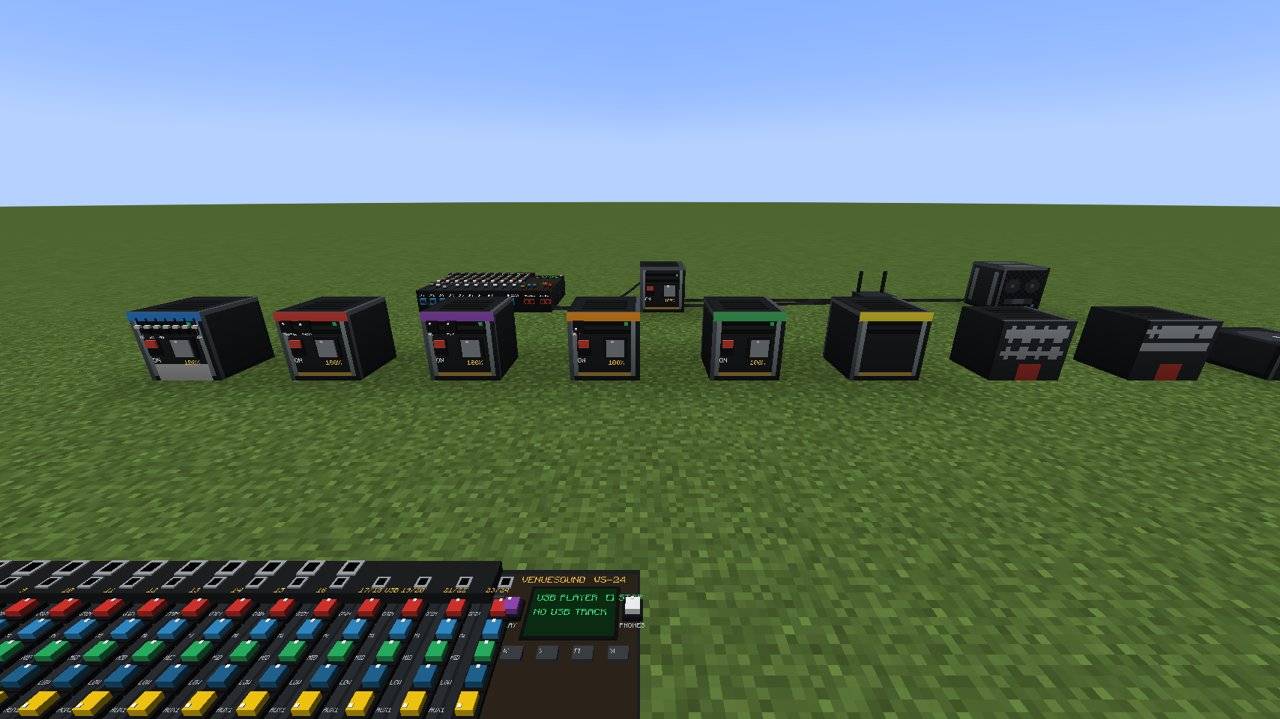
| Rack | Power amplifier, graphic EQ, compressor/limiter, effects processor, crossover, power sequencer, rack cabinet |
| Speakers | Line array module, flown line array with truss point, PA cabinet, 4√ó6 concert stack, floor wedge, subwoofer, in-ear monitor transmitter and earpiece |
| Cabling | XLR mic cable, speaker cable, multicore snake, stage box (8/16 ch), wall outlet, DI box, cable clips, cable reel |
Every device: device guide.
 |
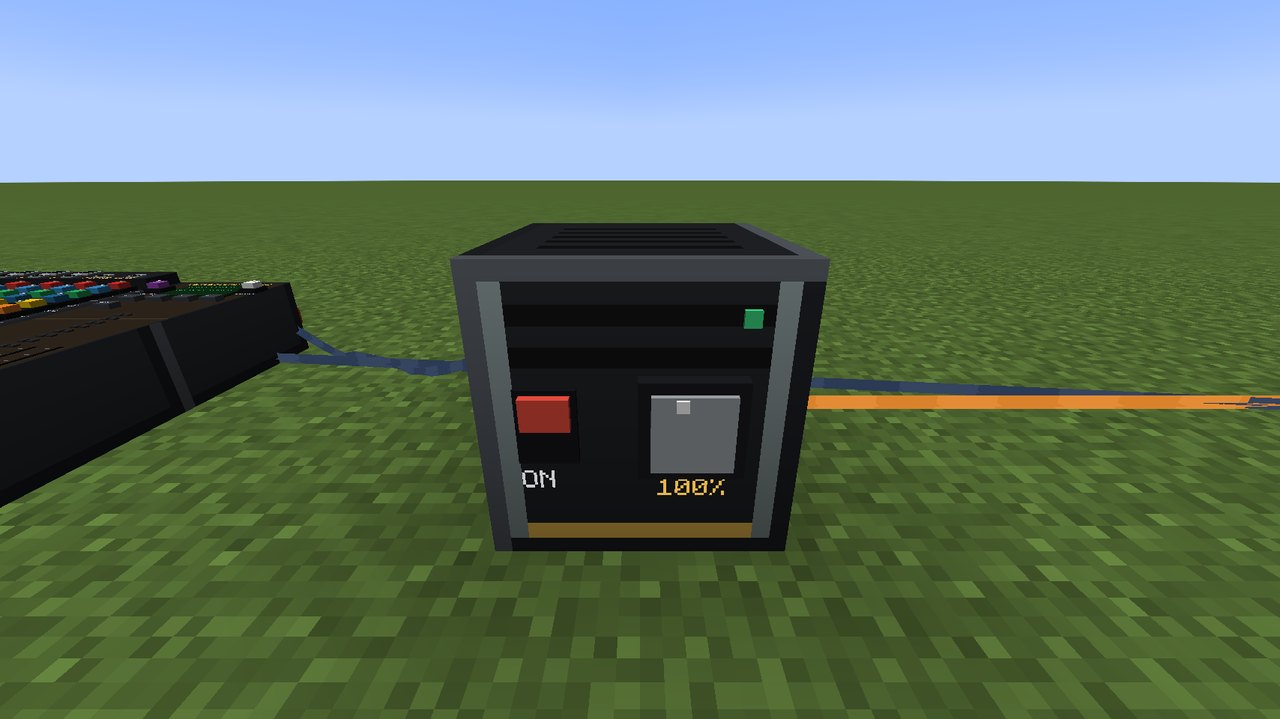 |
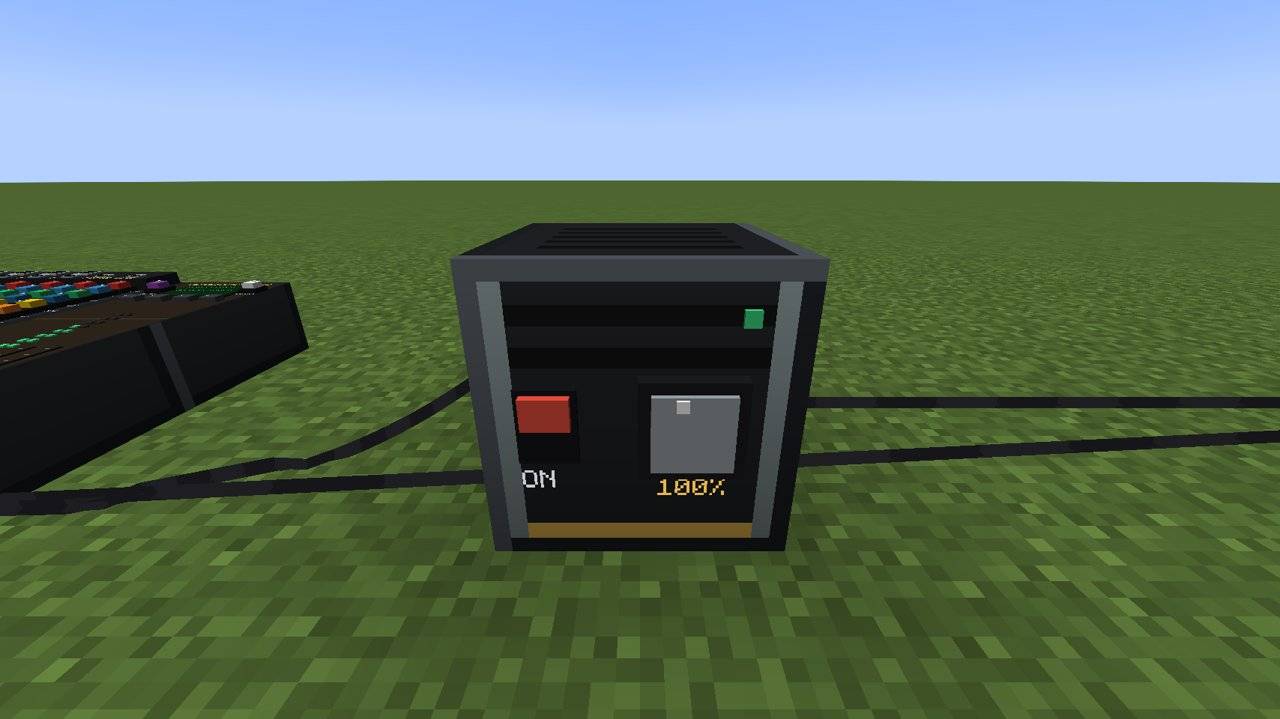
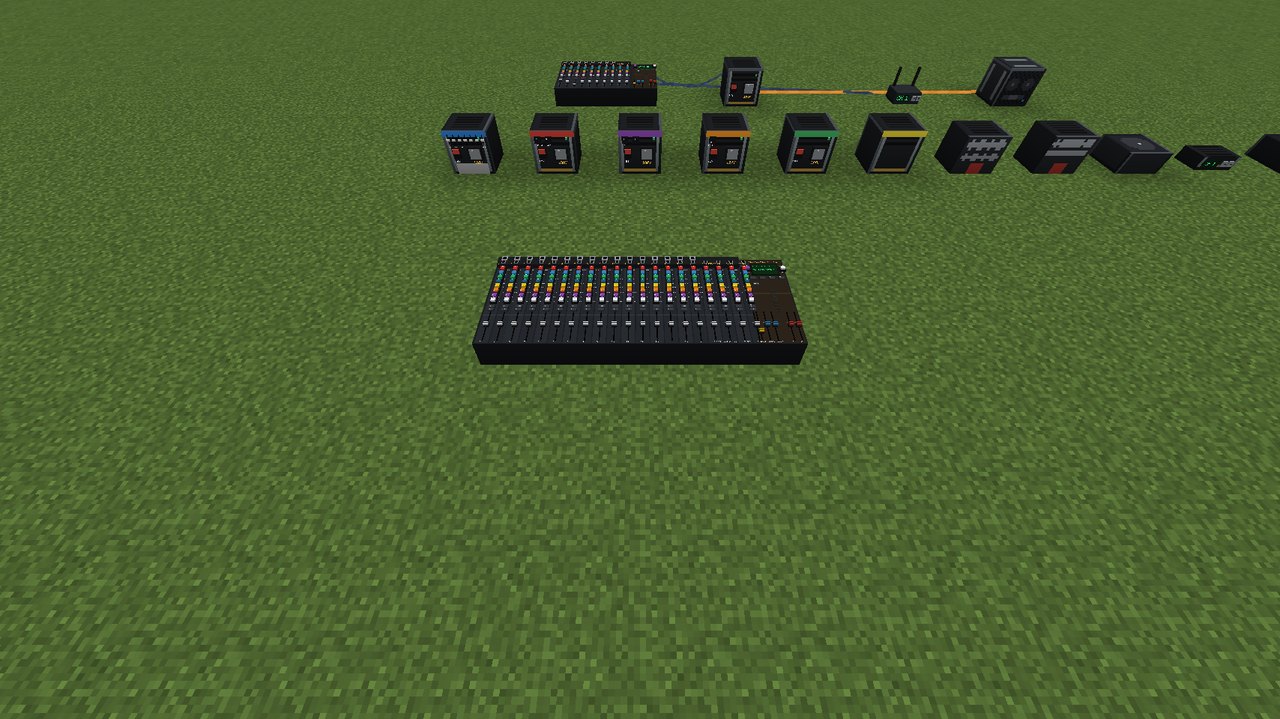
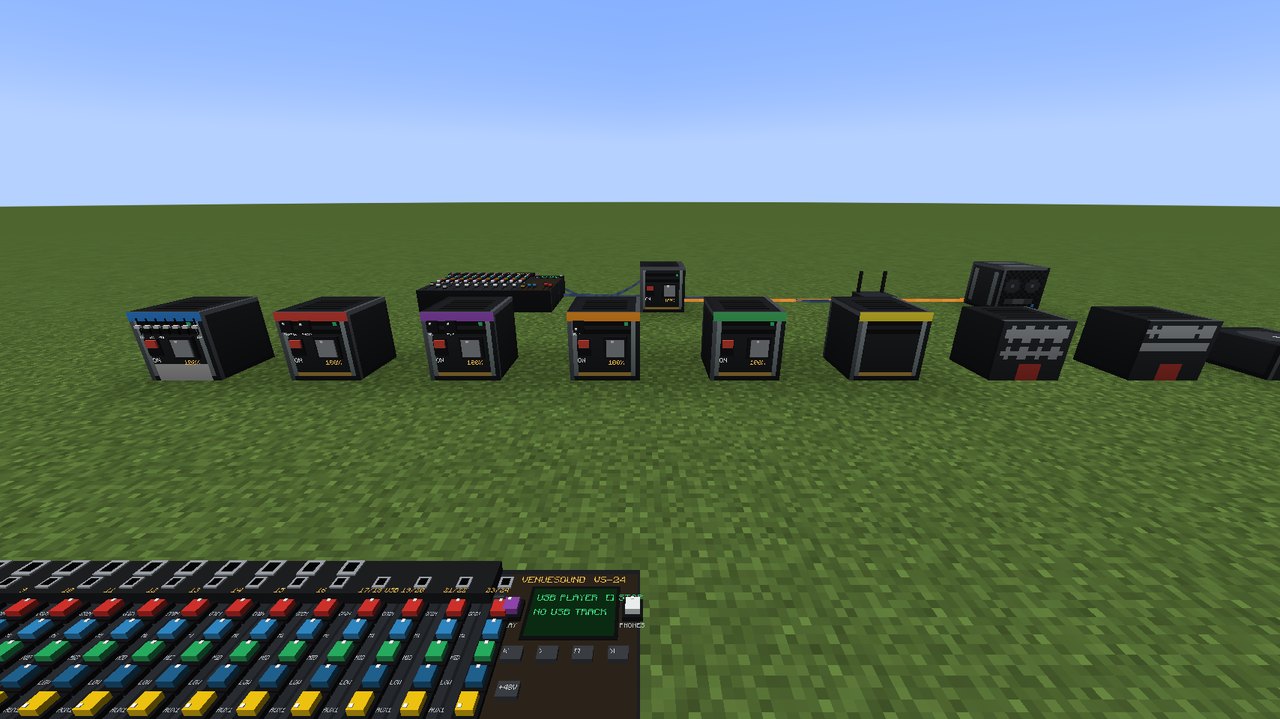
| <sub>VS-24: twenty channel strips</sub> | <sub>Power amplifier: power switch and level knob</sub> |
 |
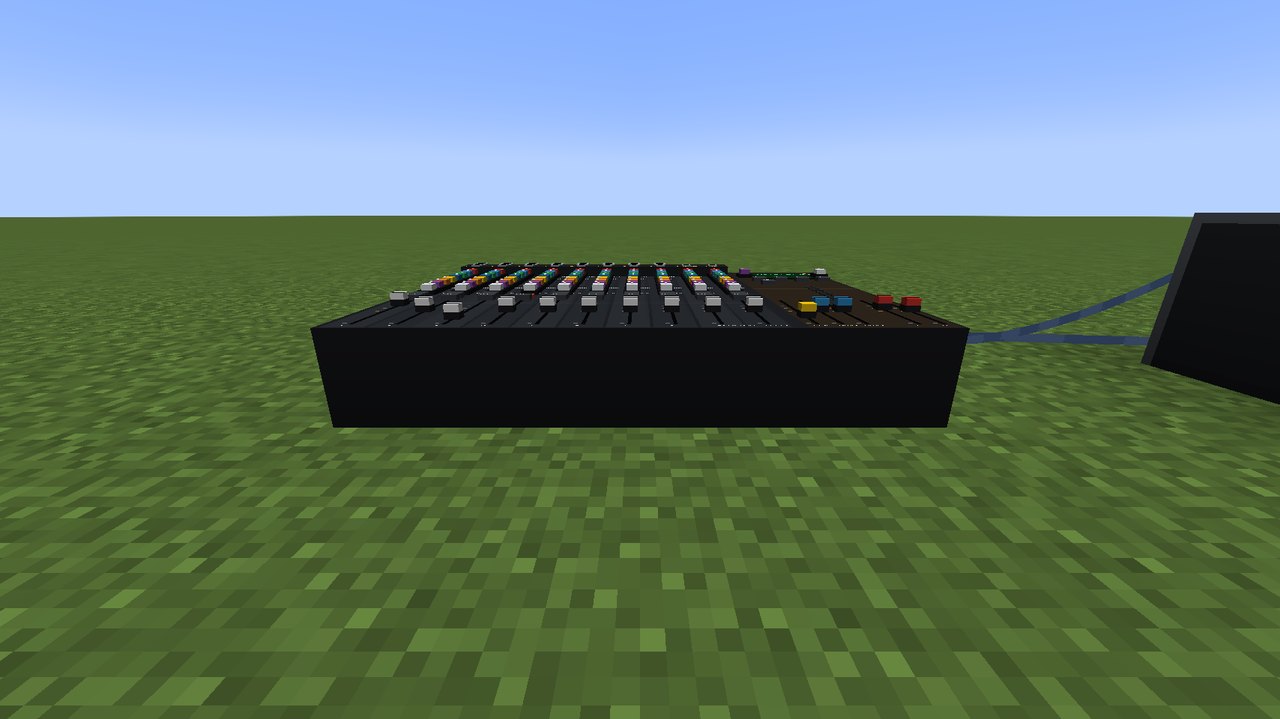 |
| <sub>Rack gear and microphones</sub> | <sub>Input (blue) and output (red) sockets on the console's front</sub> |
Quick start
- Install Fabric Loader for Minecraft 1.20.1, Fabric API and Simple Voice Chat, then
put the VenueSound jar in
mods/. - Place a mixing console, a power amplifier and two PA speakers.
- With an audio cable: right-click the console's MAIN L socket, then the amplifier's IN A; MAIN R ‚Üí IN B; amplifier OUT 1 ‚Üí left speaker's INPUT, OUT 3 ‚Üí right speaker's INPUT.
- Place a wireless receiver and cable its OUT to the console's IN 1.
- Hold a wireless microphone on the receiver's channel and talk. Push fader 1 up.
Step by step with pictures: getting started.
The Workbench
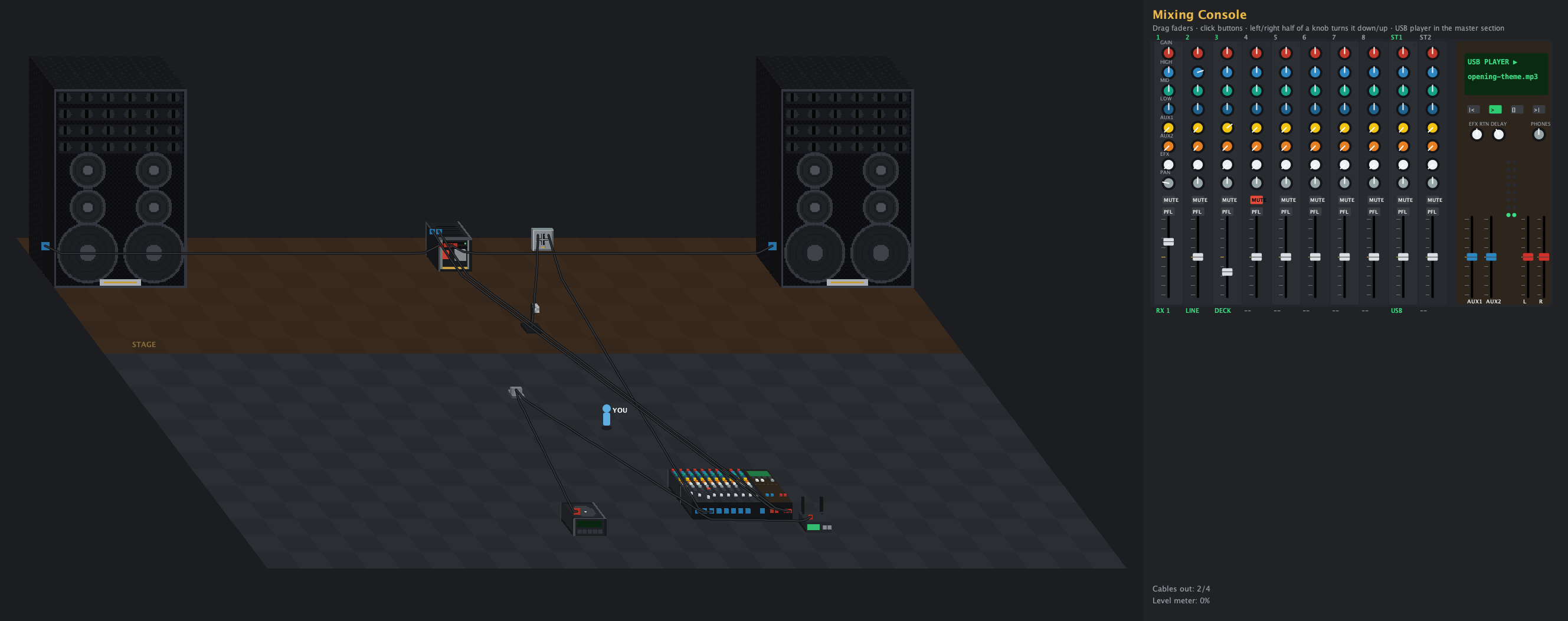
Not in Minecraft right now? VenueSound Workbench is a small desktop app with the same devices, controls and signal engine. Build a system, run cables, drag faders, and hear it: your computer's microphone and music files go through the console and out of the speakers in stereo, from where you stand.
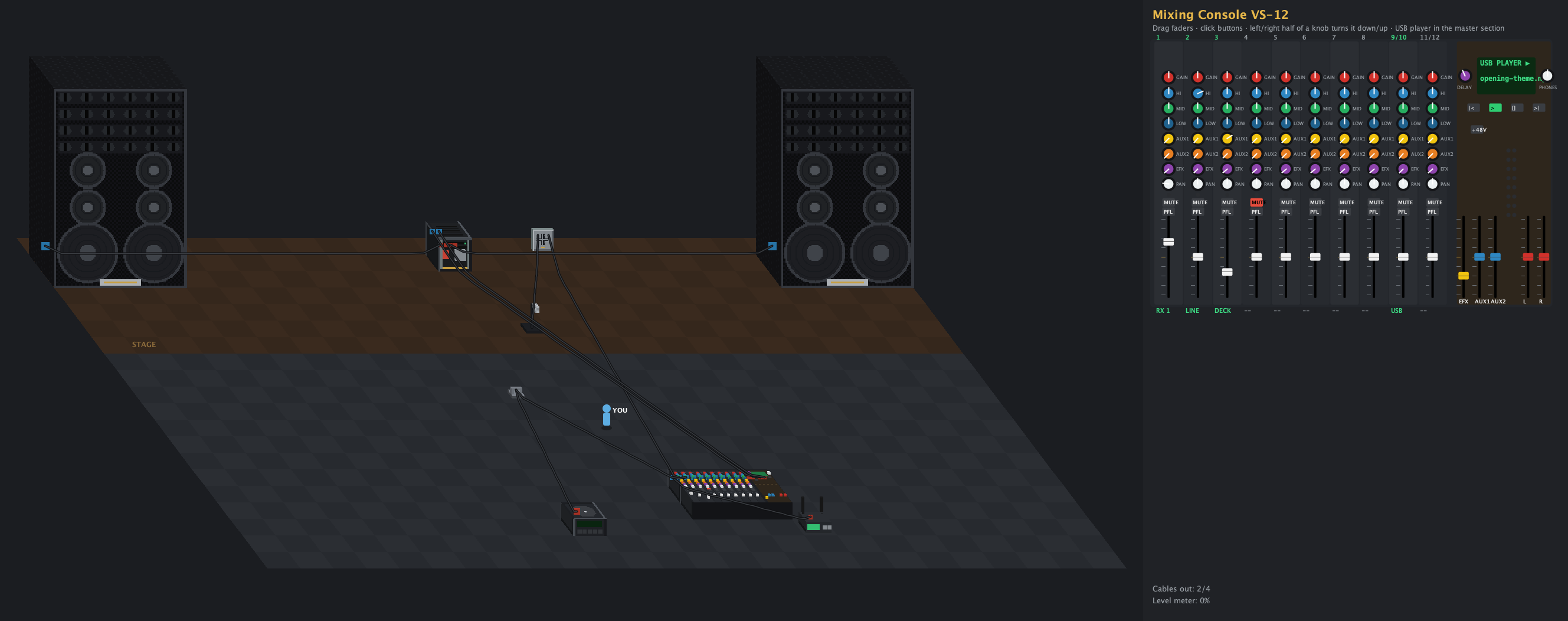
java -jar venuesound-workbench.jar
Guide: Workbench.
FAQ
Do other players need the mod? Yes, on both client and server (they see the devices and cables), together with Simple Voice Chat.
Can screens from WATERFrAMES play through the speakers? Their volume can: put them in a video capture zone and their sound follows the console's faders and mutes and is loud near the speakers. Their audio is played by each player's own computer outside Minecraft's sound engine, so it can't come from the speakers' direction.
A cable is refused with "would go through a wall". Cables rest on low obstacles but can't pass through walls. Run the cable along cable clips around the wall.
I can't hear anything. Check the chain in order: mic channel = receiver channel, receiver ‚Üí console input, that strip's fader and the MAIN faders up, mute off, amplifier on, speakers on, you within the speakers' coverage. More: troubleshooting.
Building
Java 17:
./gradlew build            # the mod: build/libs/
./gradlew :workbench:jar   # the Workbench: workbench/build/libs/
./gradlew runClient -Pselftest=true   # places every device in a test world and saves screenshots
Textures and the images in docs/ are generated by the scripts in tools/. Contributions are
welcome: see CONTRIBUTING.md.
License
VenueSound Team
