UwU chat
- By
1_featured.png
2_strengths.png
3_russian.png
4_commands.png
Description
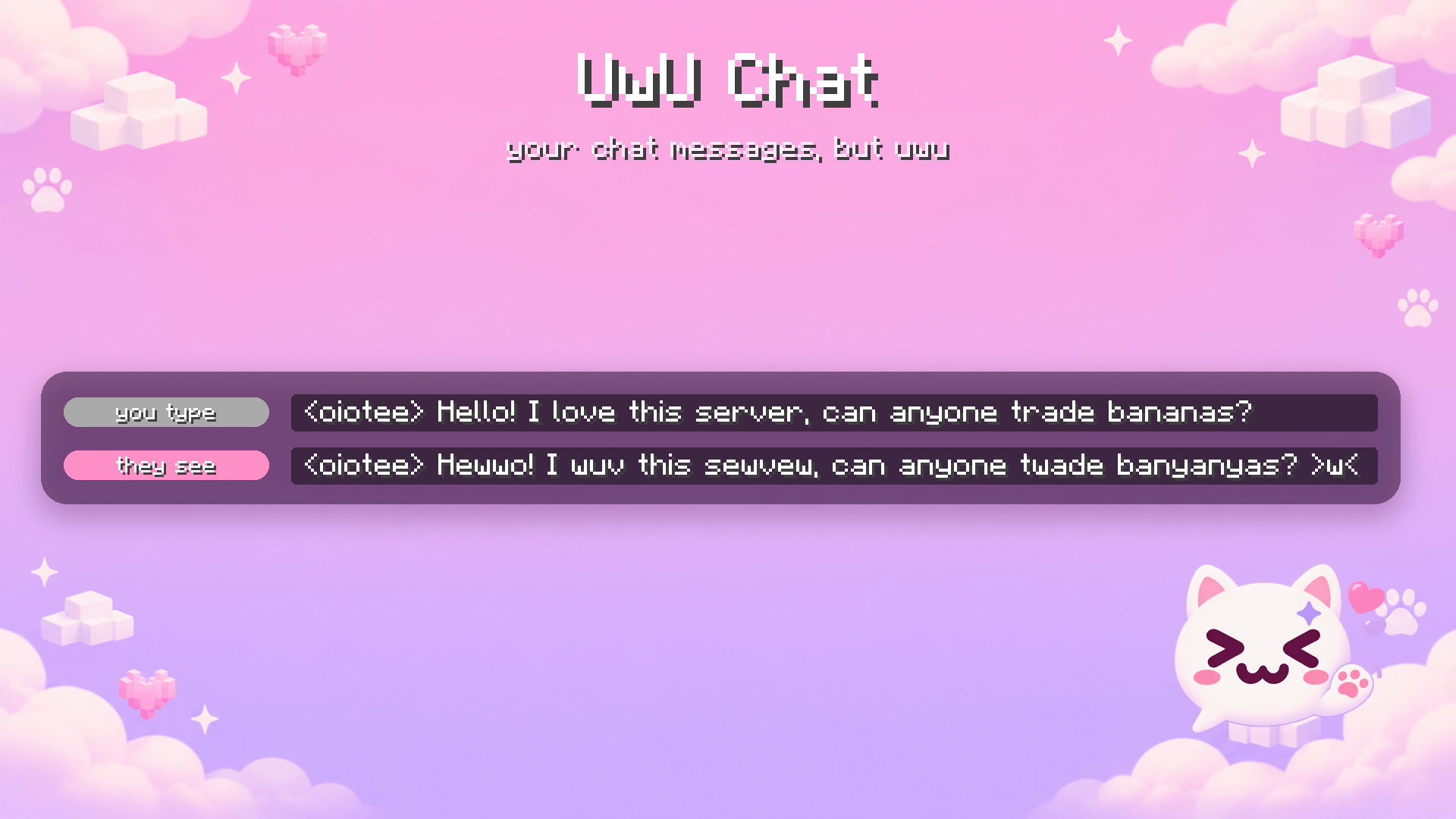
UwU Chat turns what you type into cute uwu-speak before it is sent. Hewwo! >w<
Client-side only — install it just for yourself, no server needed. Other people's messages are never changed.
What it does
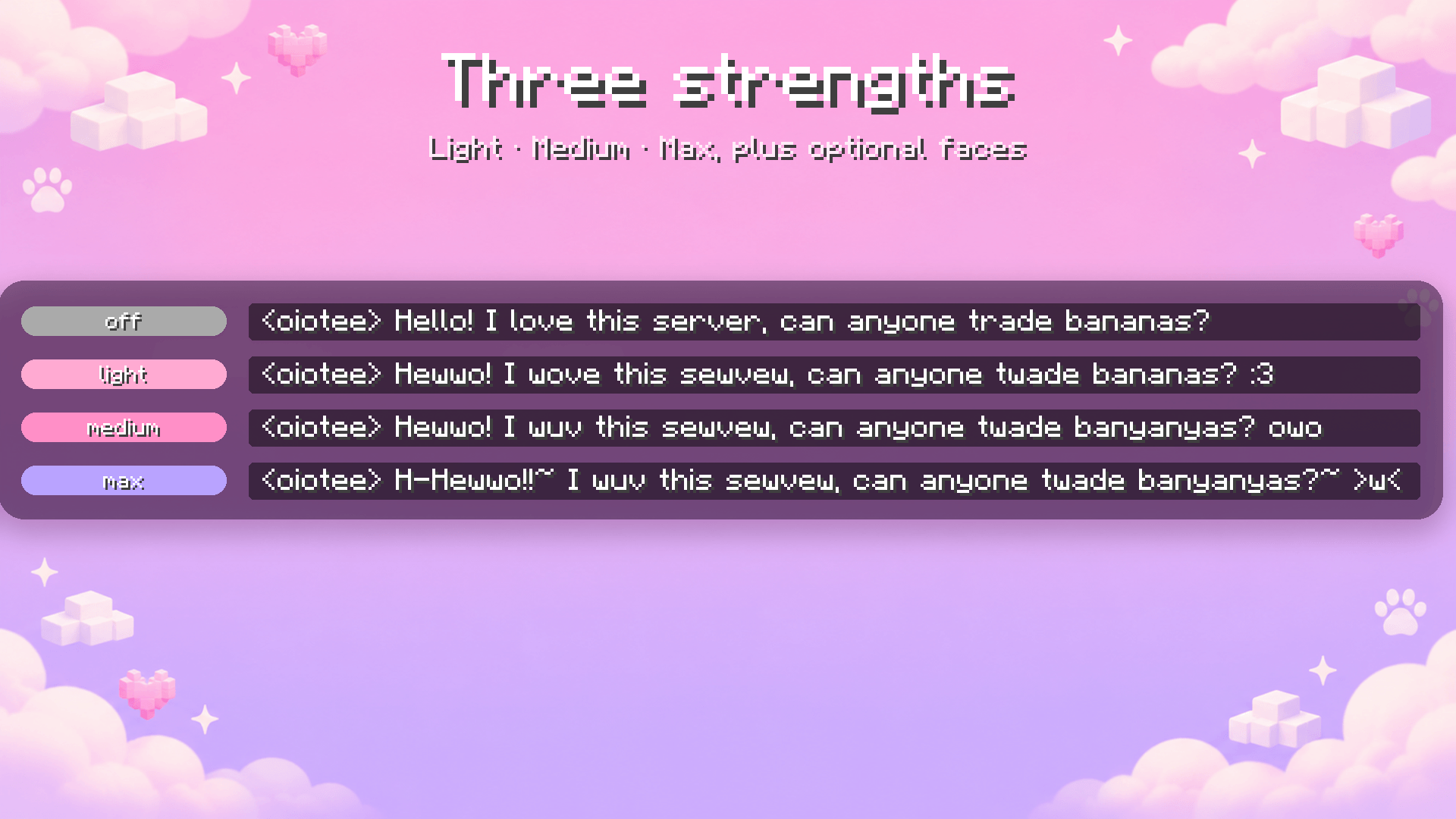
| You type | Light | Medium | Max |
|---|---|---|---|
| Hello! I love this server, can anyone trade bananas? | Hewwo! I wove this sewvew, can anyone twade bananas? :3 | Hewwo! I wuv this sewvew, can anyone twade banyanyas? owo | H-Hewwo!!~ I wuv this sewvew, can anyone twade banyanyas?~ >w< |
- Light — r and l become w
- Medium — also na becomes nya and ove becomes uv
- Max — also a stutter on the first word (H-Hewwo) and tildes~
- Faces (optional) — uwu, owo, :3, >w<, w, nya~, (=・ω・=) at the end of the message
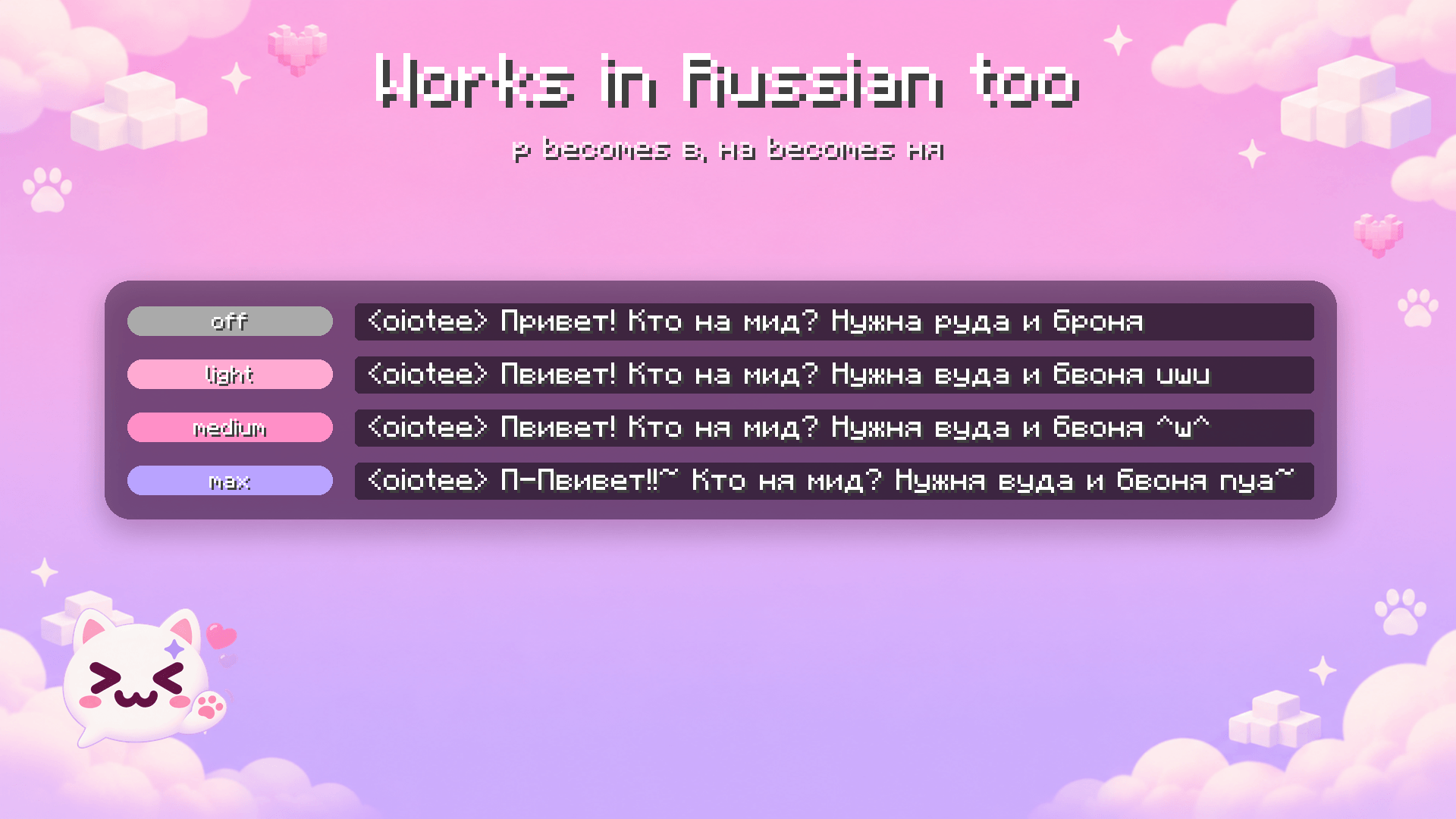
Works in Russian too: р becomes в, на becomes ня — «Привет! Кто на мид?» → «Пвивет! Кто ня мид? w»
Safe by design
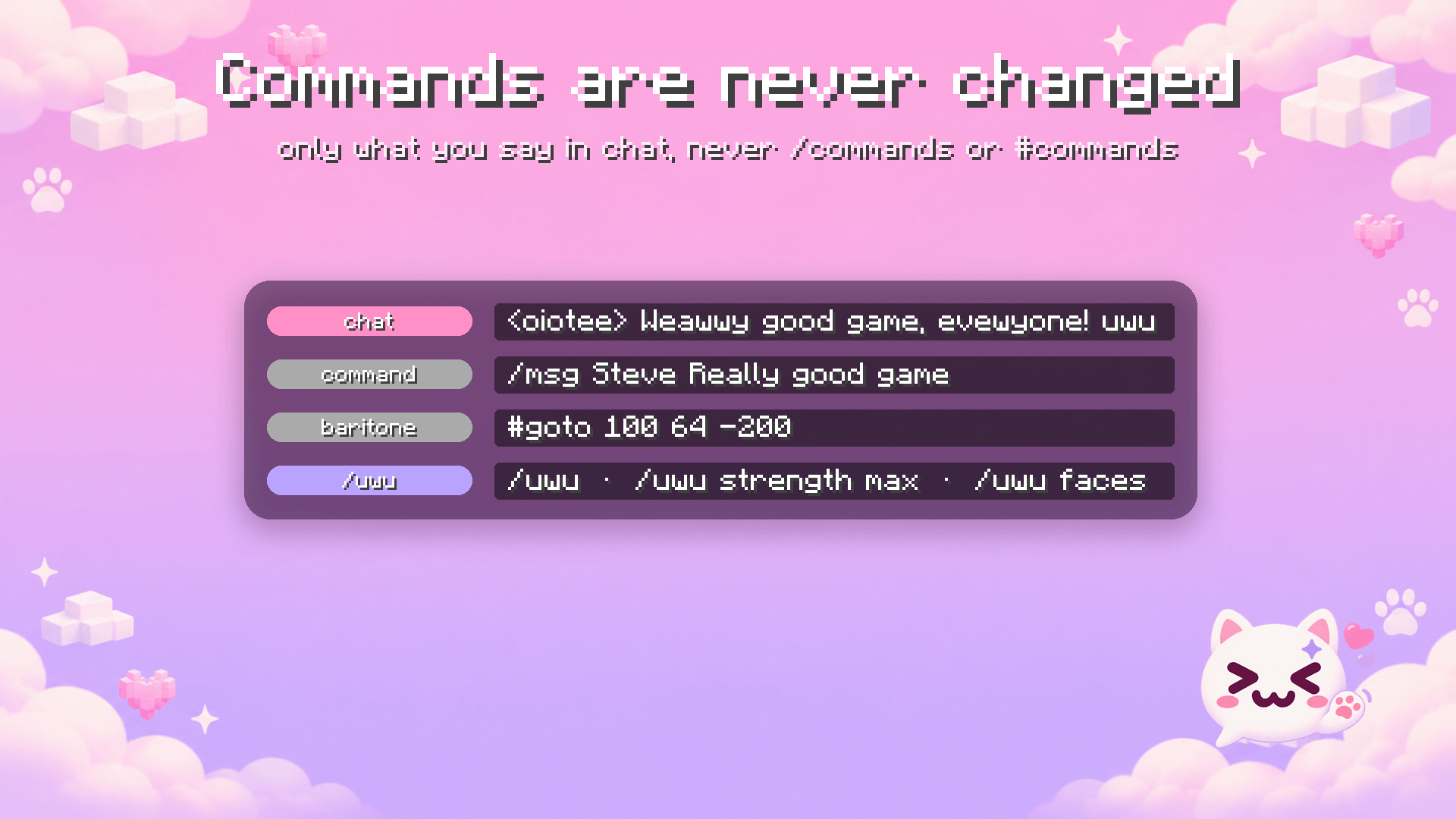
- Commands are never changed: anything starting with
/(like/msg,/tp) or#(Baritone) goes through exactly as you typed it. - Only your own outgoing chat messages are touched — never what others write.
- A message that would grow past Minecraft's 256-character limit is sent as you wrote it, so nothing gets cut off.
Commands and settings
/uwu— turn it on and off/uwu strength light|medium|max— pick the strength/uwu faces— faces on and off- Mod Menu — a settings screen with a live preview of your text
Settings are saved in config/uwu_chat.json. English and Russian translations included.
Requirements
- Minecraft 1.21.4, Fabric Loader 0.16+
- Fabric API (required)
- Mod Menu (optional, for the settings screen)
По-русски
UwU Chat превращает то, что пишешь ты, в милый uwu-язык перед отправкой. Только клиент — сервер ставить не нужно, чужие сообщения не меняются.
- Light — р → в (r, l → w)
- Medium — ещё на → ня (na → nya, ove → uv)
- Max — ещё заикание на первом слове и тильды~
- Мордочки (по желанию) — uwu, owo, :3, >w<, w, nya~, (=・ω・=)
Команды (/msg, /tp…) и #-команды Baritone никогда не меняются.
/uwu — вкл/выкл, /uwu strength light|medium|max — сила, /uwu faces — мордочки. Настройки с живым превью — через Mod Menu.
UwU chat Team