UpdateBeacon



A server-side Minecraft mod that automatically checks for updates to your installed mods on Modrinth and CurseForge, then notifies your operators — and can download and apply the updates for you. No client installation required.
Features
Update detection
- Checks every installed mod against both Modrinth and CurseForge (CurseForge is enabled by adding a free API key).
- Hash-based matching — compares the SHA-512 of each installed jar against Modrinth's file records (and CurseForge fingerprints), eliminating false positives from version-string quirks (e.g.
1.4.147 vs 1.4.147+v240613).
- Nested and bundled sub-mods are skipped automatically.
- Per-mod update channels — track
release, beta, or alpha independently for each mod.
- Pins — freeze a mod at its current version to silence update notices until you unpin it.
Notifications
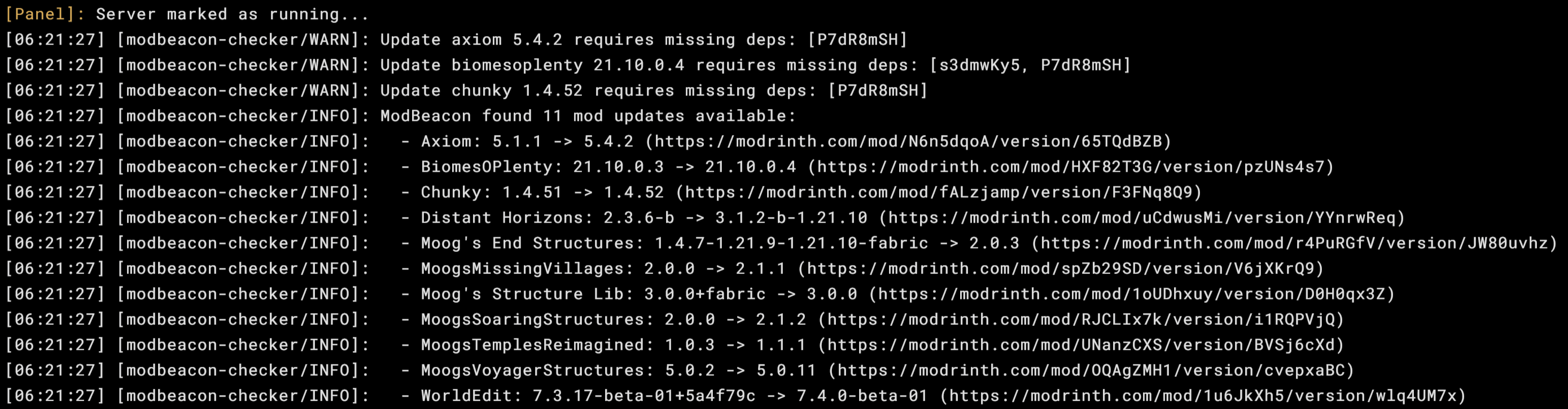
- Console — logs available updates on every check.
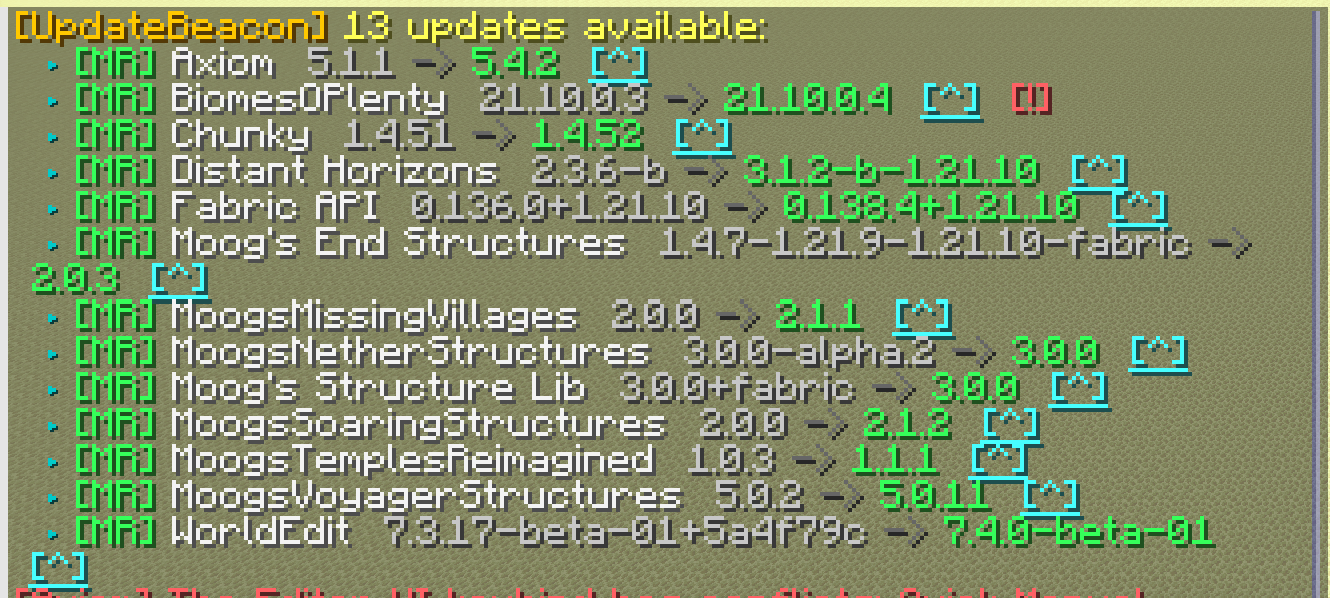
- In-game chat — colored output with clickable download links, sent to eligible ops.
- Player login — ops see any pending updates when they join.
- Webhooks — post to any number of endpoints at once (see below).
Downloads & applying
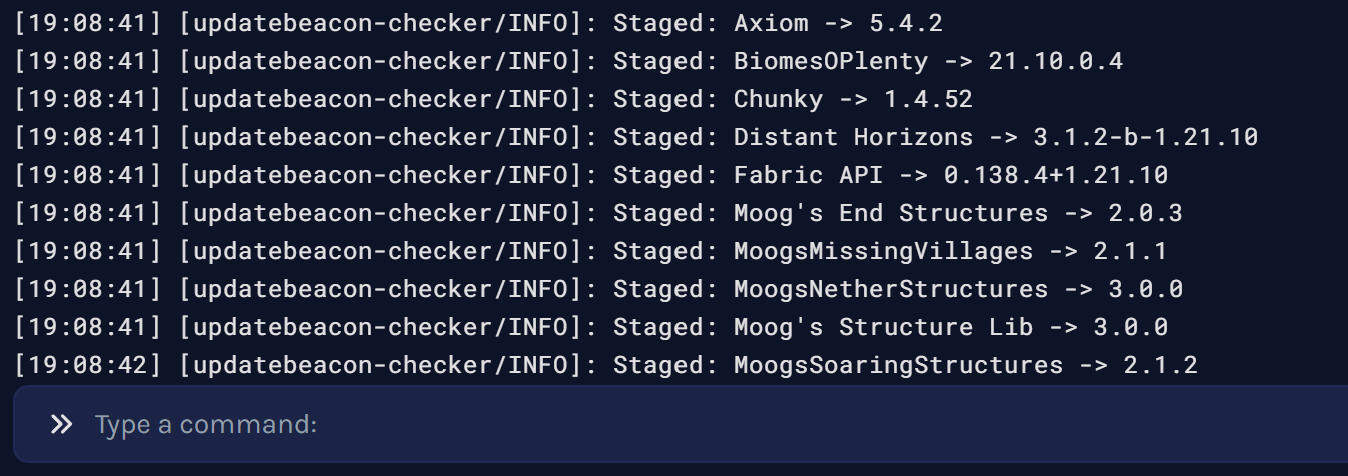
- Download pending updates to a staging area with hash verification against the source's expected hash.
- Apply staged jars on the next server stop, or run a timed apply countdown that restarts the server for you.
- Replaced jars are backed up first, so any update can be rolled back.
Maintenance
- Integrity scan — verify your installed jars against their published hashes.
- Hot reload — re-read the config without restarting.
- Optional scheduled checks on a repeating timer.
Commands
All commands are under /updatebeacon and require permission level 2 (op).
| Command |
Description |
/updatebeacon check |
Run a fresh update check and display results |
/updatebeacon list |
Show cached results from the last check |
/updatebeacon info <modid> |
Detailed info, channel, and a direct download link for one mod |
/updatebeacon scan |
Integrity scan — verify installed jars against published hashes |
/updatebeacon download |
Download all pending updates to the staging area |
/updatebeacon staged |
Show what is downloaded and waiting to be applied |
/updatebeacon apply [seconds] |
Apply staged updates now, or start a restart countdown |
/updatebeacon apply cancel |
Cancel a running apply countdown |
/updatebeacon rollback <modid> |
Restore a mod's previous jar from backup |
/updatebeacon pin <modid> |
Pin a mod at its current version (suppress updates) |
/updatebeacon unpin <modid> |
Remove a pin |
/updatebeacon ignore <modid> |
Stop checking a mod entirely |
/updatebeacon unignore <modid> |
Resume checking a mod |
/updatebeacon channel <modid> <release|beta|alpha|any> |
Set a mod's update channel |
/updatebeacon reload |
Hot-reload updatebeacon.toml without restarting |
Webhooks
Add one [[webhooks]] block per target, each with its own URL and format:
[[webhooks]]
url = "https://discord.com/api/webhooks/..."
format = "discord_embed"

[[webhooks]]
url = "https://your-endpoint.com/hook"
format = "generic_json"
Supported formats:
discord_embed — rich embed for Discord webhooksgeneric_json — simple JSON payload for custom integrations
Installation
Drop the mod jar that matches your Minecraft version and loader into your server's mods/ folder, then start the server once to generate the config.
Requirements:
- A supported Minecraft version (see table above)
- Fabric Loader with Fabric API, or NeoForge
- A free CurseForge API key (optional — only needed for CurseForge update checks)
Configuration
Generated at config/updatebeacon.toml on first run:
[general]
enabled = true
check_on_startup = true
check_interval_minutes = 0   # 0 = disabled; any positive value = minutes between checks

[ignore]
mod_ids = []                 # mod IDs to skip, e.g. ["mymod", "anothermod"]
quiet_when_no_updates = true # suppress all notifications when everything is up to date

[console]
enabled = true

[chat]
enabled = true
ops_only = true              # only notify server operators
permission_level = 2         # minimum permission level to receive notifications

# Add one [[webhooks]] block per target. Supported formats: discord_embed, generic_json
# [[webhooks]]
# url = ""
# format = "discord_embed"

[downloads]
auto_download = false        # automatically download updates after each check
auto_apply = false           # swap staged jars into mods/ on server stop
backup = true                # keep replaced jars in .updatebeacon/backup/
allowed_mod_ids = []         # empty = all mods eligible; non-empty = whitelist
apply_countdown_seconds = 300 # default countdown length for /updatebeacon apply

[curseforge]
# Get a free API key at https://console.curseforge.com/
api_key = ""                 # leave blank to check Modrinth only

# Per-mod update channel: "release", "beta", or "alpha"
[mod_policy]
# lithium = "beta"

# Pin a mod to prevent update notifications. Use /updatebeacon pin <modid>
[mod_pins]
Staged downloads and backups live under .updatebeacon/staged/ and .updatebeacon/backup/.
Notes
Mods are matched on Modrinth by default; CurseForge checks turn on once you set a curseforge.api_key. Mods that aren't published on either platform are silently skipped.