Universal Multiblock Viewer (JEI/EMI)
Interactive 3D building guides for Minecraft multiblocks, powered by JSON.
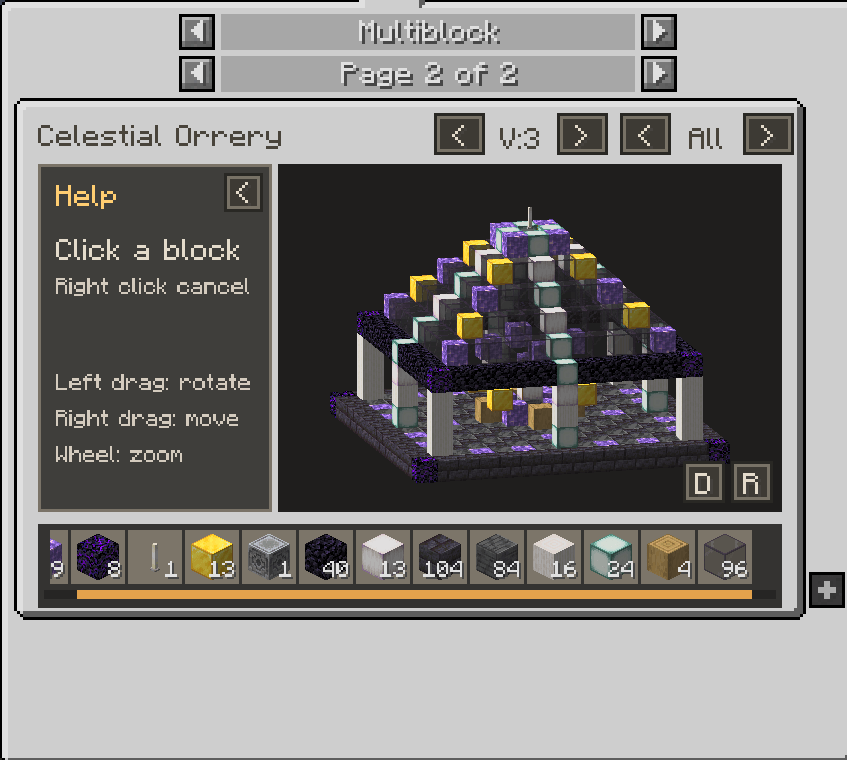
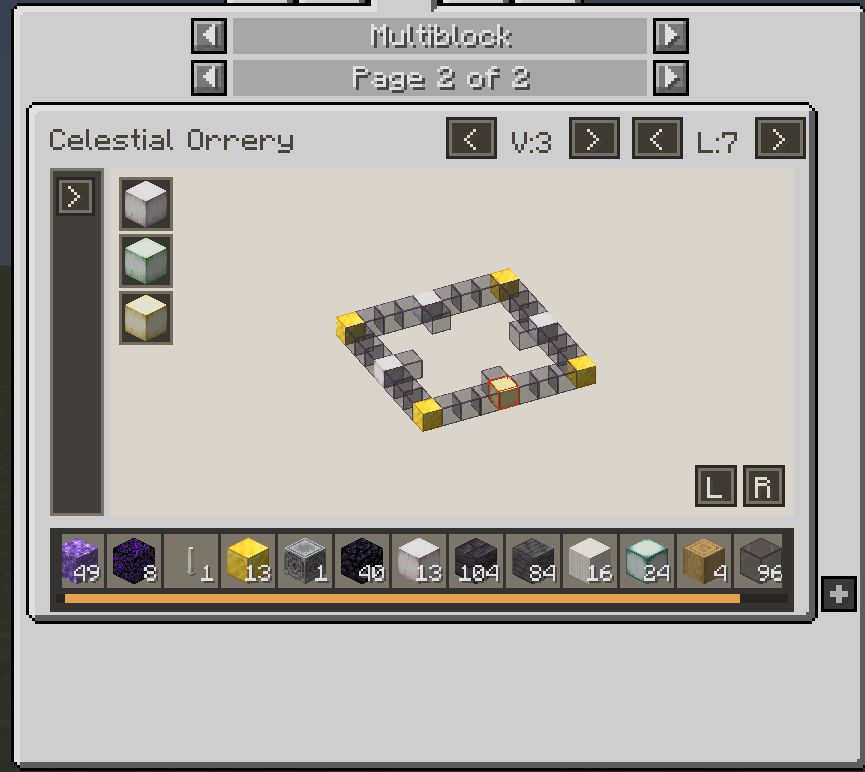
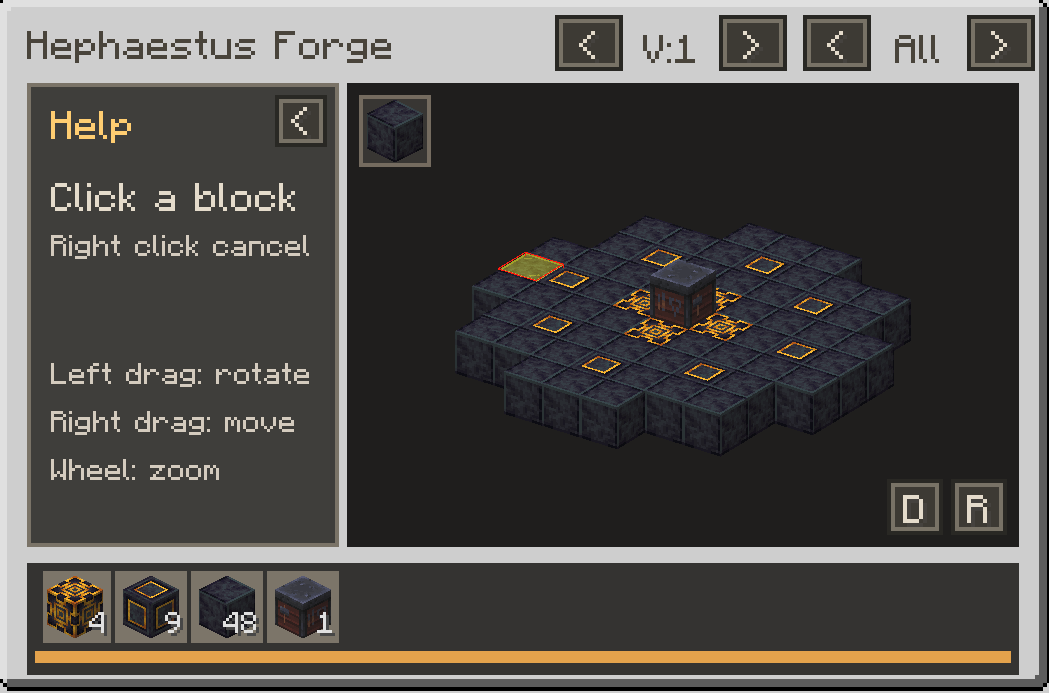
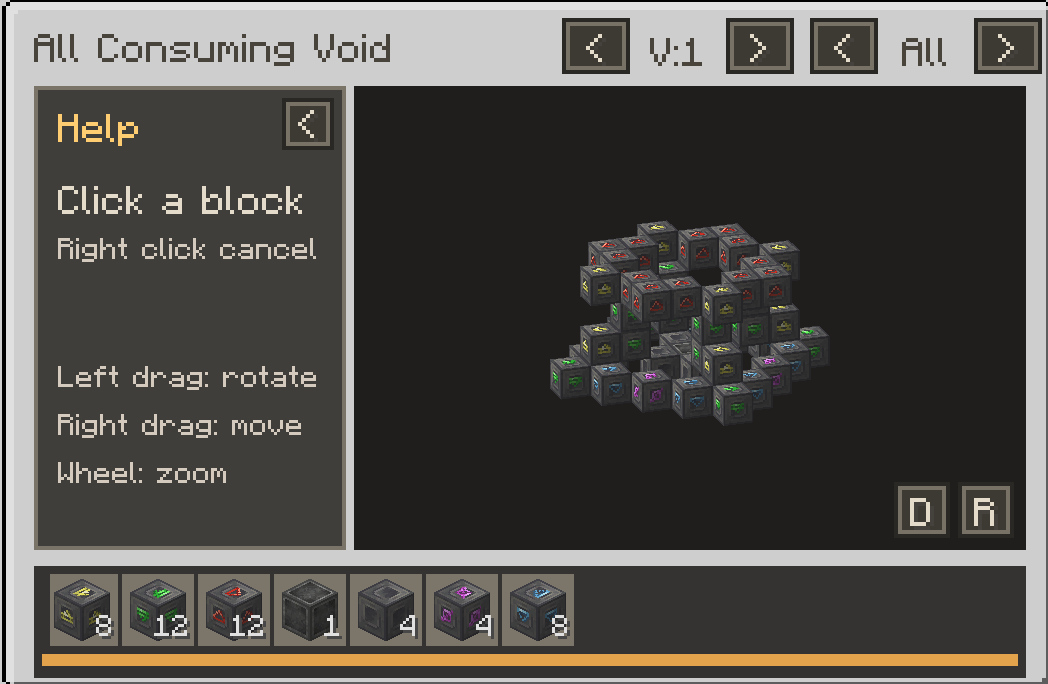
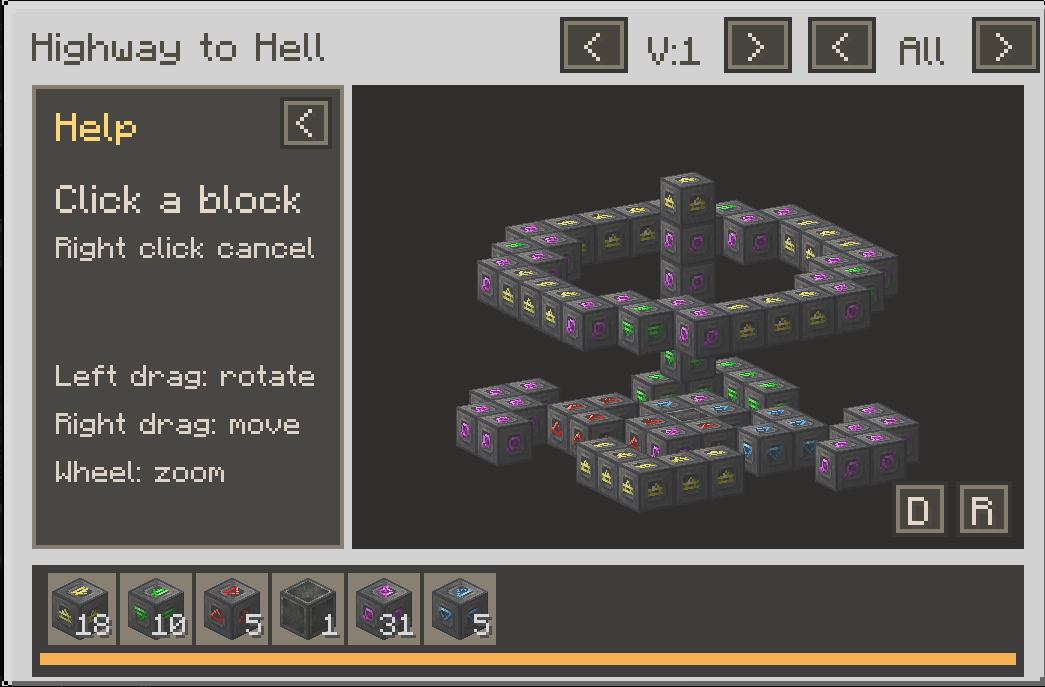
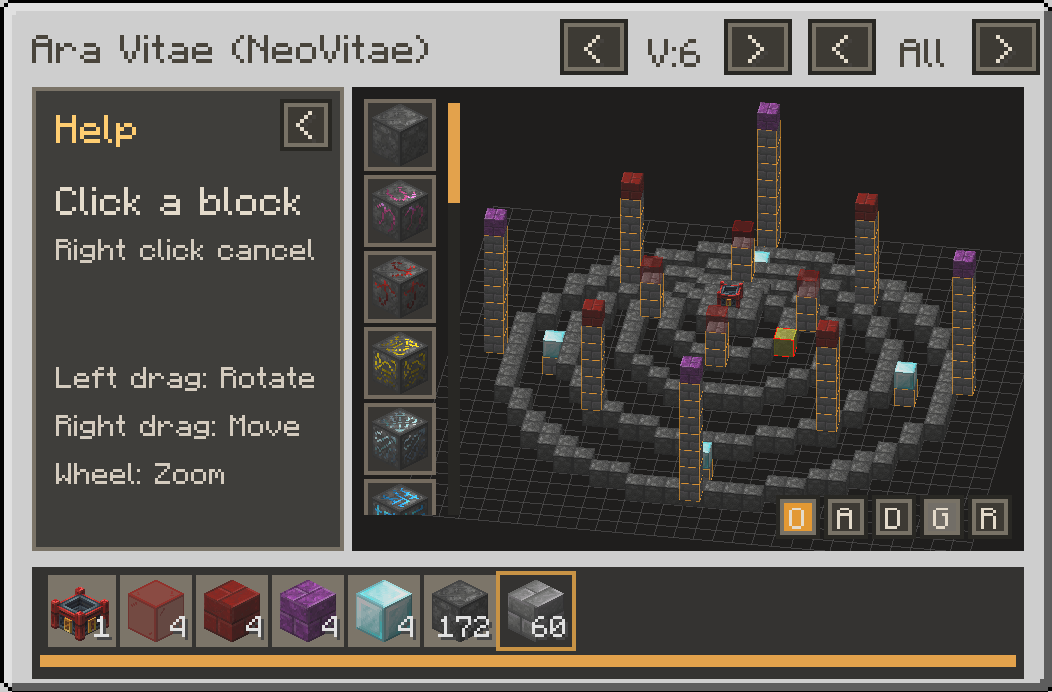
Universal Multiblock Viewer lets players explore multiblock structures directly in JEI and EMI. Rotate, pan, zoom, inspect layers, check materials, and see valid block alternatives without leaving the recipe viewer.
Companion Guide Packs
Ready-made multiblock guides are available as separate optional resource packs:
Install the pack for a supported mod alongside Universal Multiblock Viewer to add its guides. More guide packs can be added independently without updating the mod itself.
What This Mod Does
Universal Multiblock Viewer is a visual guide, not a mod that adds functional multiblock machines. It displays structures from existing mods to help players build them correctly. It does not form machines, change recipes, or interfere with the original mod's mechanics.
Guides are supplied through JSON definitions. Installing Universal Multiblock Viewer alone does not automatically add guides for every multiblock in a modpack.
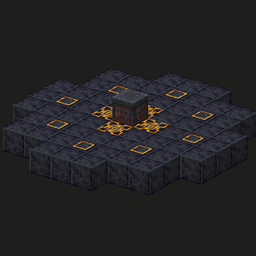
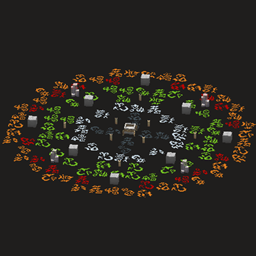
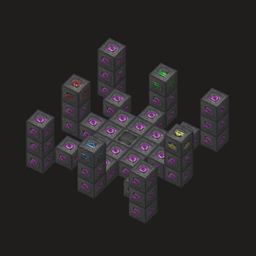
The Celestial Orrery shown in screenshots is a fictional example structure created to demonstrate the viewer. It is not a functional machine added to Minecraft.
Features
- Interactive 3D preview: Rotate, pan, zoom, reset the view, change the background, and optionally show a floor grid.
- Layer and variant controls: Examine individual layers, the whole structure, and alternative configurations or tiers.
- Clear block information: Click a block to inspect its accepted alternatives, including tag-expanded choices.
- Materials palette: See required materials and quantities, optional blocks, and reusable tools. Click item icons to open their normal JEI or EMI recipe lookups.
- Preview highlights: Hover a material to highlight every matching visible position in the 3D preview.
- Guide discovery: Open guides through configured
U and R lookups, use tooltip hints on linked items, or browse the in-game guide list.
- JEI and EMI support: Works with JEI, EMI, or both installed.
Creating and Installing Guides
Guides are JSON files created by modpack authors and guide creators. No custom Java code or animated tutorials are required.
Install definitions in either location:
- Resource pack:
assets/your_namespace/universal_multiblock_viewer/multiblocks/your_structure.json
- KubeJS:
kubejs/assets/your_namespace/universal_multiblock_viewer/multiblocks/your_structure.json
Definitions are client-side resources. Every player who should see a guide needs the resource pack or KubeJS assets installed on their own client. They are not automatically sent by a server.
See the JSON Authoring Guide for the complete format, examples, lookup rules, optional blocks, block states, material mappings, and reusable tools.
Future Plans
Potential future additions include more companion guide packs, easier creator tools, in-game structure capture, and compatibility with additional structure-definition formats where practical.
Minecraft 1.21.1 | NeoForge | JEI / EMI