


Traveler's Chest
- By

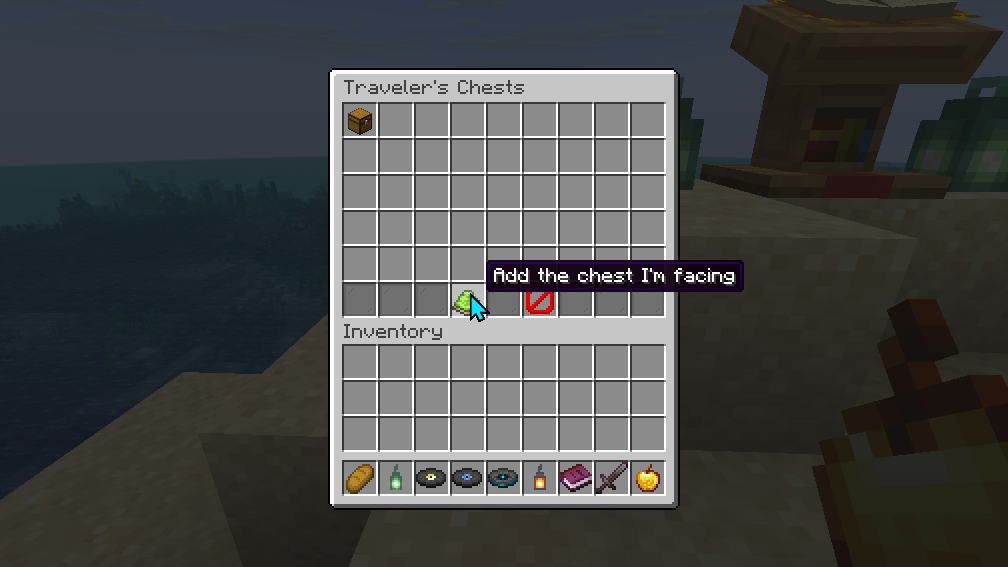
Away from any Traveler's Chest, /chests lists every one on the server. The lime dye adds the chest you face, after you name it in an anvil.
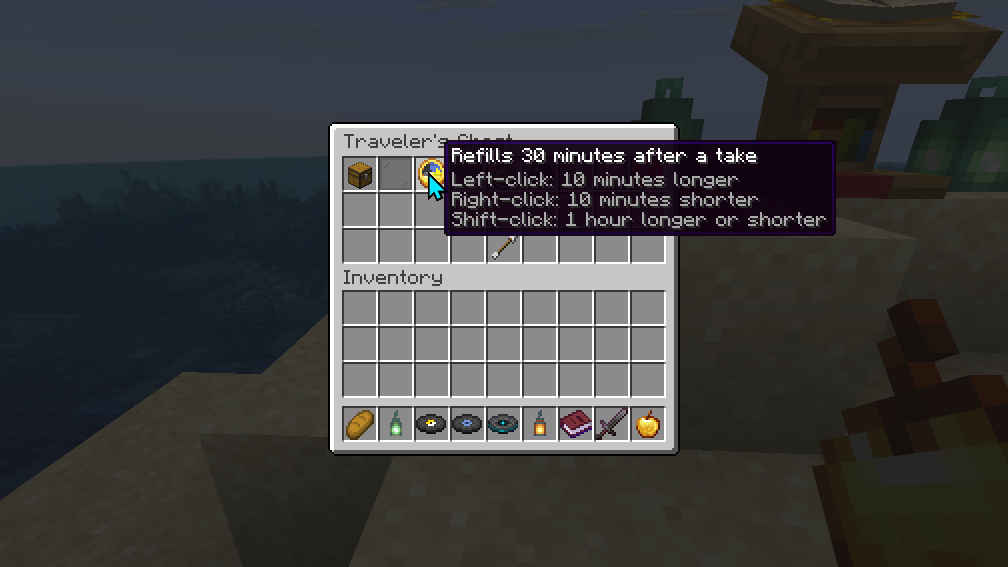
Facing a Traveler's Chest, /chests opens its menu. The clock sets how long after the first take it refills: 10 minutes a click, or an hour with shift.
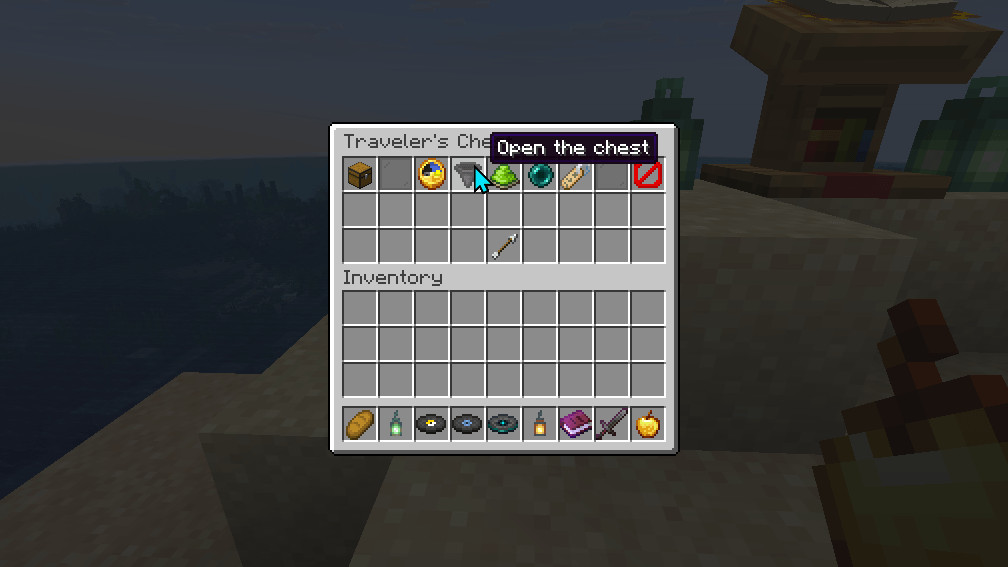
Open the chest shows the chest's own slots from anywhere, refilled first, so you can change its items.
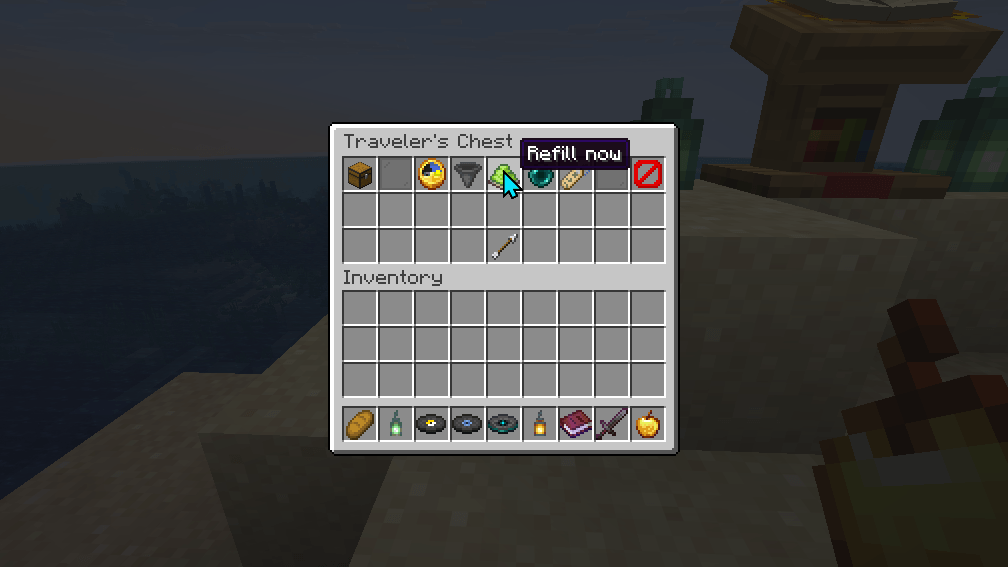
Refill now puts the chest's saved items back at once, without waiting out the cooldown.
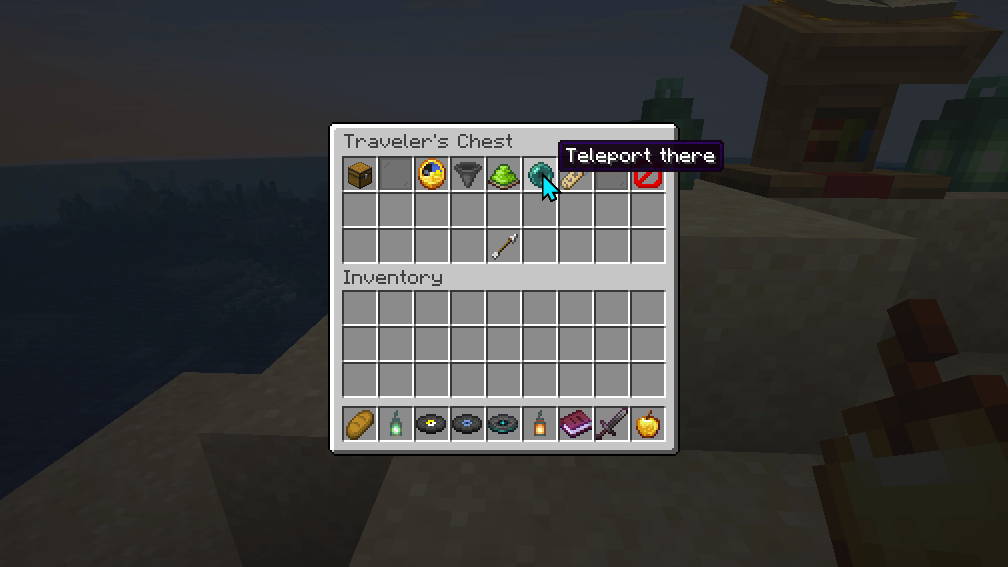
Teleport there takes you to the chest, in front of it and facing it, in any dimension.
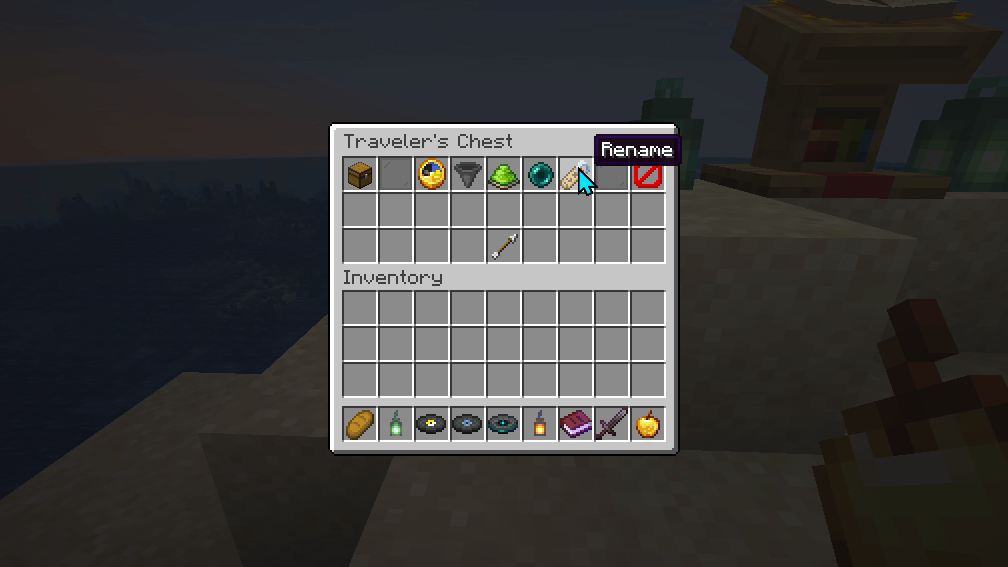
Rename opens an anvil holding the chest's name. The new name is written onto the chest, so players see it as its title.
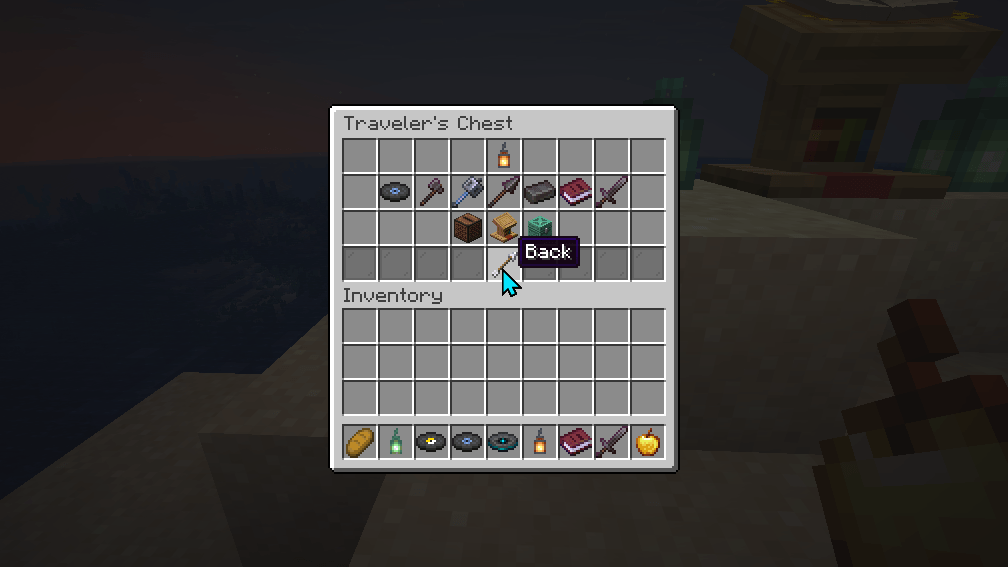
The chest's own slots, opened from its menu. Move items in and out as at the chest. Back or Esc returns to the menu, and asks whether to save the items if you changed them.
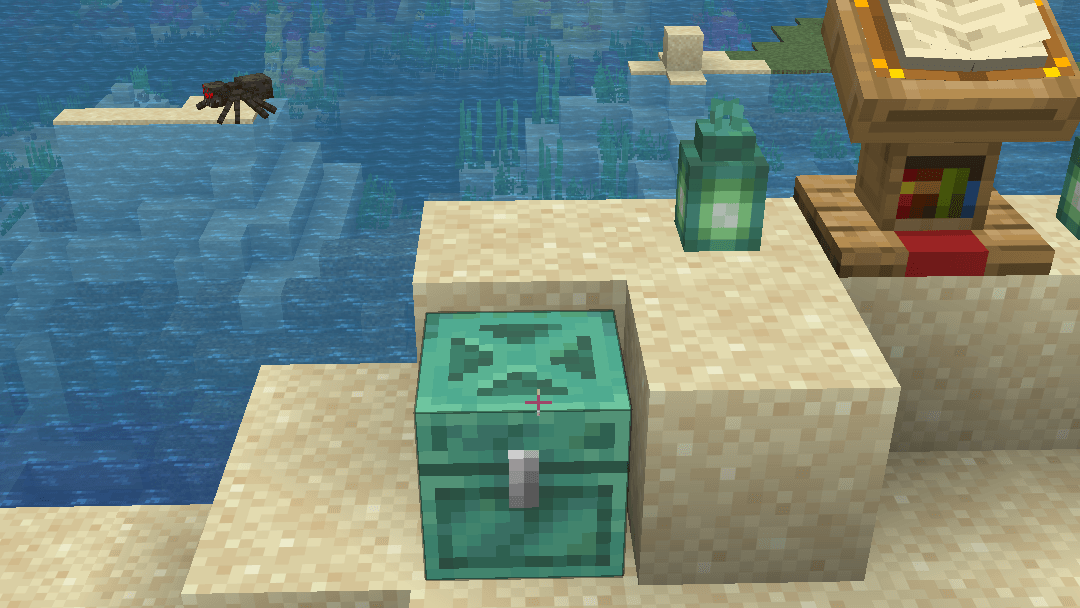
A Traveler's Chest is a chest block players already know, here beside a Traveler's Lectern, and they open it with no client mod.