


TrafficCraft: Highway Signs addon
- By
Customizable highway signs for TrafficCraft, with in-game editor.
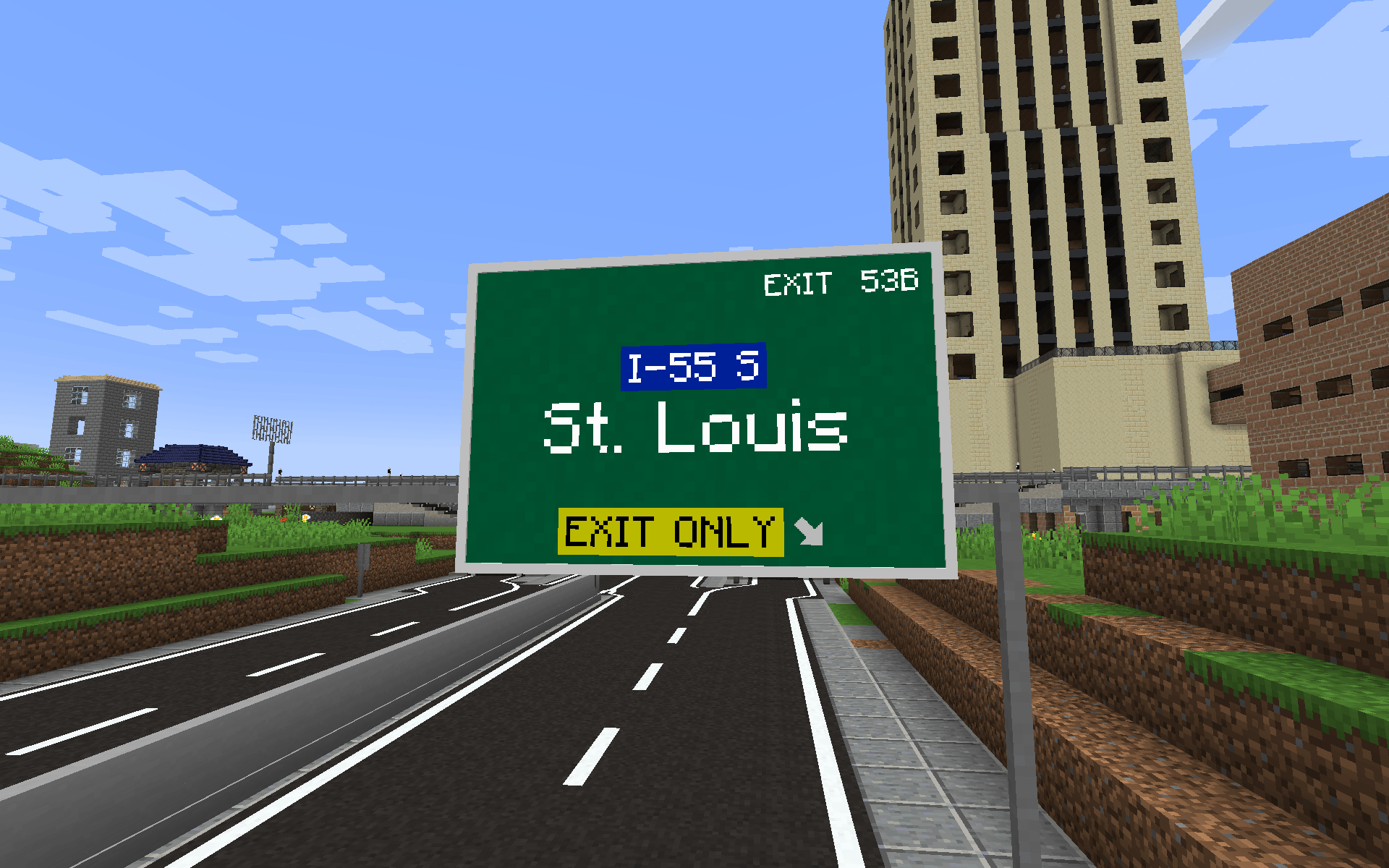
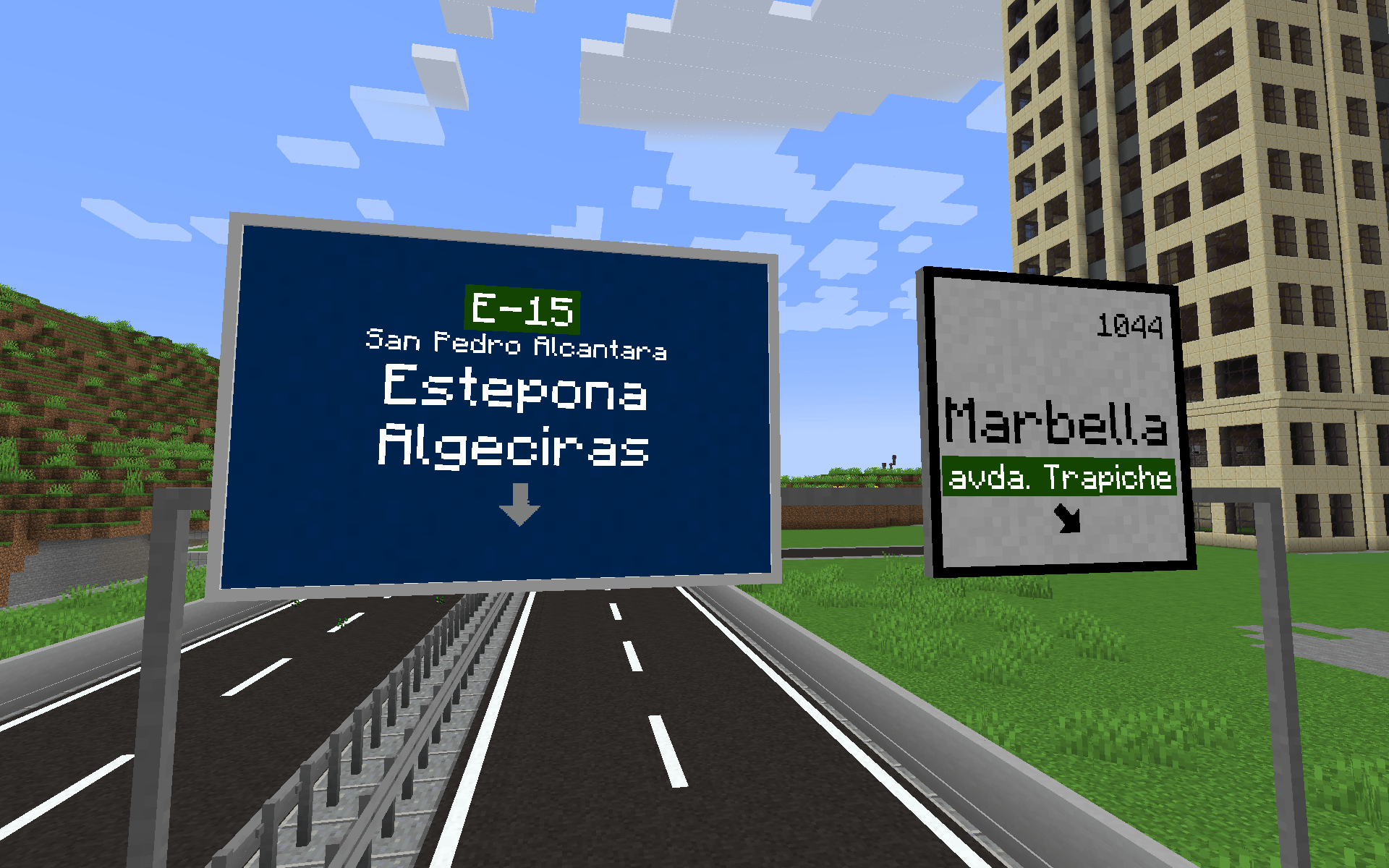
Description
Highway Signs addon for TrafficCraft
TrafficCraft addon that adds customizable highway signs to TrafficCraft mod. Add custom text in different sizes, change colors and backgrounds, add arrows and more. From 1x1 to 4x3 blocks size.
- Requires: TrafficCraft
1.20.1-beta-1.2.0+, DragonLib, Architectury API (and Forge Config API Port on Fabric)
How to use
- Craft or take the Highway Sign from TrafficCraft's creative tab.
- Place it on the side of a TrafficCraft sign post. The sign must have a post directly behind it:
- on a vertical post, any side works;
- on a horizontal post (gantry), only the two sides across it.
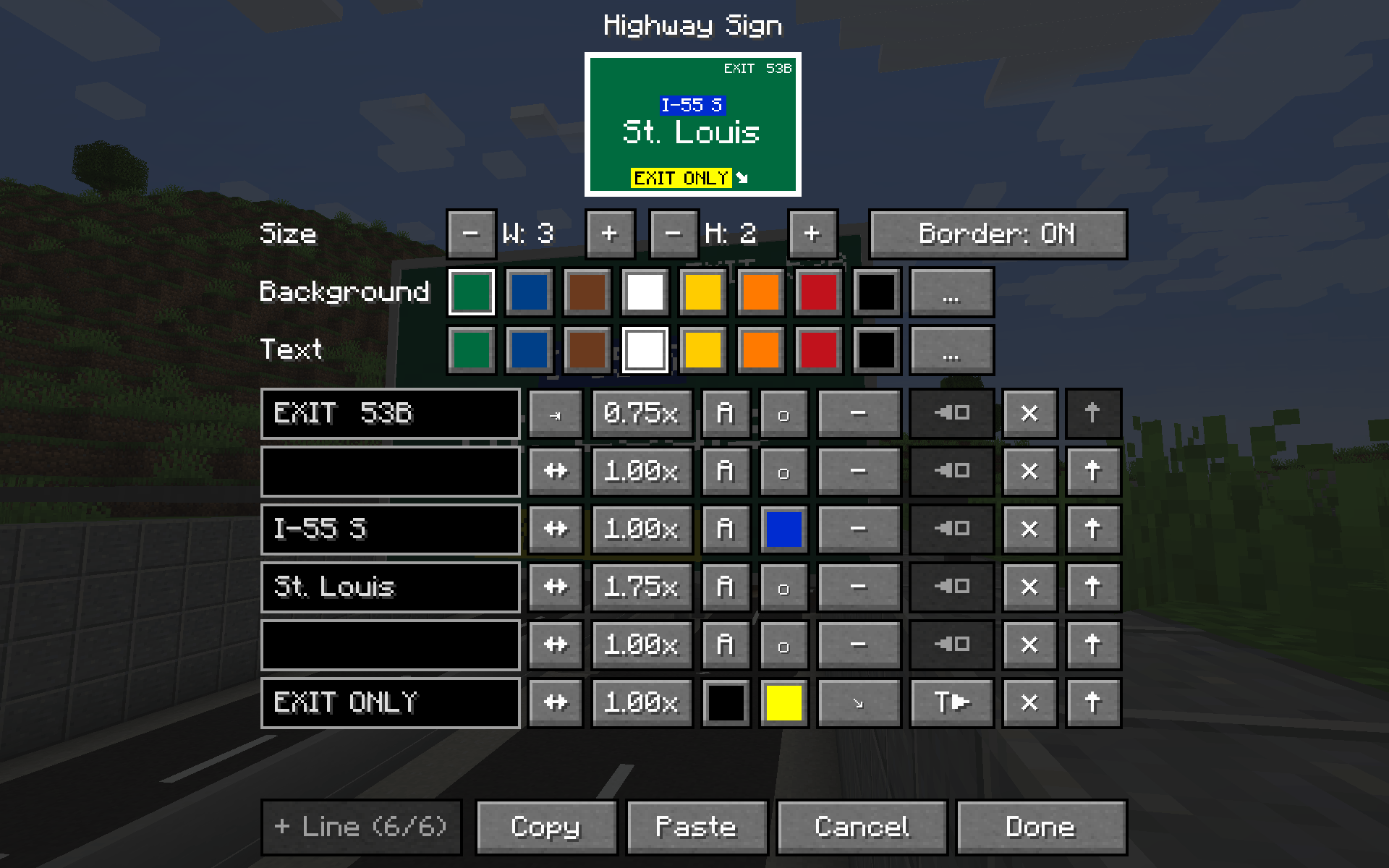
- Right-click the sign with a wrench to open the editor. In the editor you can set:
- size, from 1×1 to 4×3 blocks (width × height);
- colors and lines: 3 lines per block of height, 48 characters per line;
- per-line arrows, alignment, text size and colors;
- copy/paste of a whole sign.
- Changes apply when you press Done. At least one block of the resized sign must still be on a post.
Breaking any block of a sign removes the whole sign.
TrafficCraft: Highway Signs addon Team
