image_2026-10-06_011603923.png
Description
Tractor Beam Elevators
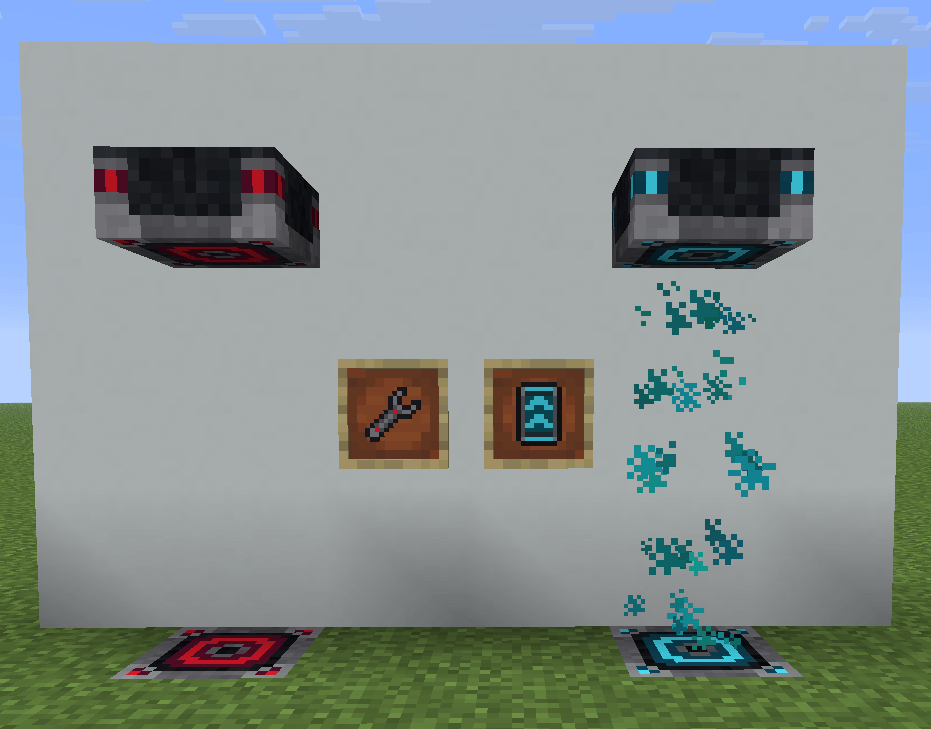
Create a sci-fi elevator using two linked Elevator Pads and a visible energy beam. Travel between floors without a moving platform, customize your beam's color, and install upgrades for faster transport.
Build and connect
Place a lower pad facing upward and an upper pad facing downward in the same vertical column. Each pad supports four orientations: upright or upside down in either the top or bottom half of a block.
New pads start disconnected. Use the Configurator Wrench to select the first pad, then right-click the second to link them. The wrench changes appearance while holding a selection and resets after a successful connection. Invalid connections keep your selection so you can try again.
Travel controls
Enter nearer the bottom pad to rise automatically, or nearer the top pad to descend.
-
Ctrl or crouch while rising: reverse downward.
-
Space while descending: reverse upward.
-
Reversing keeps the same travel speed.
-
Your direction stays selected after releasing the key.
-
Walk sideways to leave the beam with normal movement control.
Controls follow Minecraft's Sprint, Sneak, and Jump key bindings.
Customize your elevator
-
Apply dyes to change the beam's color.
-
Install Speed Upgrades on either linked pad. Each upgrade increases the current speed by one third.
-
Transport mobs, animals, and other creatures that fit between the pads. Creatures receive strong sideways restraint, while players remain free to exit.
-
Disable the beam with redstone power on either pad.
-
Access the mod's items through its dedicated creative tab.
Target version: Minecraft 26.1.2 with NeoForge 26.1.2.99.
Tractor Beam Elevators Team