!!! DEPRECATED !!!
This mod won't be updated to 1.18.2 !
From Minecraft 1.18.2 onwards this mod will be available as a datapack. This way it's compatible with Vanilla, Fabric and Forge!
Check out the Datapack here => Towers of the Wild: Reworked (Datapack)
Towers of the Wild: Reworked

This mod/datapack is based on the popular Forge Mod Towers of the Wild,
so all credits go to the original Author idrae_.
We really wanted to use this mod on 1.17+ so we decided to port it.
First, it started as as a Fabric Mod. Starting with version v3.0.0, it's available as a Vanilla Datapack, which means you don't even need any modloader!
Check out the Datapack here => Towers of the Wild: Reworked (Datapack)
Getting started




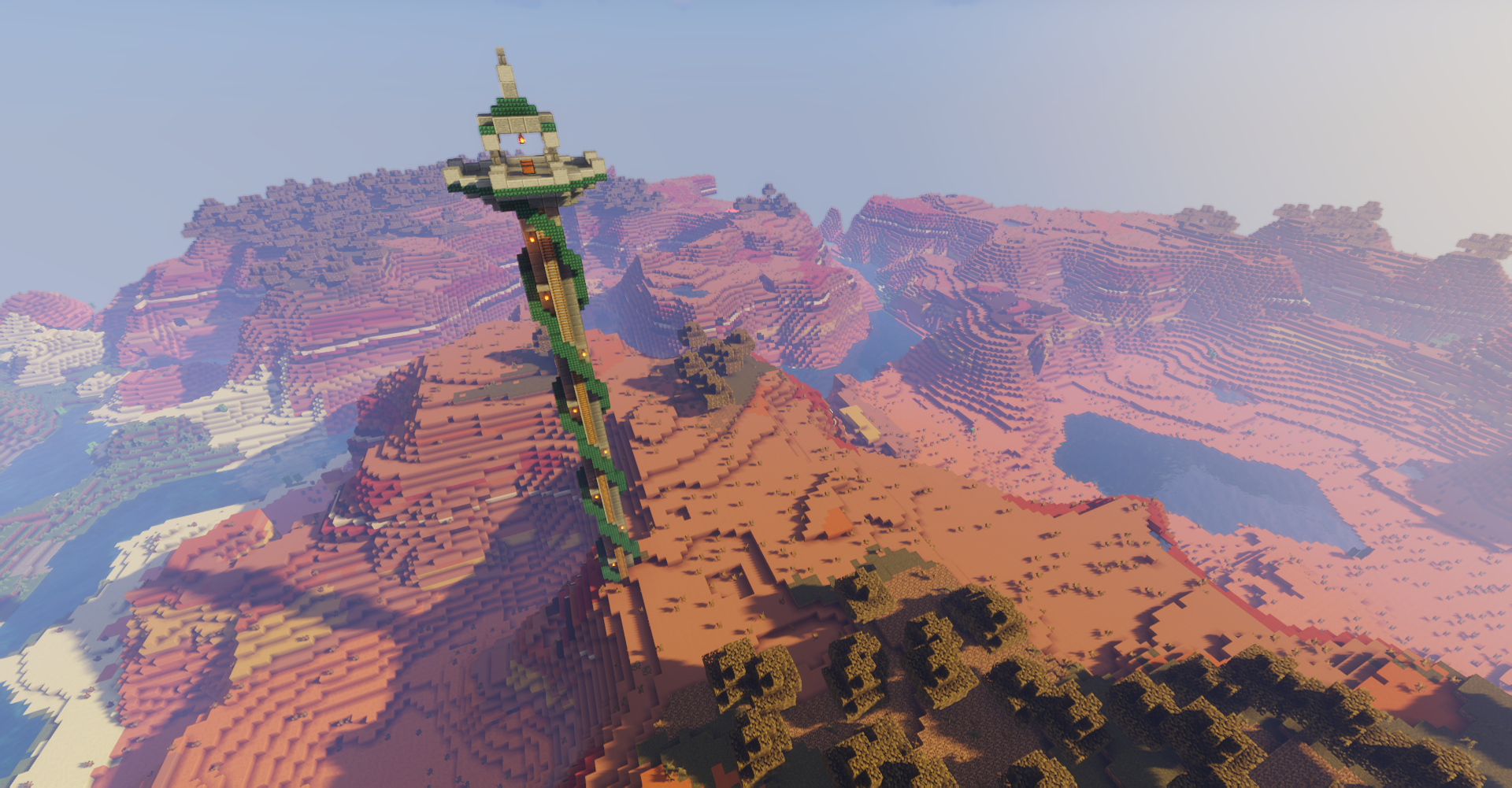
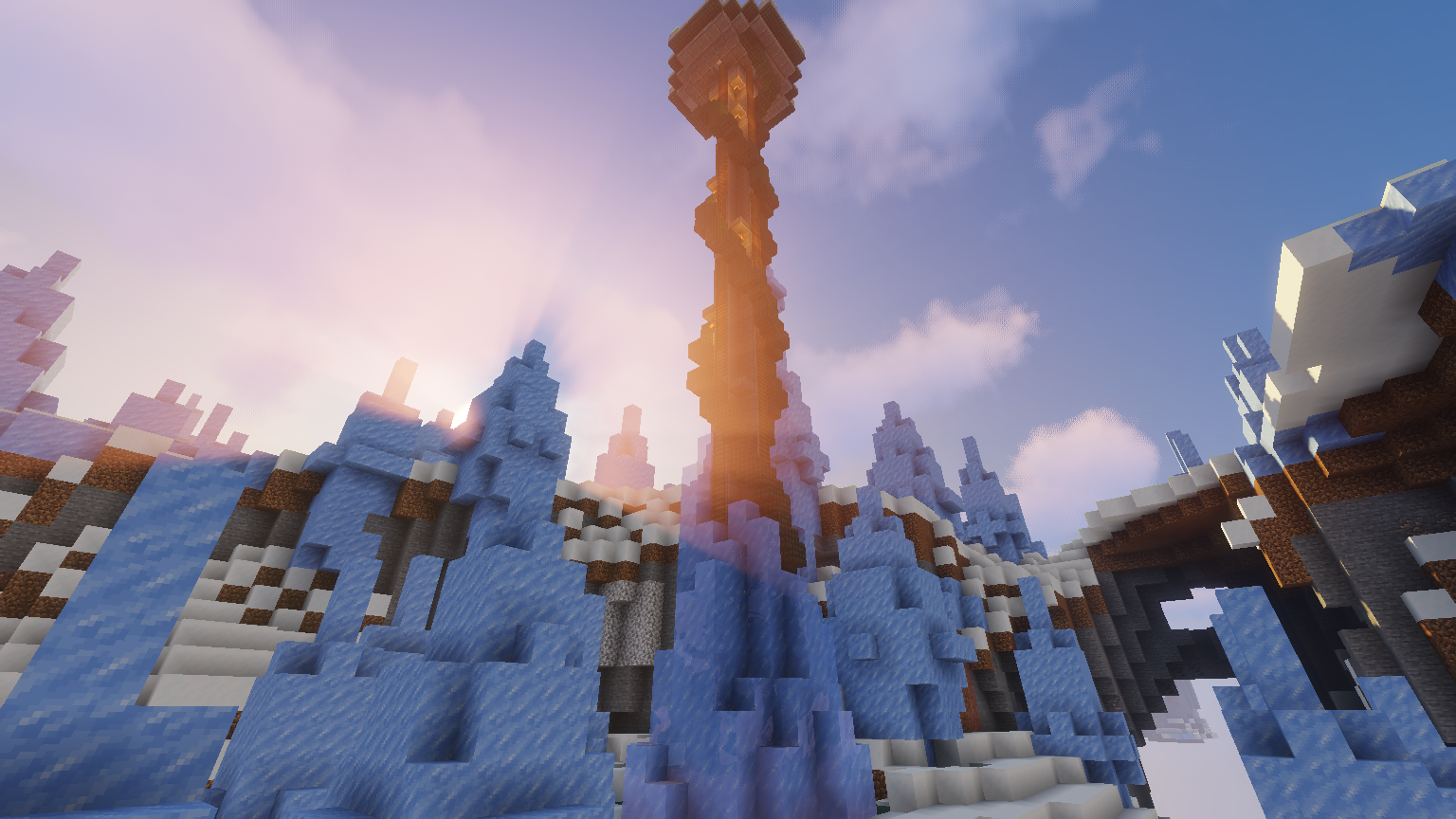
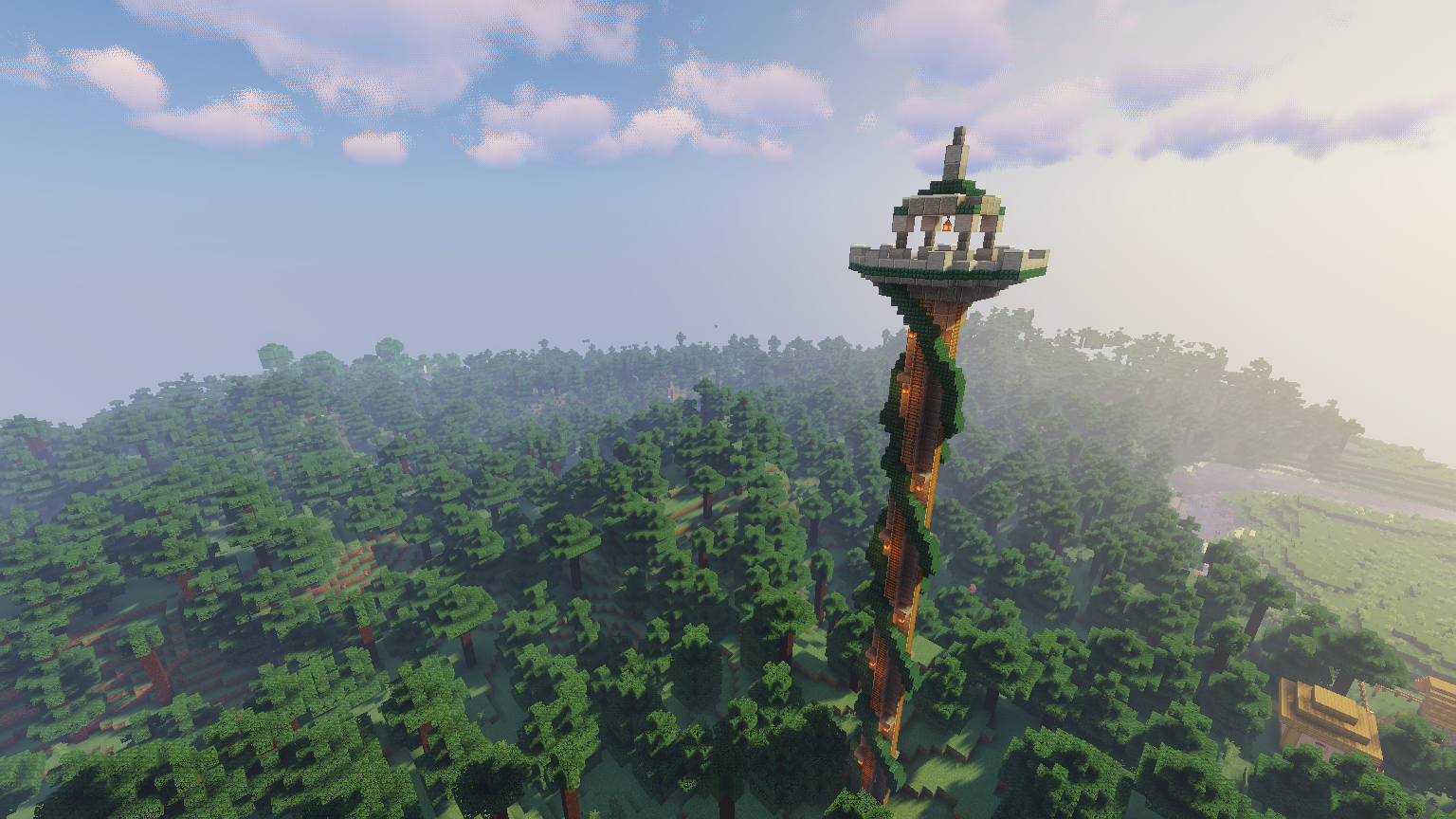
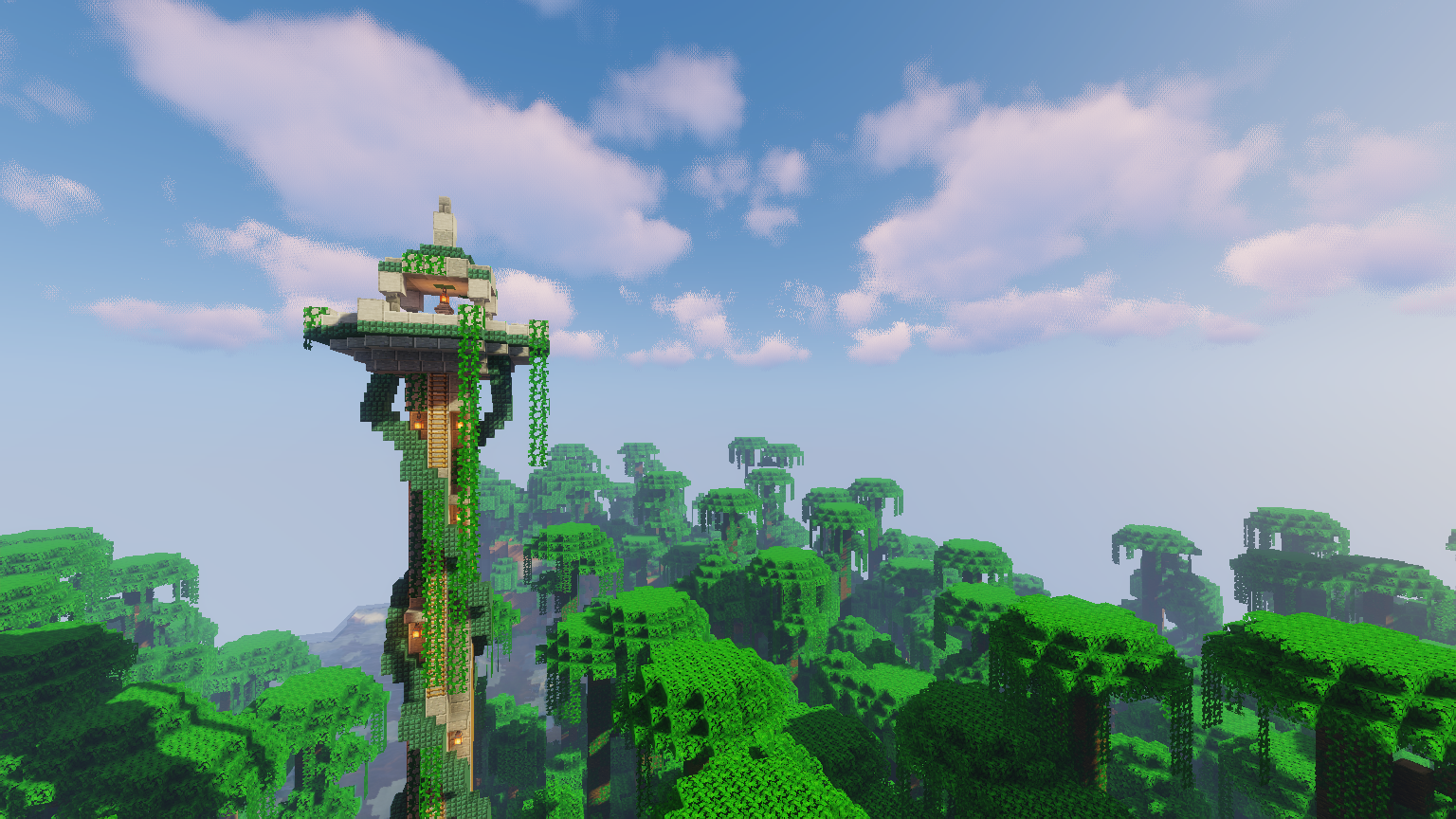
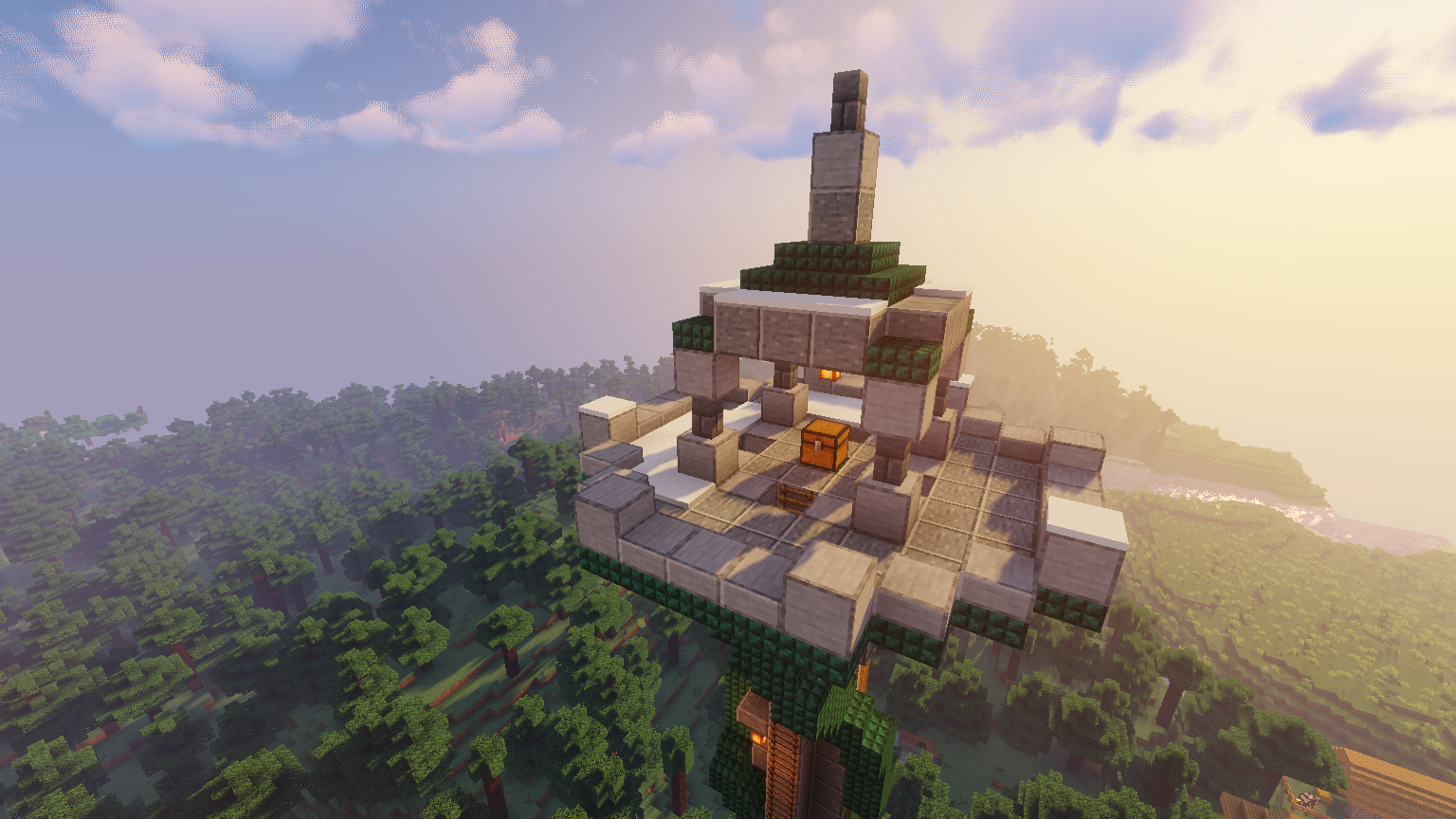
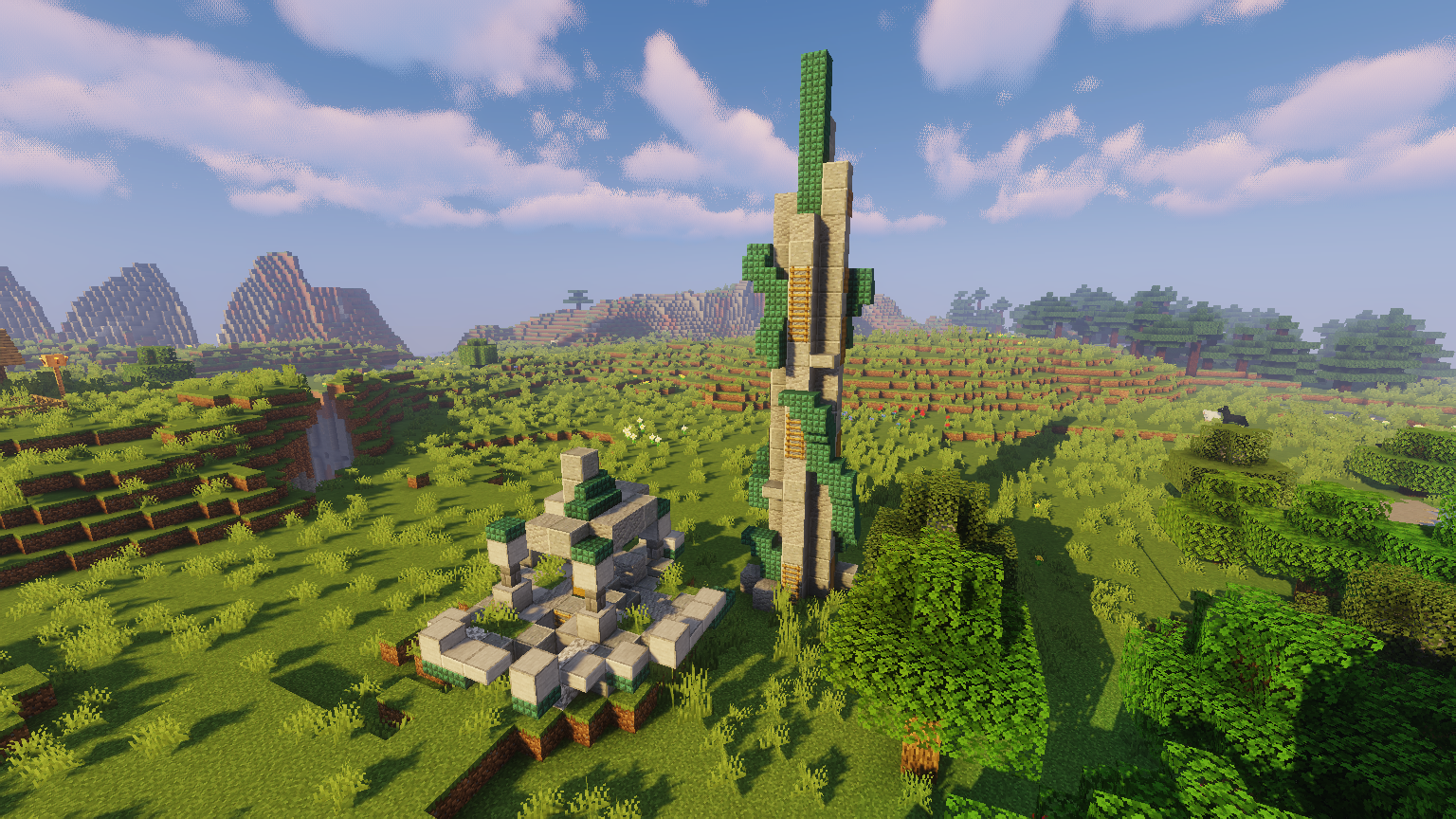
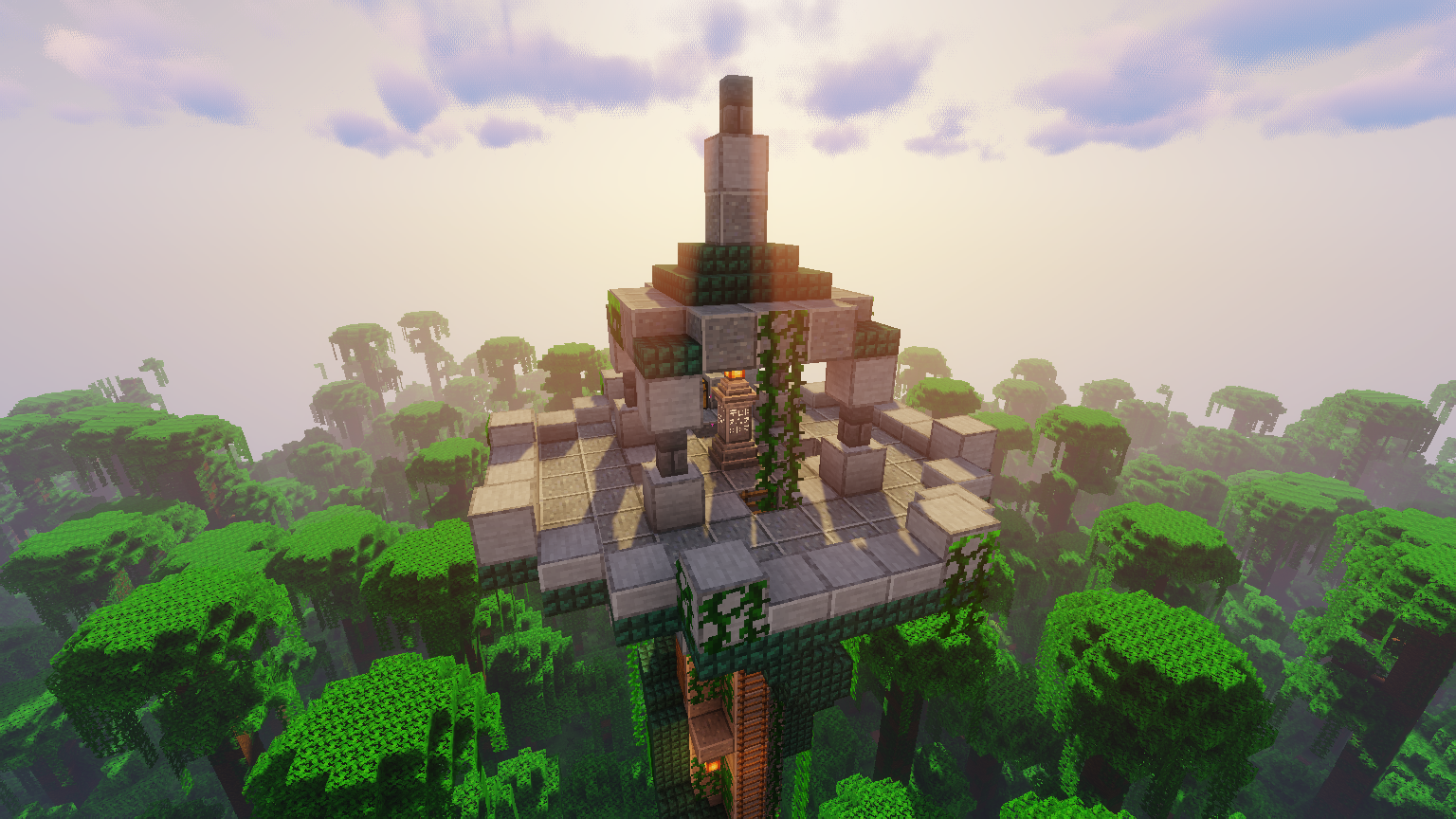
This mod adds tall towers in your world, inspired by The Legend Of Zelda: Breath Of The Wild.
This will make your explorations a bit more exciting !
At the top of the tower (which is purposely not so easy to climb), you will find a chest with some loot, as well as a nice view :)
Plus, it is also compatible with the Waystones (Fabric Edition) and Fabric Waystones mod. If you have one of these mods installed a waystone will spawn on top of each tower.
This mod does not add any blocks or items to the game (if that matters to you).


Features
- If Waystones (Fabric Edition) or Fabric Waystones mod is active, waystones can spawn on top of each tower! (Only install one of them!)
- Randomly generating Towers in your world
- Great loot on top of every Tower!
- Multiple Tower types
- Advancements for every tower (Can you climb all of them?)
How to install
Prerequisite:
Simply put the file towers_of_the_wild-*.jar inside you mods directory.
How to configure
The mod generates the file .minecraft/config/towers_of_the_wild_reworked.json.
There you can set a multiple of things:
- Should the tower type be active?
- What should be the spacing (in chunks)?
- What should be the separation (in chunks)?
- Do you want Waystones on top of towers?
- Some debugging stuff
!!! Important !!!
The spacing has to be higher than the separation!
Credits