TotemDoll
- By
Lets you replace the appearance of the Totem of Undying with selectable Minecraft-style dolls
Overview
Totem Doll lets you replace the appearance of the Totem of Undying with selectable Minecraft-style dolls and other custom models. Built-in styles, custom skins, dynamic textures, and bone animations can all be used without changing the Totem's original survival effect.
Idle animation in hand
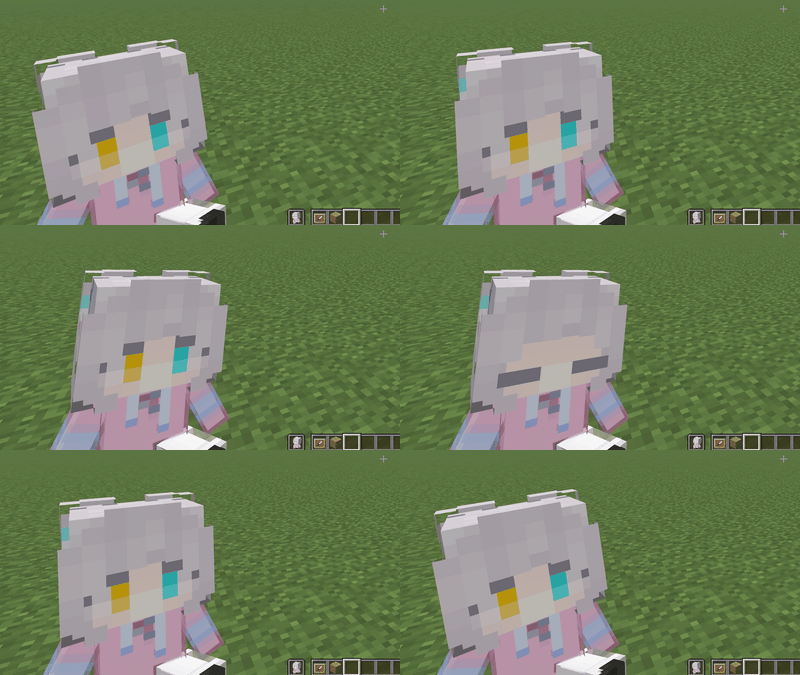
The doll can play an idle animation while held by the player.
Totem activation animation
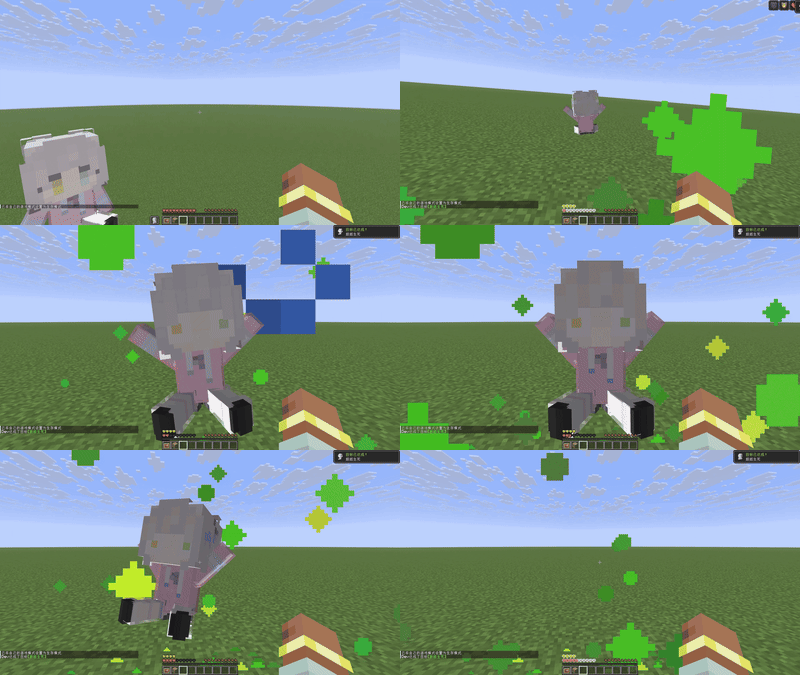
The doll can play a special animation when the Totem of Undying is activated.
Configuration screen animation
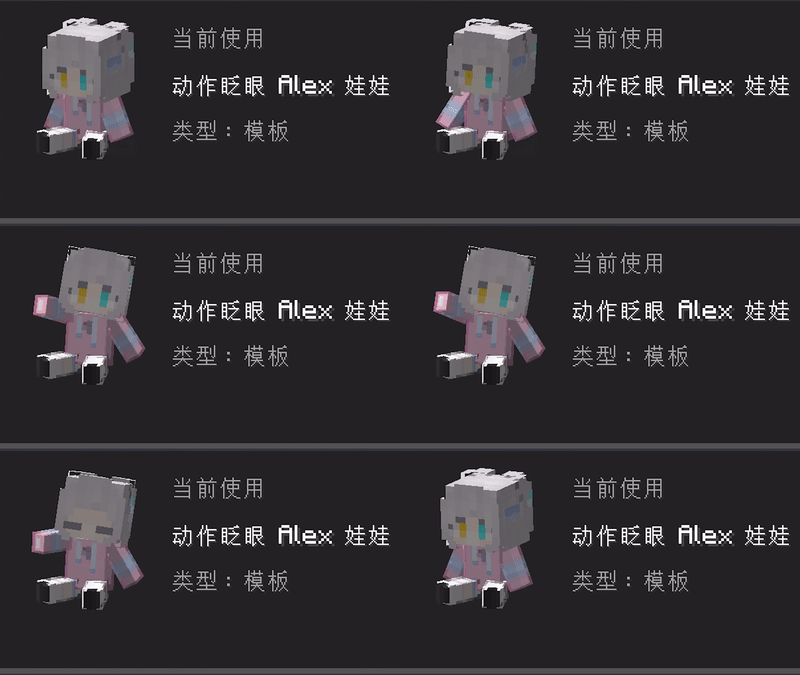
Some styles can play an animation when the F9 configuration screen is opened.
Features
- Built-in Alex, Steve, and other Minecraft-style doll templates
- Dynamic textures, such as blinking.
- Bone-based models and animations
- Rendering in first person, third person, the inventory, dropped items, and item frames
- Custom player skins and locally saved personal styles
- ZIP style-pack import
- Client-side only; the server does not need to install Totem Doll
- The Totem of Undying keeps its original survival behavior
Usage
- Install the Fabric or NeoForge version matching your Minecraft version.
- Launch the game and press
F9to open the Totem Doll configuration screen. - Choose a built-in template or one of your personal styles.
- Click Use to apply the selected style immediately.
To create a personal style, choose a template that supports custom skins, select a standard 64×64 Minecraft skin PNG, enter a name, and save it. Personal styles are stored locally and remain available after restarting the game.
To import a style pack, use Import Style Pack in the configuration screen and select a ZIP file. Imported styles can be used directly or used as templates for personal styles.
The TotemDoll Team