Description
Basic Usage:
Press M to enter mob battle mode.
Press ` to Play/Pause the game.
you can change these in vanilla minecraft setting.
While paused:
Hold Mouse Wheel to look around.
While playing:
Hold Left Mouse Button to trigger slow motion.
Hold Right Mouse Button to trigger fast motion.
NOTE: you can only perform action when game is paused.
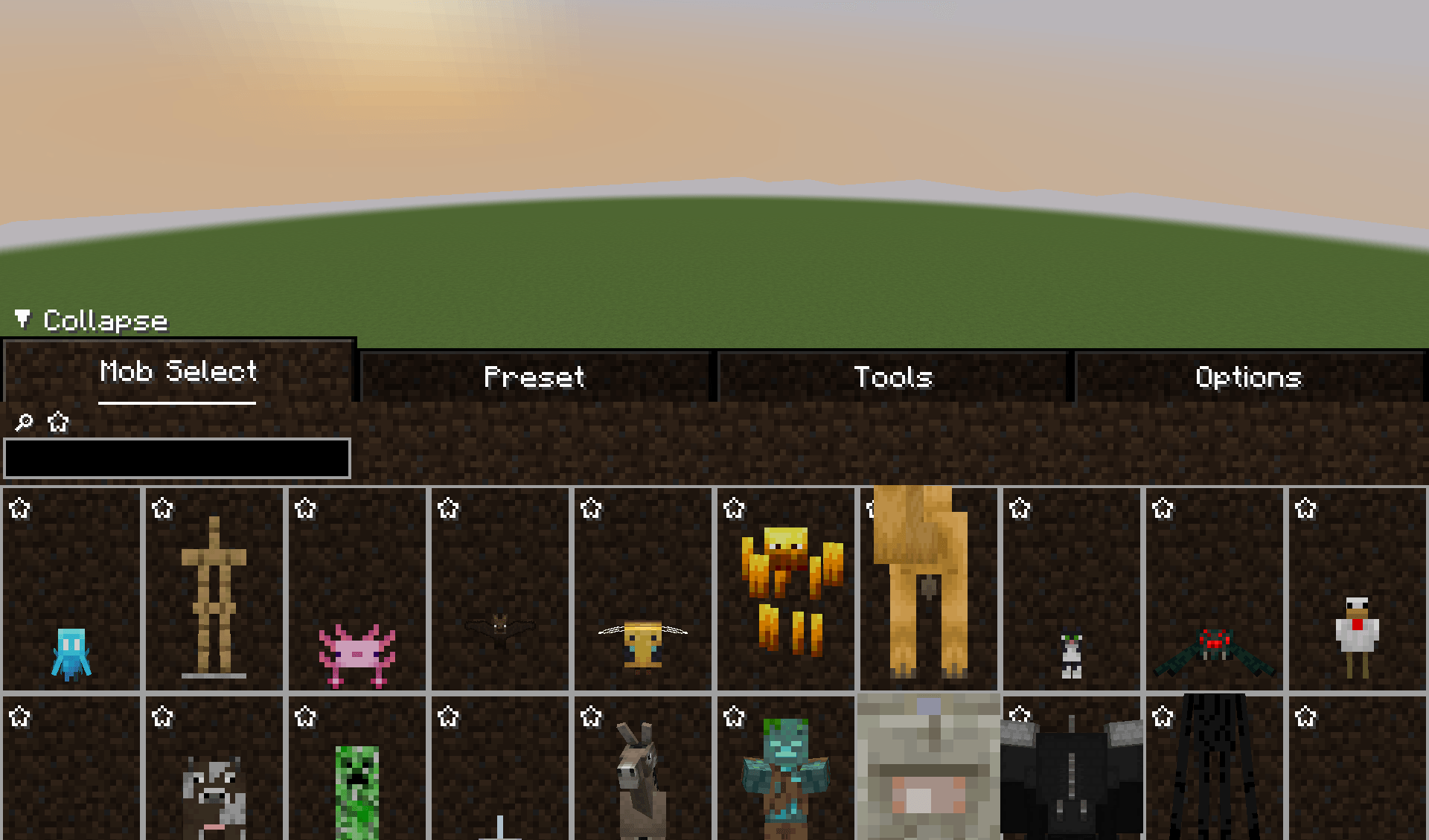
Mob Select Tab:
Click ☆ button in upper left corner to bookmark a specific mob.
Click/Drag with Left Mouse Button to place mob in world.
Click/Drag with Right Mouse Button to remove mob in world.
Hold Left Ctrl to delete non-living entities.
Use @ as a prefix to enable mod id based search.
Use # as a prefix to enable tag based search.
Preset Tab:
Click + to toggle add mode.
Click Left Mouse Button while add mode to add a mob in preset.
Click X button in upper right corner to mark a mob with deletion.
Collapse the tab to delete marked mobs in preset.
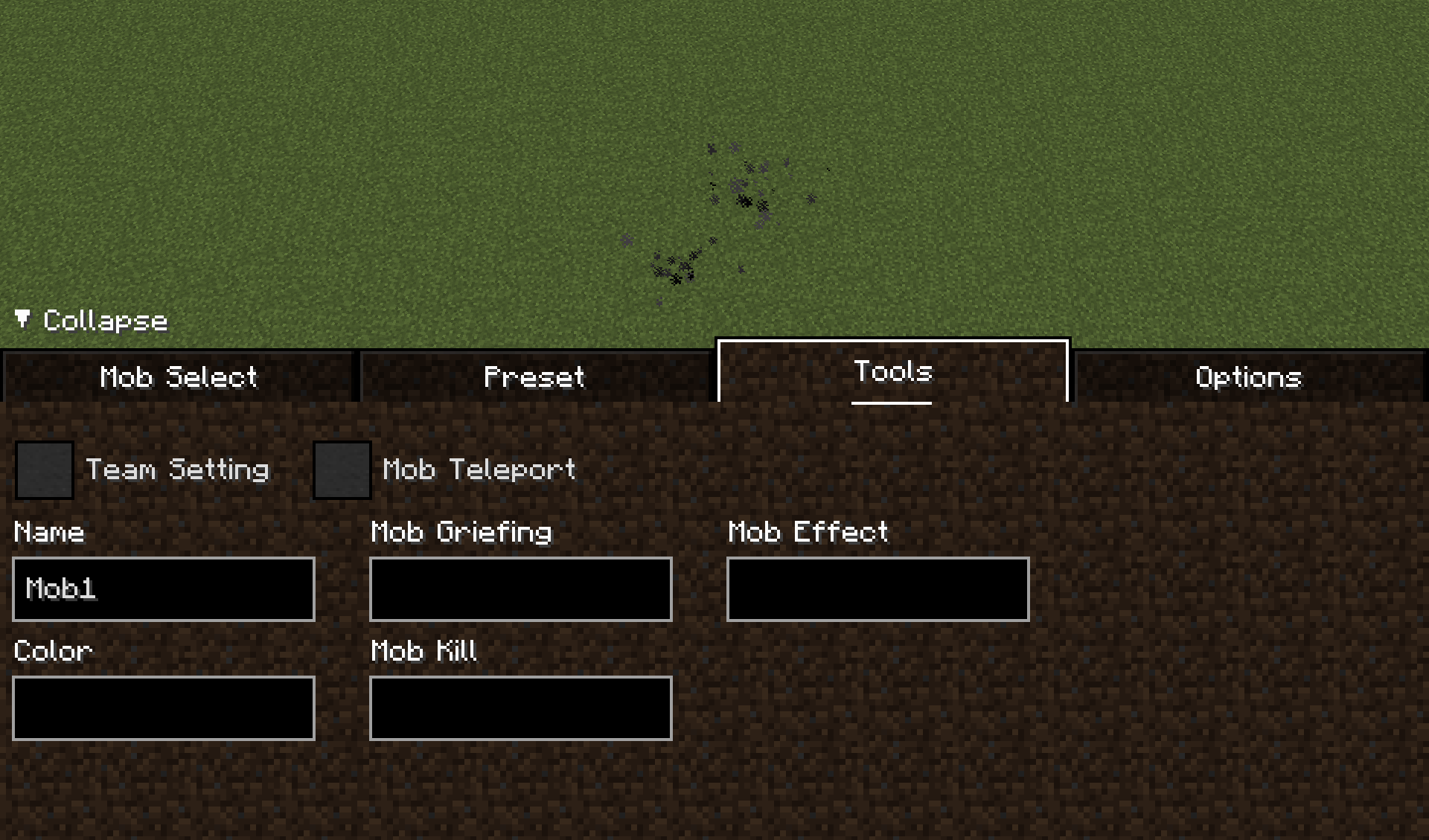
Tool Tab:
Team Setting:
Click/Drag with Left Mouse Button to add mob in team.
Click/Drag with Right Mouse Button to remove mob from every team.
Leaving color box to blank will use white as a default color.
If team doesn't exist already, it will automatically create a new one with given name.
Mob Teleport:
Left Click a mob to select it for teleport.
Left Click a block to teleport selected mob.
Right Click any block to cancel selection.
Mob Griefing:
Prevent checked block from being placed/destroyed/replaced.
Check minecraft:air to completely prevent any kind of mob griefing.
Mob Kill:
Automatically kill checked mob in world.
Mob Effect:
Prevent checked mob effect from being applied.
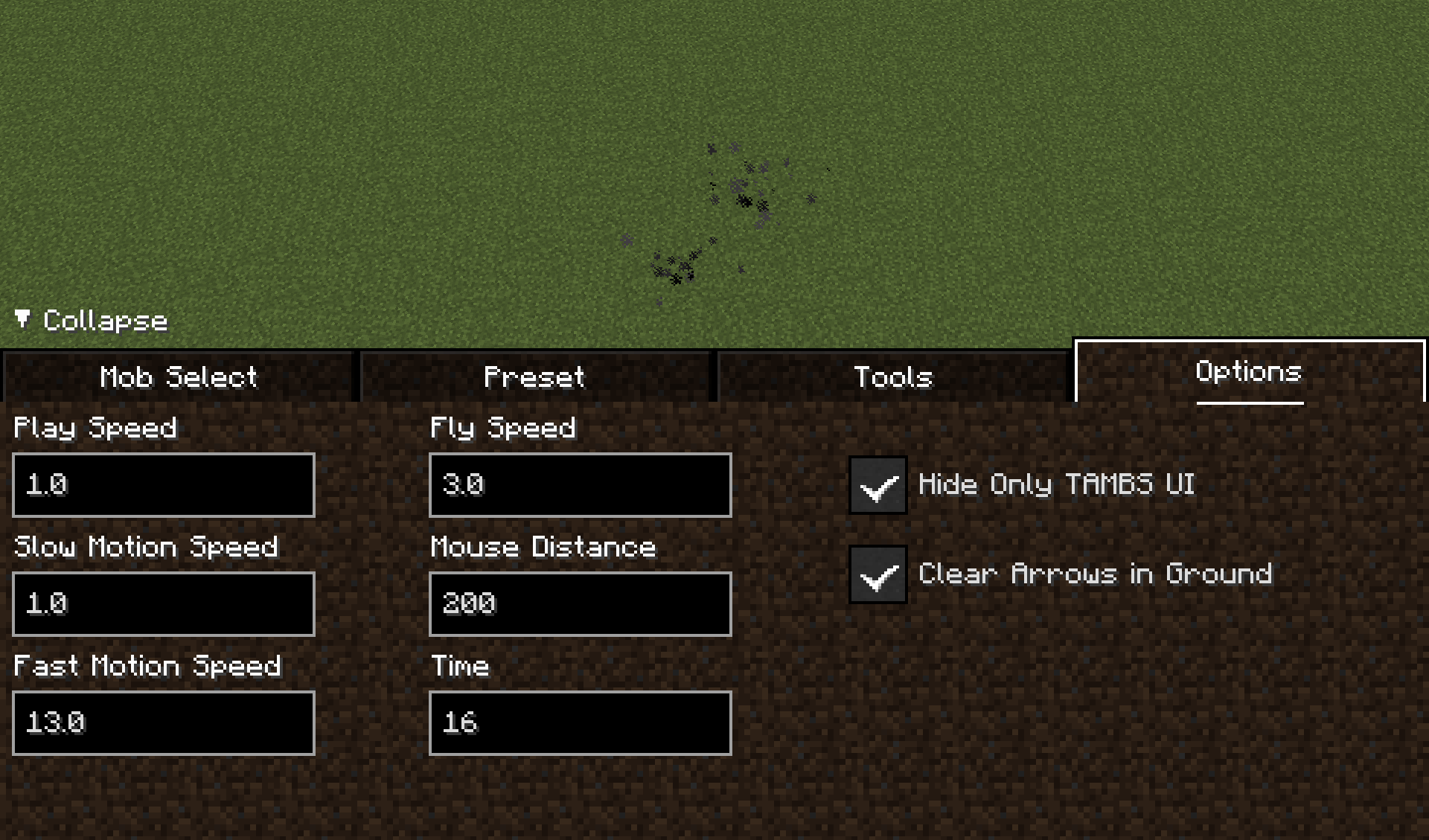
Options Tab:
Play Speed: game speed (tickrate) multiplier in normal state.
Slow Motion Speed: game speed (tickrate) multiplier when triggering slow motion.
Fast Motion Speed: game speed (tickrate) multiplier when triggering fast motion.
Fly Speed: flying speed of player.
Mouse Distance: mouse reach when interacting with world.
Time: forced time while in mob battle mode.
Hide Only TAMBS UI: whether only hide tambs ui when press F1.
Clear Arrows in Ground: automatically remove arrows in ground.
Every settings and datas are saved in config/tambs_options.json
Totally Accurate Mob Battle Simulator Team

Owner