19595463-erfghbthbtrgfeerbfhgt_l.webp
19595469_l.webp
19595468_l.webp
19595466_l.webp
19595465_l.webp
Description
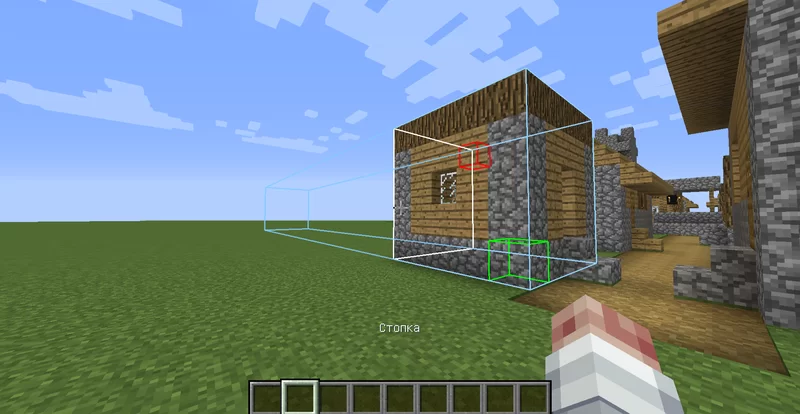
Toows is a modification for Minecraft 1.12.2 (Forge) that adds tools for convenient construction and editing structures. With this mod, you can easily move, copy and stack blocks, as well as extrude areas without having to place them manually.
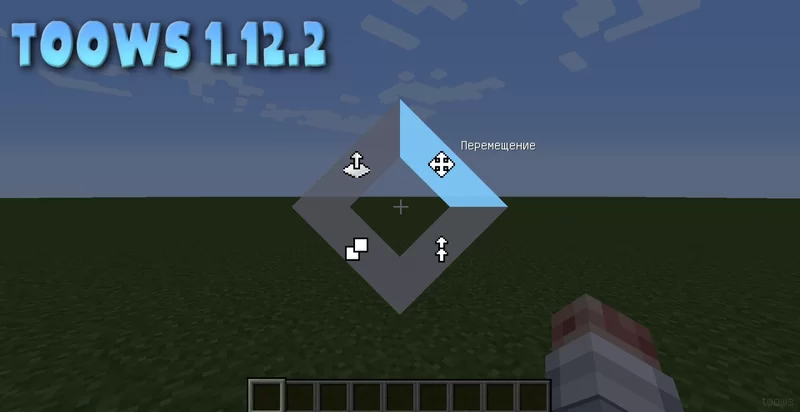
Hold down TAB to open the tools menu.
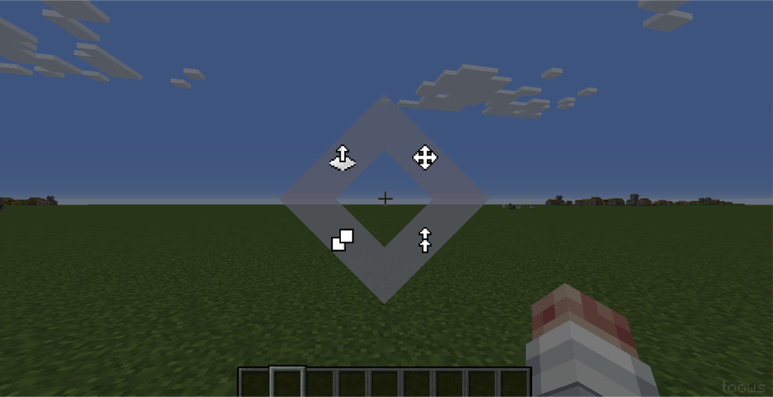
Move Tool:
Left Mouse Button: Mark the first corner of the area.
Right Mouse Button: Mark the second corner, defining the block cuboid.
Mouse Wheel: Adjust the offset (where to move the area).
Right Mouse Button (Apply): Confirm the move.
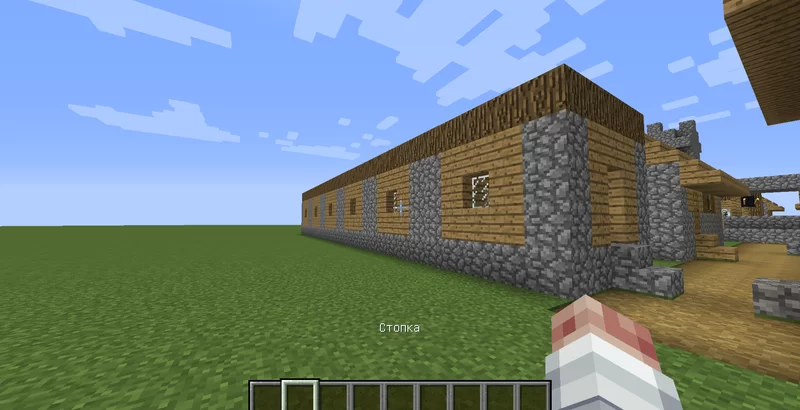
Stack Tool:
Left Mouse Button: Mark the first corner of the area.
Right Mouse Button: Mark the second corner
Mouse Wheel: Determine the number of copies and direction.
Right Mouse Button (Apply): Create the specified number of copies in a row.
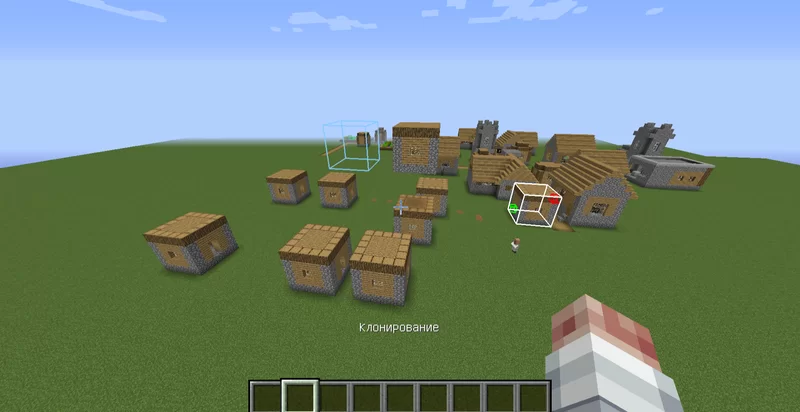
Clone Tool:
Similar to "Move," but the original is not deleted.
Left Mouse Button: Mark the first corner of the area.
Right Mouse Button: Mark the second corner, defining the block cuboid..
Mouse Wheel: Set the offset for the copy.
Right Mouse Button (Apply): Create a copy. You can right-click multiple times to create multiple copies.
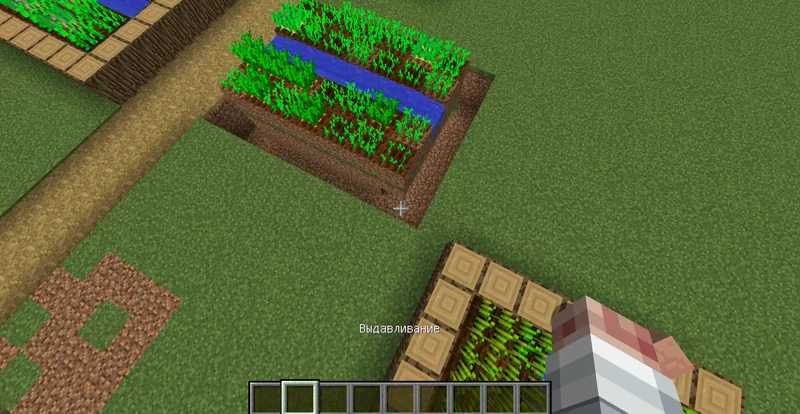
Extrude Tool:
Hover the cursor over a block or its face. The face's direction determines the extrusion axis.
Left Mouse Button: Shrink (compress the area, removing a layer in the direction away from you).
Right Mouse Button: Extrude (add a layer of blocks in the direction away from you).
Undo and Redo:
Ctrl+Z: Undo the last action.
Ctrl+X: Redo the undone action.
The /toows help command: Displays a brief instruction on using the mod in chat.
The mod is under development.
toows Team