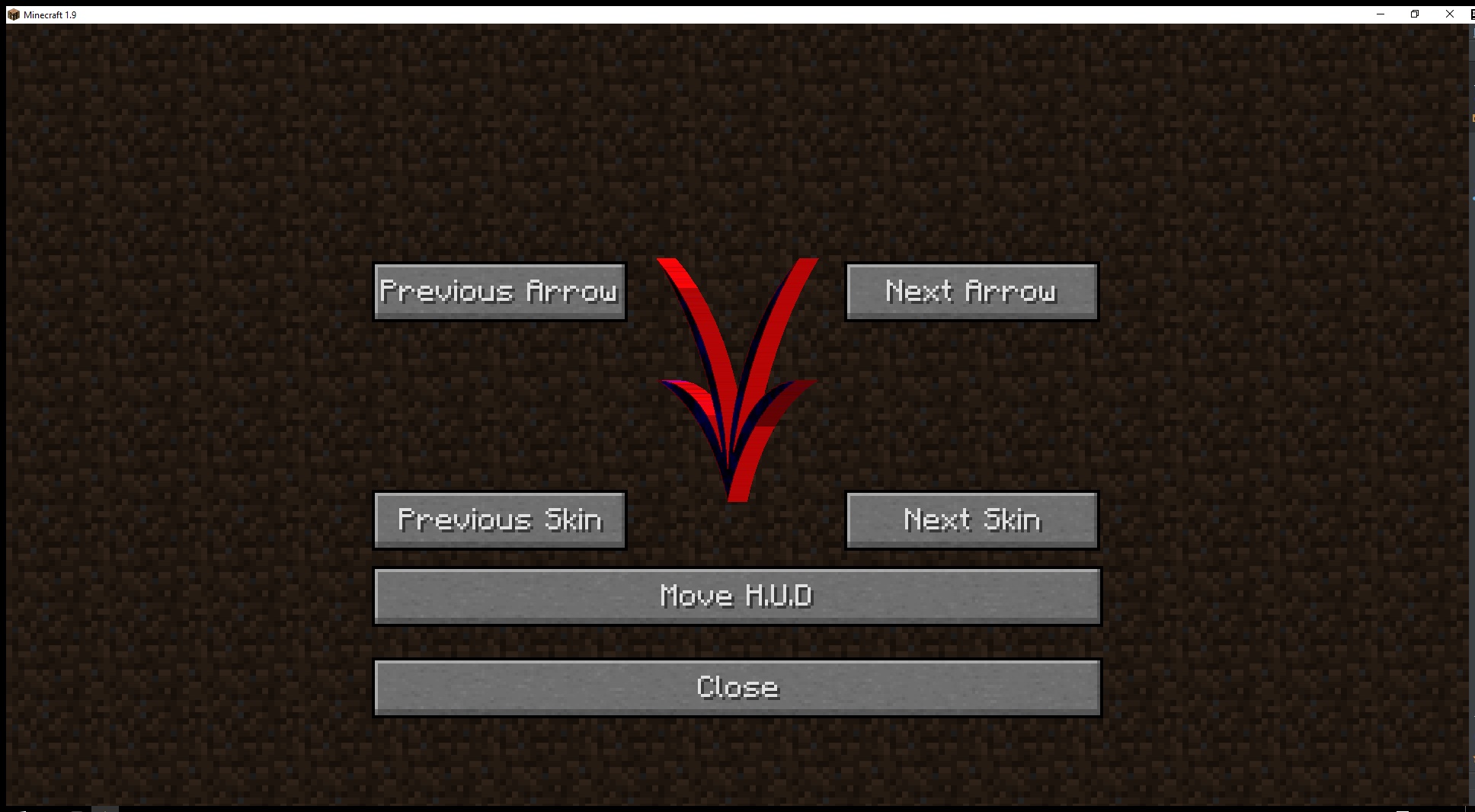
The customize screen.
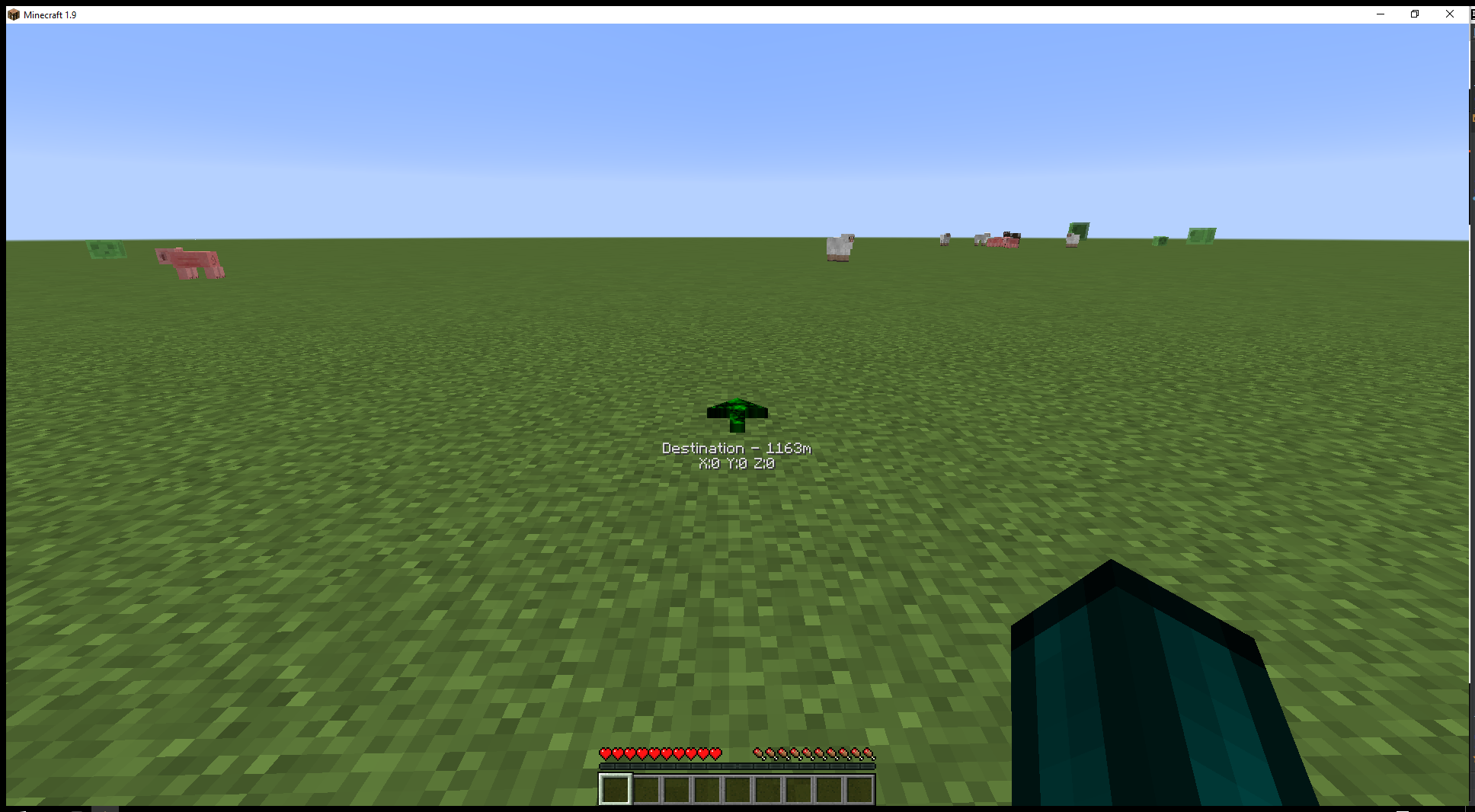
The default navigation arrow.
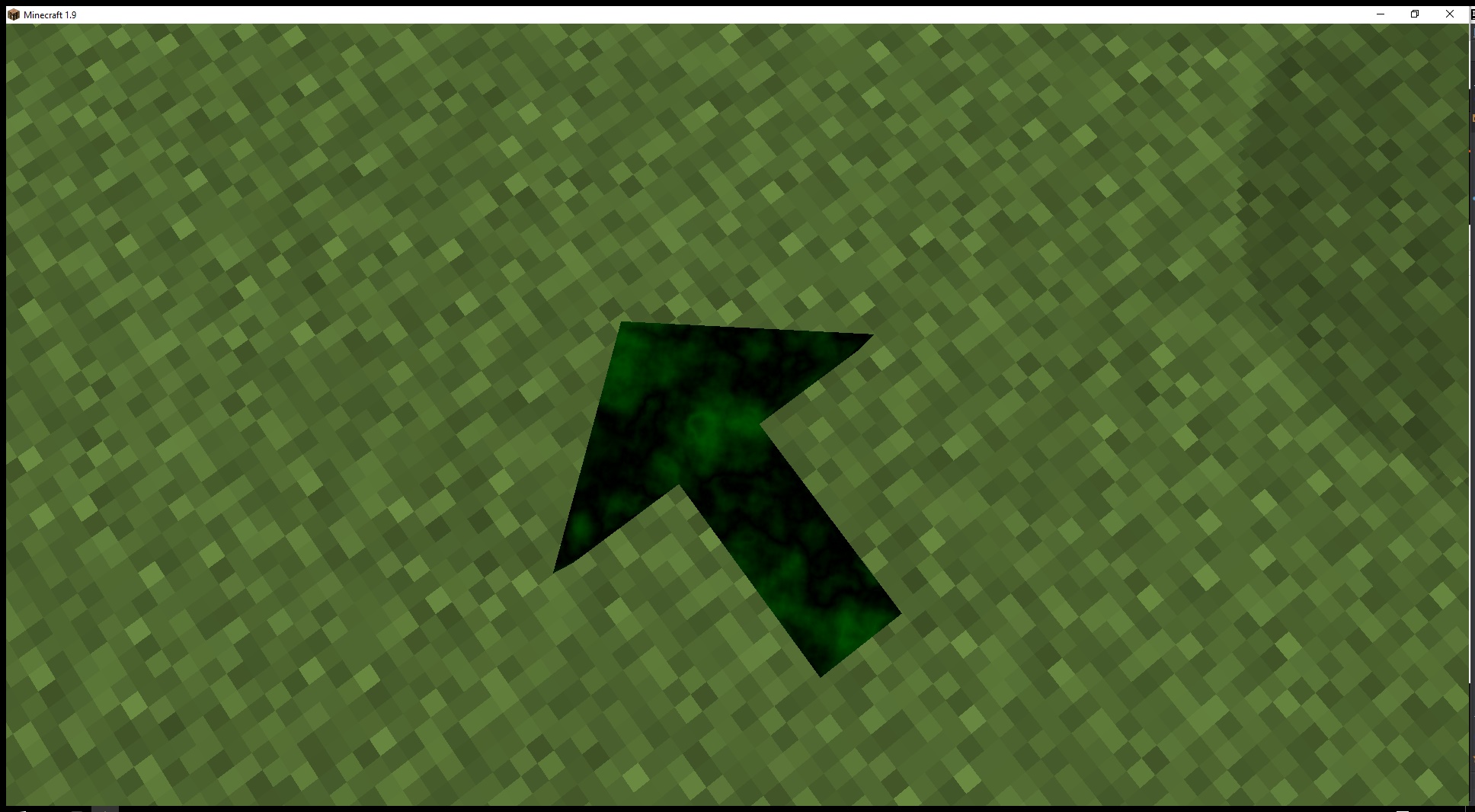
Arrow at your feet in-case you don't want one on your HUD.
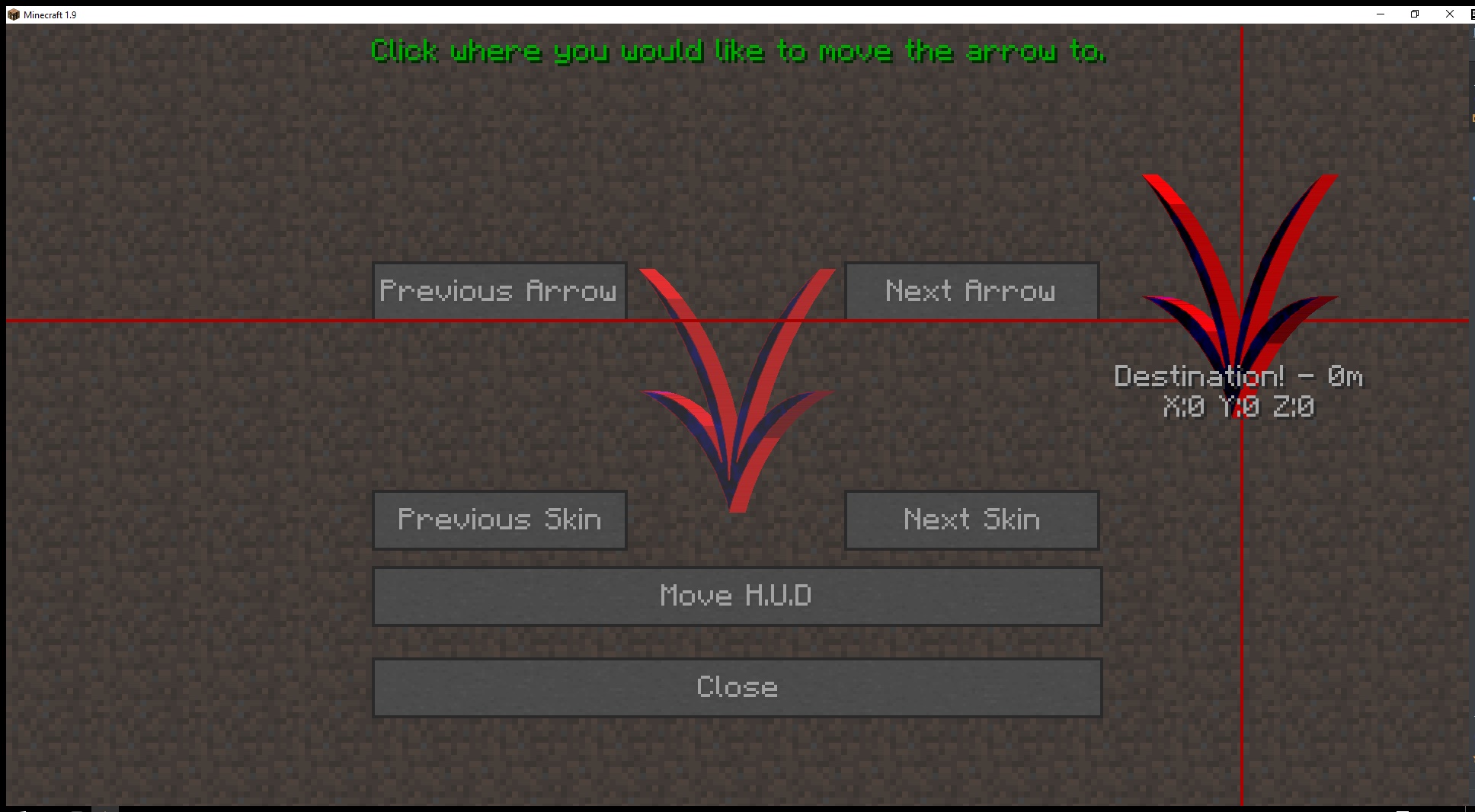
Allows you to move your HUD arrow.
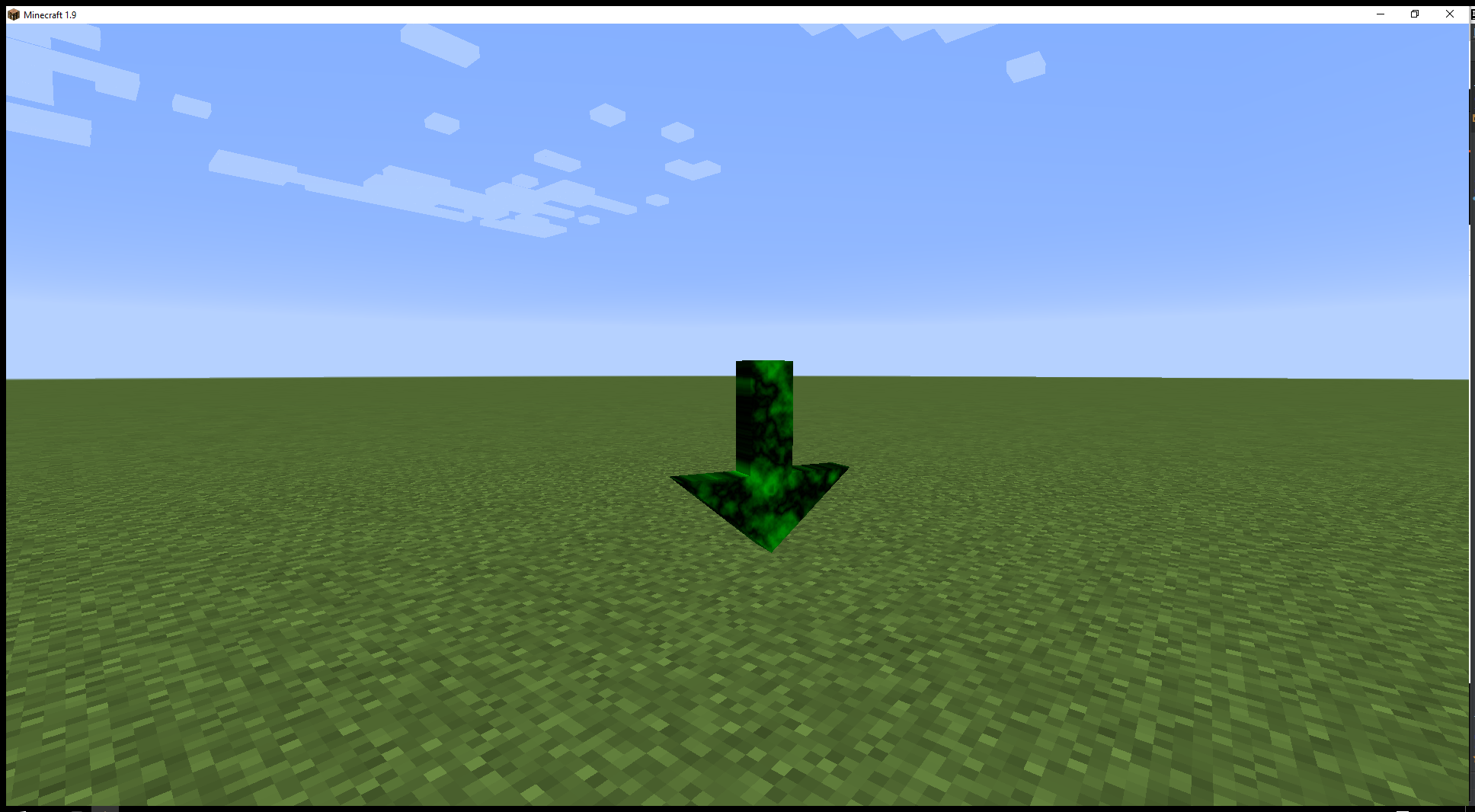
Bobbing arrow at destination.
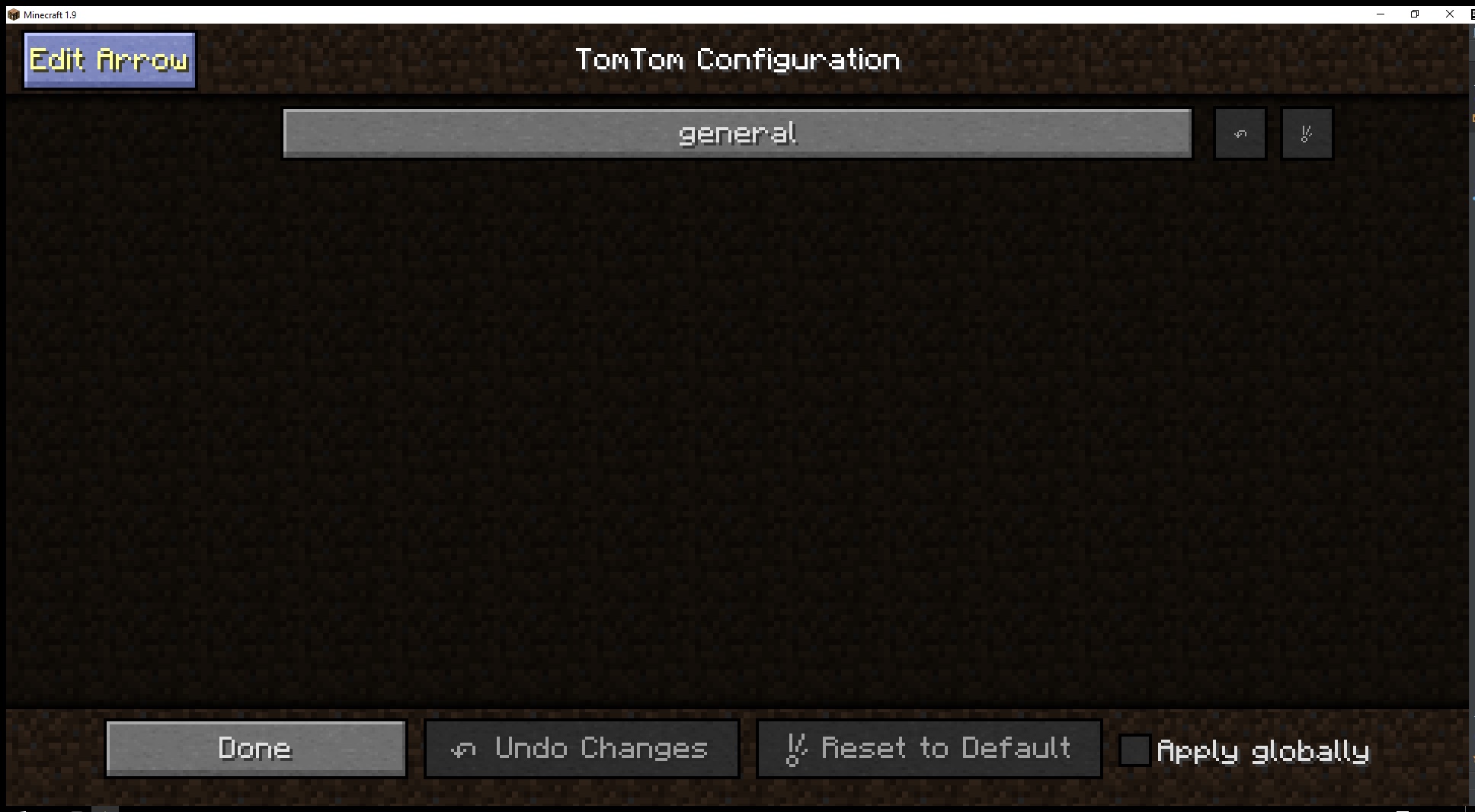
The button in the top left allows you to customize your arrow.
Description
This adds a gps arrow to minecraft to help you navigate your world.
The arrow will disappear after 3 seconds of being within 3 blocks of the destination.
Commands:
/tomtom <x> <y> <z> [display text]
/tomtom clear
/tomtom edit
This command allows you to move the gps arrow.
API:
    /**
     * @param mod Your @Mod.instance object.
     * @param player The player we are setting the gps for.
     * @param pos The destination position.
     * @param text The short description of the destination
     */

    public static void sendTomTomPos(Object mod, EntityPlayer player, BlockPos pos, String text)
    {
        NBTTagCompound tag = new NBTTagCompound();
        tag.setLong("location", pos.toLong());
        tag.setLong("uuid-most", player.getUniqueID().getMostSignificantBits());
        tag.setLong("uuid-least", player.getUniqueID().getLeastSignificantBits());
        tag.setString("text", text);
        FMLInterModComms.sendRuntimeMessage(mod, "tomtom", "setPointer", tag);
    }
1.9+ features:
- You can customize your arrow by going into Mods(Mod Options ingame)>TomTom>Config>Edit Arrow(top left)
- In world bobbing arrow
- Foot arrow
- Easly movable HUD arrow with mouse
- Added the ability for arrow packs
- You just need to make a .zip/.jar with the following paths.
- /assets/tomtom/arrows/<your_arrow>.json
- /assets/tomtom/models/arrows/<your_arrow>/<your_arrow>.obj & <your_arrow>.mtl
- /assets/tomtom/textures/arrows/<your_arrow>/
- Textures that you want to use for ALL arrows can be placed in:
- /assets/tomtom/textures/arrows/universal/
- Once you have your .zip/.jar place in the resource pack folder.
- You just need to make a .zip/.jar with the following paths.
{
"model": "arrows/<your_arrow_folder>/<your_arrow>.obj",
"textureFolder": "arrows/<your_arrow_folder>/",
"useUniversalTextures" : "true"
}
TomTom MC Team

Owner