⚠️ Important Disclaimer 🤖
🎨 Tintara was developed entirely using artificial intelligence (AI). I strongly recommend thoroughly testing the mod before using it, as it may contain bugs, unexpected behavior, or compatibility issues.
🛠️ I created this mod solely because I needed this functionality for a private Minecraft server. I decided to publish it as well, since there was nothing to lose by sharing it with others who might find it useful.
🔄 If updates, bug fixes, or improvements are needed, I will do my best to provide them.
❗ Use at your own risk, and please report any issues you encounter.
------------------------------------------------------------------------------------
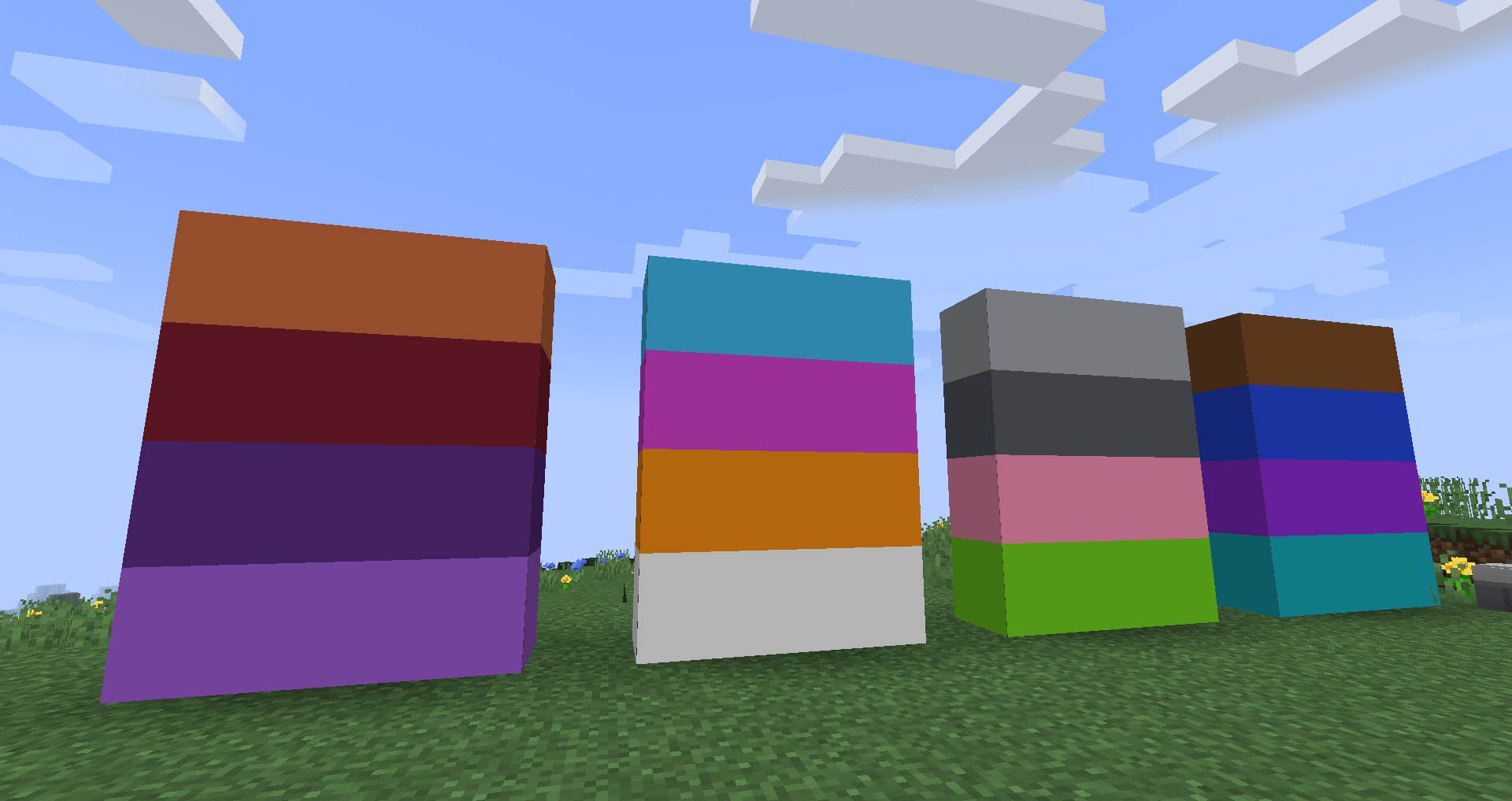
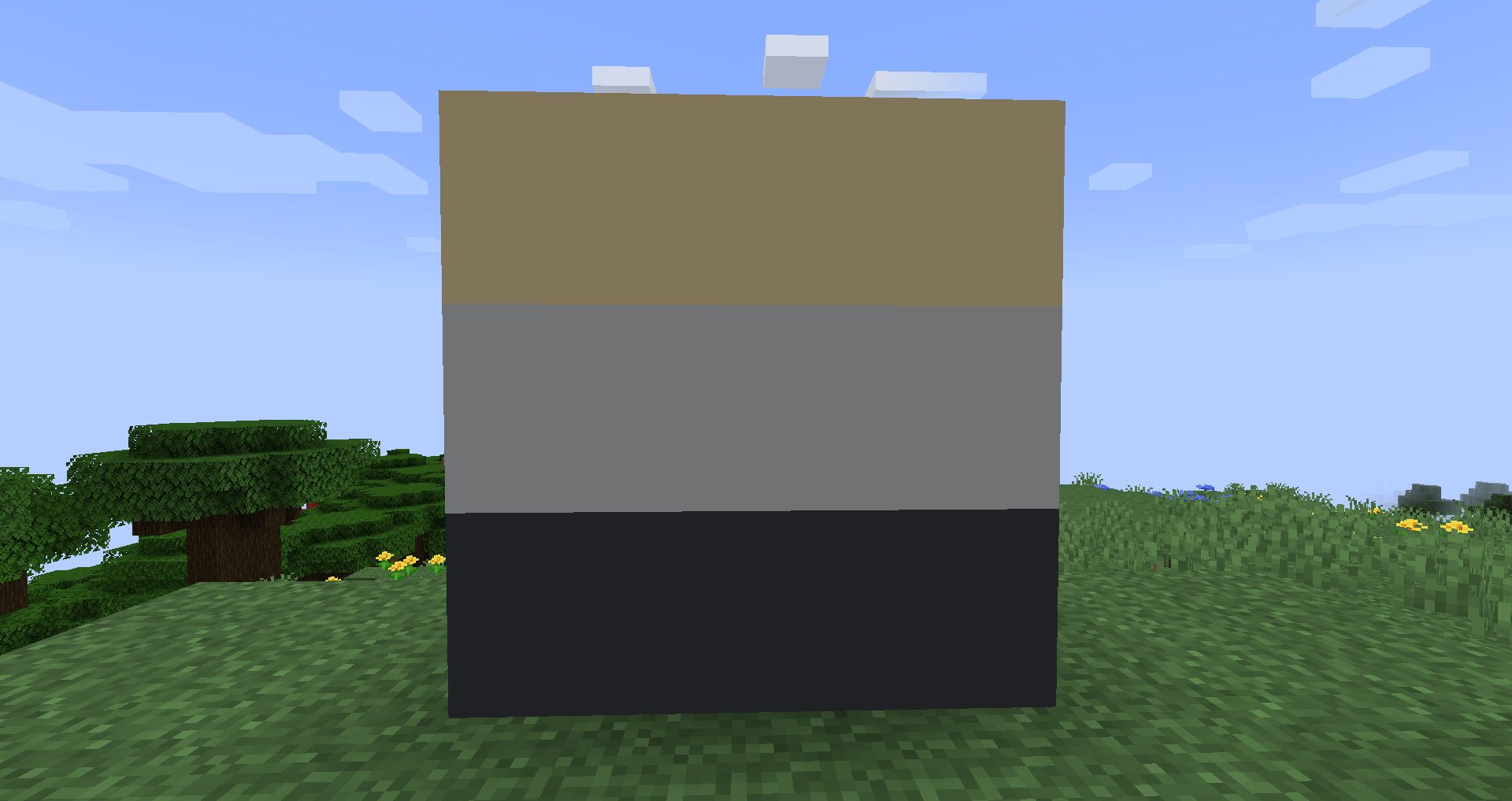
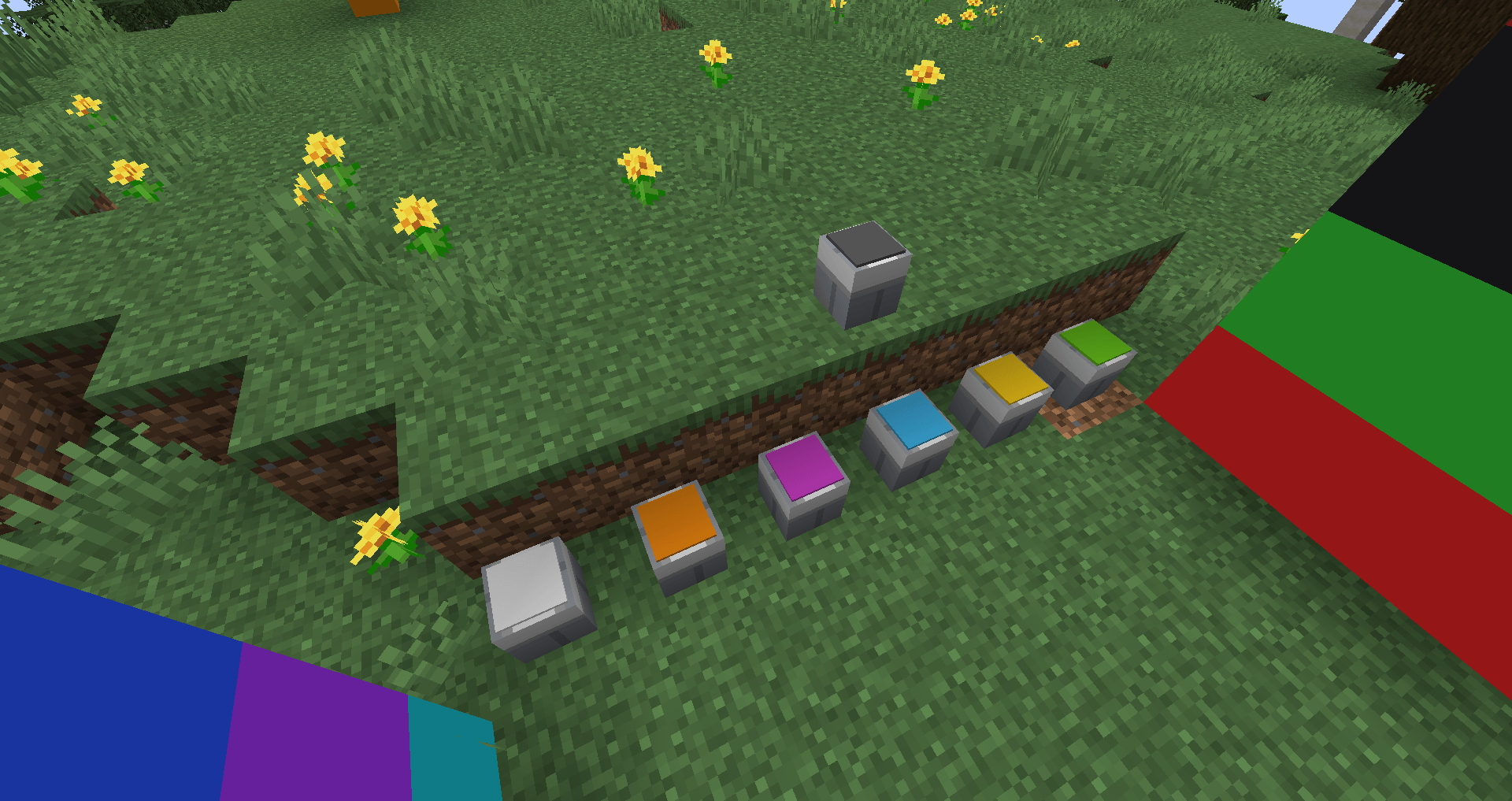
Tintara is a decorative mod featuring a painting system inspired by the classic OpenBlocks. Craft placeable paint buckets, fill them with dyes, and use a paintbrush to collect and apply paint. Explore a wide variety of colors and bring your Minecraft builds to life!
------------------------------------------------------------------------------------
🎨 How to Use Tintara
Tintara offers two ways to obtain paint buckets:
🪣 Method 1: Craft Colored Paint Buckets
Craft a paint bucket using the color you want in a crafting table.
💡 Tip: I recommend using JEI (Just Enough Items) to find the available recipes and colors.
🎨 Method 2: Fill an Empty Paint Bucket
-
Craft an empty paint bucket.
-
Place it on the ground.
-
Right-click the bucket with the dye of your choice to fill it with the corresponding paint color.
💡 Tip: Search for @Tintara in JEI to find the mod's items and recipes.
🖌️ How to Collect Paint
-
Place a filled paint bucket on the ground.
-
Right-click the bucket with your paintbrush.
-
That's it! Your brush is ready to use.
🌈 Choose your colors, grab your brush, and bring your Minecraft builds to life!