# 🕯️ Throwable Torches
Turn your torches into throwable utility items.
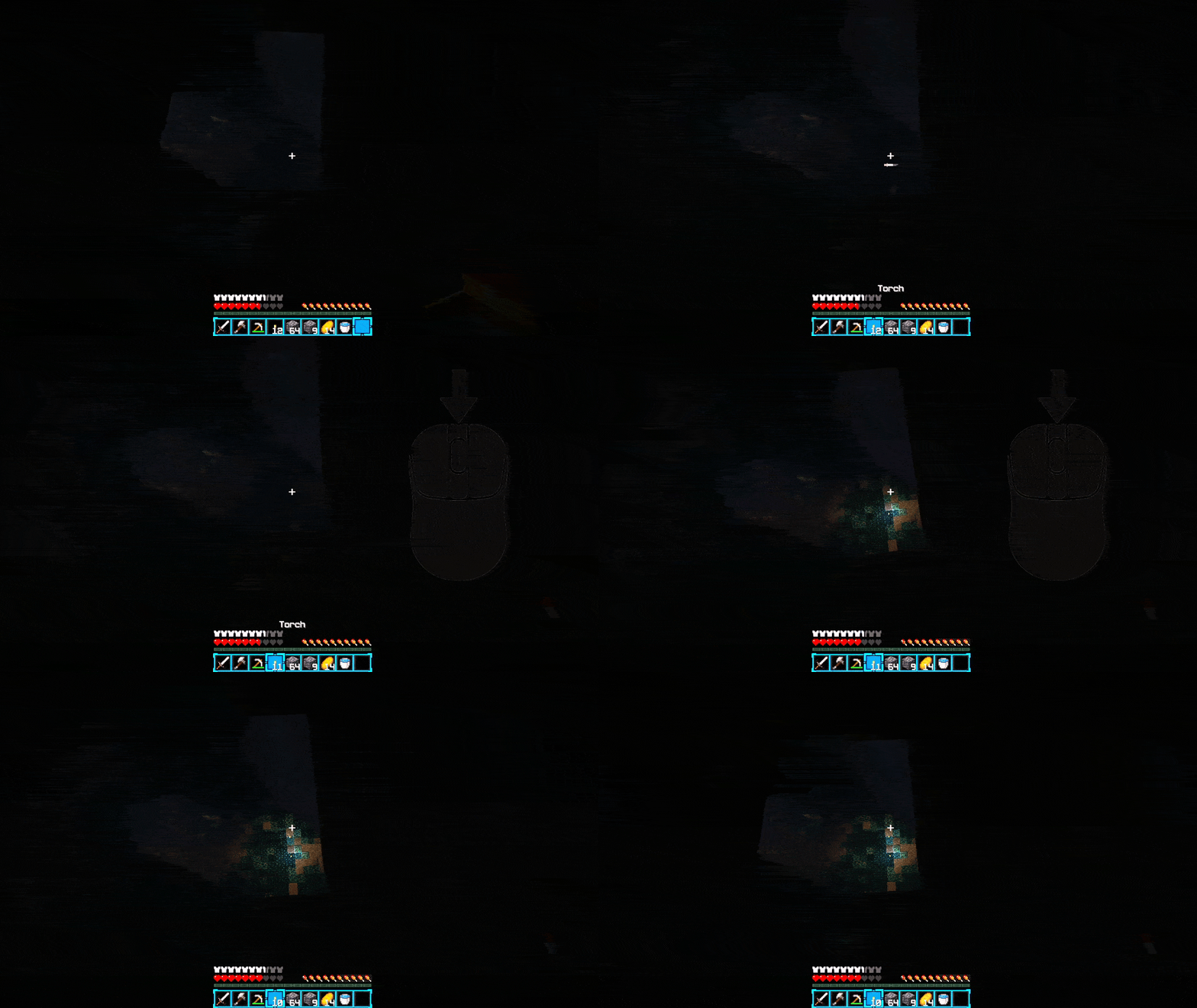
**Throwable Torches** adds a simple and natural way to throw light sources in Minecraft. Instead of manually placing a torch every time, throw it in the direction you're looking and let Minecraft handle the placement.
## ✨ Features
* 🕯️ **Throw Torches** — Throw normal Torches through the air.
* 🔥 **Soul Torches** — Throw Soul Torches with their normal appearance and behavior.
* 🔴 **Redstone Torches** — Throw Redstone Torches just like the regular torch.
* 🏮 **Lanterns** — Throw Lanterns while preserving their normal standing and hanging placement behavior.
* 🎯 **Natural Projectile Physics** — Items travel forward with a natural arc and gravity.
* 🧱 **Normal Minecraft Placement** — When a projectile hits a suitable surface, it attempts to place the corresponding block using Minecraft's normal placement rules.
* ↩️ **Surface Bouncing** — If the hit surface doesn't allow placement, the projectile bounces/deflects instead of disappearing immediately.
* 📦 **No Item Loss** — If a projectile eventually stops without being placed, the corresponding item is dropped.
* 🎮 **Configurable Keybind** — Throw using a dedicated keybind that can be changed from **Options → Controls → Key Binds**.
* 🖱️ **Default Middle Mouse Button** — The throw key is set to **Mouse Button 3 (Middle Mouse Button)** by default.
* ⬇️ **Vanilla Drop Preserved** — The normal **Q** key still works exactly like vanilla Minecraft.
* 🌐 **Server Authoritative** — Item consumption, projectile spawning, collision, placement, and item drops are handled server-side for reliable multiplayer behavior.
## 🎮 How to Use
1. Hold a supported item.
2. Press your **Throw** key.
3. The item is consumed and thrown in the direction you're looking.
4. If it reaches a valid surface, it attempts to place itself normally.
5. If placement isn't possible, it bounces and continues moving.
6. If it eventually stops without placing, the item drops.
### Supported Items
| Item | Supported |
| ----------------- | --------- |
| 🕯️ Torch | ✅ |
| 🔥 Soul Torch | ✅ |
| 🔴 Redstone Torch | ✅ |
| 🏮 Lantern | ✅ |
## ⚙️ Controls
The default throw key is **Middle Mouse Button (MMB)**.
You can change it anytime through:
**Options → Controls → Key Binds → Throwable Torches**
Your normal **Q** drop key remains completely unchanged.
## 🌐 Multiplayer
Throwable Torches is designed with multiplayer in mind. The server controls item consumption, projectile behavior, collision, placement, and drops, helping keep the behavior consistent between players and the server.
## 📦 Compatibility
**Minecraft:** 1.21.11
**Mod Loader:** Fabric
Simple, lightweight, and focused on one thing:
**Throw it. Place it. Keep moving.**




![AI Villagers [Gemini] project image](https://media.forgecdn.net/avatars/thumbnails/2026/76/256/256/639240973226747535.jpeg)