The Economy: Multiplayer Market Trading & Wallet
- By
A standalone Fabric economy with persistent player wallets, coin transfers, a shared marketplace with offers, and a server shop. Press I to open the ledger. Install on both server and clients. Supports Minecraft 1.21.1 and 26.3.
Gemini_Generated_Image_n3wgrgn3wgrgn3wg (1).jpg
Screenshot 2026-11-24 164857.png
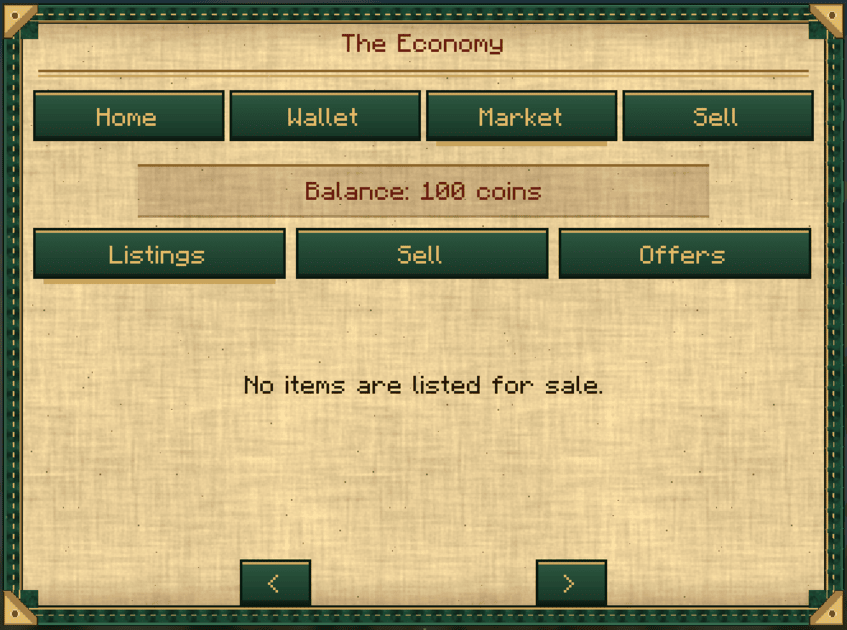
Screenshot 2026-11-24 164839.png
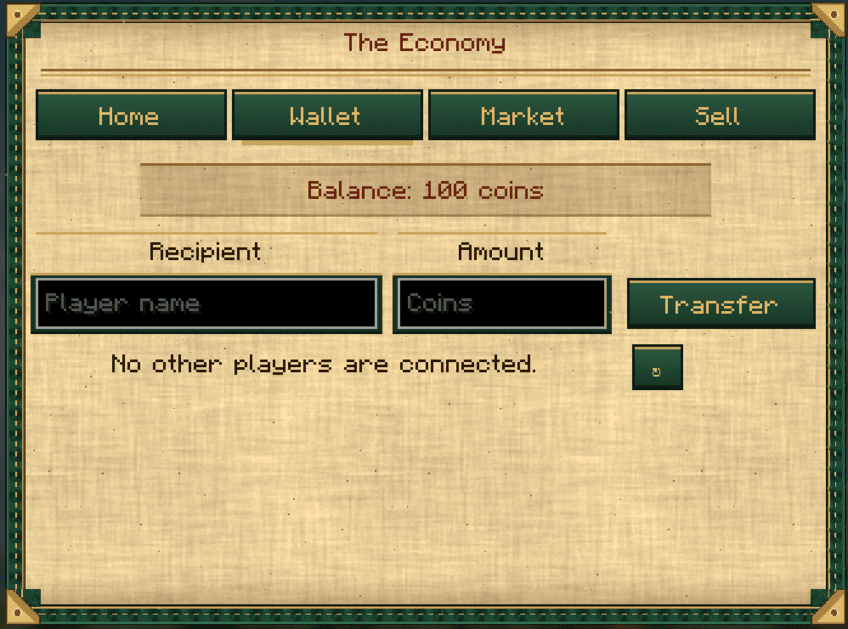
Screenshot 2026-11-24 164824.png
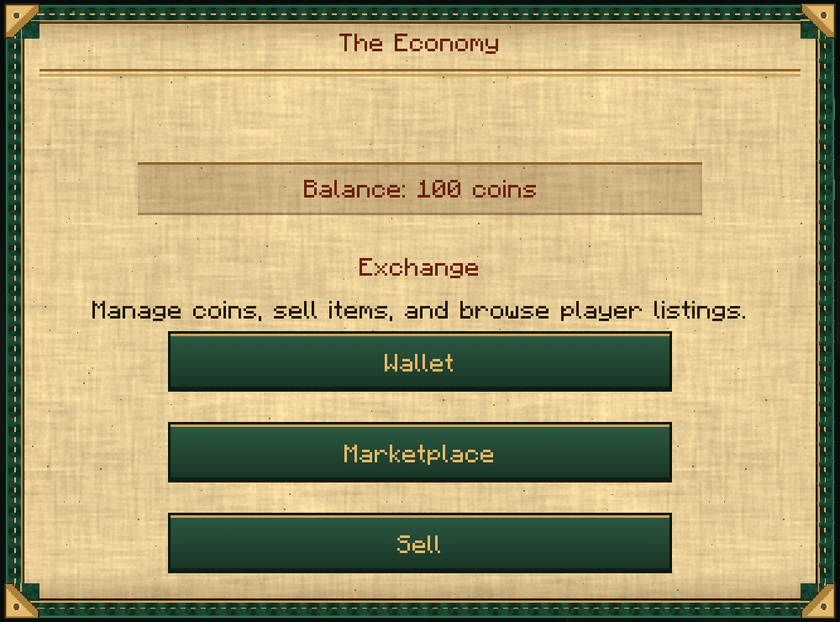
image_2026-11-24_164432619.png
Description
The Economy: Multiplayer Market Trading & Wallet
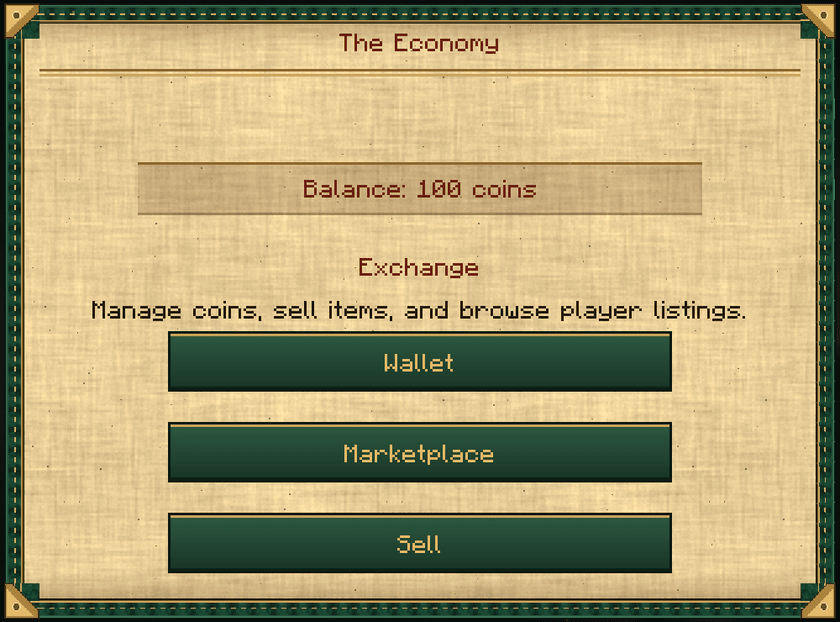
Bring a player-driven economy to your Minecraft world with persistent wallets, direct payments, a shared marketplace, and a server shop.
Press I to open the custom economy ledger. You can rebind this key in Options → Controls.
Features
Wallets and player payments
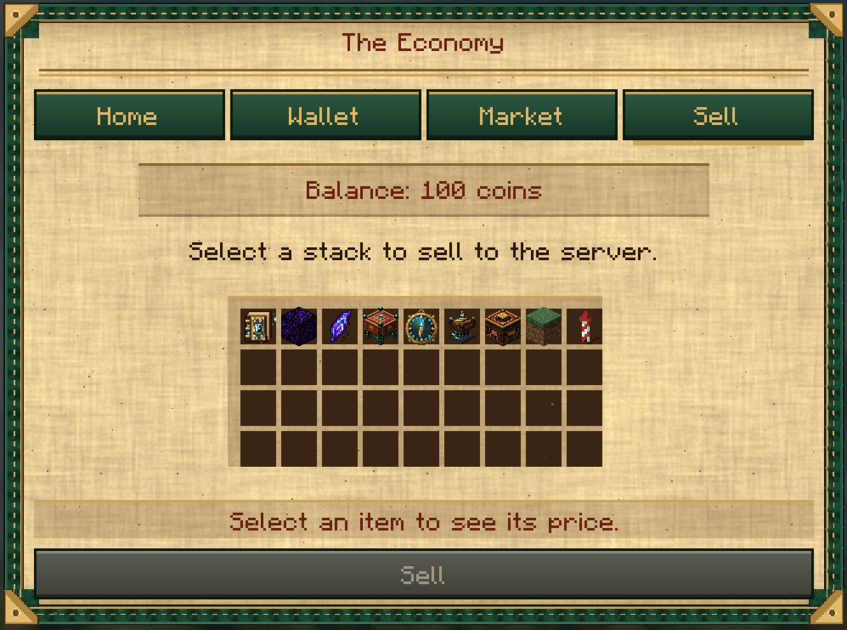
- Every player receives a one-time starting balance of 100 coins.
- Check your balance in the ledger or with
/economy balance. - Send coins to online players and players who have previously joined the server.
- Wallet data is saved with the world or server.
Shared player marketplace
- List items from your inventory for other players to buy.
- Browse listings and purchase items from the shared market.
- Send offers and manage offers on your listings.
- Players on the same server share the same marketplace and economy data.
Server shop
- Sell eligible items to the server for coins.
- Prices are based on item rarity, with special price overrides for selected valuable resources.
Custom ledger
Manage your wallet, transfers, marketplace listings, and offers through one interface. The mod includes English and French translations.
Commands
/economy balance— Check your own balance./economy balance <player>— Check another player's balance./economy give <player> <amount>— Add coins to a player's balance./economy take <player> <amount>— Remove coins from a player's balance.
Installation and multiplayer
Install The Economy on the server and on every client that connects to it. In singleplayer, the integrated server handles the economy.
Balances and listings are saved separately for each world or server; they are not shared between different worlds or servers. Fabric API is required.
Supported versions
| Minecraft | Mod loader | Java |
|---|---|---|
| 1.21.1 | Fabric | 21 or newer |
| 26.3 | Fabric | 25 or newer |
Use the JAR that matches your Minecraft version. Do not install both JARs in the same game instance.
Keybind note
The ledger opens with I by default. If you also use Runes & Vestiges, both mods may use I. Rebind one of the keys in Options → Controls to avoid a conflict.
License
MIT
The Economy: Multiplayer Market Trading & Wallet Team