The Board
- By
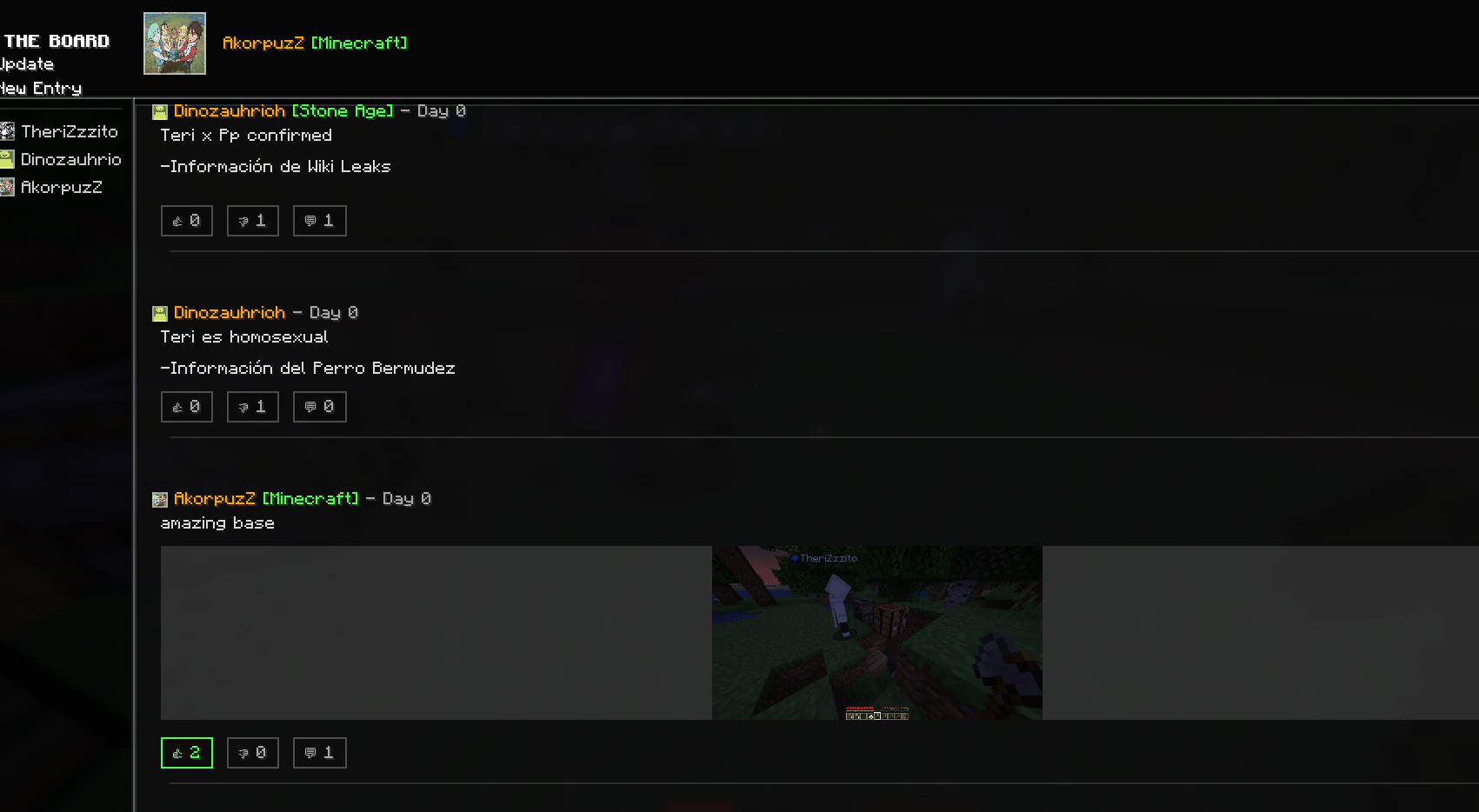
The Board is a mod that allows players to make entries or posts of text and images and displays them in a feed along with the player's name, the day (of the world), and the content.
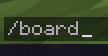
Command /board
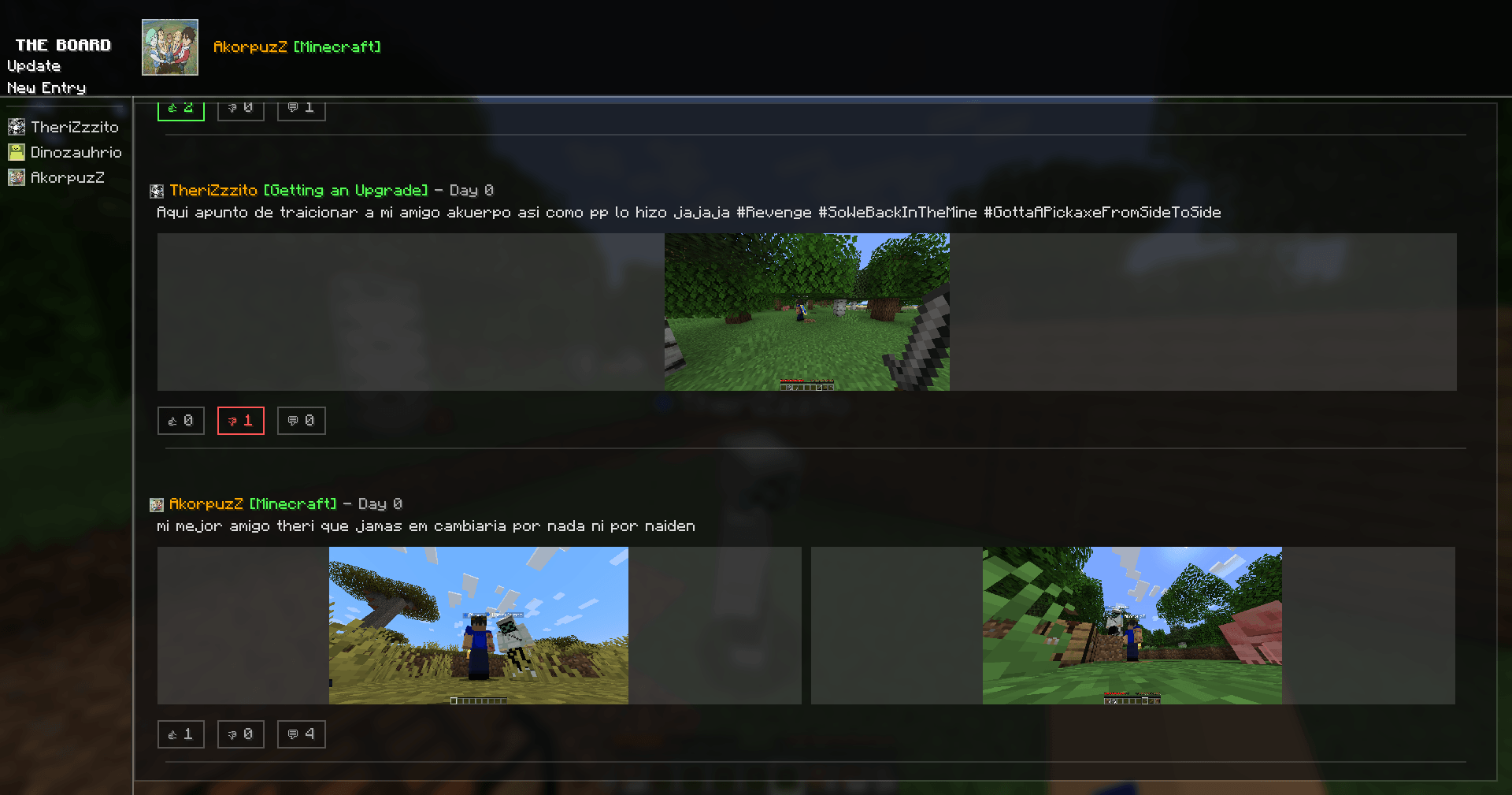
2026-08-20_21.14.19.png
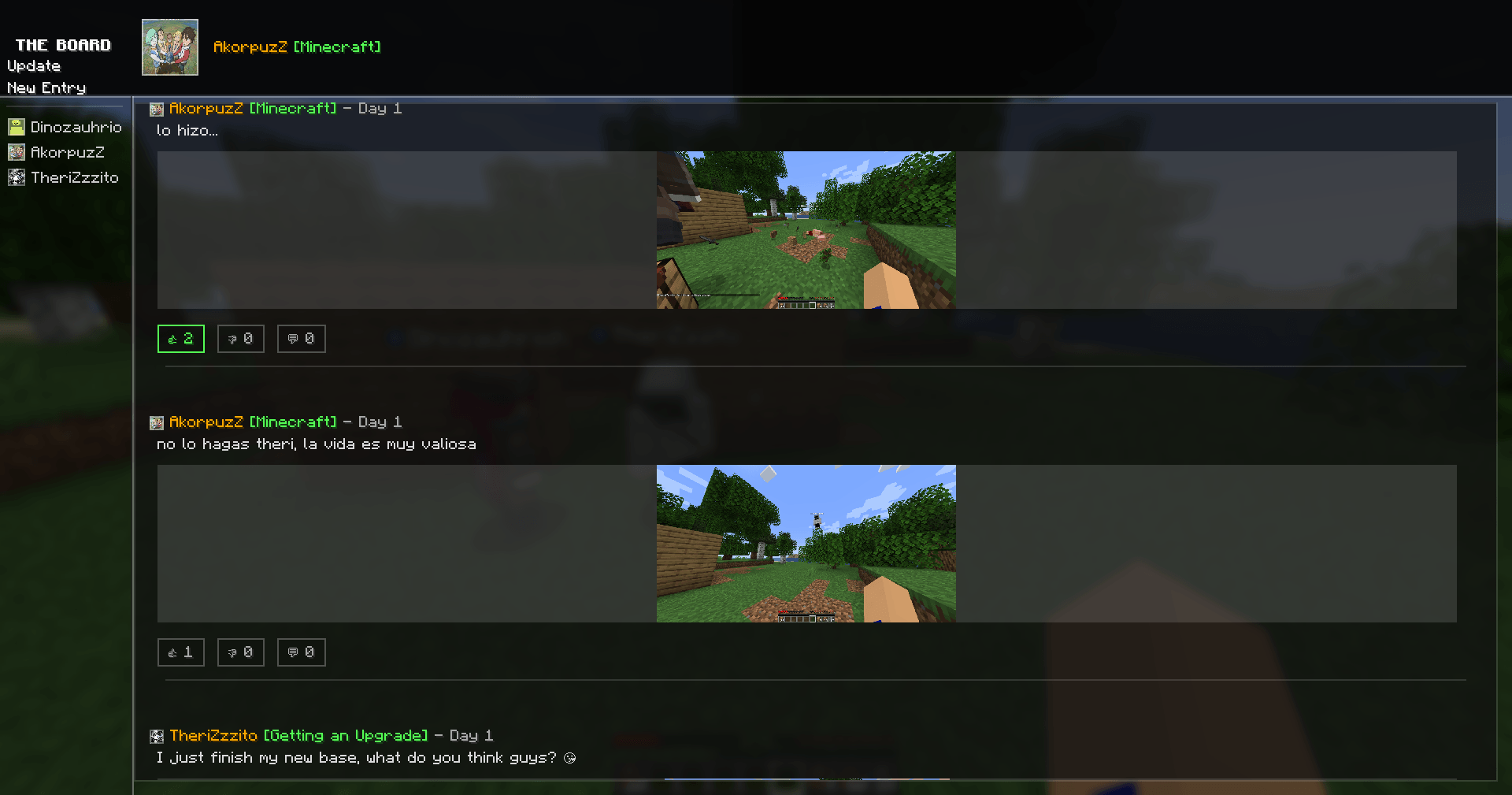
2026-08-20_21.16.04.png
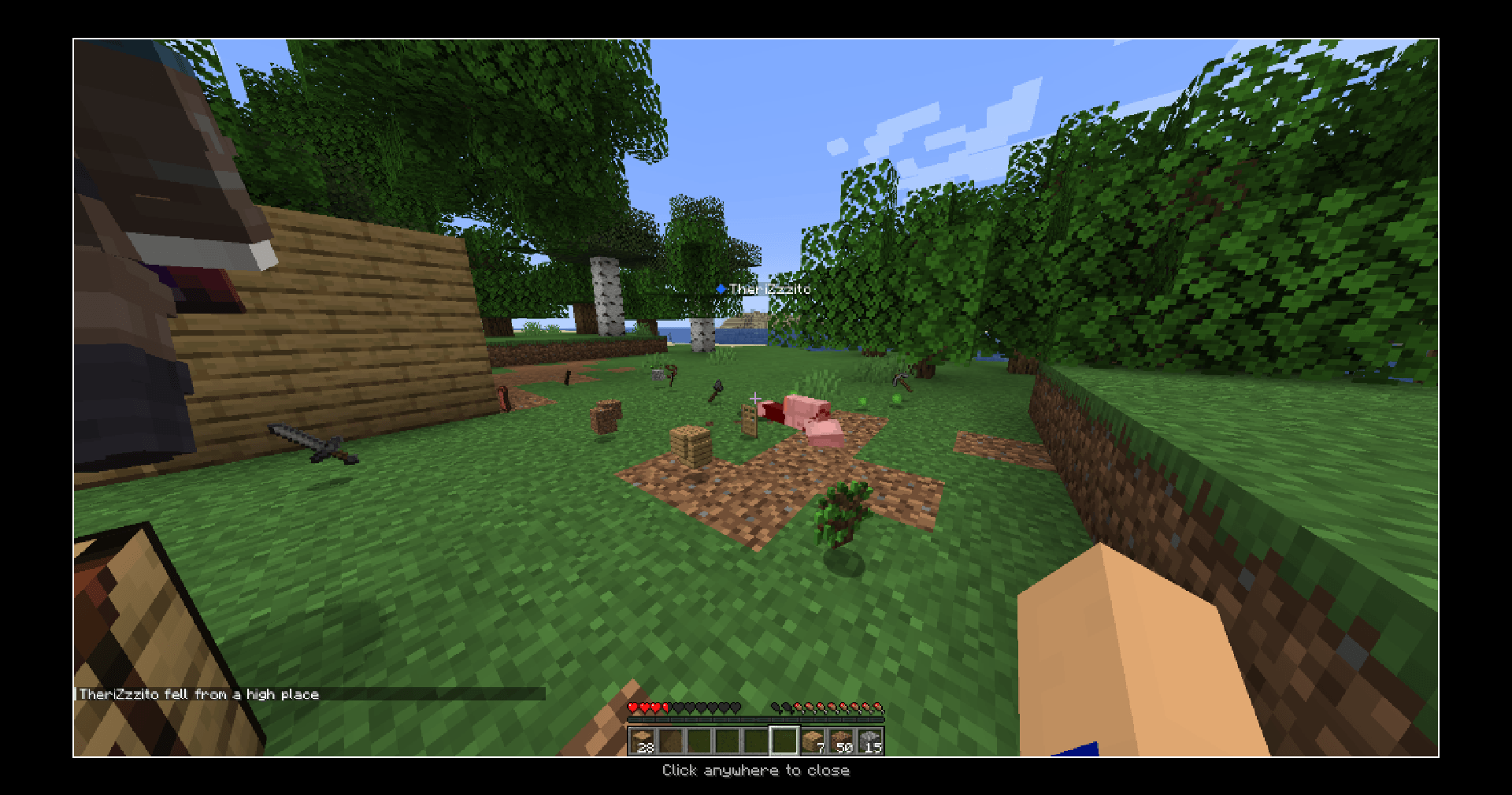
2026-08-20_21.16.06.png
Captura de pantalla 2026-08-20 211057.png
Description
The Board
English
The Board is a visual communication platform designed for Minecraft servers. It allows players to document their progress, share stories, and publish important announcements on a dynamic, shared wall visible to everyone.
Whether you're announcing a new shop, showcasing a massive build, reporting a bug, or sharing a community moment, The Board strengthens player interaction and keeps your server connected.
✨ Features
-
Visual Posting System: Create posts with up to 2,000 characters and attach up to 3 images per entry (.JPG and .PNG supported). Posts appear instantly in the global feed.
-
Image Upload System: Images are managed through a local folder with easy access via the "New Entry" interface and automatic processing for all players.
-
Complete GUI Overhaul: Fully redesigned interface featuring a cohesive, modern aesthetic with cleaner layouts, improved content hierarchy, and a polished visual style (including refined borders and subtle line details).
-
Improved Navigation: Optimized, seamless navigation between screens (Hub, Feed, and Profiles) ensuring no data loss or desync issues, creating a more intuitive user flow.
-
Profile System:
-
View your personal profile with all your published entries.
-
Select and customize your profile picture and check custom player titles/challenges.
-
Inspect other players' profiles directly from the hub or feed to track community content.
-
📖 How to Use
-
Open The Board: Use the
/boardcommand to access the interface. -
Add Images: In the "New Entry" tab, open the local directory and place your
.pngor.jpgfiles inside. -
Create Your Post: Select up to 3 images, write your text (up to 2,000 characters), and submit your entry to publish it to the global feed.
💬 Support If you have questions, found a bug, or have suggestions, join the Discord server: https://discord.gg/krAeCzEjvT
Español
The Board es una plataforma de comunicación visual diseñada para servidores de Minecraft. Permite a los jugadores documentar su progreso, compartir historias y publicar anuncios importantes en un muro dinámico y compartido visible para todos.
Ya sea que estés anunciando una nueva tienda, mostrando una construcción masiva, reportando un error o compartiendo un momento de la comunidad, The Board fortalece la interacción entre jugadores y mantiene tu servidor conectado.
✨ Características
-
Sistema de Publicación Visual: Crea publicaciones de hasta 2,000 caracteres y adjunta hasta 3 imágenes por entrada (compatibilidad con
.JPGy.PNG). Las publicaciones aparecen al instante en el feed global. -
Sistema de Carga de Imágenes: Las imágenes se gestionan a través de una carpeta local con acceso sencillo desde la interfaz de "Nueva Entrada" y procesamiento automático para garantizar compatibilidad.
-
Interfaz Gráfica Renovada: Interfaz completamente rediseñada con una estética moderna y cohesiva, jerarquía de contenido mejorada y un diseño visual depurado (incluyendo bordes estilizados y detalles sutiles en líneas).
-
Navegación Mejorada: Flujo optimizado y fluido entre pantallas (Hub, Feed y Perfiles) que evita la pérdida de datos o desincronizaciones, ofreciendo una experiencia de usuario mucho más intuitiva.
-
Sistema de Perfiles:
-
Visualiza tu perfil personal con todas tus publicaciones.
-
Selecciona y personaliza tu foto de perfil, además de verificar títulos y desafíos de los jugadores.
-
Inspecciona los perfiles de otros jugadores directamente desde el hub o el feed para explorar su contenido.
-
📖 Cómo Usar
-
Abrir The Board: Utiliza el comando
/boardpara acceder a la interfaz. -
Añadir Imágenes: En la pestaña de "Nueva Entrada", abre el directorio local y coloca tus archivos
.pngo.jpgdentro. -
Crear tu Publicación: Selecciona hasta 3 imágenes, escribe tu texto (máximo 2,000 caracteres) y envía tu entrada para publicarla en el feed global.
💬 Soporte ¿Encontraste un error, tienes dudas o sugerencias? Únete al servidor de Discord: https://discord.gg/krAeCzEjvT
The Board Team