


The Architect
- By
Description
The Architect: a build helper for Minecraft Java
Describe a building in chat. The Architect designs it and shows it as a see-through Litematica ghost in your world, with a material list. Build it yourself in survival, or place it in one go in creative.
The designs are made by generative AI on our server; you need an Architect account to use it.
How it works
- Press B in the game (default key) and log in.
- Describe what you want: "a medieval castle on this hill, stone bricks and spruce, four round towers".
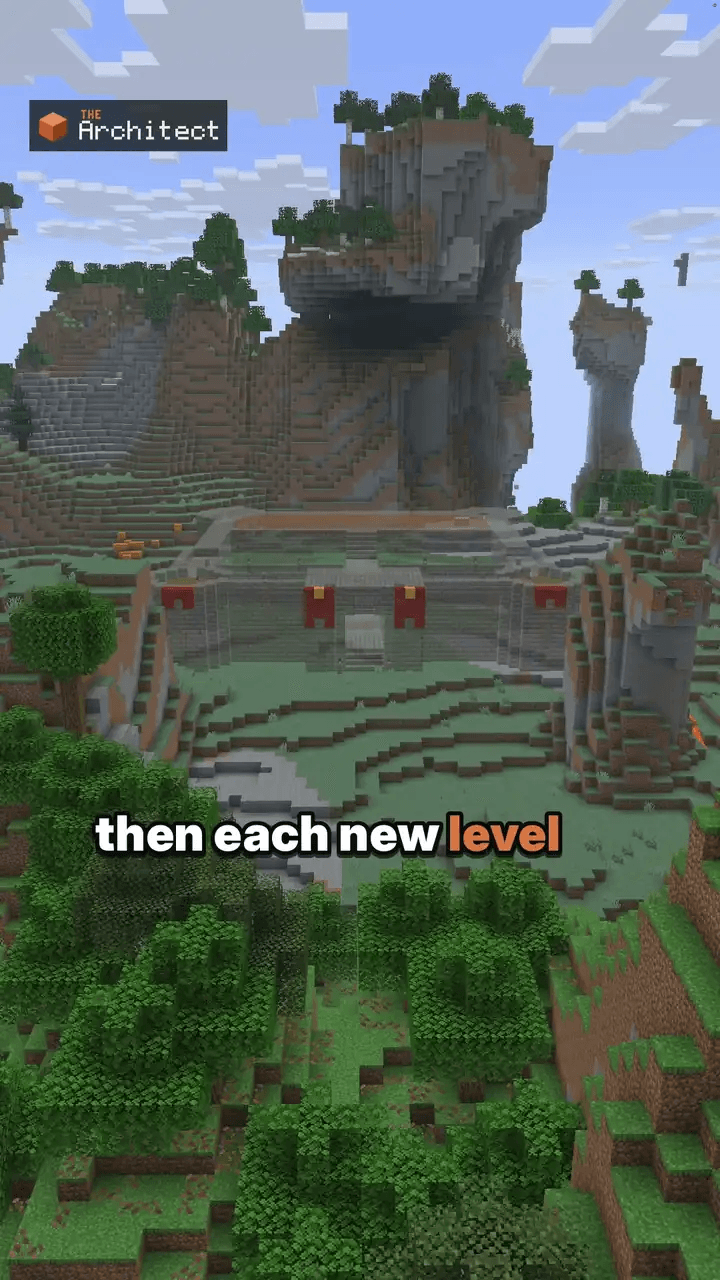
- A ghost of the design shows up in your world. Walk around it before you place a block.
- Follow the material list in survival, or use
/approvein creative. Ask for changes in chat. Each change is a new version, and/undosteps back.
Features
- Ghost preview with Litematica: see the build in your world first.
- Material list counted in stacks (
/materials). - Versions: ask for changes in plain words,
/undo,/redo,/versions, and keep several builds with/builds. - Survival and creative: build by hand, or place it in creative with an undo snapshot.
- Studio in the browser: design in 3D, then send the build to the game or download a
.litematic. - Export the shown version to
schematics/architect/with/export. - Works on servers: it runs on your client only. Singleplayer, Aternos and other servers work, and nothing is installed on the server.
Requirements
- Minecraft Java Edition 1.21 to 1.21.11 or 26.1 to 26.3
- Fabric Loader, Fabric API, Litematica and MaLiLib (the complete pack on our website includes them)
- An Architect account. Designing builds is paid: choose a plan, a credits pack or, in the game, your own key. See https://thearchitectmod.com/#packs
- Players aged 15 and over with their own copy of Minecraft: Java Edition
What is sent to our server
The Architect talks to our server at thearchitectmod.com, and only while you have a session open in the terminal:
- your chat messages to The Architect
- the blocks around the area you build in, so a design fits the terrain
- screenshots of your view, to show what you mean (turn them off with
/screenshots off)
Details: https://thearchitectmod.com/privacy.html
Install
Download the complete pack (.mrpack) from https://thearchitectmod.com/#download and import it in the Modrinth App or Prism Launcher, or add this mod to an existing Fabric setup that has Litematica and MaLiLib. Step by step: https://thearchitectmod.com/guides/install-the-architect/
Learn more
The Architect is an AI and can get a design wrong, like a size or a block choice. Look at the ghost before you gather blocks; the material list is counted from the ghost's exact blocks. NOT AN OFFICIAL MINECRAFT PRODUCT. NOT APPROVED BY OR ASSOCIATED WITH MOJANG OR MICROSOFT.
The Architect Team
