TexTweaks Mod for Minecraft Fabric
Utilities for tweaking textures and high resolution texture packs
Features
Upscale lower resolution textures to a higher resolution
- Required for higher mipmap levels
- Scaled textures will look identical to original textures
- Useful for using SEUS PTGI with different resource packs that have different resolutions
Note: will make loading take more time, can significantly increase RAM and VRAM usage at higher resolution
Set mipmap levels above vanilla's maximum of 4
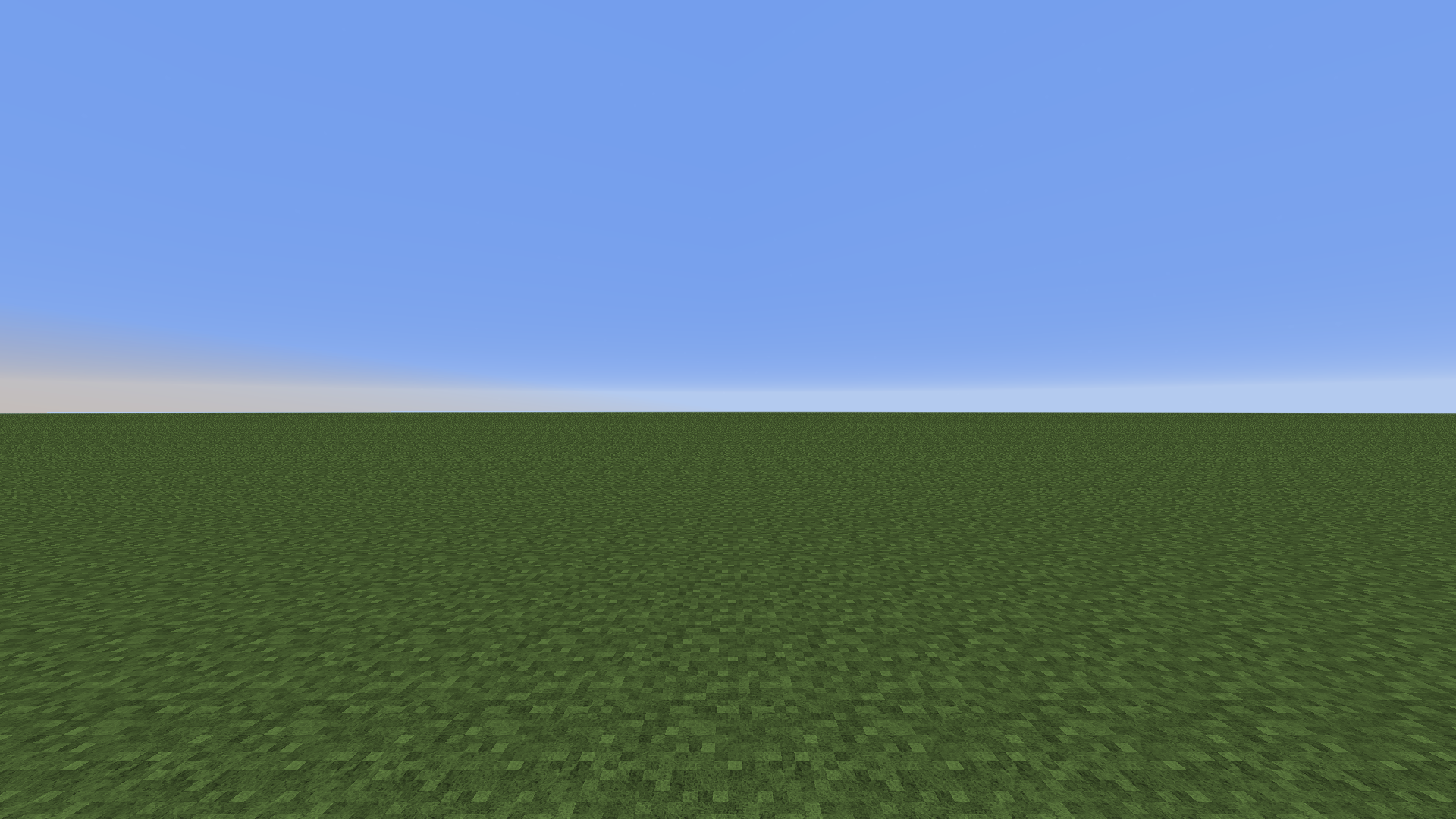
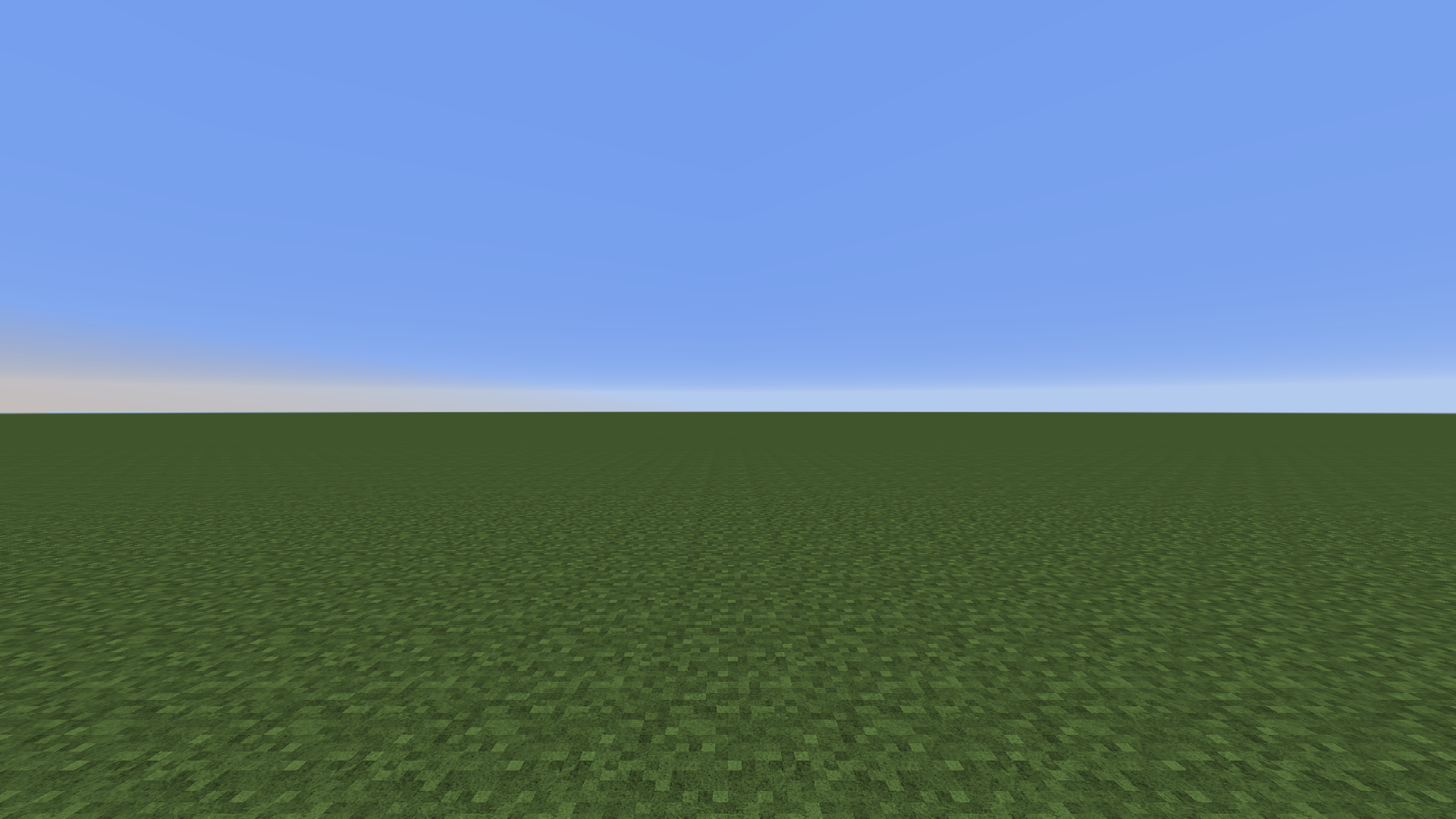
256x texture pack: 4x mipmapping vs. 8x mipmapping. View the image for more details. Note the aliasing in the first image which is removed by upping the mipmap
- Reduces distant aliasing when using higher resolution texture packs
Note: increases VRAM usage
Set mipmap LOD bias
- Fine-tune distant texture detail
- Works with shaders (previously forcing it in the graphics control panel makes the screen blurry when shaders are turned on)
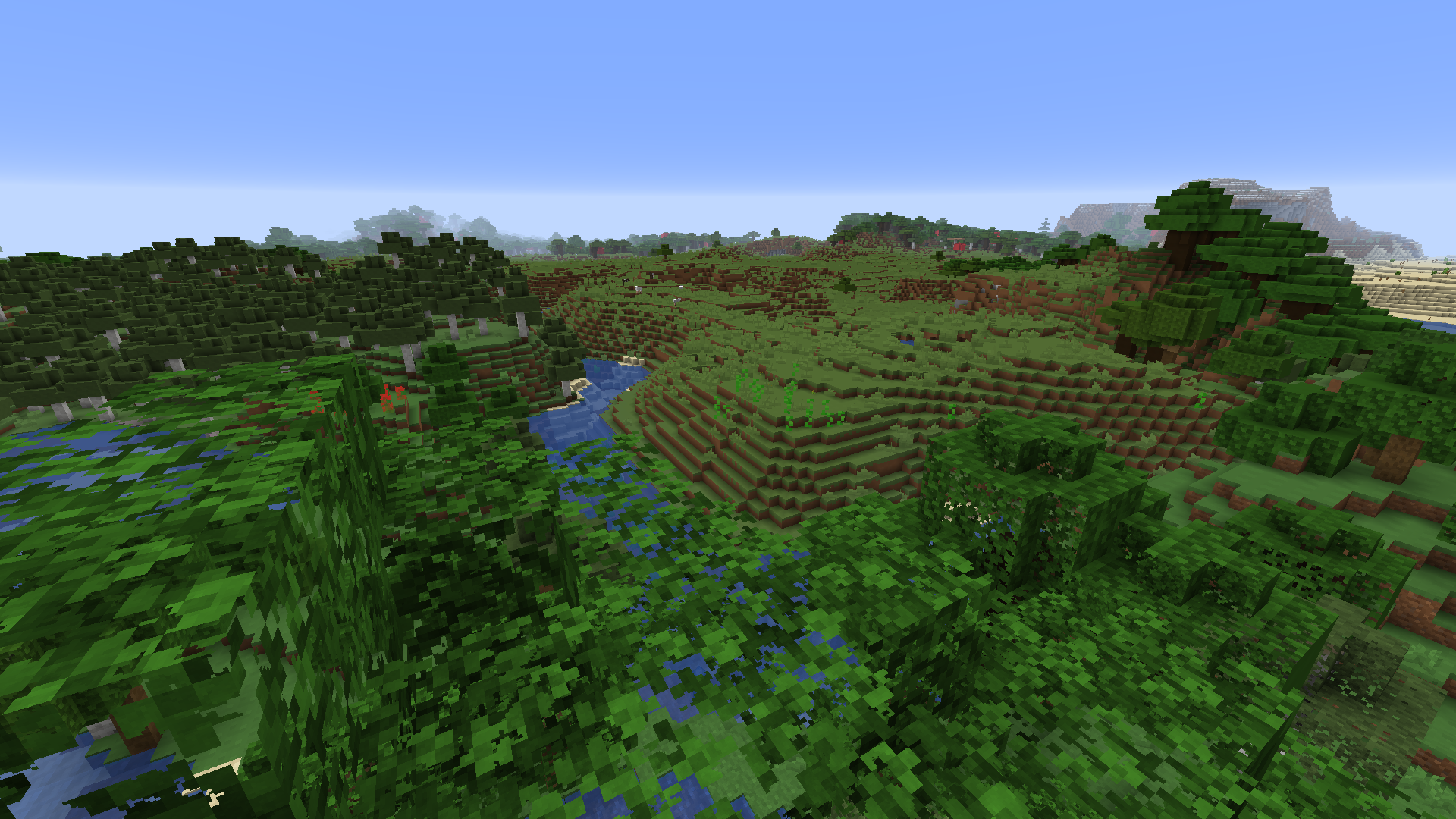
LOD bias at +3, distant textures have lower resolution. Optifine is needed for foliage to be mipmapped.
Basic Setup
1. Install mod
2. Open mod config through ModMenu
3. Set texture resolution to the highest resolution of all used resource packs. Unit is in powers of 2 (4 = 16x, 5 = 32x, 6 = 64x etc.)
4. After setting up the mod config, reload resources with F3+T
5. Done!
Compatibility
Compatible with Optifine
Should be compatible with Sodium
TexTweaks Team


Owner