promotional banner

TextSNIP - Purplot (Copy/Paste - Clipboard)

A Minecraft mod for saving and managing frequently used text/commands. Its main purpose is to quickly copy, view, edit, and use saved snippets in-game.
item image
item image

Description

PLEASE CHANGE THE GUI SCALE IF THE MENU IS NOT FITTING PROPERLY!!!

TEXTSNIP — STOP TYPING THE SAME COMMANDS OVER AND OVER!

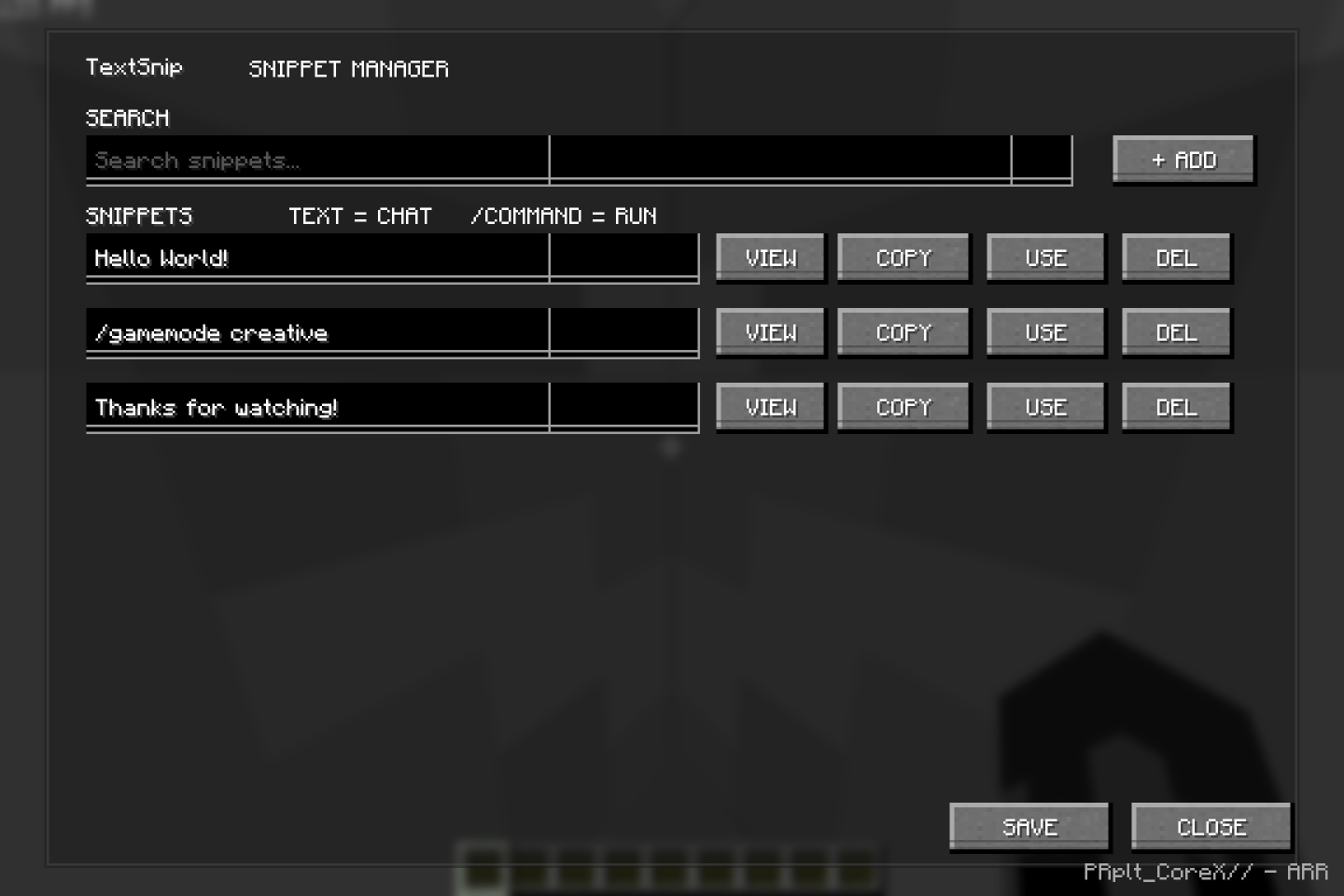
  • Ever had to type the same command again and again while making a Minecraft world? Whether you're building, testing commands, creating maps, setting up minigames, or working with command blocks, TextSnip lets you save those commands and quickly use them whenever you need them.

What does TextSnip do?:

  • Save your frequently used commands and text directly in Minecraft.
  • Quickly search through your saved snippets.
  • Copy long commands or text with one click.
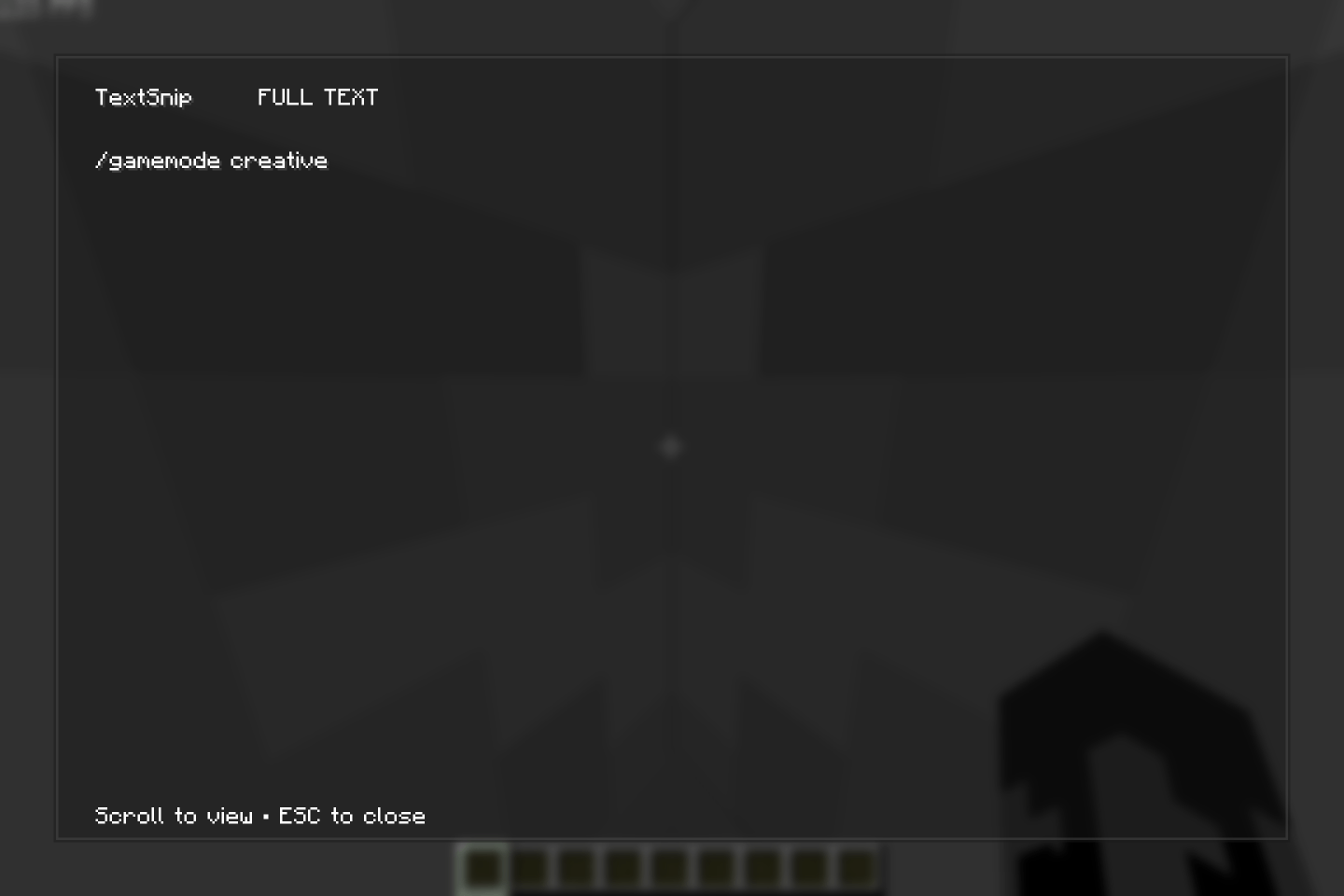
  • View large pieces of text separately without squeezing them into the editor.
  • Use saved commands instantly without typing them again.
  • Normal text can also be sent directly through chat.

Useful For:-

  • Building and testing worlds
  • Command block projects
  • Map making
  • Minigame development
  • Repeating complicated commands
  • Saving coordinates and frequently used messages
  • Anything where you find yourself typing the same thing repeatedly

Main Features:-

  • H Key: Quickly open the TextSnip menu.
  • ADD: Create a new snippet.
  • SEARCH: Find a saved snippet quickly.
  • VIEW: Open long text in a separate viewer.
  • COPY: Copy the snippet to your clipboard.
  • USE: Send commands or chat messages directly.
  • EDIT: Change your saved snippets.
  • DELETE: Remove snippets you no longer need.

Hope TextSnip makes your Minecraft projects a little easier! If you find any bugs or have feature suggestions, feel free to leave a comment.

The TextSNIP - Purplot (Copy/Paste - Clipboard) Team

profile avatar
  • 5
    Projects
  • 991
    Downloads

I am just a guy... ;)

More from PRplt_CoreXView all