Text/item Display Editor
- By
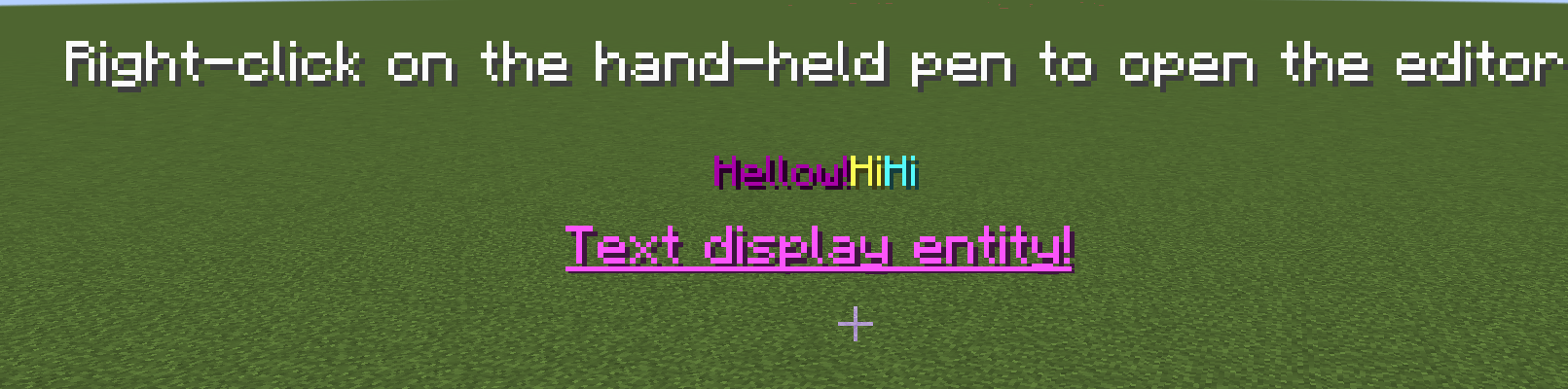
forge 1.20.1 pic.png
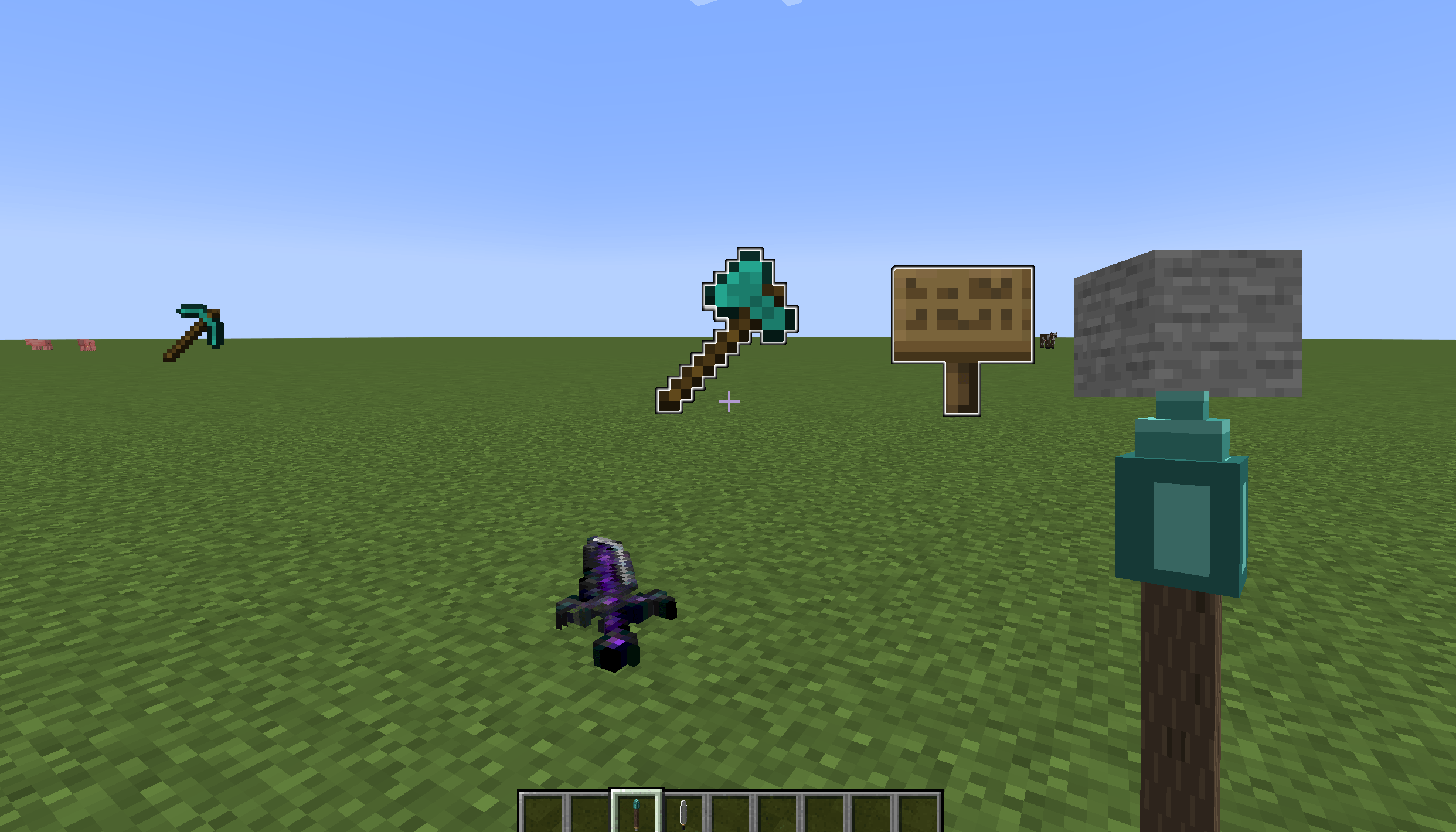
item display entity


Description
You can easily make the kind of floating text that map creators love—color codes are supported, you can scale each line independently, and fine‑tune the position to your liking.
Here’s how:
1. Open your creative inventory and grab the text_display_pen from the tools tab.
2. Aim at any block,left‑click to spawn the text display, and right‑click to edit it.
And the best part? You can tweak everything right in the GUI—no need to type out tedious commands.
New in version 1.1.0: Item Display Pen – Works just like the Text Display Pen. Supports free display of any item from your inventory, including blocks, weapons, and more. Freely scale and adjust position (forward/back/left/right), toggle glow, and tilt forward/backward.
Text/item Display Editor Team