Tetra Immersion
- By
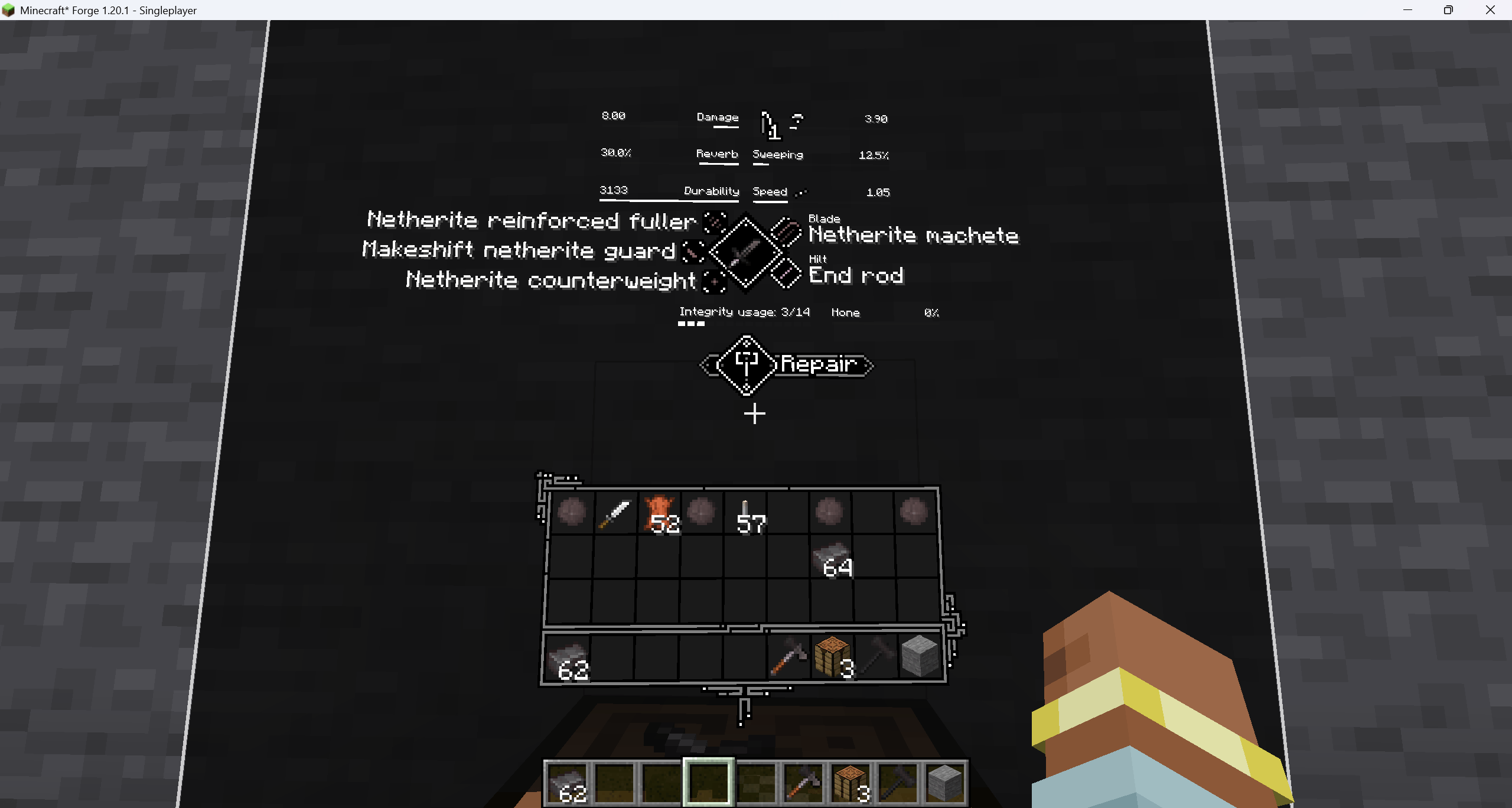
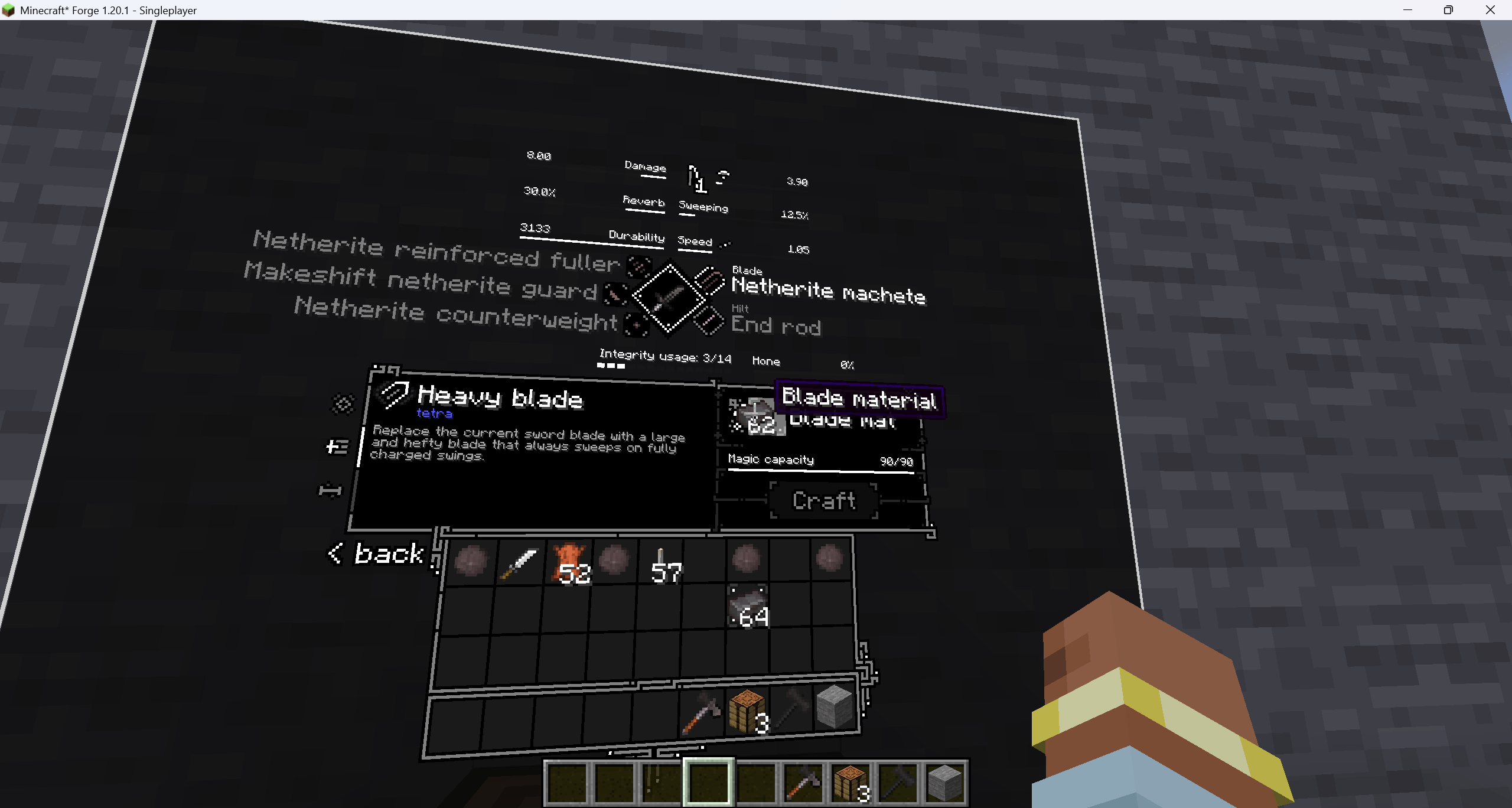
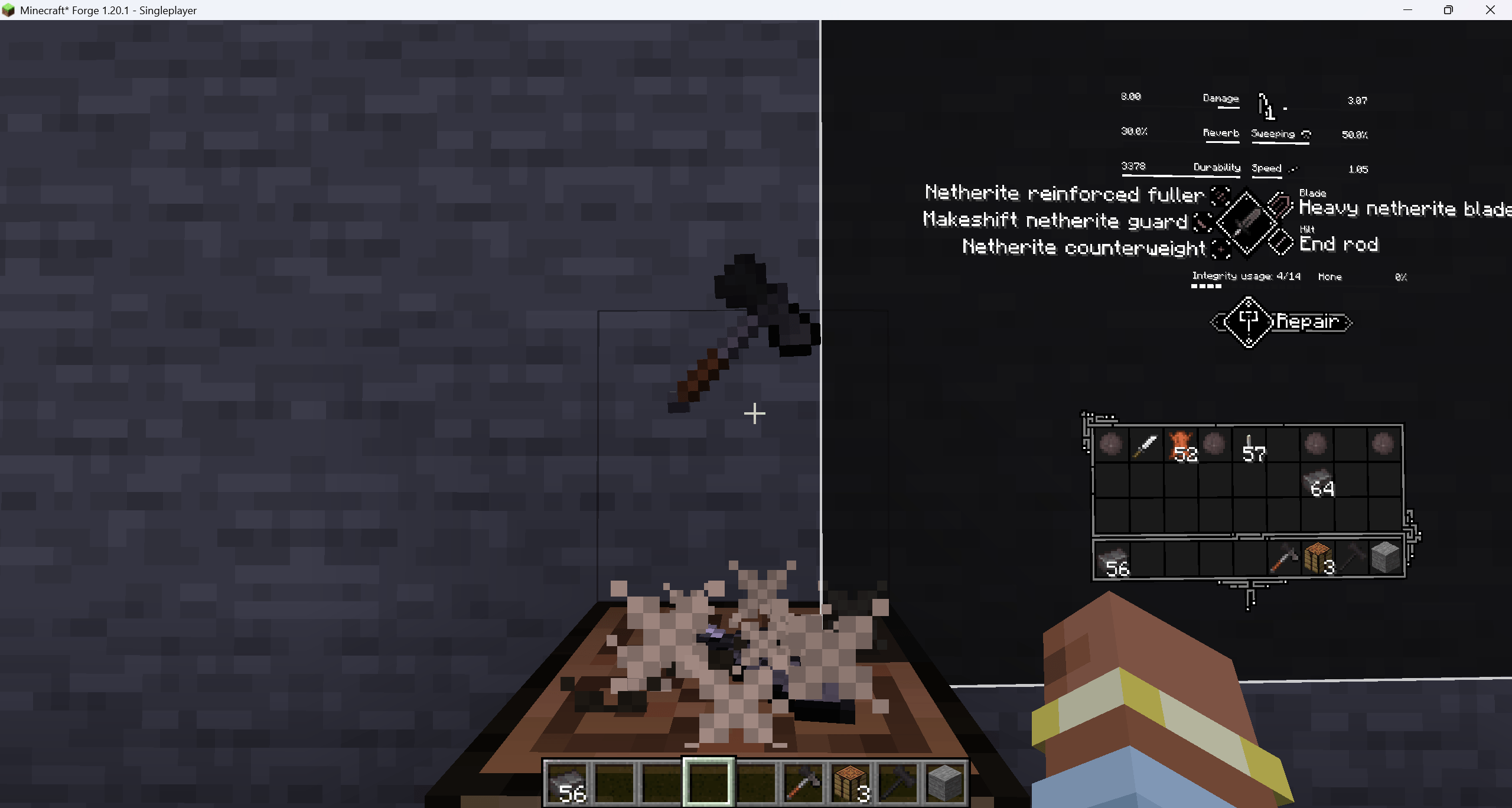
Turns Tetra's workbench and holosphere screens into readable, interactive world-space holograms with crosshair or mouse input and cosmetic forging feedback, without changing Tetra's crafting logic.
03861cc5-dc5f-438f-a92c-dcdb71d0b0f6.png
bfaed4d0-266c-4e9a-9b5b-d416023466dd.png
32b23249-5f2f-4115-8be8-ee33117f5e81.png
Description
Tetra Immersion
Tetra Immersion is a client-side Forge addon for Tetra on Minecraft 1.20.1. It keeps Tetra's real screens, slots, tooltips, search fields, containers, packets, and crafting settlement, but presents them as readable black-and-white holographic panels inside the world.
Features
- Workbenches and placed holospheres project an interactive panel above the emitting device.
- A held holosphere displays a stable, level panel directly in front of the player.
- Placed projections support attack, use, scrolling, and carried-slot interaction through the crosshair.
- The current Pick Block key toggles mouse focus for dragging, text input, and complex pages.
- Escape leaves mouse focus before closing the projection.
- Equipment and materials can be supplied directly to a workbench; sneak-use retrieves inserted contents.
- Suitable held tools can perform unambiguous workbench actions.
- Forging sounds, particles, panel folding, and table-item motion are cosmetic and never alter Tetra's result, materials, NBT, tool consumption, or success rules.
- Long tooltips are constrained and repositioned without moving the base panel or its input mapping.
- JEI, FTB, and other controls that are not owned by the original Tetra screen are excluded from the projected page.
- Includes classic-screen fallback, reduced motion, high contrast, shader-safe effects, particle density, panel scale, opacity, resolution, and refresh-rate options.
- Resource packs can provide data-driven process profiles for custom sounds, particles, timings, and item motion.
Controls
- Placed projection: interact directly with the crosshair.
- Mouse focus: press the currently bound Pick Block key.
- Leave mouse focus: press Escape or Pick Block again.
- Close the projection: return to observation mode, then press Escape.
- Held holosphere: full-page interaction primarily uses mouse focus.
All control hints use the player's current key bindings.
Compatibility and requirements
- Minecraft 1.20.1
- Forge 47.4.16 or newer within the 1.20.1 Forge line
- Tetra 6.9.x
- MUtil 6.2.0 or newer
- Tetra Insight is supported but optional
- Java 17
Tetra Immersion is client-side only. Servers do not need this addon installed, although multiplayer servers still need the compatible Tetra setup used by their modpack.
Performance
The projected page is cached in a cropped framebuffer. The default AUTO mode refreshes active pages at up to 60 Hz, idle pages at 30 Hz, and carried or dragged items at the game frame rate. projectionRefreshMode and projectionResolutionScale can reduce the GPU cost on lower-end systems or shader-heavy installations.
Known limitations
- Only Tetra workbench and holosphere screens are projected.
The Tetra Immersion Team


Owner