


Terminal Storage
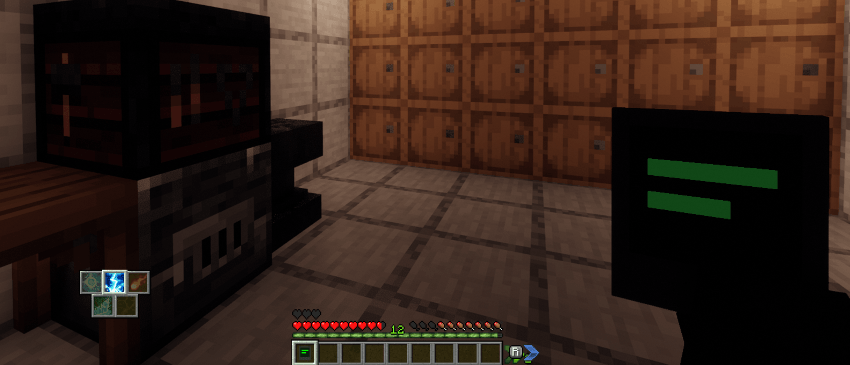
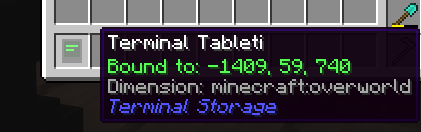
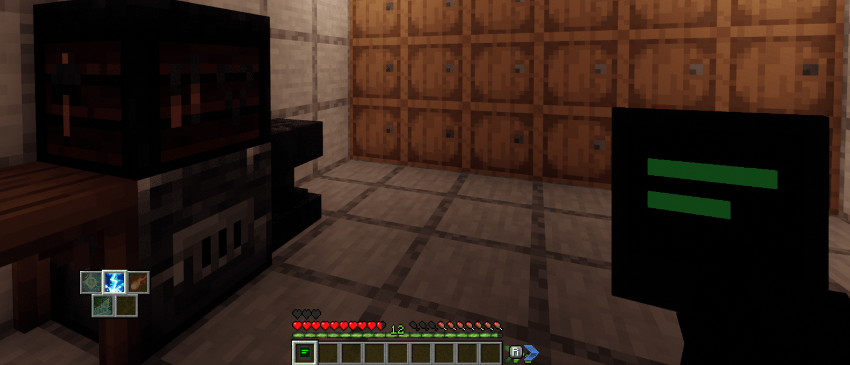
Tablet
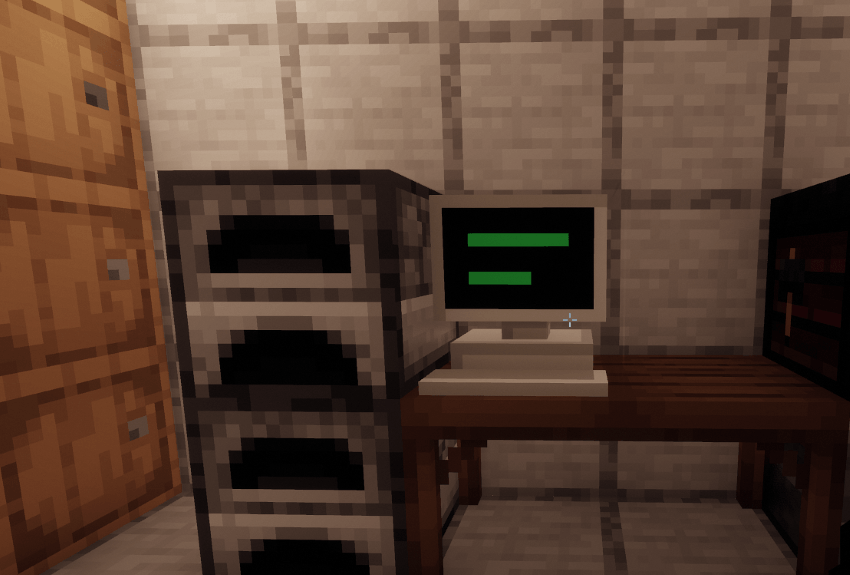
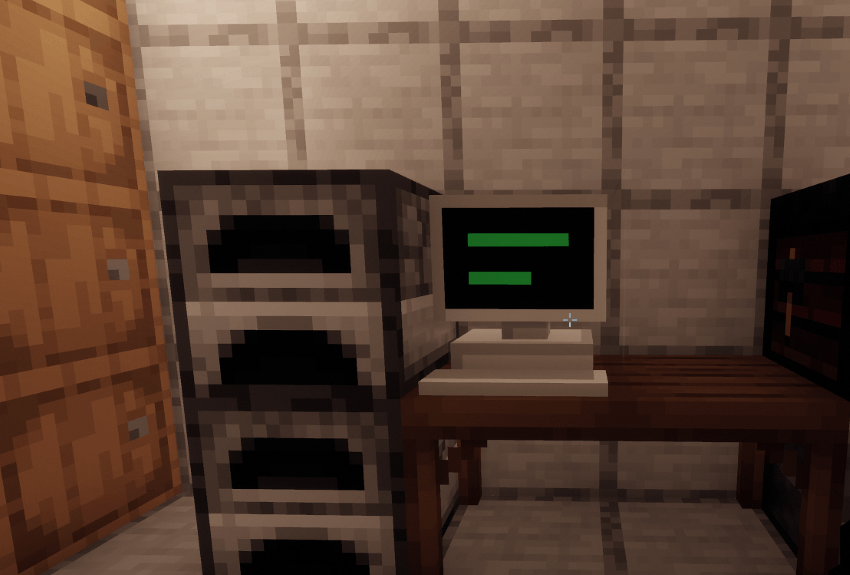
PC Terminal
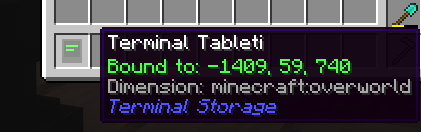
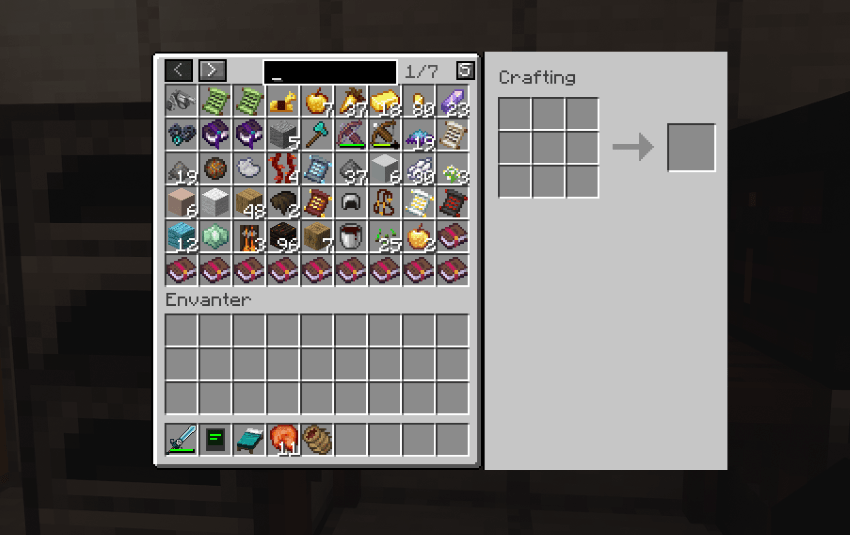
Tablet Inventory
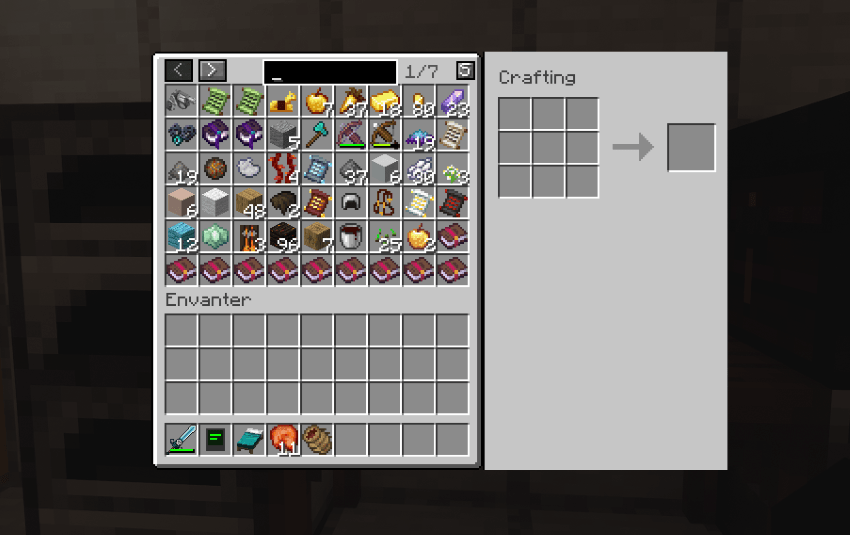
UI
Description
🌟 Welcome to Terminal Storage!
Are you tired of constantly running back and forth between dozens of chests to find that one specific item? Do you want a clean, lag-free, and vanilla-friendly storage network without the complexity of massive tech mods? Terminal Storage is here to completely revolutionize how you manage your items.
This mod introduces a seamless, high-tech centralized storage system that connects all your nearby chests, barrels, and storage blocks into one unified inventory interface.
✨ Key Features
📡 Centralized Storage Network: Place a single Terminal Block and it will automatically scan and link all storage blocks (chests, barrels, etc.) within a massive 100-block radius. No cables, no complicated setups!
📱 Infinite Range Wireless Terminal: Craft the Wireless Terminal Tablet, Shift+Right-Click it on your Terminal Block to bind it, and access your entire storage network from anywhere in the world—even across different dimensions like the Nether or The End!
🗂️ Intelligent Sorting: Click the built-in "Sort" button in the GUI to instantly gather, merge, and beautifully sort all items across your entire chest network based on item IDs and stack sizes.
🛠️ Built-in Crafting Grid: The Terminal GUI comes with a fully integrated 3x3 crafting grid. The items you craft are pulled directly from your network inventory, saving you endless time.
🛡️ Storage Configuration USB: Don't want the Terminal to suck up items from your decorative chests or specific barrels? Craft the Storage Configuration USB! Simply hold it and Shift+Right-Click any chest to exclude it from the terminal's network. Click again to include it back.
⚡ Lag-Friendly & Optimized: Built entirely with advanced dynamic chunk-loading mechanics and lightweight capability scanning to ensure your game runs perfectly smooth, no matter how many items you have.
📖 How to Get Started
Craft a Terminal Block: Use Iron, Redstone, and Diamond to craft the central hub of your base.
Place it down: Put it anywhere near your chests. Open it up, and watch your items instantly appear.
Go Wireless: Craft the Wireless Terminal Tablet (requires an Ender Pearl), bind it to your Terminal Block, and take your entire base's storage with you on your adventures.
Manage Storage: Use the Storage Configuration USB (Iron Ingot + Redstone) to exclude specific chests from the system.
🎨 Vanilla-Friendly Design
We focused heavily on keeping the User Interface clean, minimalistic, and perfectly fitting into the Minecraft aesthetic. It feels like a natural extension of the game rather than an oversized machine.
Install Terminal Storage today and never lose an item in a chest monster again!
Terminal Storage Team
