


Target Crosshair
- By
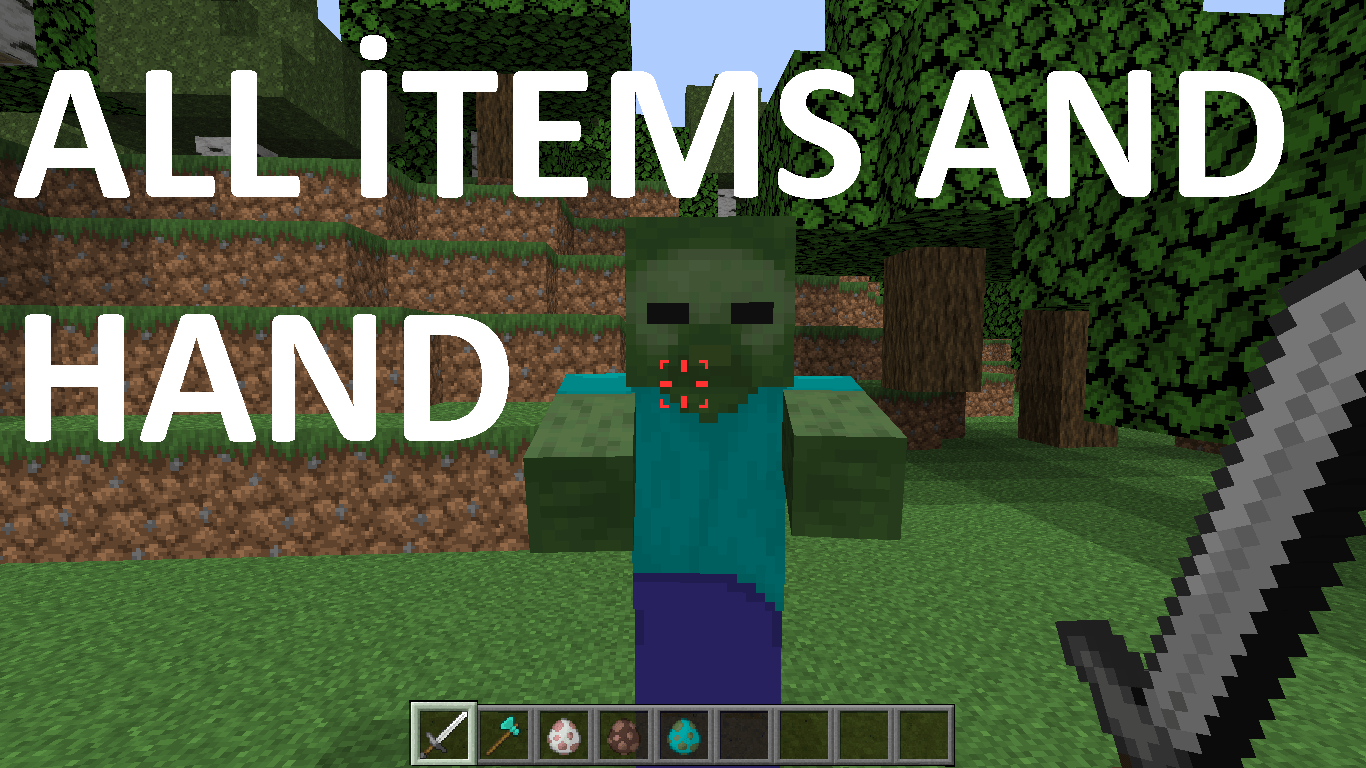
ALL İTEMS AND HAND
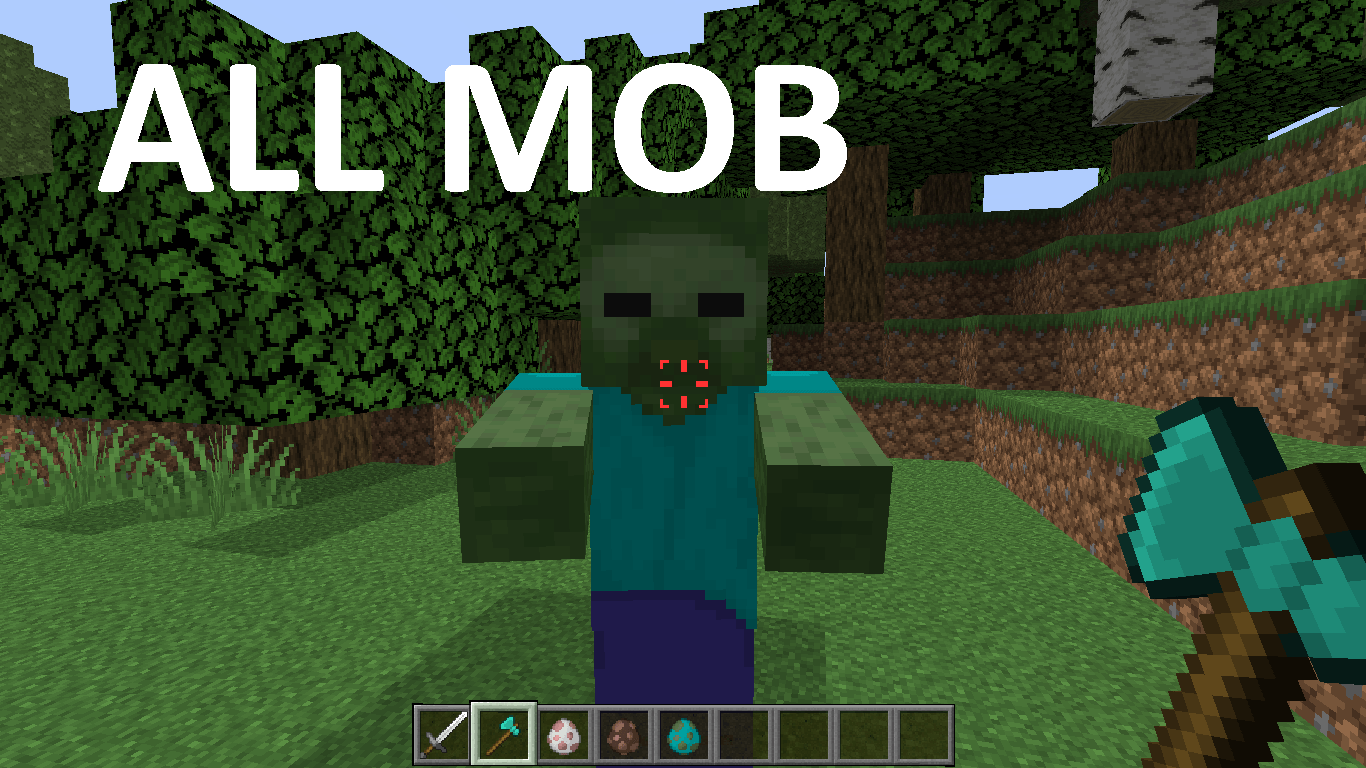
ALL MOB
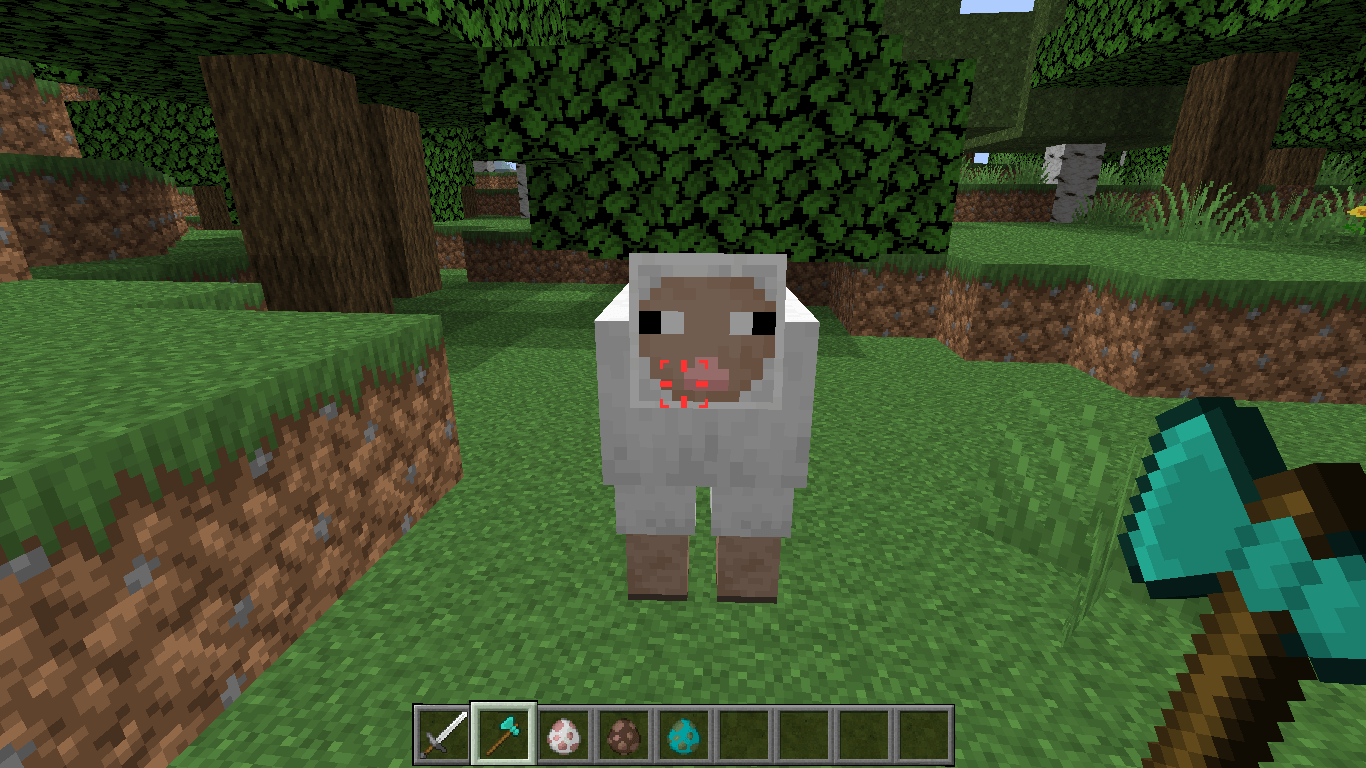
AGAİN ALL MOB
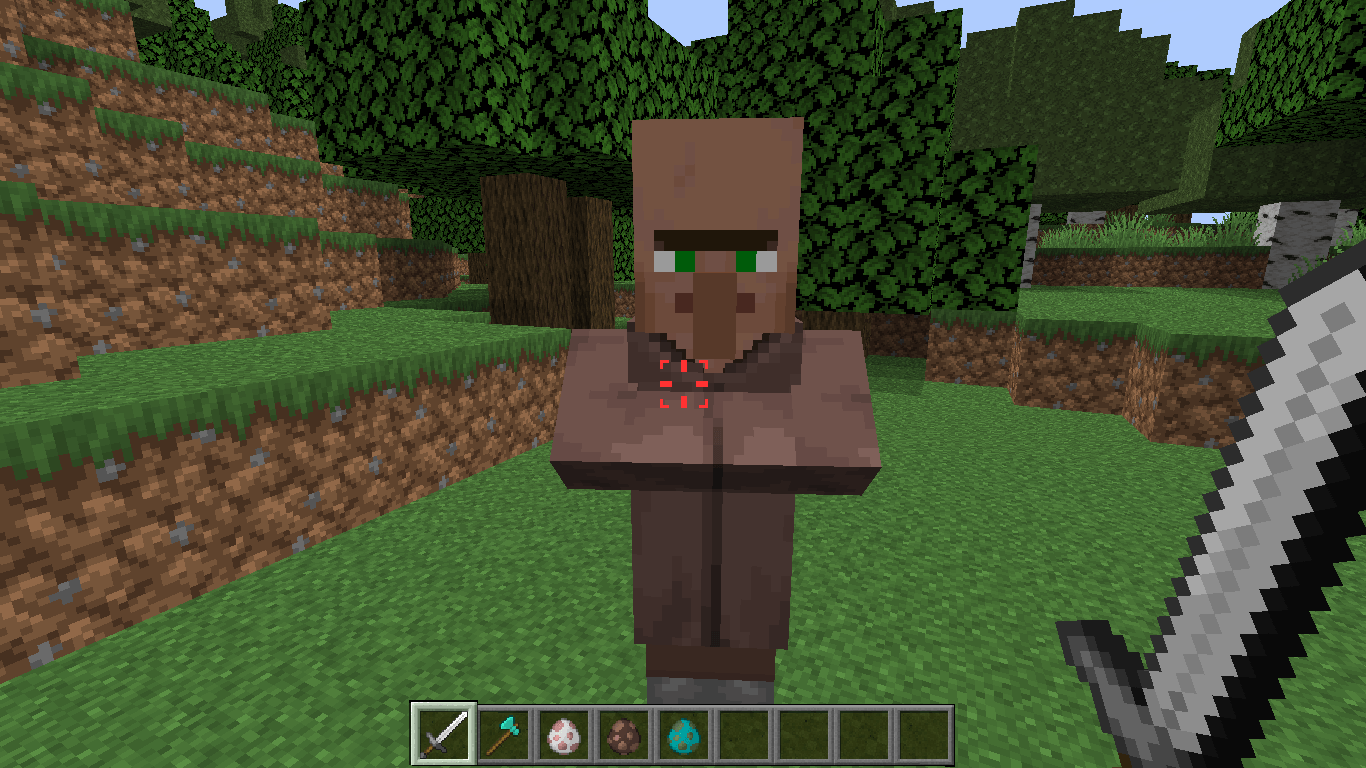
AGAİN..
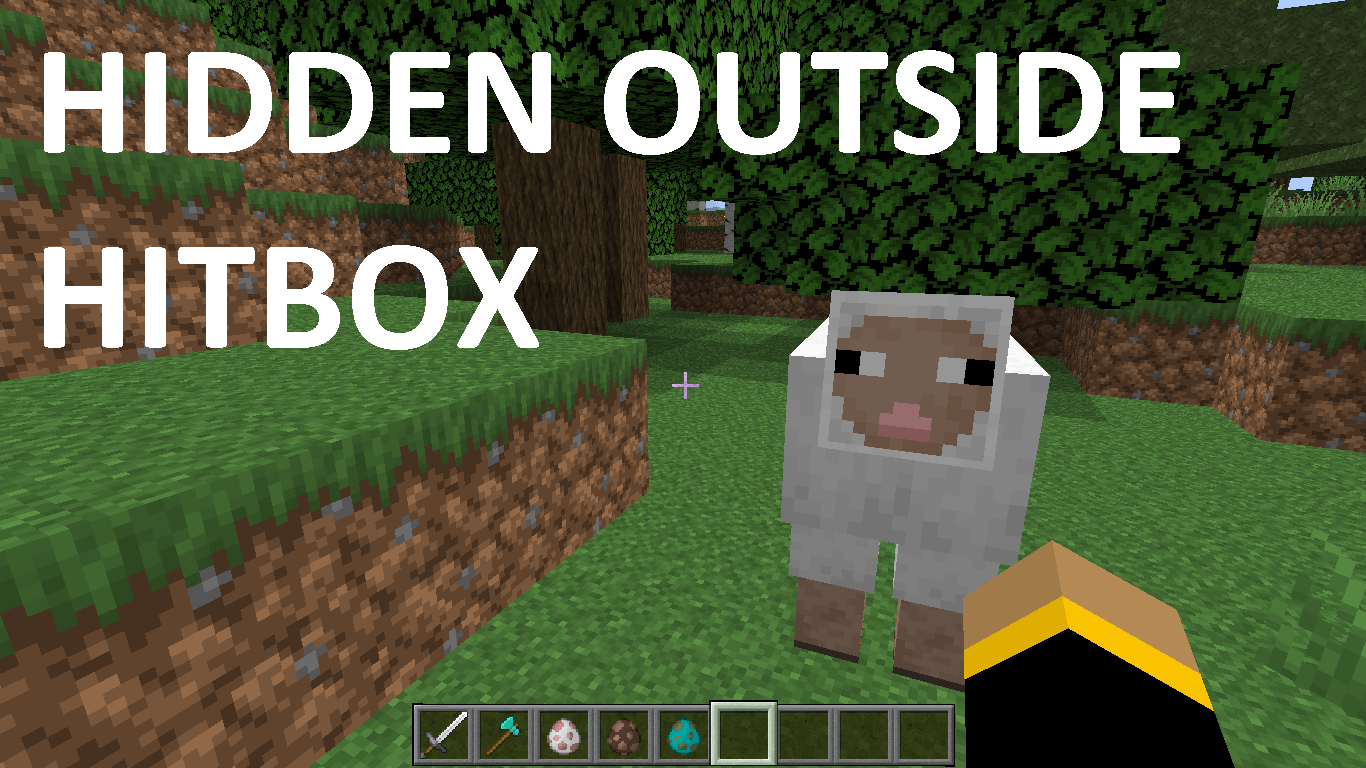
HİDDEN OUTSİDE HİTBOX
Description
# Target Crosshair
Target Crosshair is a lightweight client-side Minecraft mod that changes the crosshair when you aim at a living entity.
When your crosshair is over a mob, animal, villager, player, or another living entity, it displays a clean custom corner-style crosshair. When you aim away from the entity, the normal Minecraft crosshair remains visible.
## Features
- Custom crosshair for living entities
- Supports mobs, animals, villagers, and players
- Non-living objects such as flowers are ignored
- White crosshair by default
- Preset colors: White, Red, Green, Blue, Yellow, and Purple
- Custom RGB color controls
- Enable or disable the target crosshair
- Adjustable size from 0.75x to 3.00x
- Attack Indicator toggle
- Live crosshair previews in the settings menu
- Reset to defaults button
- Settings are saved automatically
- English two-page settings menu
- Uses the TC logo
- Developed by Emirhan Yazir
## Controls
Press **B** in-game to open the Target Crosshair settings menu.
## Supported Versions
Separate files are provided for:
- Minecraft 1.10.2 Forge
- Minecraft 1.12.2 Forge
- Minecraft 1.16.5 Forge
- Minecraft 1.16.5 Fabric
Make sure to download the correct file for your Minecraft version and mod loader.
## Installation
1. Install the required Minecraft version.
2. Install Forge or Fabric, depending on the downloaded file.
3. Place the Target Crosshair `.jar` file into your `.minecraft/mods` folder.
4. Launch Minecraft.
5. Press **B** to open the settings menu.
## Credits
Target Crosshair was developed and is maintained by Emirhan Yazir.
Target Crosshair Team
