TakeItOut (Take It Out)
- By
Pick blocks directly from shulker boxes using mouse wheel, Litematica Easy Place, or right-click. Fully supports schematics and printers.
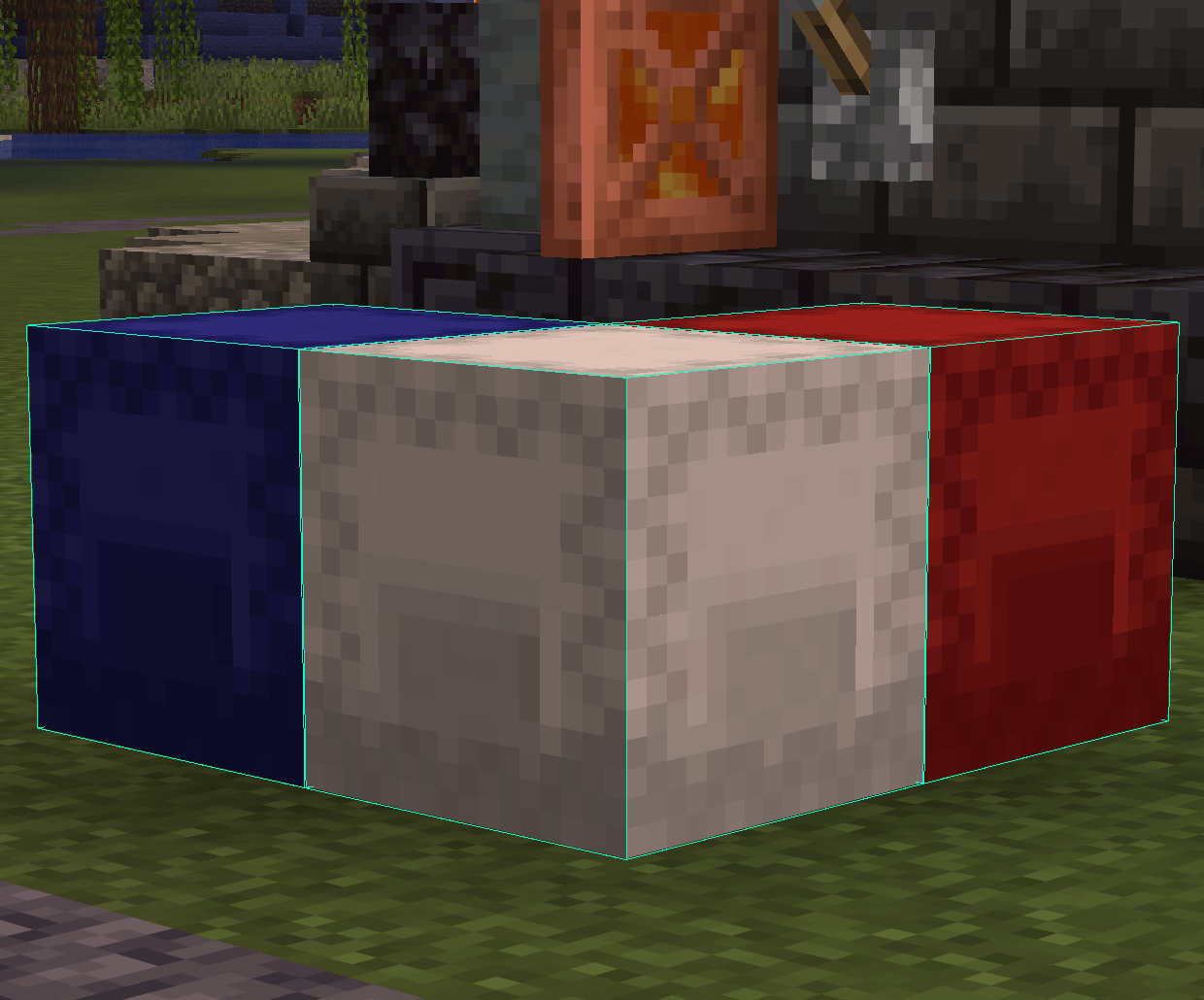
📦 World Container Sources Link placed chests, barrels, and shulkers using the configurable Link Looked-at Container hotkey (H by default).
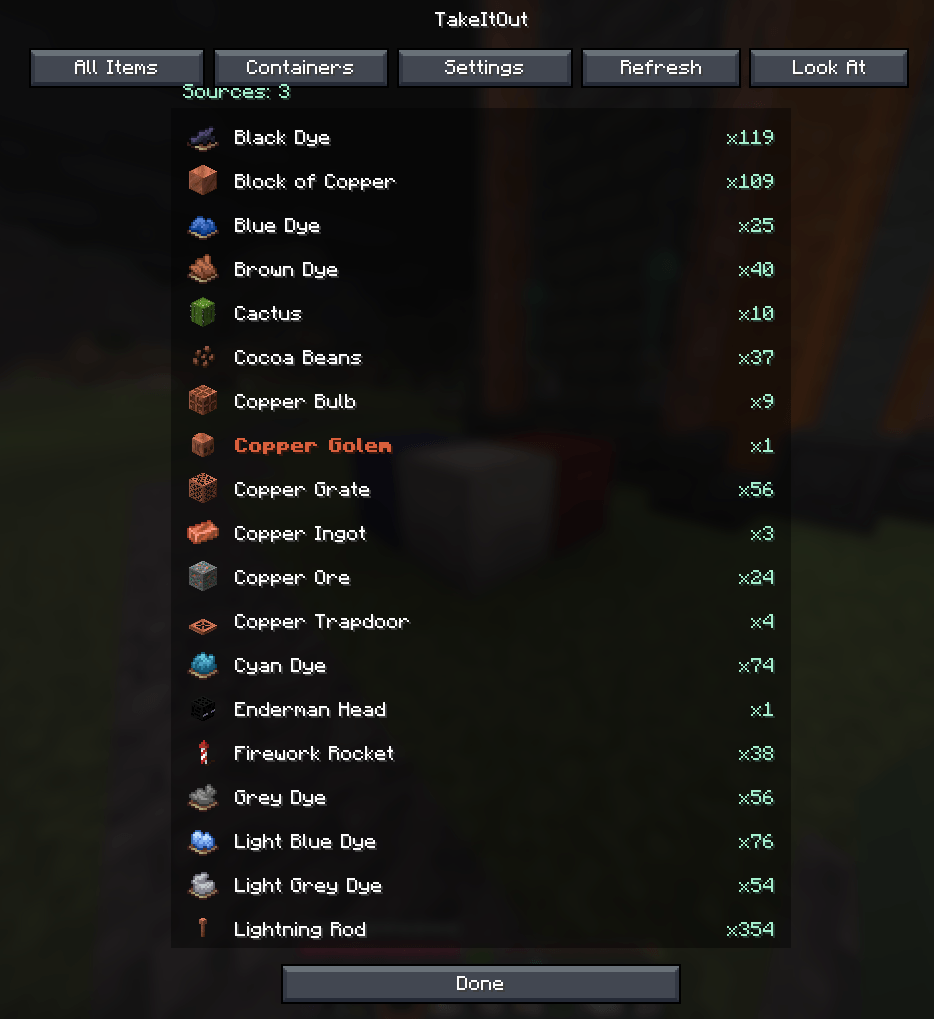
All Items — view all available items across linked containers
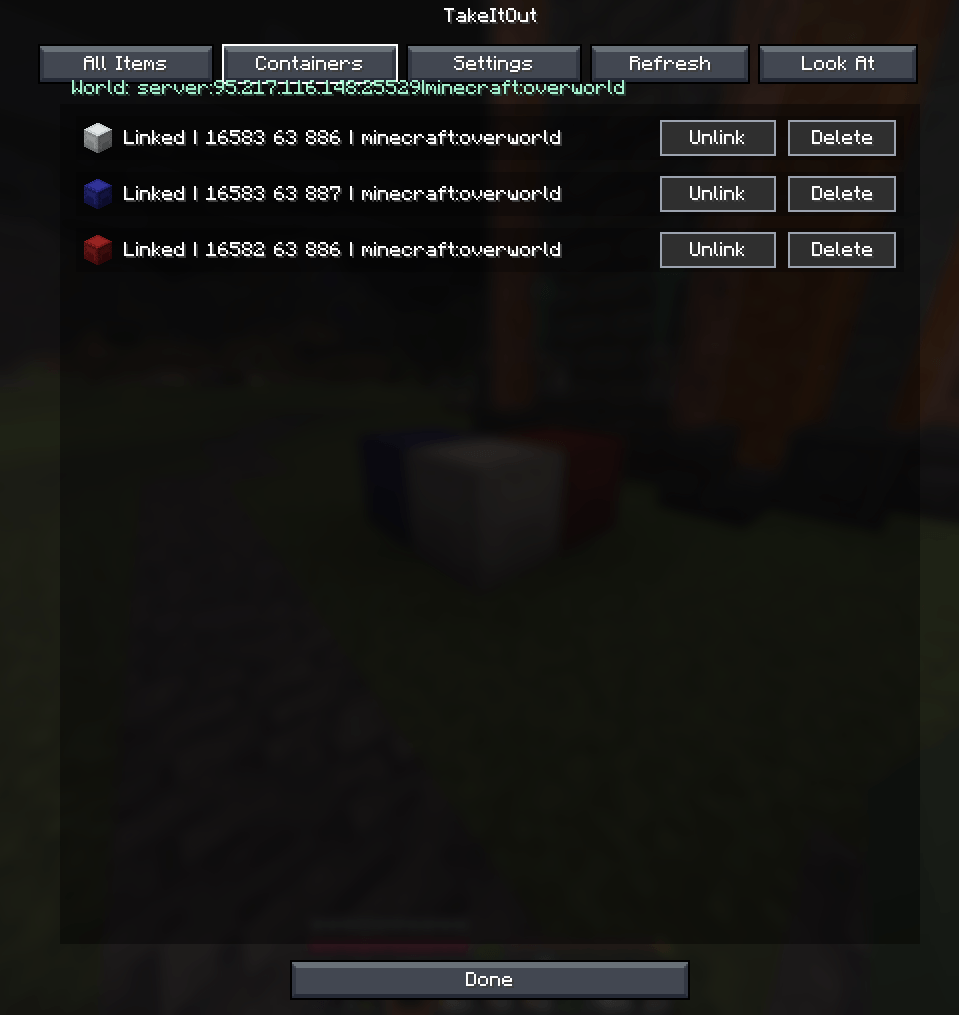
🧭 Container Management UI
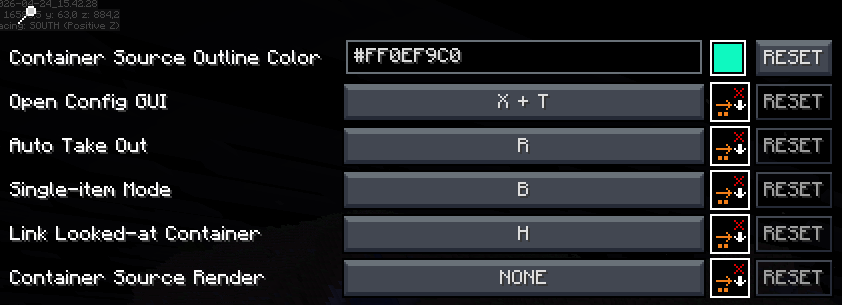
⚙️ Full Settings Screen Open with X + T or via Controls / Mod Menu. All hotkeys and visuals are configurable via malilib.
Description

⚡ TakeItOut — Fast Shulker Block Picking + Easy Place
Pick blocks directly from shulker boxes — whether they’re in your inventory or placed in the world — using:
- the pick block key (mouse wheel)
- Litematica Easy Place (right-click in schematics)
- or regular right-click in schematics with Auto Take Out enabled
Build faster — whether you use Easy Place or place blocks manually.
💡 Perfect for Litematica users:
Works with both Easy Place and manual building — automatically supplying the correct blocks either way.
🎥 Building Demo

Fast building with Litematica using blocks directly from shulker boxes and linked containers.
✨ Features
📦 Pick blocks directly from:
- shulker boxes in your inventory
- linked world containers
🧱 Litematica Easy Place support
Right-click schematic blocks to auto-pick and place them exactly as defined by the schematic🖱️ Manual placement support (Auto Take Out)
Right-click in schematics to automatically take the required item while placing blocks normally⚡ Full support for Litematica schematics
🖨️ Compatible with:
- original Litematica printer
- litematica-printer (BiliXWhite fork)
🔄 Compatible with Tweakeroo Restock
🖱️ Pick block support — use the mouse wheel
🔄 Auto pick mode (R)
📦 Extraction modes — SINGLE / STACK (B)
📁 Container Groups
Save, switch and share named container setups with other players on the server🌐 Server-side Shared Groups
Publish container groups to the server and let other players import them instantly📦 Box Selection Tool
Select a cuboid area to automatically link all containers inside it
📦 Linked World Containers
Link containers using the H key.
Supported:
- shulker boxes
- chests
- barrels
Features:
- 🌐 Cross-container item access
- 🌍 Cross-dimension support
- 📊 Litematica material list integration
- 🟢 Linked container outline rendering
- 🧭 Container management UI
Additional functionality:
- 📁 Container Groups — save, switch and share setups
- 🌐 Shared Server Groups — publish groups for all players
- 🗑️ Dump Containers
- 📦 Box Selection — bulk-link containers in an area
- 🔍 Item search in All Items tab
- 🖱️ LMB = stack / RMB = single item
🆕 Recent Updates
- Added server-side shared container groups with import/remove support
- Added Box Selection mode for bulk container linking
- Improved Easy Place reliability after reconnect
- Correct block placement in water
- Better redstone wire matching
- Fixed stack merge overflow issues
- Tools no longer get moved into world containers accidentally
- Chat notifications for scan limits and restrictions
- Server option to disable All Items requests
⚠️ Compatibility Notice
Item Swapper
TakeItOut may conflict with Item Swapper because both modify item picking behavior.
Possible issues:
- incorrect item selection
- unexpected hotbar swaps
👉 Try disabling Item Swapper if issues occur.
🌐 Multiplayer
Install on the server or use the companion plugin for:
- Paper
- Purpur
- Spigot
- Bukkit
⚠️ Client Compatibility
Older TakeItOut client versions are not compatible with newer servers.
Please update the client to the latest version.
⚙️ Settings
Open the settings screen with:
- X + T
- Controls menu
- Mod Menu
🔗 Links
Discord: https://discord.gg/TR8tUk4WNF
Modrinth: https://modrinth.com/mod/takeitout
Support: https://ko-fi.com/maxbel
Made by Max Bel
TakeItOut (Take It Out) Team


Owner