


Tailormade
- By

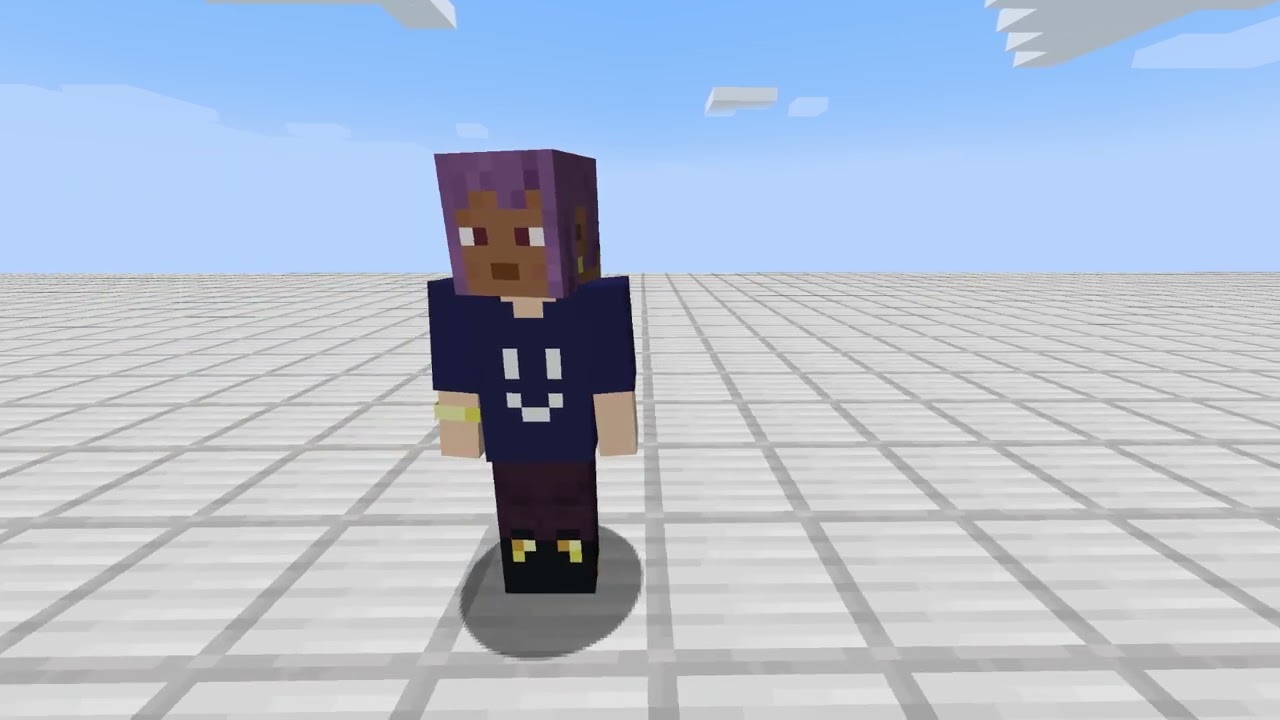
Introducing Tailormade MOD!
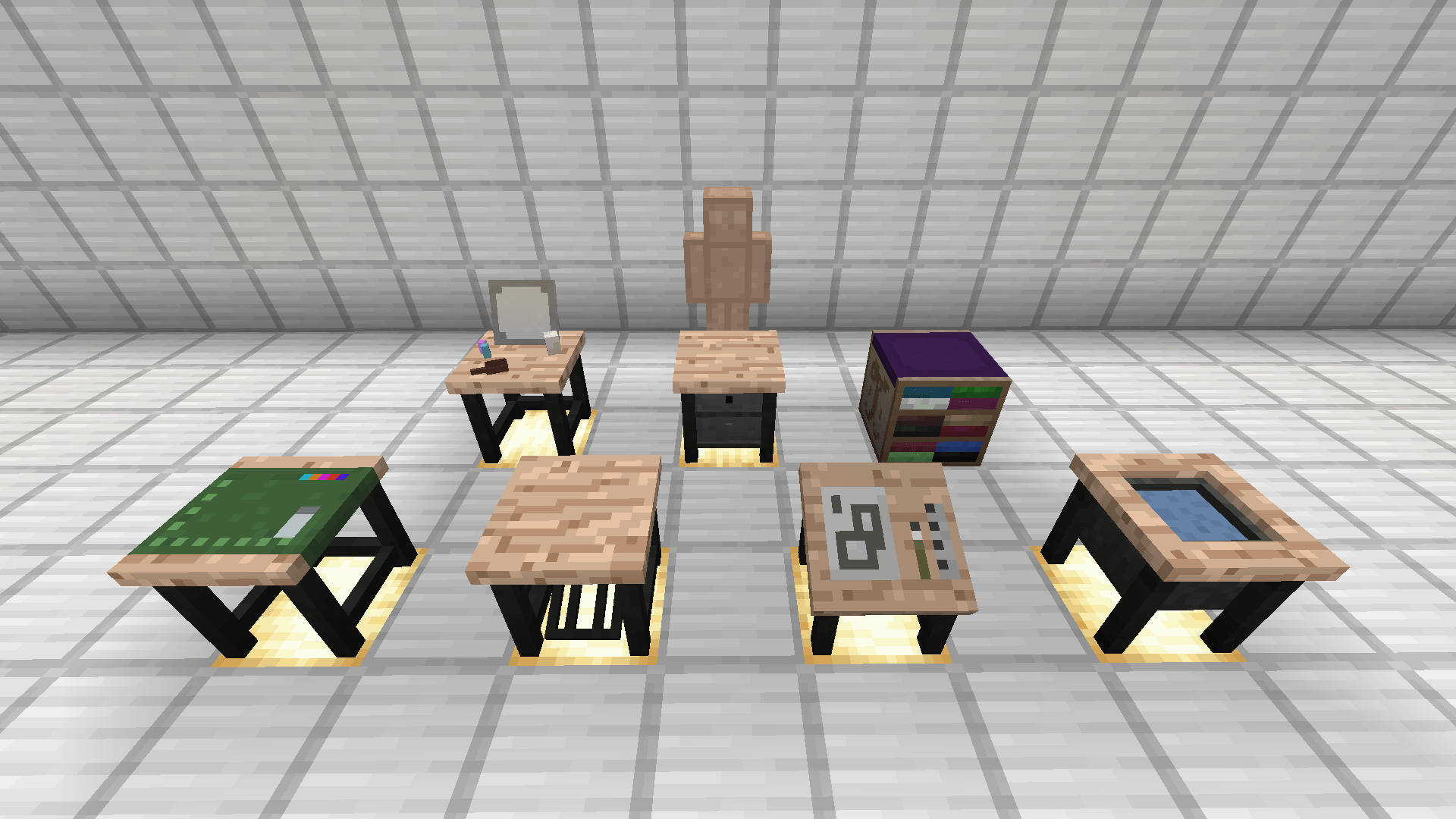
From front to back, 1st row (left to right): Design Table, Tailoring Station, Pattern Manager, Bleaching Counter. 2nd row (left to right): Dresser, Wardrobe, Showcase. 3rd row: Mannequin.
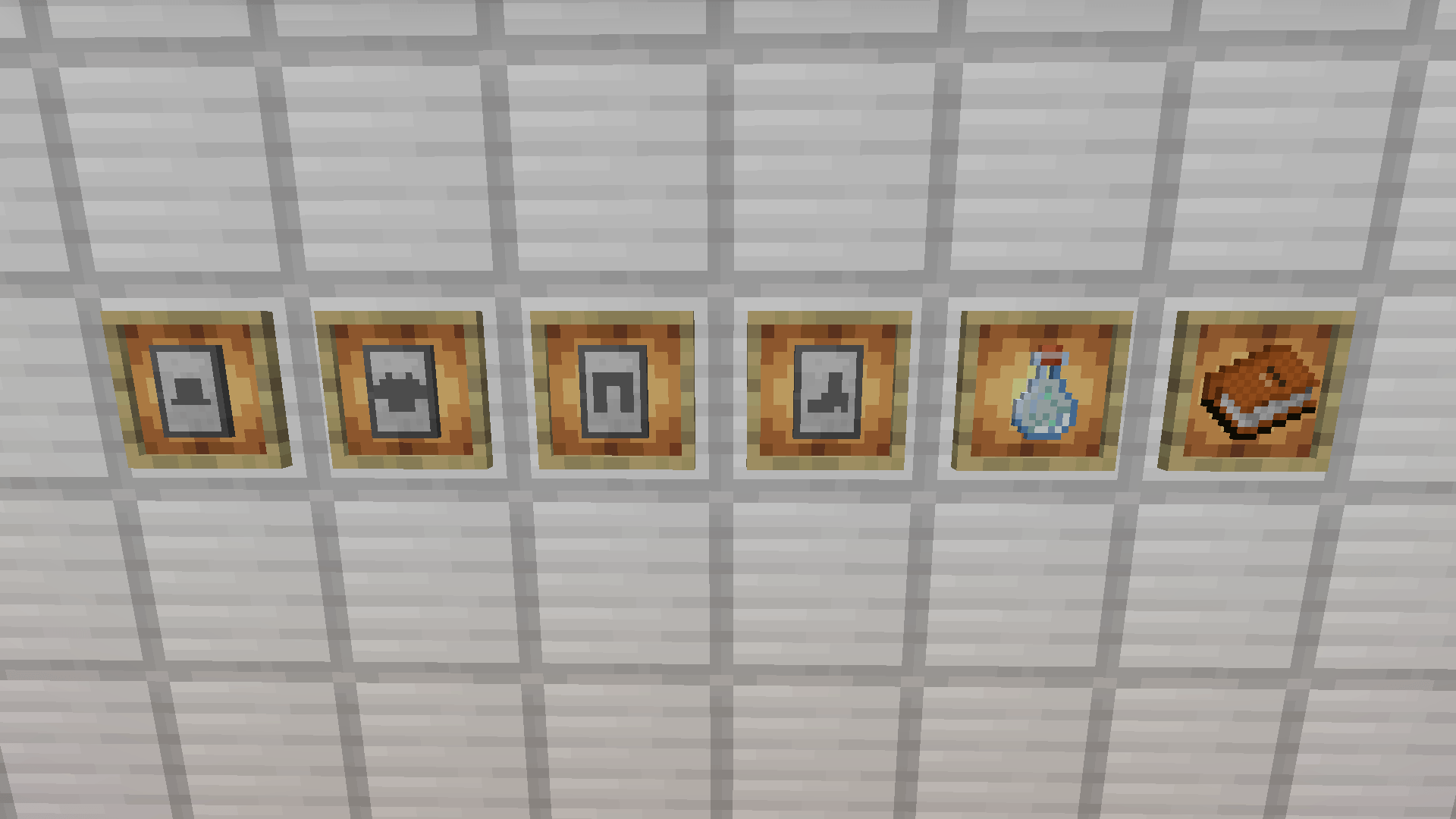
(from left to right) Patterns for hat, shirt, pants, shoes, and a bleach, catalog.
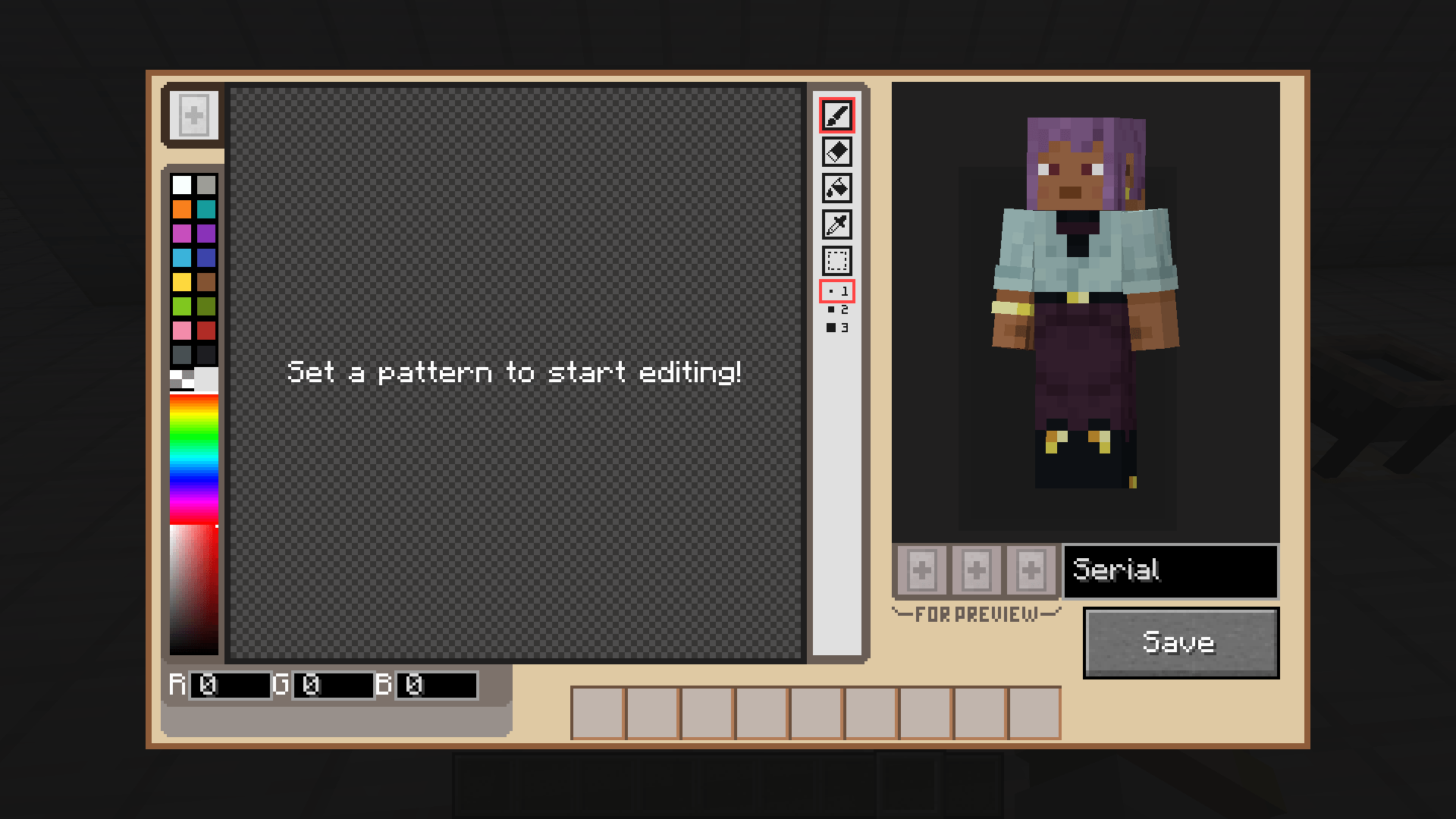
You need to insert any kind of patterns to start designing.
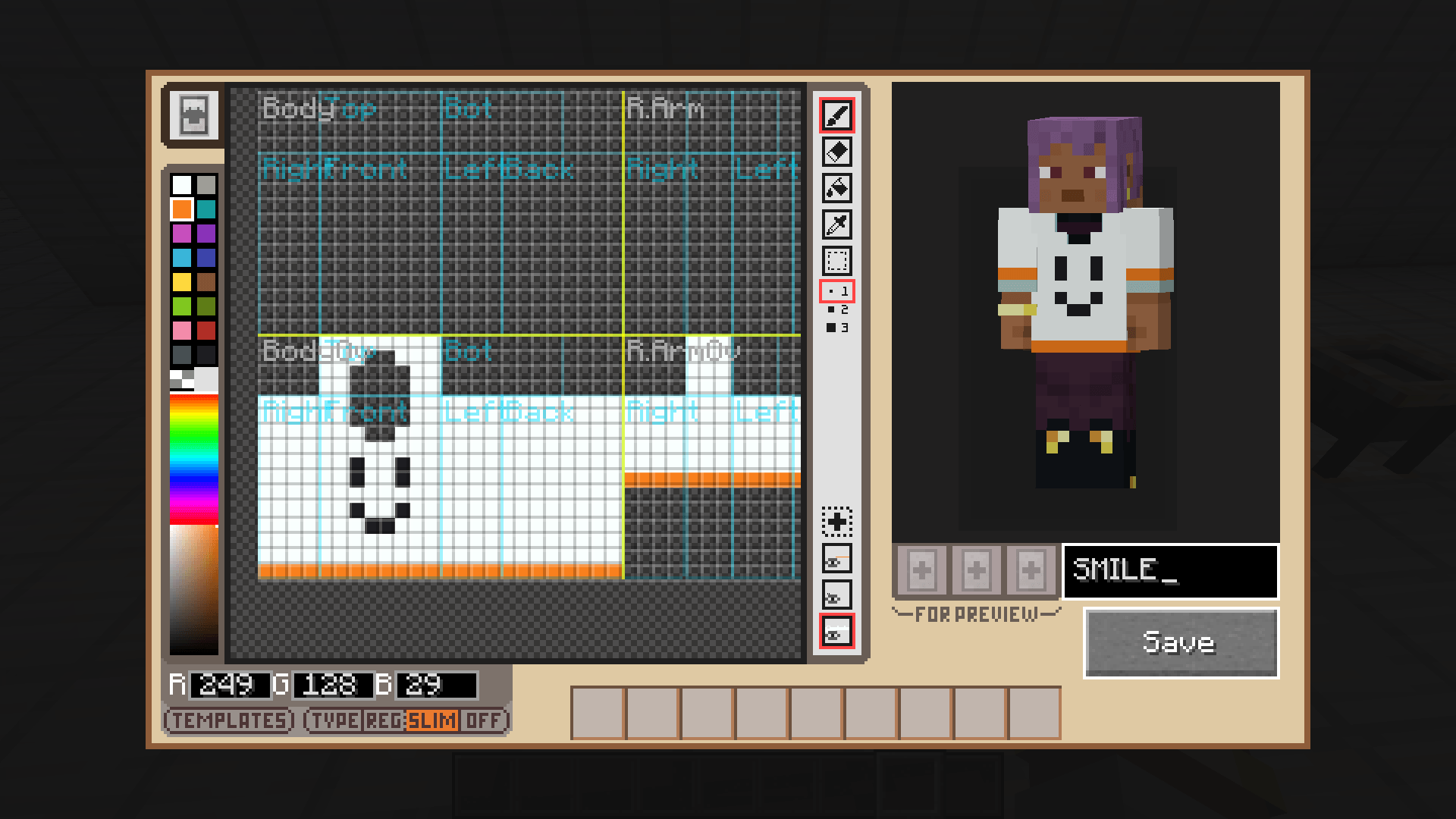
A sample image of editing clothing design. Brush, eraser, bucket, eyedropper, selection tools and layers are available. You can also set pattern name in the form above Save button.
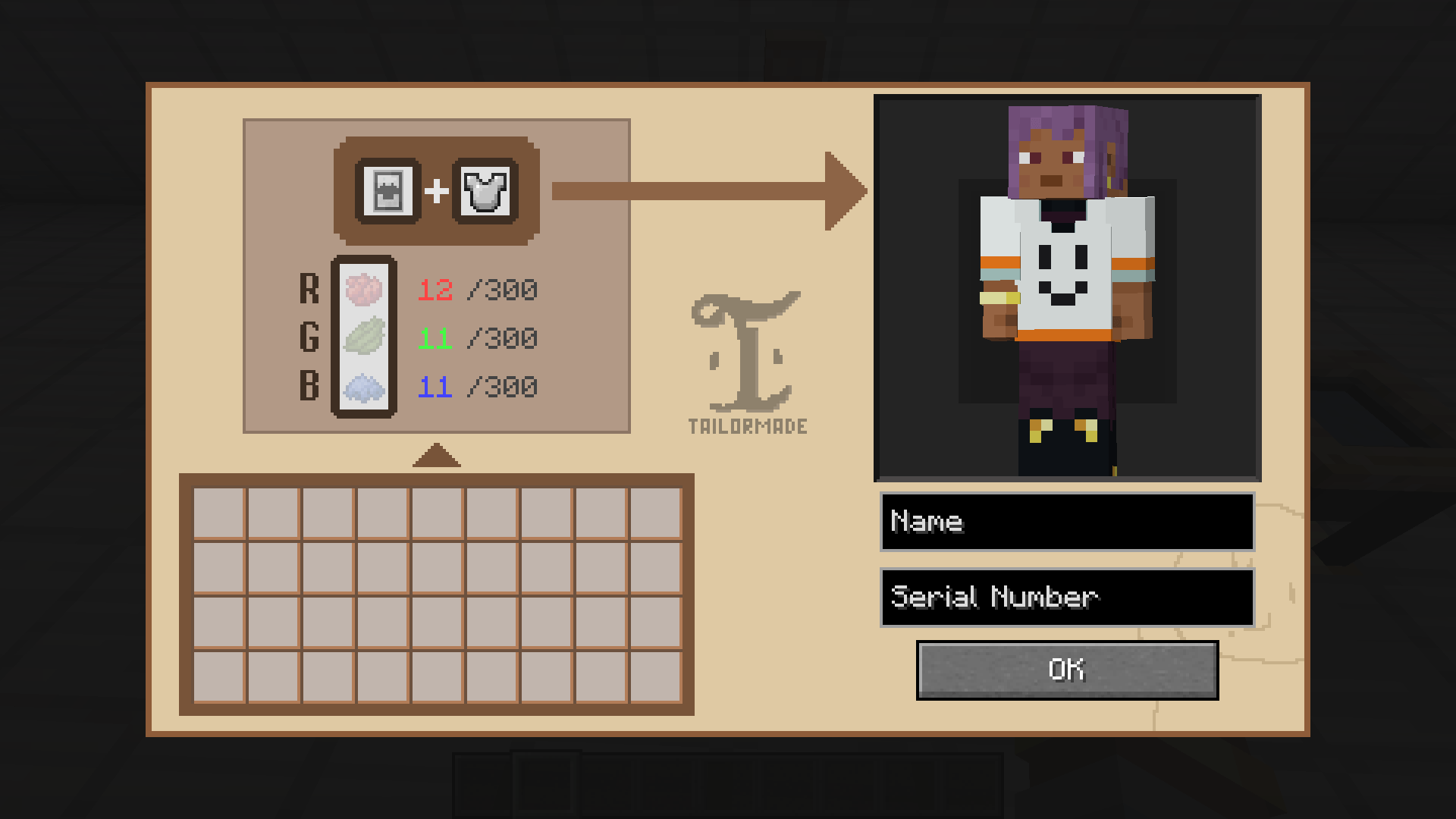
Once designing is done, you can attach it to any of your armor in the tailoring station. Requires red, green, blue dyes according to the design.
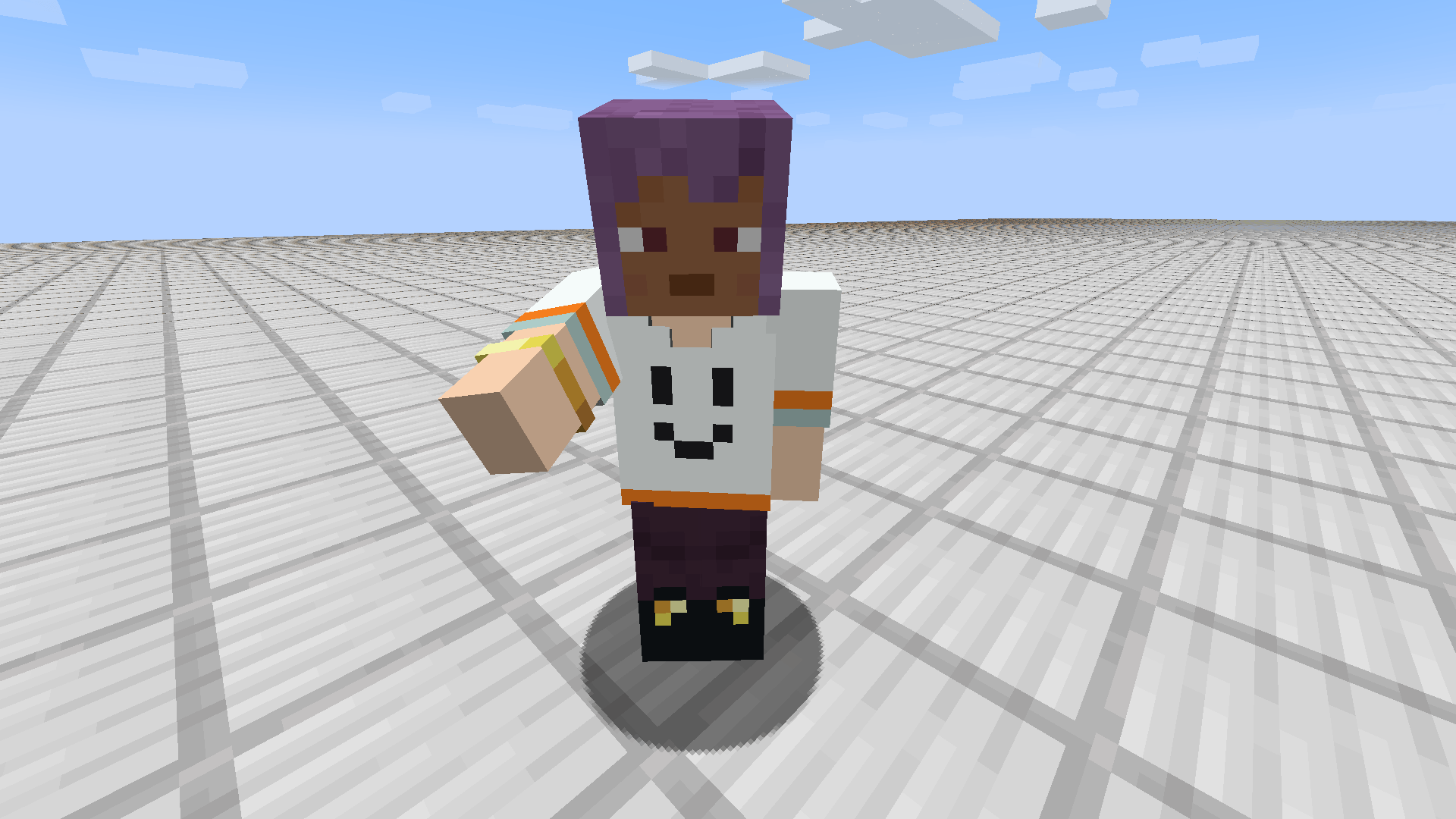
Et voila! With Tailormade mod, your armor would be unique clothing of your own!
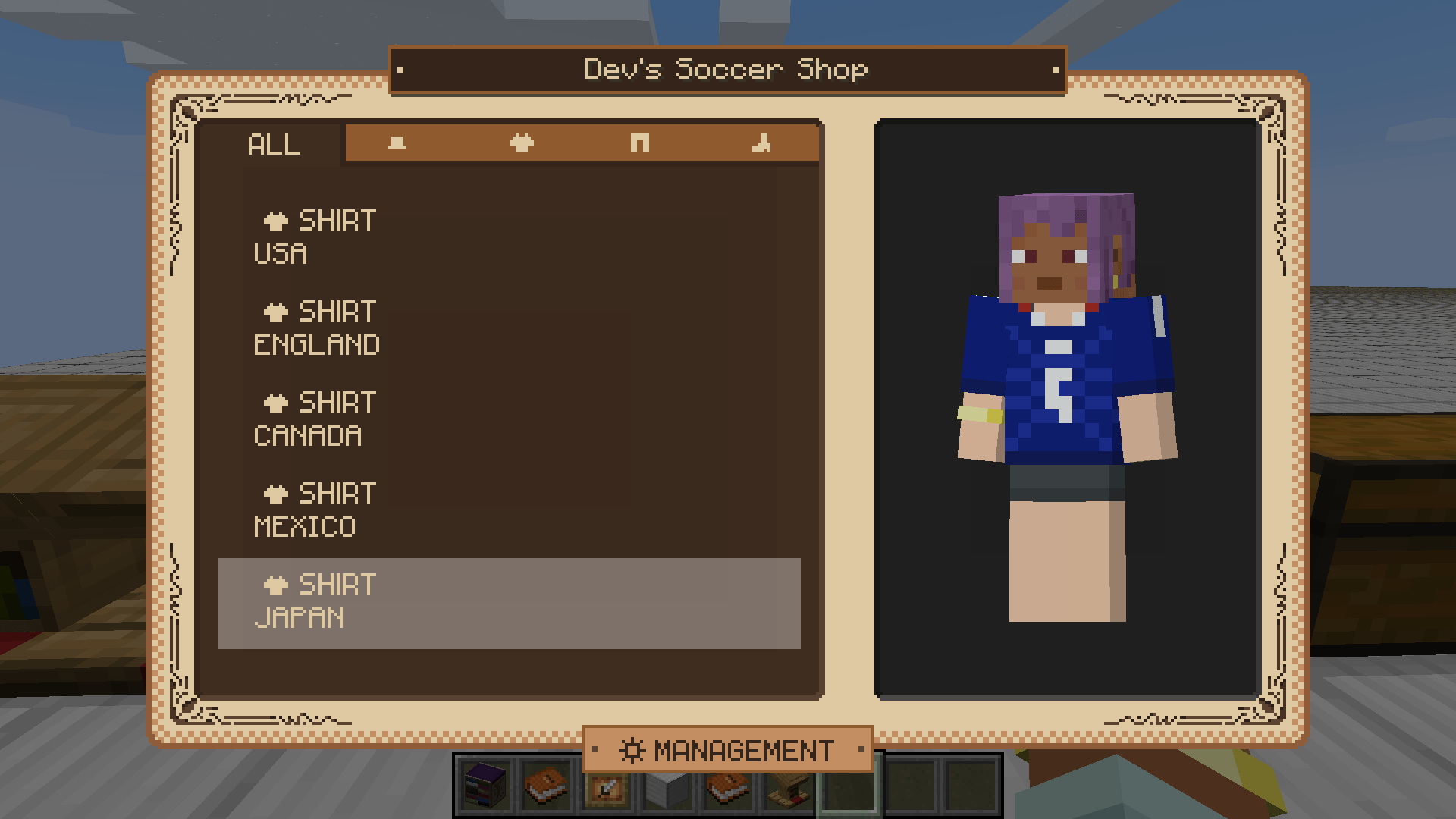
Now you can display your designs!