


TaCZ: Lights
- By
Adds TaCZ compatibility with Veil, as well as multiple visual effects using Veil
Description
TaCZ Lights
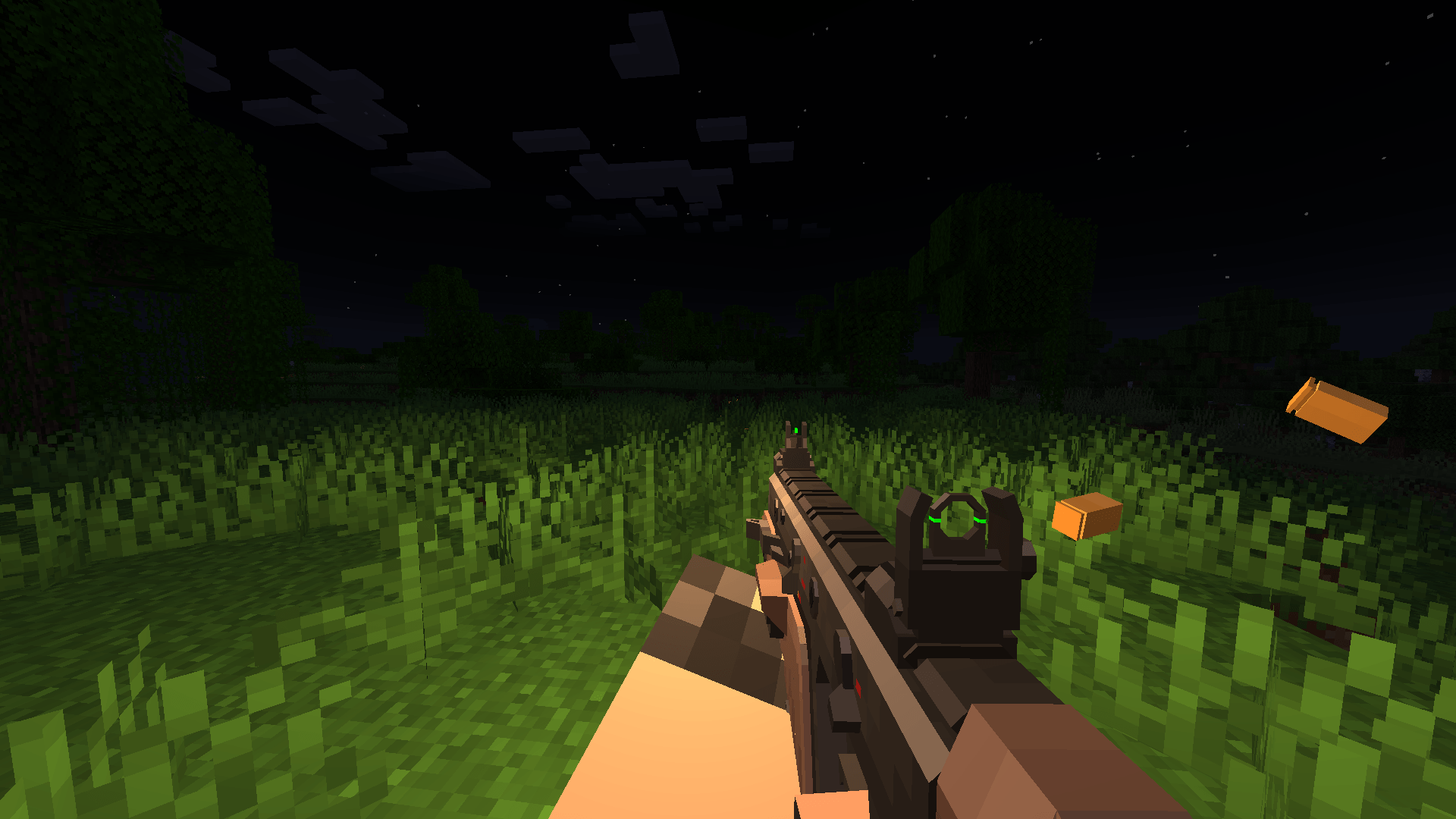
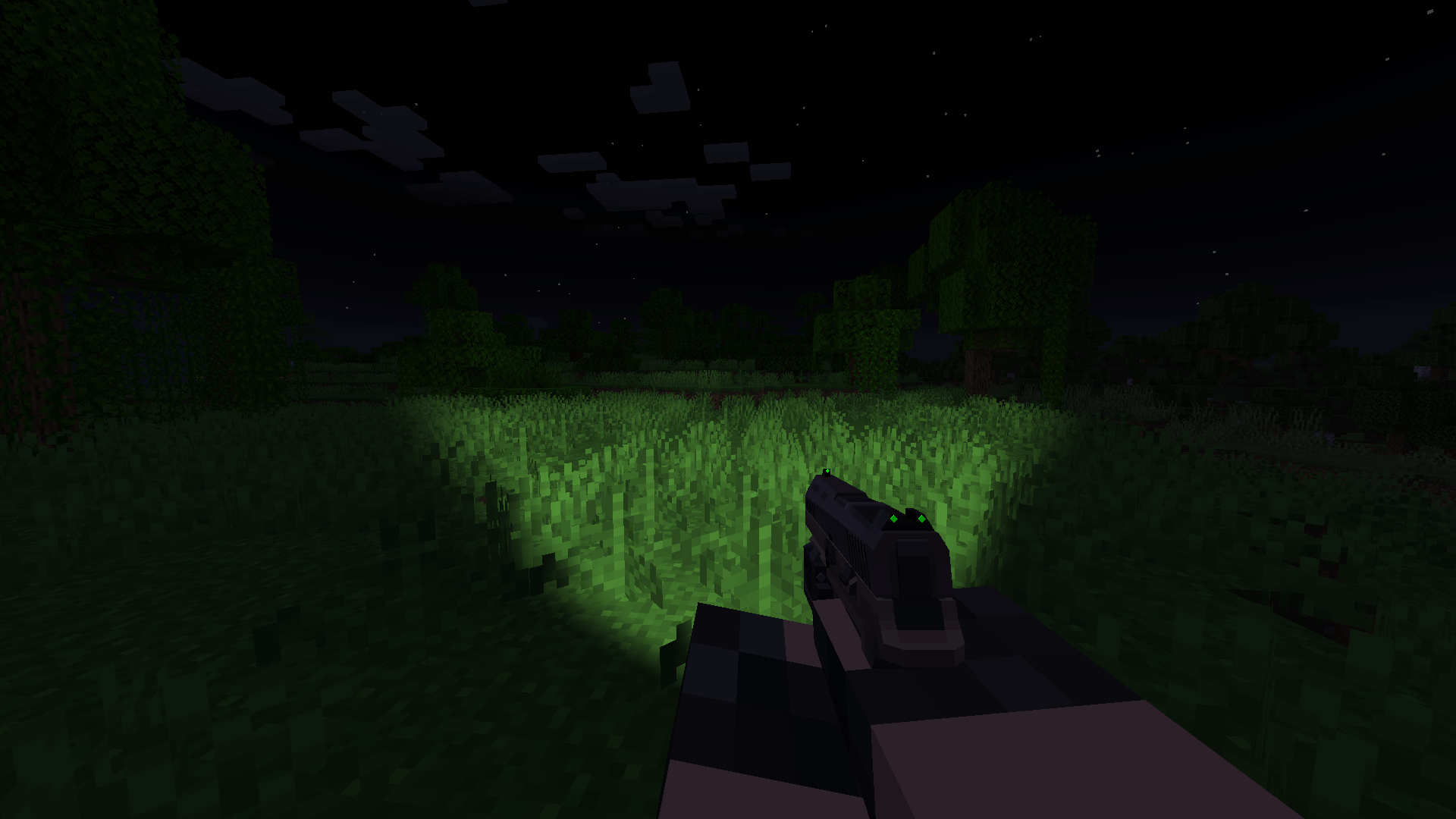
TaCZ Lights brings real dynamic lighting to Timeless and Classics Zero, powered by Veil. Flashlights light up the world in front of you, lasers put a dot of light where they hit, and every shot briefly lights up the area around the gun.
Everything is driven by gunpacks: authors add a small taczlights block to their existing TaCZ display files, no extra files and no code needed.
Features
Attachment lights
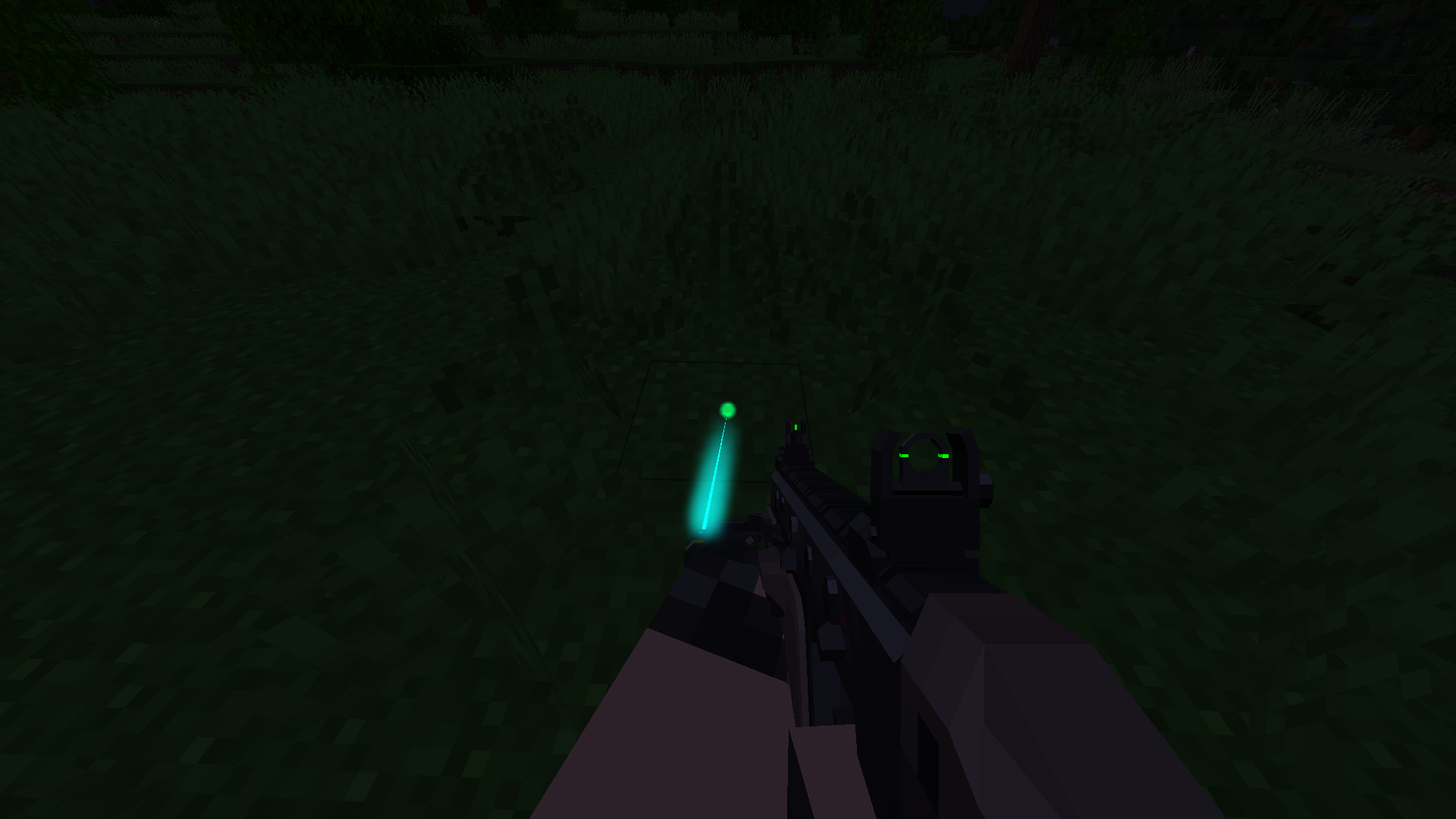
- Flashlights and other attachments can cast real spot lights (a cone) or point lights (a glow) from any bone in their model
- Lights follow the gun: aiming, sway, recoil, reloads and inspect animations
- Attachments can have several light modes, for example a wide flood and a narrow focused beam
- Press the light key (default J) to cycle through the modes: off, mode 1, mode 2, and back to off
- The mode is saved on the attachment itself, so it stays the same when you move it to another gun
- Other players see your lights too
Lasers
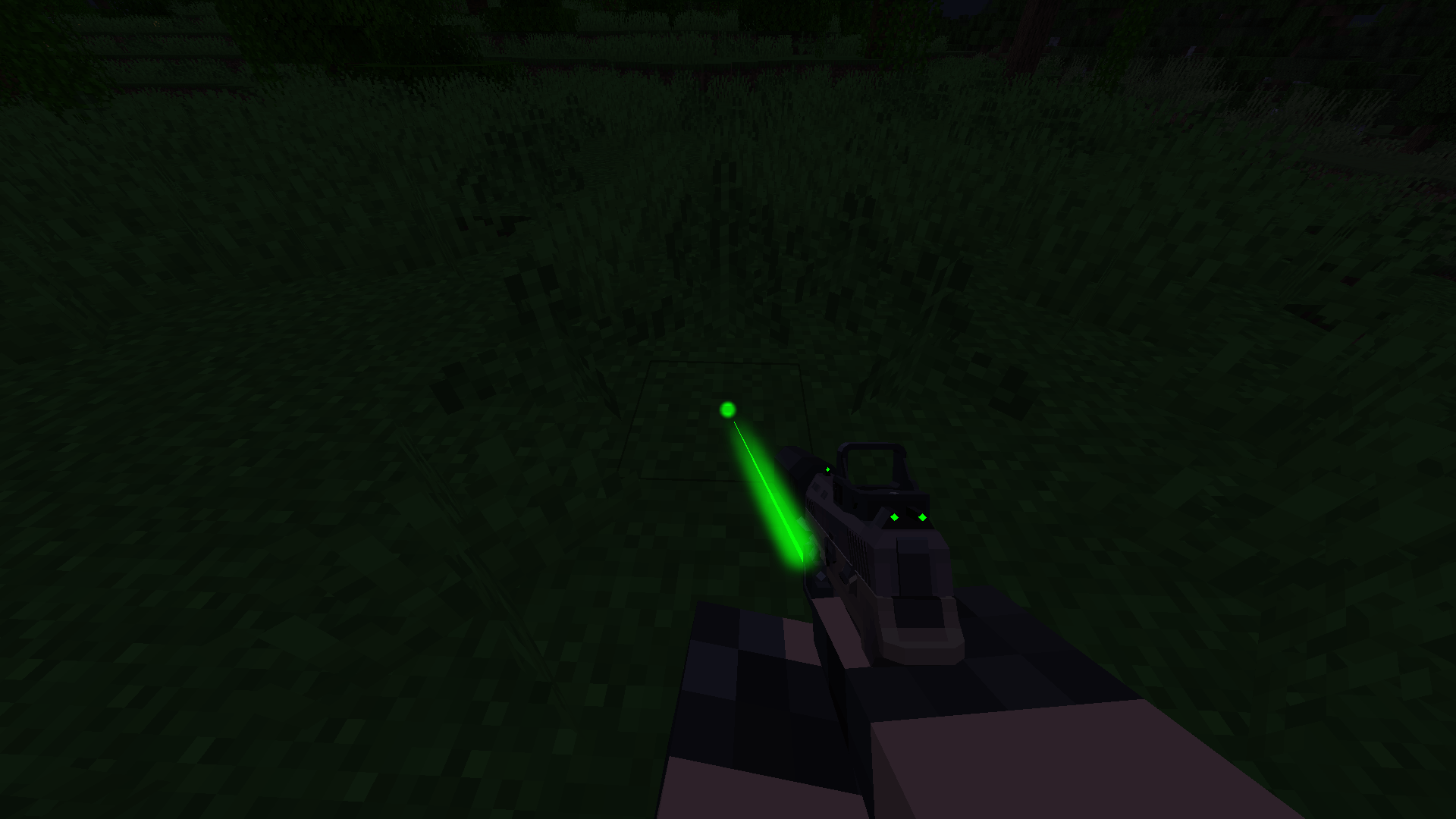
- Every laser casts a dot of light where it hits, in the laser's color, including custom colors from the TaCZ customization screen
- The dot uses a custom cylindrical light, so it stays the same size at any distance and stops at the first block it hits
- Press the laser key (default K) to turn lasers on and off
- Visible laser beams glow, with adjustable strength and width
- Gunpacks can mark a laser as infrared: the laser key then cycles on, IR and off (see Modern Mayhem below)
Muzzle flashes
- Every shot briefly lights up the surroundings, even at high fire rates
- Works for your own shots, other players and TaCZ mobs
- Suppressed guns don't flash
- Gunpacks can change the color, brightness, size and duration per gun, or turn it off
Client config
Found in config/taczlights-client.toml. It can be edited while the game is running.
- Turn attachment lights, laser dots, muzzle flashes and laser glow on or off individually
- Limit how many lights and muzzle flashes are active at once
- Adjust the laser glow strength and width
For gunpack authors
Add a taczlights block to an attachment's display file:
"taczlights": {
  "default_mode": 0,
  "modes": [
    {
      "name": "Flood",
      "lights": [
        { "type": "spot", "bone": "light_pos", "color": "#FFF4E0", "brightness": 1.0, "distance": 24, "angle": 45 }
      ]
    },
    {
      "name": "Focused",
      "lights": [
        { "type": "spot", "bone": "light_pos", "color": "#FFF8F0", "brightness": 3.0, "distance": 60, "angle": 15 }
      ]
    }
  ],
  "laser_light": { "radius": 0.06, "softness": 0.6, "brightness": 2.0 }
}- Lights sit on the named bone and point along its -Z axis, the same rule TaCZ uses for
laser_beambones laser_lightsets the laser's dot. Lasers without one use the default dot, if the client config allows it- A gun's display file can set its muzzle flash with
"taczlights": { "muzzle_flash": { ... } } - Changes can be reloaded in game with
/tacz reloador F3+T
Requirements
- TaCZ for NeoForge 1.21.1 (unofficial port)
- Veil 4.4.0 or newer
- NeoForge 1.21.1
TaCZ Lights must be installed on both the client and the server.
Compatibility
- Modern Mayhem: infrared lasers and IR lights are only visible through Modern Mayhem's night vision (not implemented yet, only on Neoforge 1.21.1 version)
- Shader packs (Iris): Veil's lighting doesn't work with shader packs, and the laser glow turns off while one is active
- Veil fixes: TaCZ enables stencil on the main framebuffer, which breaks Veil's lighting. TaCZ Lights includes fixes for this and a few other Veil rendering bugs. It turns them off automatically on Veil versions that already fix them.
Support
Found a bug or need help? TaCZ Lights has its own post in the TaCZ Discord server, where I answer questions and help with problems:
When reporting a problem, please include your latest.log and a list of your mods.
TaCZ: Lights Team


Owner

![[MM] Modern Mayhem project image](https://media.forgecdn.net/avatars/thumbnails/1585/884/256/256/639026327499317912.png)

![[Tacz] Slings project image](https://media.forgecdn.net/avatars/thumbnails/1140/384/256/256/638703831467797023.png)