TACZ: Advanced Skin System (MCPSkins)
A weapon locker for TACZ. Unlock skins, apply them to any gun.
What it does
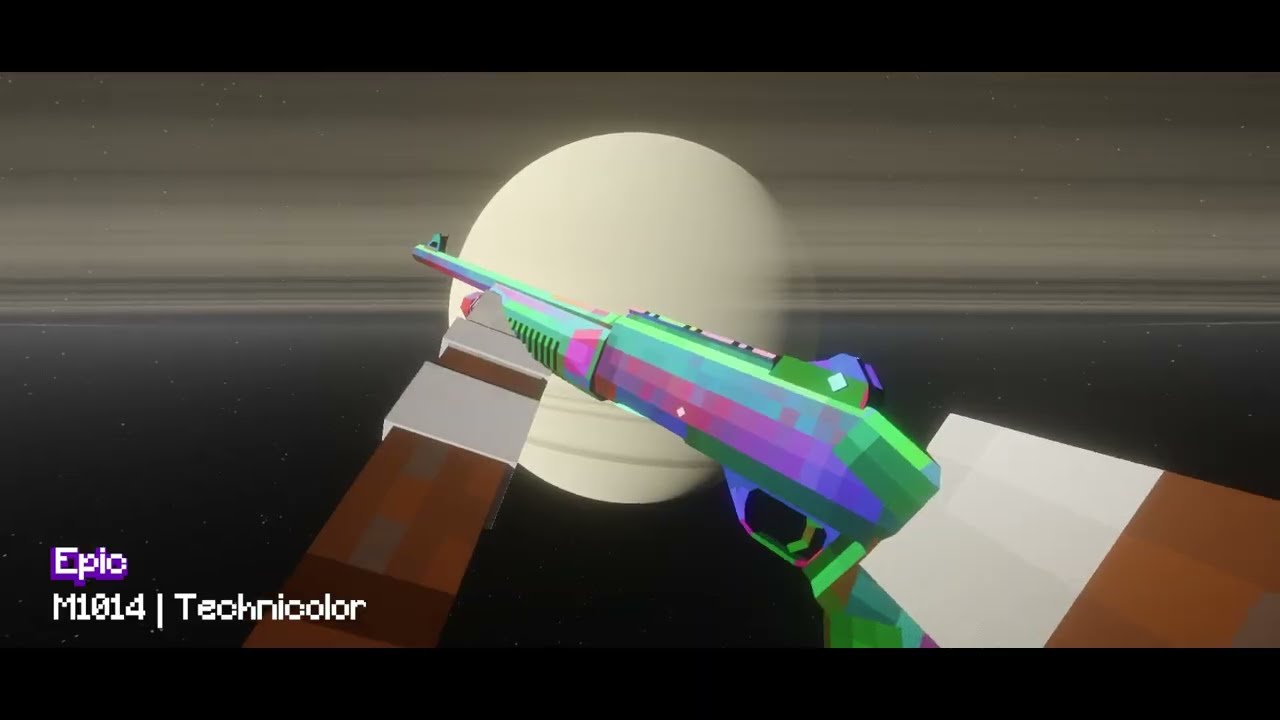
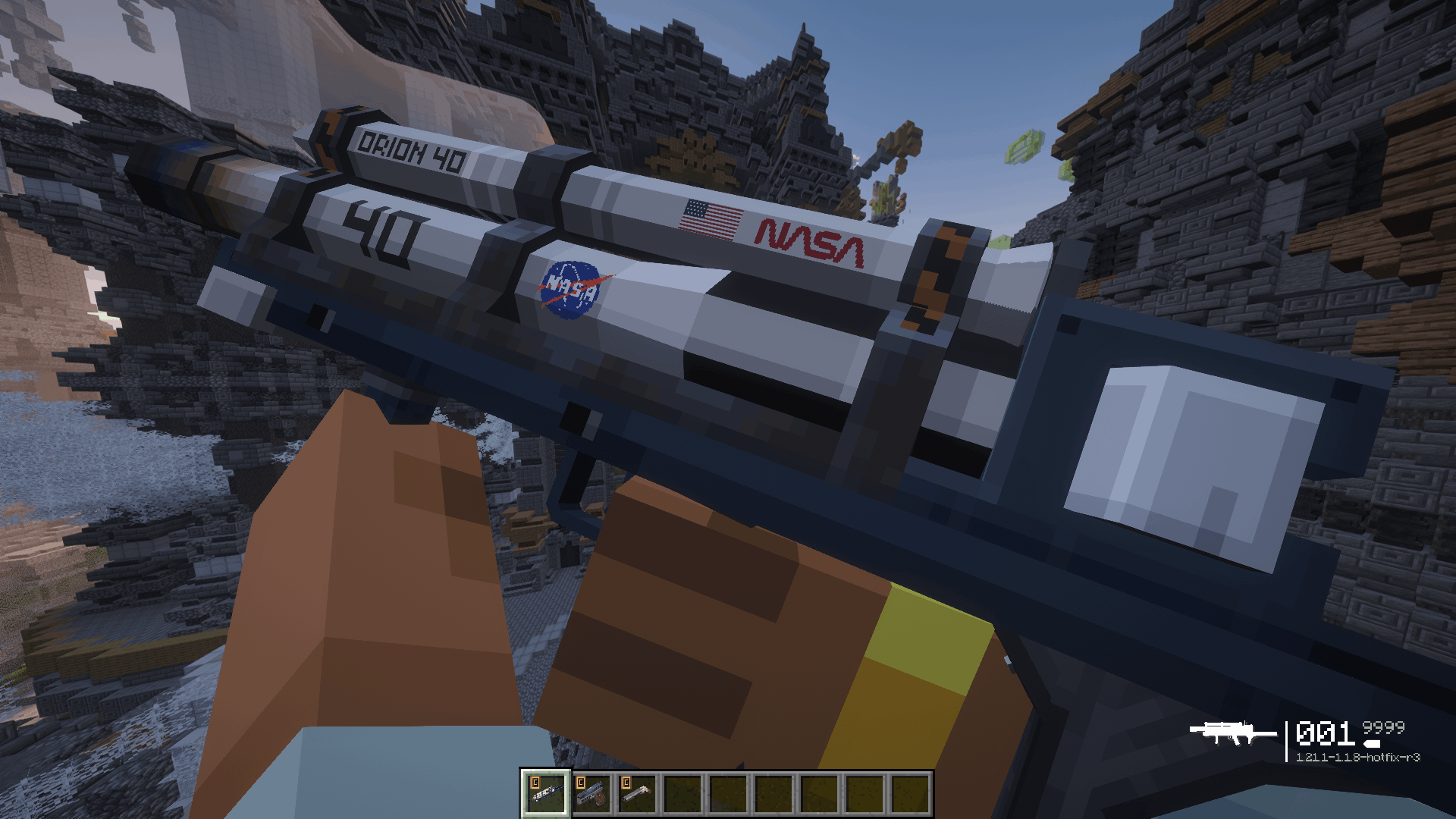
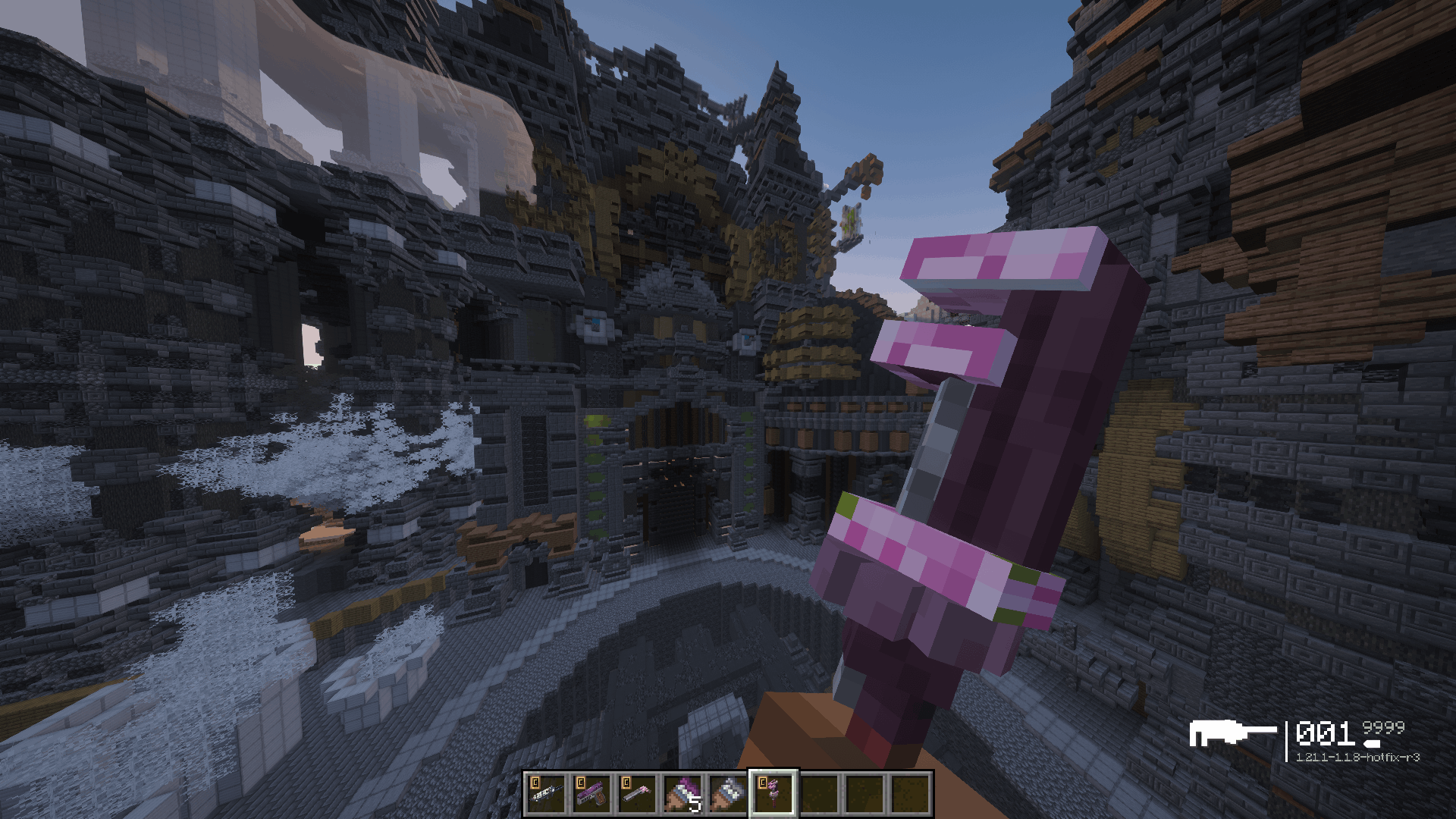
MCPSkins adds a skin layer on top of TACZ-1.21.1. A skin changes how a weapon renders (texture, inventory icon, HUD icon, distance model, or the entire 3D model) without ever changing which weapon it is. No duplicate items, no lost attachments, no NBT tricks. Works with any registered GunId, from official or third-party gun packs.
- Repaint a texture, or swap the whole geo-model while reusing the base weapon's animations
- Optional custom inventory icon, HUD icon (including an empty-mag variant), and low-detail LOD model
- Optional rarity, collection, description, unlock hint and NEW badge for browsing and filtering
- Mark a skin as a starter and every player gets it on first join, no command needed
- Skin TACZ attachments too: scopes, grips and muzzles take the same texture, icon and model overrides
- Animate any skin texture or icon with an ordinary
.png.mcmeta, the same file a resource pack would use
- Ship LabPBR normal and specular maps for shader users, still with nothing to install on the client
- Ship skin names, descriptions and rarities in any language from inside the pack, with nothing to install on the client
Skin packs
Drop a folder or .zip into mcpskins/ on whatever runs the world, then /reload. No pack.mcmeta, no resource pack, no datapack, works on worlds already in progress.
Players install nothing. Art streams from the server to each client at the moment it would be rendered.
Don't want to build one from scratch just to see it working? There's a ready-made pack waiting in the gallery: grab the example skin pack here (ONLY FOR IMMERSIVE/CREATE:ARMORY GUNPACK). Drop it in, /reload, and hit K.
Two ways to browse
Skin Armory. A full-screen catalog in three columns: your arsenal on the left, a drag-to-rotate 3D preview of the real weapon in the middle, and the skin tiles, details and Equip button on the right. Search runs across every weapon at once, and there are owned/locked and has-3D-model filters plus sorting. Opens on K (rebindable) or /mcpskins armory, and works with an empty hand.
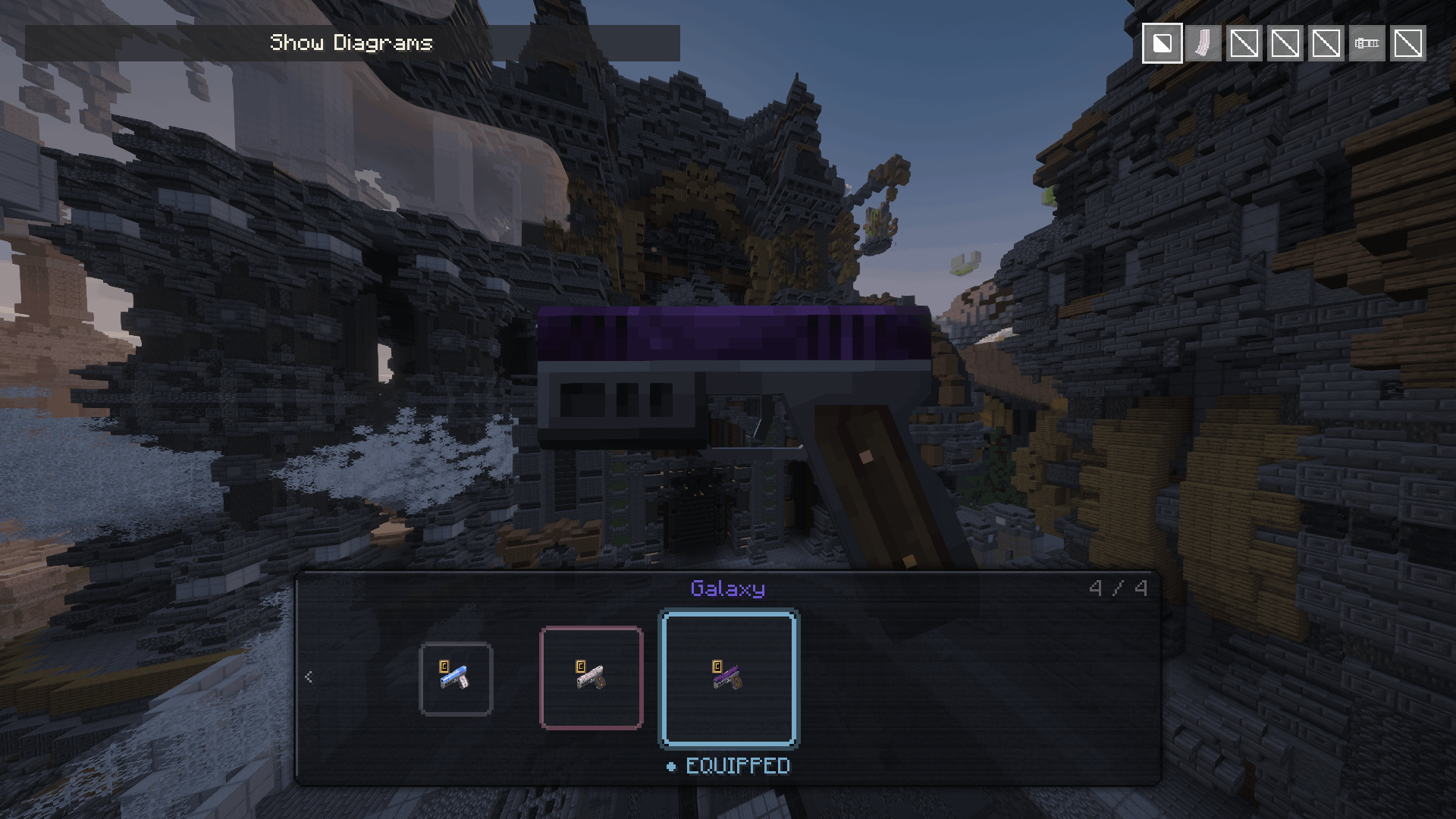
Refit carousel. A compact skin tray embedded in TACZ's own refit screen, for swapping whatever is in your hands. Drag-to-place positioning.
Locked skins preview live on the real model in both UIs, entirely client-side.
Both are drawn from plain textures rather than hardcoded colours, so a normal resource pack can repaint the whole interface. The generator that produced the default set ships with the source if you would rather start from it than from scratch.
Ownership
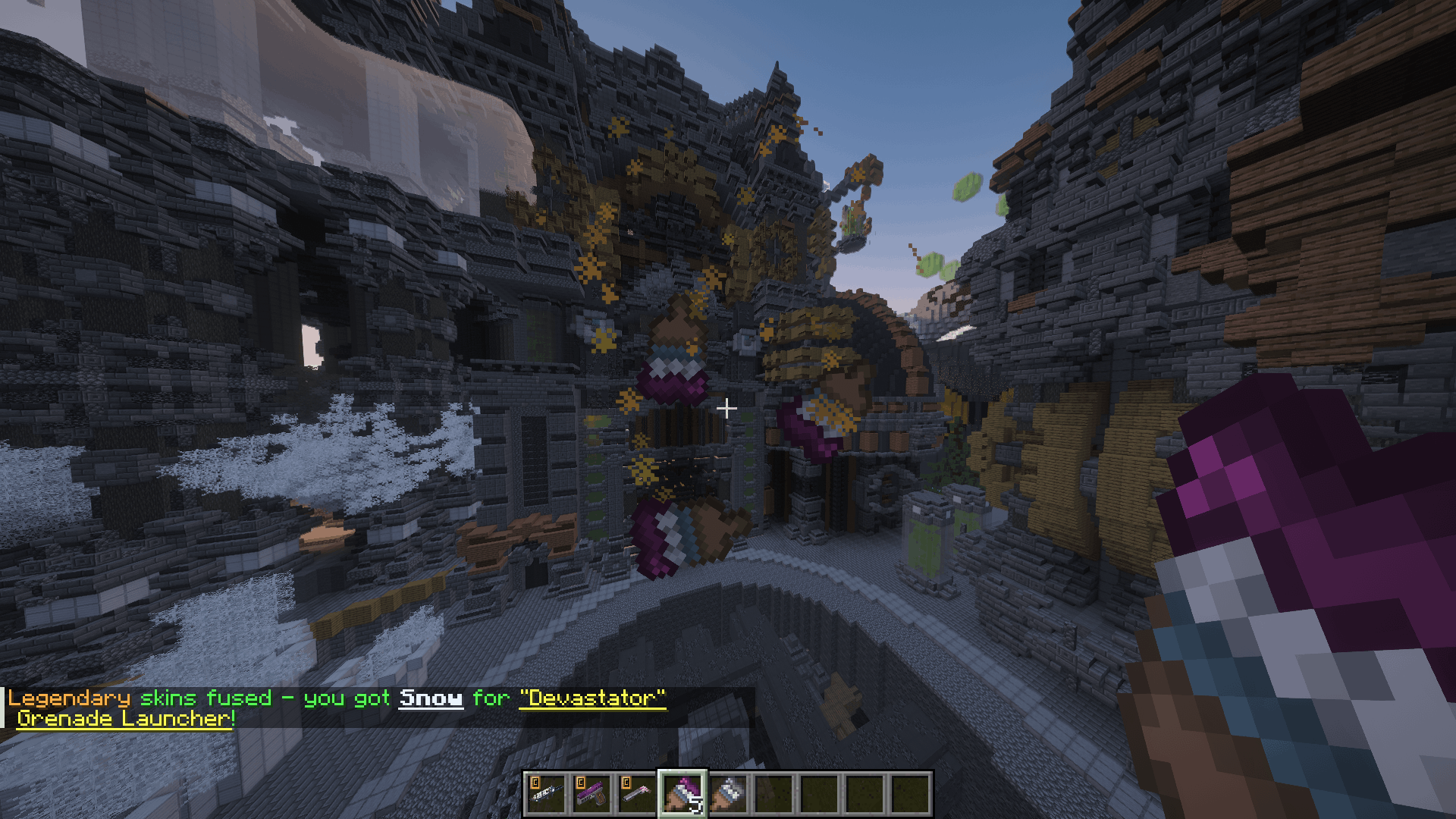
Unlocked skins are stored server-side: they survive death, sync on login and respawn, and can't be spoofed. Grant them by command, or hand out physical unlock items that are tradeable, droppable, and carry a tooltip showing exactly what's inside. Shift-right-click a stack of duplicates to fuse them one tier up, favouring skins the player doesn't own.
A skin can also carry a free-text unlock hint, something like "250 kills with the AK-47", shown next to the padlock while it's still locked. It's a label for whatever progression you actually run, not a gate of its own.
Packs can also ship starter skins. Mark one "unlocked": true and every player owns it from their first join, with no command and nothing running in the background.
Rarity tiers, fuse routes, drop weights and costs all live in the skin pack, so a pack brings its own progression instead of needing a matching server config. Common through Legendary out of the box, and you can add, rename or reroute tiers freely.
Adding a skin
my_skinpack/data/<namespace>/skins/m4a1.json
{
  "base_gun": "tacz:m4a1",
  "skins": [
    {
      "id": "m4a1_cobra",
      "name": "Cobra",
      "label_color": "0xFF5533",
      "rarity": "rare",
      "collection": "Snake Pack",
      "description": "Strike fast, strike quiet.",
      "locked_text": "Fuse three rare skins",
      "is_new": true
    }
  ]
}
my_skinpack/assets/mcpskins/textures/skins/tacz/m4a1/m4a1_cobra.png
Everything below name and label_color is optional. Skin IDs are global, so name them <weapon>_<skin>.
Full docs and wiki covers pack layout, the full schema, 3D model and LOD art, every command and config option, reskinning the UI, and troubleshooting.
Commands
/mcpskins give skin <player> <skinId>    Unlock a skin
/mcpskins give item <player> <skinId>    Give a physical unlock item
/mcpskins give all  <player>             Unlock everything
/mcpskins take skin <player> <skinId>    Remove one skin
/mcpskins take skins <player>            Clear all skins
/mcpskins armory [skinId]                Open the Armory (no permission needed)
give/take require op (level configurable). Skin IDs tab-complete and are validated against the live registry.
Requirements
|
|
| Minecraft |
1.21.1 |
| Loader |
NeoForge 21.1.233+ |
| Required |
TACZ (MUKSC fork), neoforge/1.21.1 branch, client and server |
| Also |
At least one TACZ gun pack (the default tacz will work). MCPSkins adds no guns of its own. |
Notes
- Built for the MUKSC NeoForge port specifically. Full 3D model replacement hooks into that fork's model loader; on other builds those features switch themselves off rather than crash.
- Replacement models must share bone names with the base weapon's animations. A mismatch falls back to base geometry; a broken LOD falls back to the full-detail model.
- Server-side art hosting keeps skins out of modpack downloads. It is not DRM. Anything a client renders, a determined client can recover.
- Failures log one readable line prefixed
[MCPSkins]. Include it in bug reports, along with your TACZ and gun pack versions.
MIT licensed, so use it in any modpack, public or private.