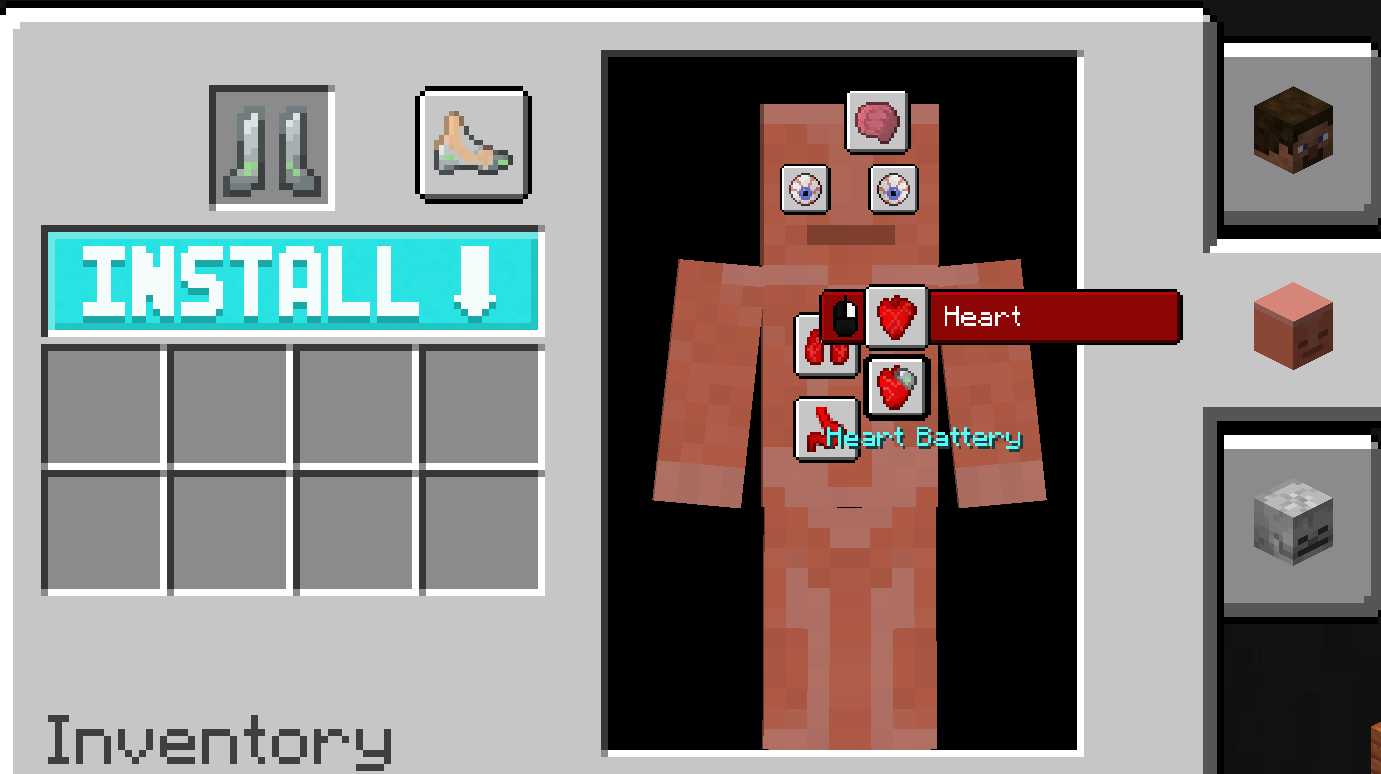
Heart Body Part
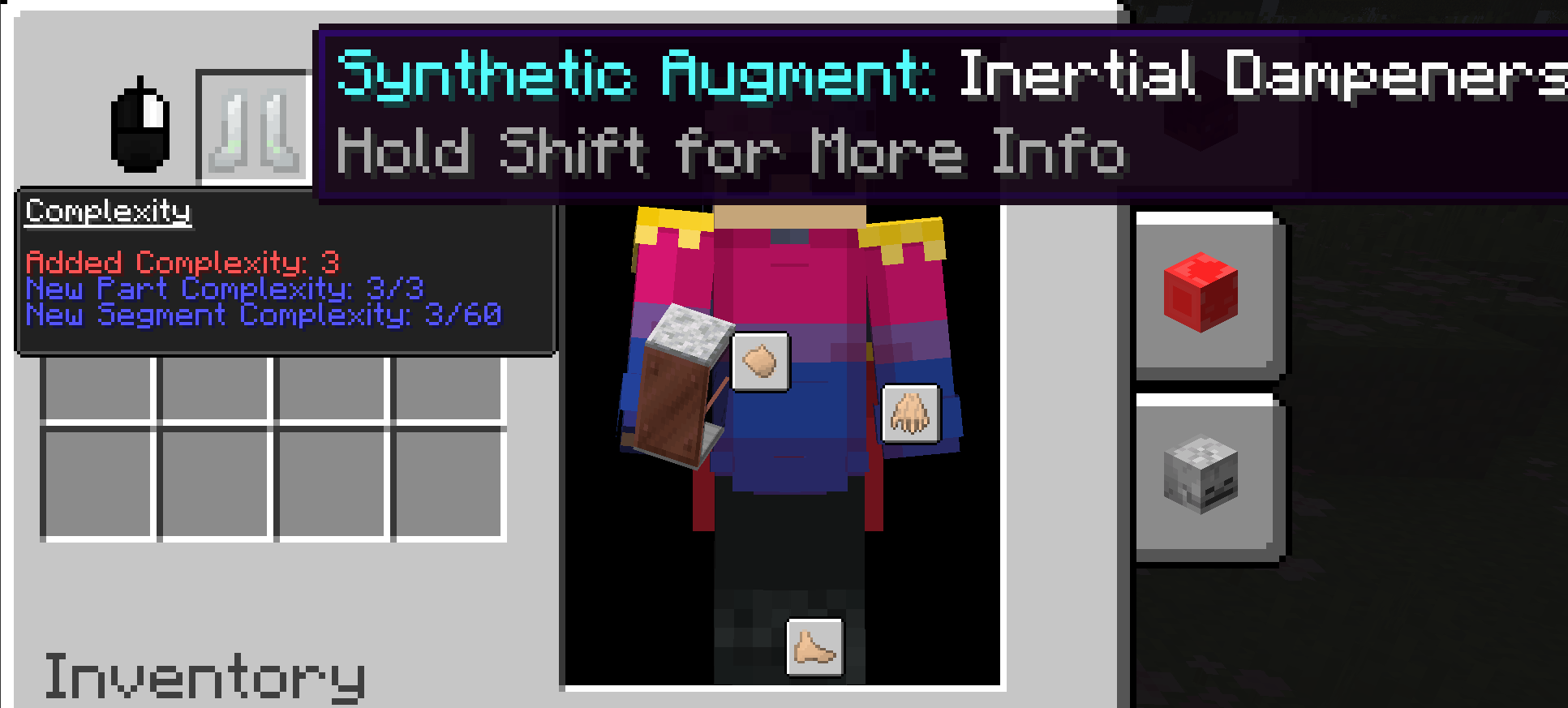
Part Info Display
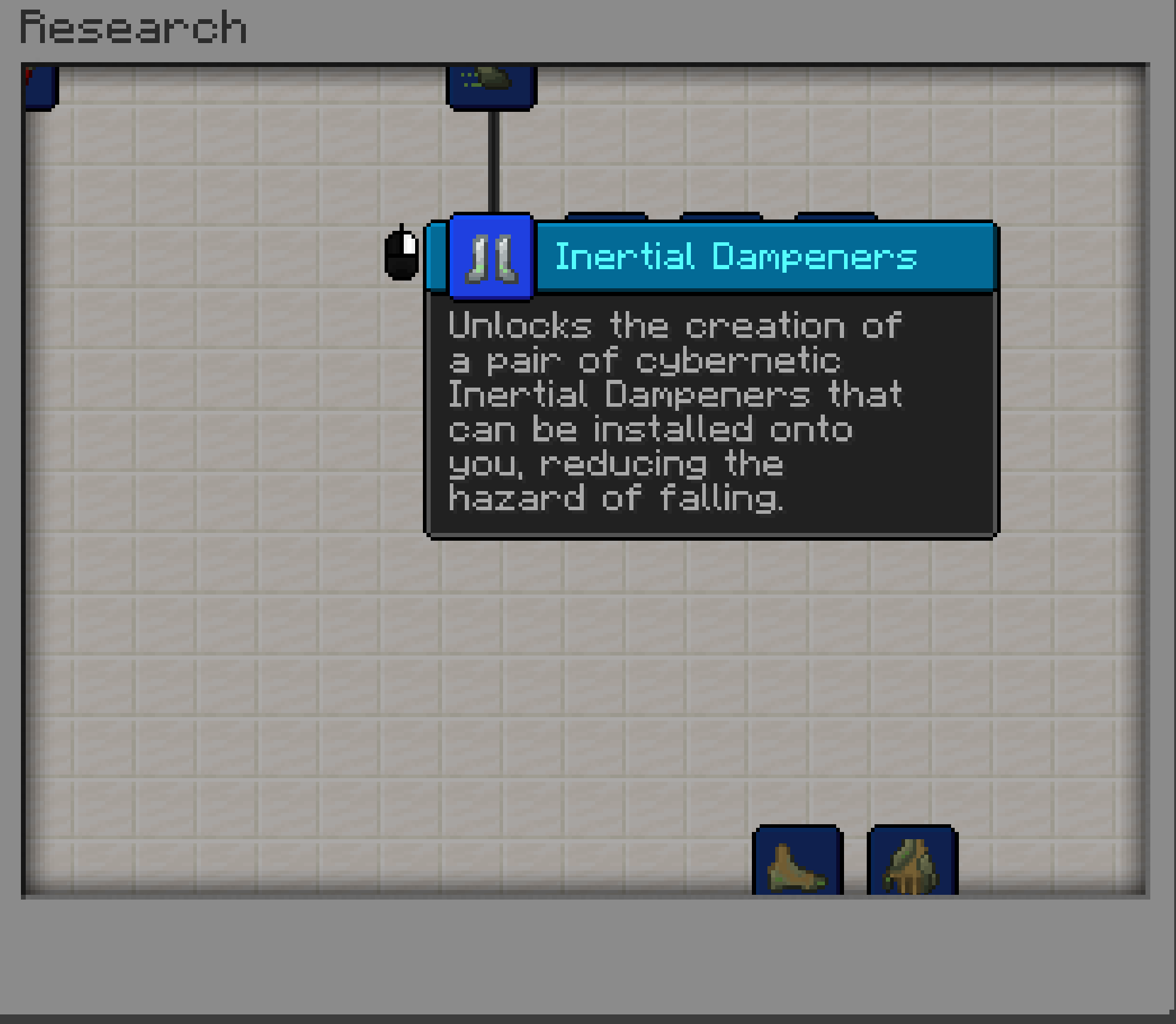
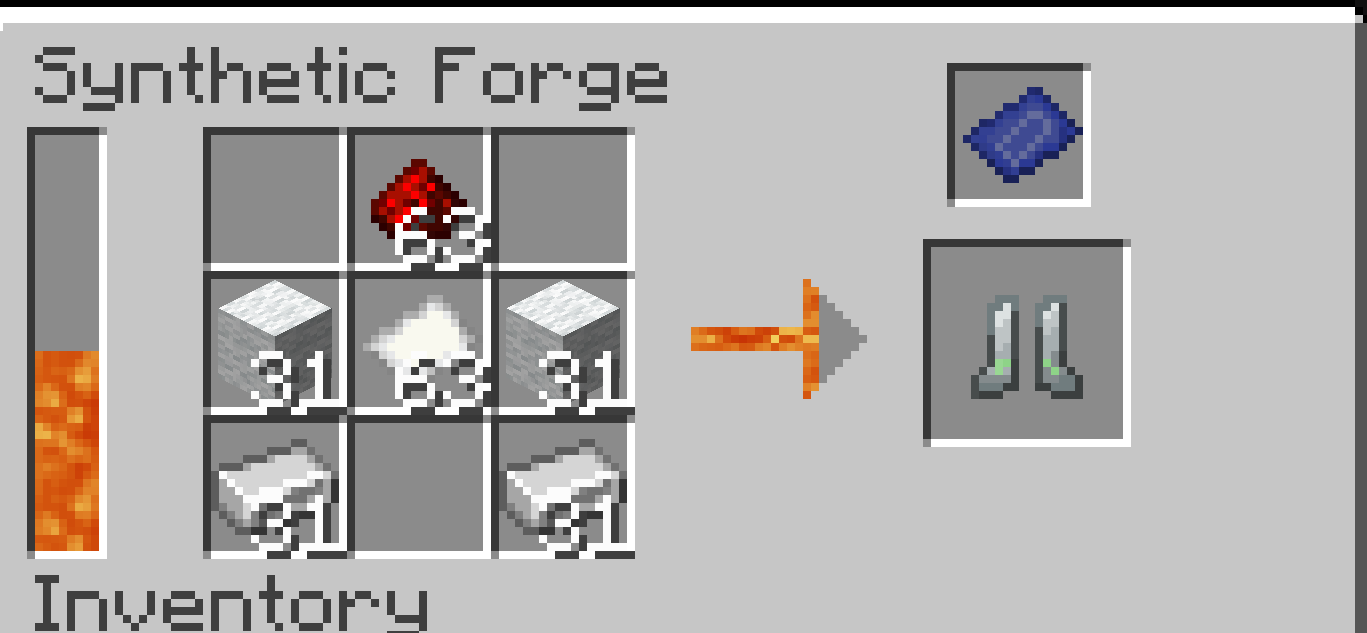
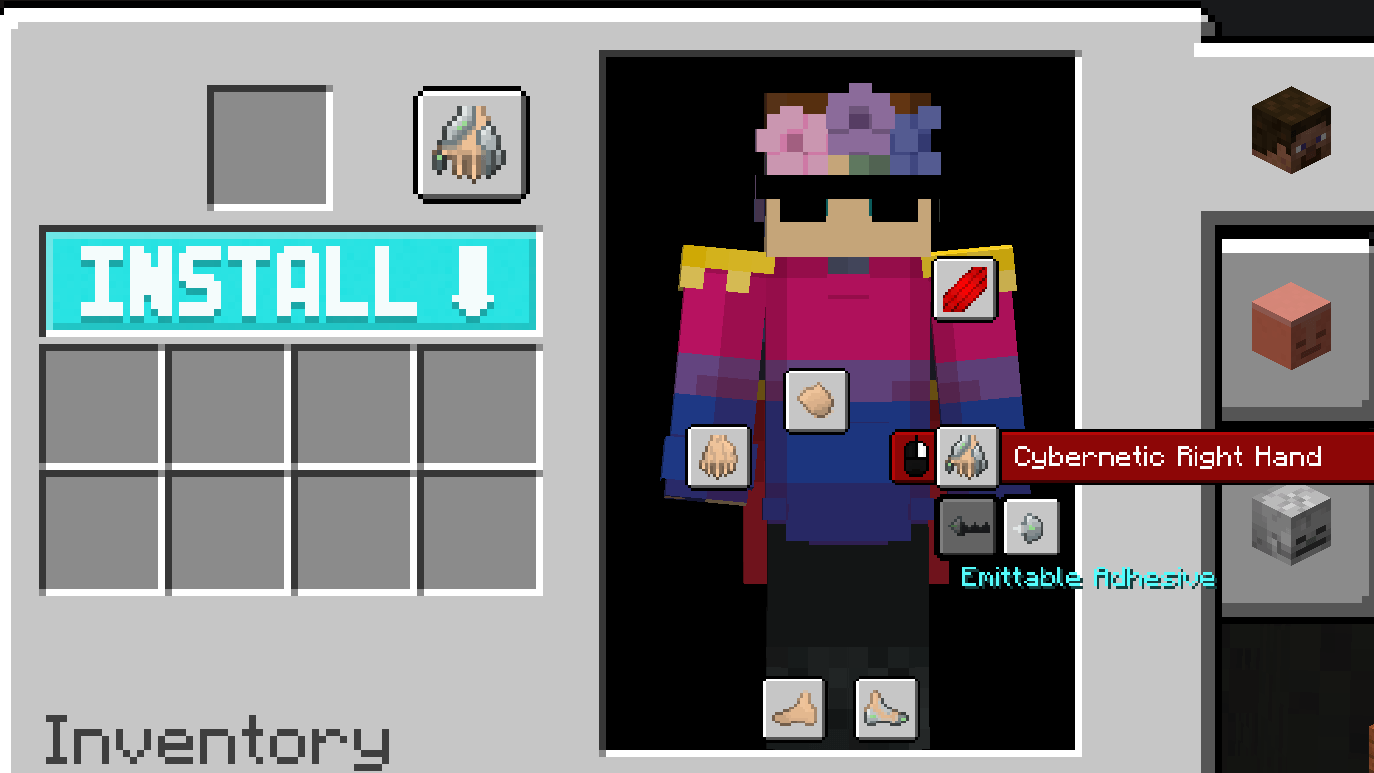
Body Part Display
Description
Synthetics
This mod allows the player to research and install new augments and body parts to themselves, giving them new abilities and passive benefits.
Additionally, this mod places emphasis on being as data driven as possible, with the ability to add entirely new augments, body parts and abilities through a datapack alone.
This page provides a brief overview of each feature, but please check out the wiki for more information.
Research
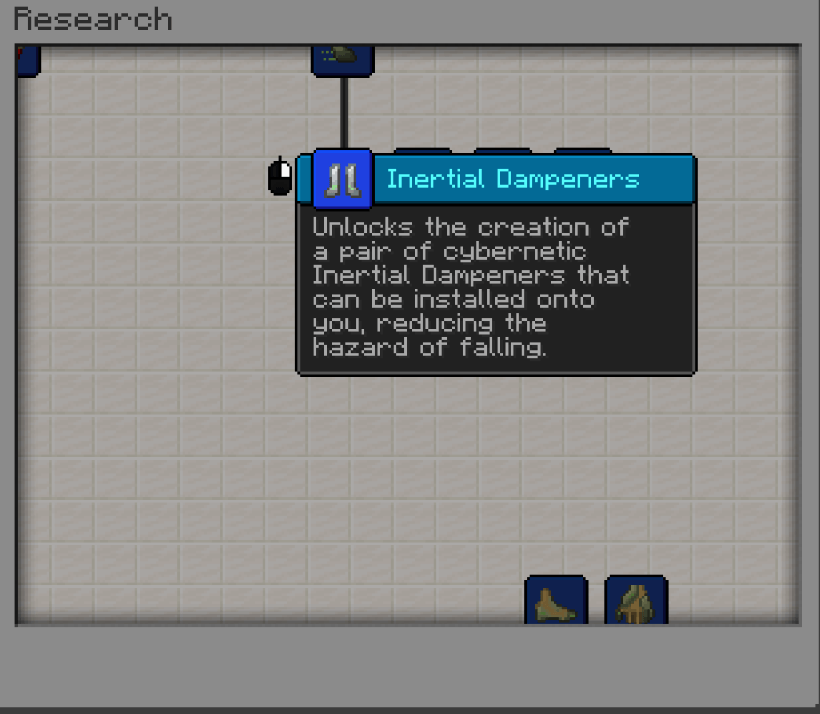
New augments and parts first have to be researched. This is done using the Research Table, right-clicking on which will open the research screen.
Each research has a set of parts it unlocks, and also has a set of requirements that can be viewed by right-clicking.
If the requirements are met, and any parents are already researched, left-clicking will research it, consuming any items needed and using the required experience
Augmentation Chamber
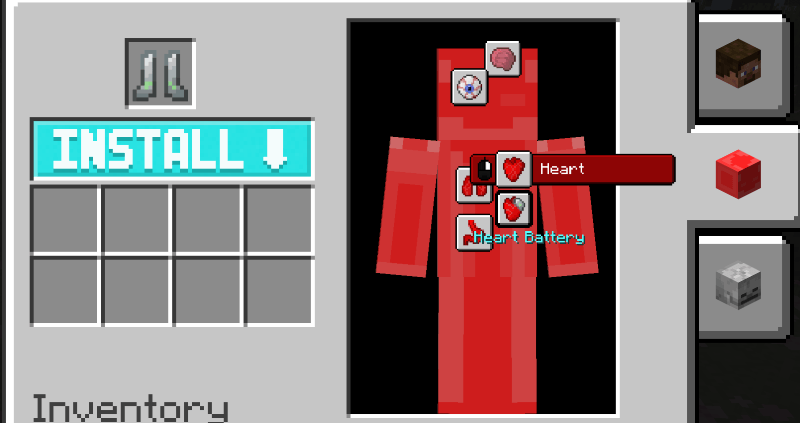
The Augmentation Chamber is where you can install or remove parts and augments.
To install something, put an installable item, such as an augment or body part, in the slot above the "Install" button.
Next, select a valid body part from the player display on the right.
Then, click the "Install" button. Any replaced or removed parts will be dropped into the output slots. If it is invalid for whatever reason, such as insufficient maximum complexity or too many of the same augment as installed, it will play a sound instead.
The menu on the right shows the installed body parts. Hovering over a body part will show what augments are attached to that body part.
To remove an augment, use scroll wheel to select it, then right click to remove it. It will be placed into the output slots.
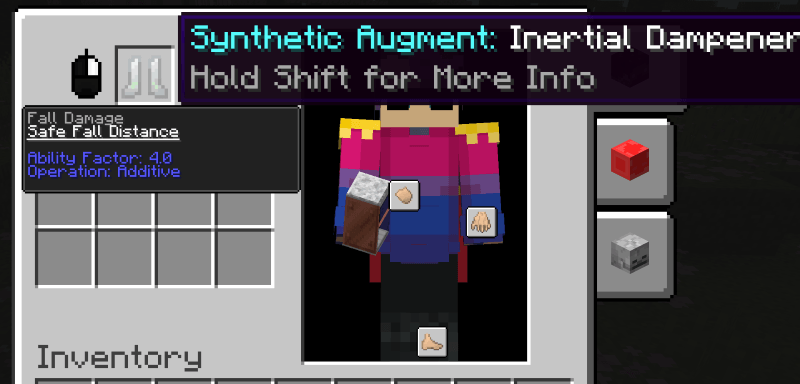
On the left, hovering over a part you want to install will show a menu. Initially, it will show information about complexity, a body part or segment cannot have more complexity added to it than it's max.
Right-clicking will swap to the ability menu. This shows a list of abilities offered by the installable, and the stats of them. You can use the scroll wheel to navigate between abilities.
Synthetic Forge
The Synthetic Forge is where you can craft new parts. This mod supports JEI for recipe viewing.
The left meter on the Synthetic Forge represents lava. Each recipe requires some amount of lava to create, and the forge can be filled with either a bucket of lava or automated means.
Most recipes will also require a specific research. If required, this is displayed on the recipe in JEI. This means a player with that research must initiate crafting.
Once the recipe begins, it will take some time to complete, the progress is displayed on the arrow in the centre of the interface.
By default, the Synthetic Forge will not start a recipe without a player with the required research present.
However, this limitation can be bypassed with the usage of a Blueprint. To create a Blueprint, place an empty blueprint in the slot above the Synthetic Forge's output slot.
Then, begin the recipe normally, once completed it will replace the Blueprint with one with the required research to complete recipe.
Any blueprint with the required research to complete a recipe placed in that slot will allow a recipe to be completed without a player present.
Configuration
As this mod is data driven, configuration is done through datapacks. The abilities, and strength of those abilities, offered by parts and augment is controlled by the mod's datapack.
Synthetics Team


Owner