


生存工具箱SurvivalToolbox
- By
1.png
2.png
3.png
4.png
5.png
Description
# Survival Toolbox
**Survival Toolbox** is a comprehensive survival enhancement mod supporting Minecraft 1.20.1 Forge and 1.21.1 NeoForge.
---
## What's Inside
### Utility & Processing
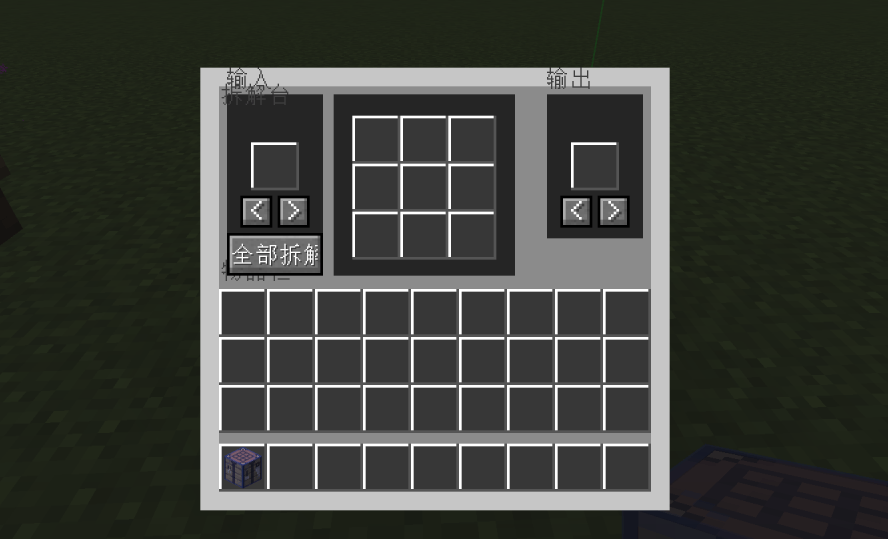
- **Disassemble Table**: Supports reverse crafting for workbench, furnace, smithing, brewing, and enchanting recipes.
- **Transmutation Furnace**: Duplicate items by consuming fuel.
- **Omni Hopper**: Per‑side speed and filter configuration for six directions.
- **Infinite Source**: Infinite fluid supply.
### New Storage & Tools (1.1.0)
- **Pocket Dimension**: Takes one inventory slot, right‑click to open unlimited multi‑page storage (54 slots per page). Identical items merge automatically with no stack limit. Supports cross‑page search (name/ID/pinyin) and three quick deposit methods. **Never lost** (does not drop on death, immune to explosion/fire).
- **X-Ray Goggles**: While held, non‑whitelisted blocks become transparent, ores visible. Shift+right‑click to customize the whitelist. Compatible with Embeddium/Sodium for full‑bright rendering, automatically suppresses Darkness/Blindness effects.
- **Tempering Box**: Place [Adaptation]‑enchanted equipment and captured entities; automatically gains adaptation stacks per second based on entity count.
### Automation
- **Smart Farm**: Auto‑plow, plant, harvest, and collect drops within a configurable range. Built‑in virtual water source.
- **Micro Farm**: Place a captured entity and food; automatically produces loot.
### Combat & Enchantments
- **Bloodthirsty Enchantment**: Gain bonus attack damage by killing mobs. Restores health and repairs durability on hit.
- **Adaptation Enchantment**: Gain stacks when hit, providing damage reduction, shield, creative flight, and revive on death. After adaptation, immune to negative effects.
### Defense & Area Control
- **Guardian Lantern**: Provides lighting, suppresses mob spawning, and auto‑attacks.
- **Chaos Campfire**: Applies effects from food, potions, milk, and honey to nearby entities, with blacklist/whitelist support.
### Utility Items
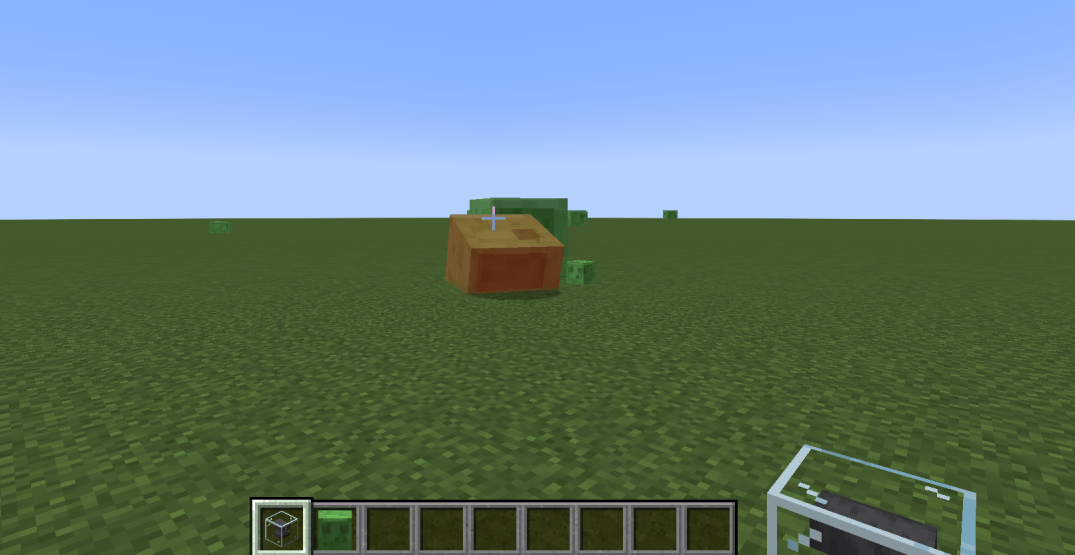
- **Anvil Orb**: Right‑click to throw and capture any living entity (health threshold configurable).
- **Captured Entity**: Right‑click to release the captured entity.
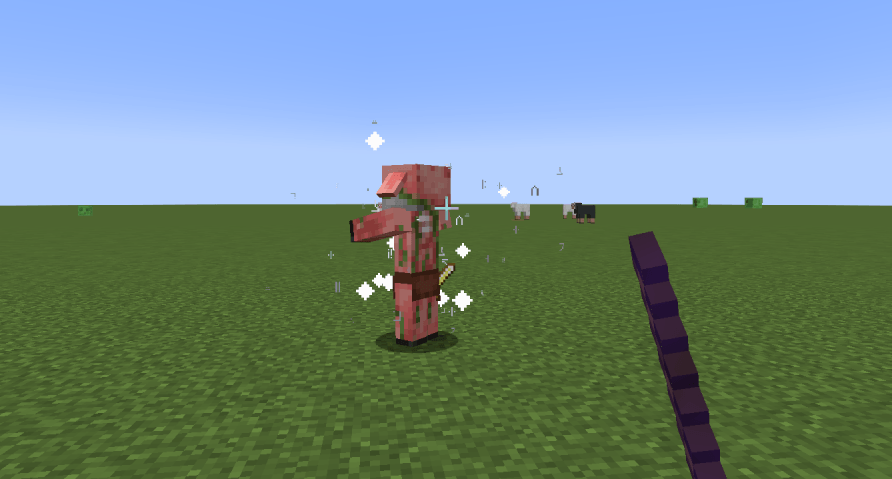
- **Disarm Staff**: Right‑click a mob to remove all its equipment. Crouch+right‑click to drop items at your feet.
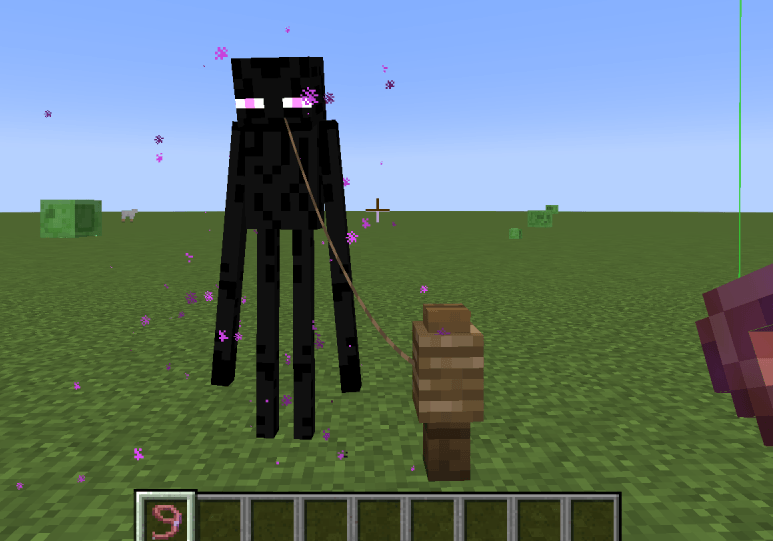
- **Static Leash**: Right‑click to leash and freeze AI. Shift+right‑click to toggle AI freeze only.
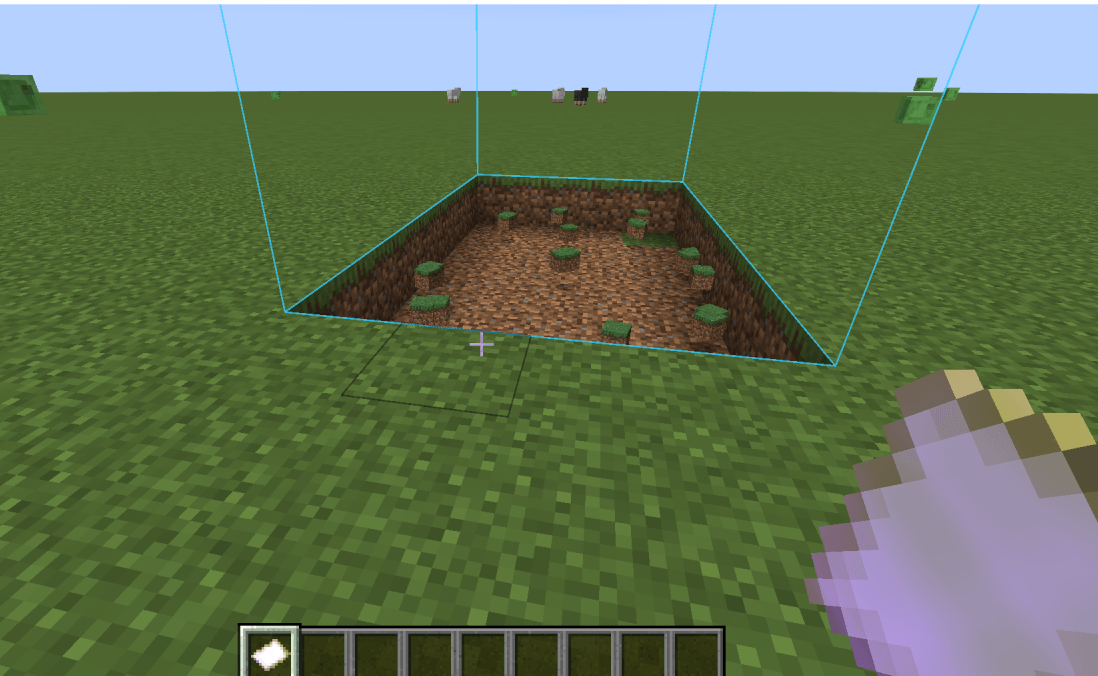
- **Terrain Editor**: Right‑click to execute operation. Shift+right‑click to open configuration.
- **Blacklist/Whitelist**: Right‑click an entity to record it. Shift+right‑click to manage the list.
---
## Configuration
All enchantment values, shield bar position, anvil orb settings, and the **Adaptation screen effect toggle** can be adjusted via the in‑game config screen or the `config/zzq_survival_toolbox-common.toml` file.
---
**Enjoy!** 🚀
---
# 生存工具箱
**生存工具箱** 是一个支持 Minecraft 1.20.1 Forge 和 1.21.1 NeoForge 的综合性生存增强模组。
---
## 📦 模组内容
### 🛠️ 工具与处理
- **拆解台**:支持工作台、熔炉、锻造、酿造、附魔的逆向合成。
- **万物转化炉**:消耗燃料复制物品。
- **万向漏斗**:六方向独立配置速度和过滤。
- **无限之源**:无限流体供应。
### 🎒 全新储物与辅助 (1.1.0)
- **随身次元袋**:占一格背包,右键开启无限多页储物(每页54格)。同类物品自动合并计数(无堆叠上限)。支持跨页搜索(名称/ID/拼音),三种快捷收纳方式。**永不丢失**(死亡不掉落,不毁于爆炸/火焰)。
- **透视眼镜**:手持时非白名单方块透明,矿石可见。Shift+右键自定义透视方块列表。兼容Embeddium/Sodium时满亮度显示,自动屏蔽黑暗/失明效果。
- **锤炼箱**:放入【自适应】附魔装备和被捕捉实体,每秒按实体数量自动叠层。
### 🌾 自动化
- **智慧农场**:自动耕地、播种、收获、收集掉落物,内置虚拟水源。
- **微型牧场**:放入被捕获实体和食物,自动产出战利品。
### ⚔️ 战斗与附魔
- **嗜血附魔**:击杀怪物叠加攻击力,攻击时恢复生命并修复耐久。
- **自适应附魔**:受击叠层,提供减伤、护盾、创造飞行、原地复活,适应后免疫负面效果。
### 🏮 防御与区域控制
- **镇魂灯**:照明、镇压生物生成、自动攻击。
- **混沌篝火**:对范围实体施加食物/药水/牛奶/蜂蜜效果,支持黑白名单。
### 🎯 实用物品
- **铁砧球**:右键投掷捕获生物(血量阈值可配置)。
- **被捕获实体**:右键释放。
- **除你装备**:右键卸下怪物装备,蹲+右键掉落脚下。
- **静止栓绳**:右键拴住并冻结AI,Shift+右键仅冻结AI。
- **地形编辑器**:右键执行操作,Shift+右键配置。
- **黑白名单**:右键记录实体,Shift+右键管理名单。
---
## ⚙️ 配置
所有附魔数值、护盾条位置、铁砧球设置、**自适应屏幕特效屏蔽开关**等均可通过游戏内配置界面或 `config/zzq_survival_toolbox-common.toml` 文件调整。
---
**祝你玩得开心!** 🚀
The 生存工具箱SurvivalToolbox Team
