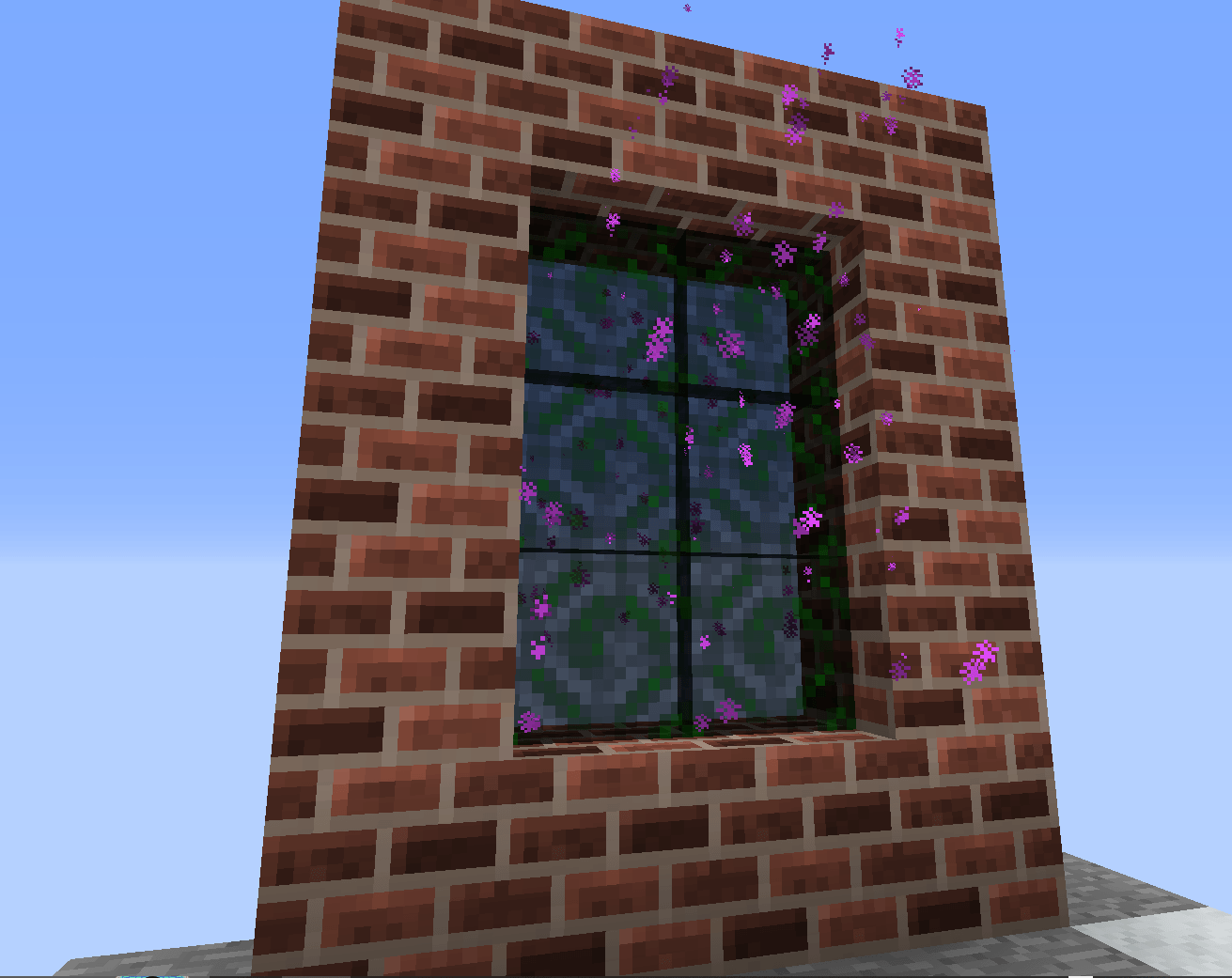
Portal.png
Description
Stork Server Utilities
Stork Server Utilities is an extensible administrative and quality-of-life utility mod for Minecraft 1.12.2 servers. It bundles a dedicated spawn dimension, homes and teleport requests, random teleporting, an inventory-editing suite, and a full set of admin shortcuts into one lightweight, config-driven mod - no third-party permissions plugin required, though standard Forge permission nodes are supported.
Features
Spawn & Portals
- A dedicated void spawn dimension with a safe, one-time generated stone platform
/spawn,/setspawn, first-join handling, and offline-player spawn queueing- Bed-or-home death respawn selection with automatic safe-fallback logic
- A configurable, operator-lit one-way portal from spawn back to the Overworld
Homes, Back & Teleport Requests
- Unlimited named homes (
/sethome,/home,/delhome) with admin management support /backto return to your last teleport or death location- Player-to-player teleport requests (
/tpa,/tpahere,/tpaccept,/tpdeny) with configurable warm-ups and cooldowns
Random Teleport
- Safe
/rtpwith configurable min/max radius, terrain/biome/ocean/liquid checks, world-border and structure avoidance - Automatic chunk generation for unexplored terrain and optional Golden Claims integration (soft dependency)
Inventory Tools
/invsee- a labelled, tabbed inventory editor supporting online and offline players- Runtime integration with Baubles, Galacticraft, Aether Legacy, LucraftCore, Betweenlands, and generic Forge item-handler capabilities (no hard dependencies)
/enderchestfor viewing your own or another player's ender chest
Admin Shortcuts
- Game mode commands (
/gmc,/gms,/gmsp,/gm) /fly,/god,/heal,/feed,/speed,/repair,/top,/hat,/near,/ping,/workbench
Configuration
Every command can be individually enabled/disabled with its own permission level, target permission level, and (for teleports) warm-up, cooldown, and cancellation rules - all editable in storkutils.cfg and storkutils-commands.cfg. Player-facing messages support & color codes and placeholders like {player}, {seconds}, and {coordinates}.
Requirements
- Minecraft 1.12.2
- Forge 14.23.5.2859 or newer compatible 1.12.2 build
- Java 8
- Required on both the server and every connecting client (custom dimension, portal block, and GUIs must be registered on both sides)
Installation
- Stop the server and all clients.
- Place the jar in every
modsfolder (server + clients). - Start once to generate the config files.
- Confirm dimension ID
-42is free (change it identically on server/clients if not). - Join as an operator, build your permanent spawn platform, and run
/setspawn.
The Stork Utilities Team

![PokePlushies [Cobblemon Addon] project image](https://media.forgecdn.net/avatars/thumbnails/1588/404/256/256/639027717336765618.png)