Description
Watch the startup log inside Minecraft
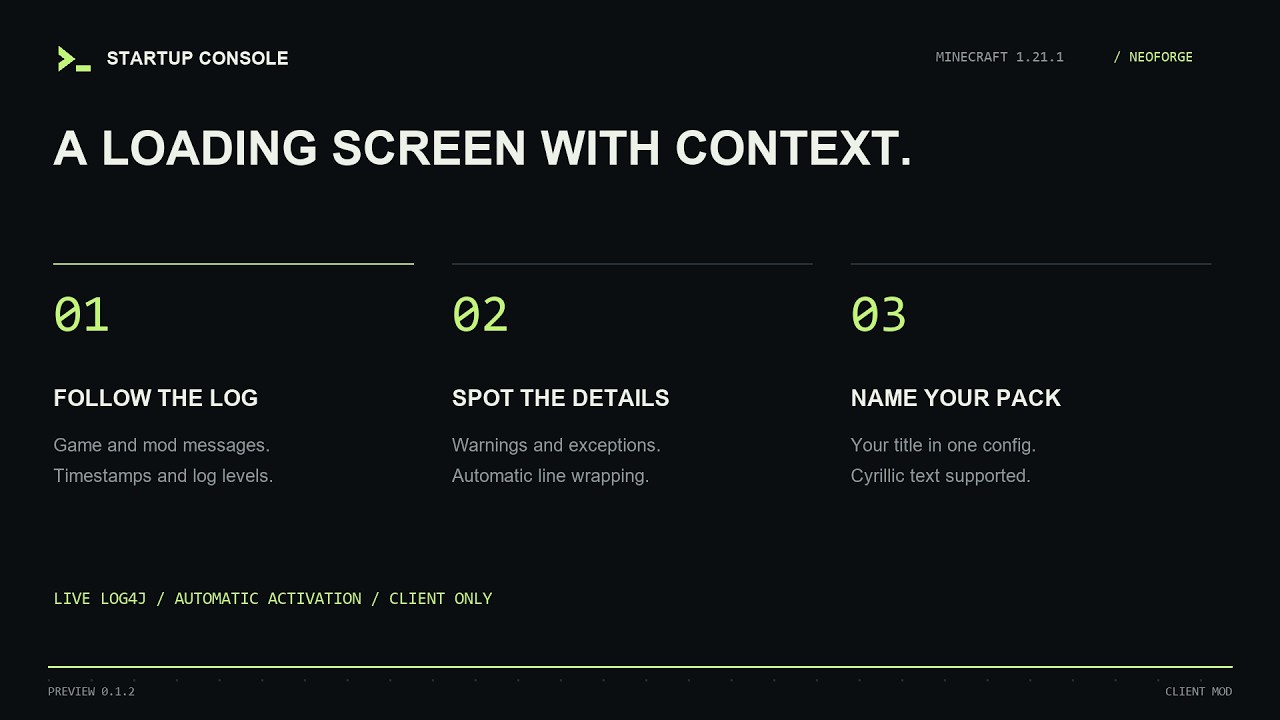
Startup Console shows game and mod messages while Minecraft loads. The dark screen displays incoming log lines and the current loading stage.
It captures Log4j messages from the moment the early loading screen initializes. Once resources finish loading, Minecraft proceeds to its normal main menu.
- Each entry includes a timestamp, thread, log level and logger name.
- Warnings appear in yellow. Errors and fatal errors appear in red, with exception traces and their causes.
- New lines scroll into view automatically. Long lines wrap, and Cyrillic text is supported.
- Set the title to your modpack's name or hide it.
The console is a log viewer with automatic scrolling. Command input and manual scrollback are not available. It does not capture launcher messages or messages from before early screen initialization. Other early loading screen replacements need separate compatibility testing: only one provider controls this screen at a time.
Startup Console Team

Owner