

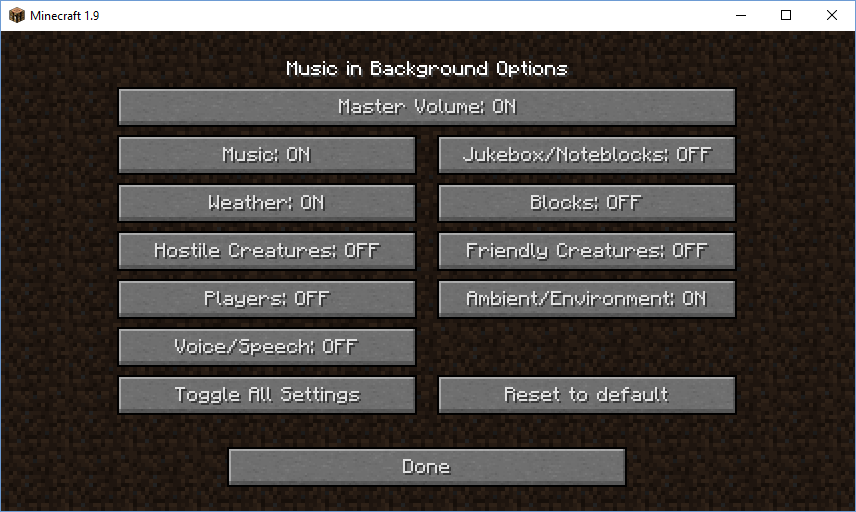
In this image you can see an example of how the settings can be changed. In this example only Jukebox/Noteblocks, Blocks, Hostile Creatures, Friendly Creatures, Players and Voice/Speech will be muted when Minecraft goes into the background.
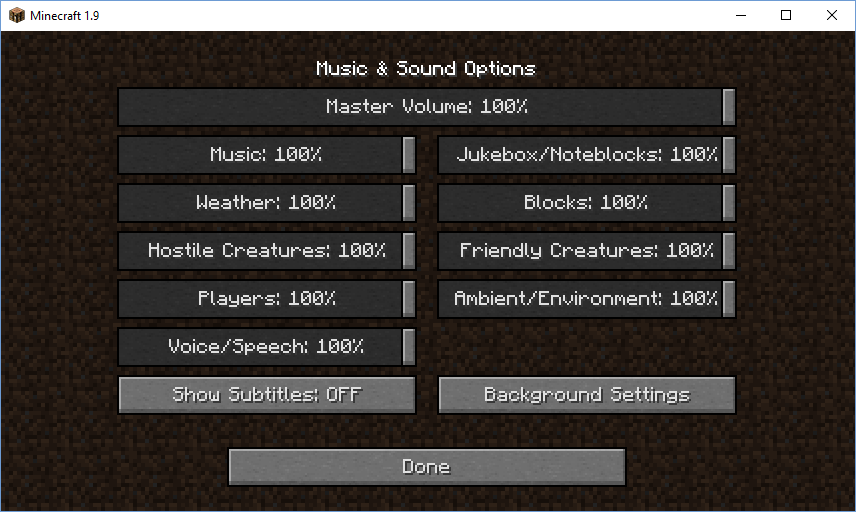
To the bottom right you can find the button for this mod
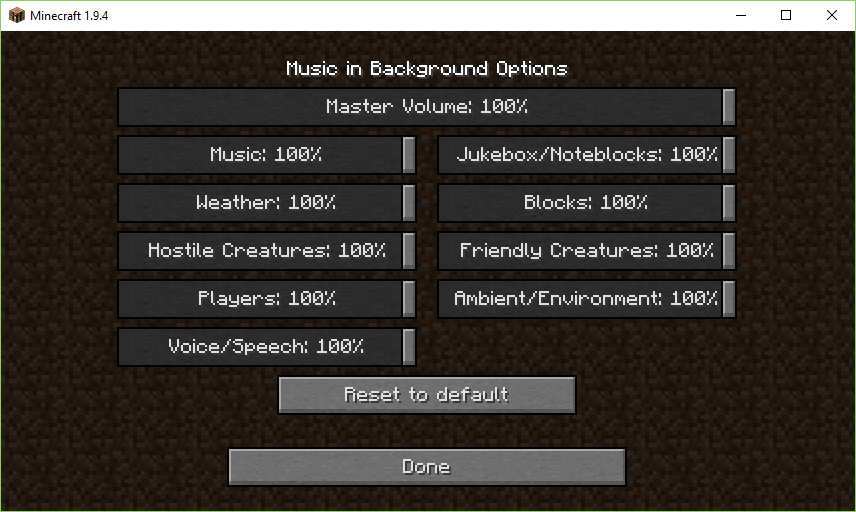
Here you can see the options available in version 1.3. In this example the mod doesn't do anything. (Example) Should Master Volume be changed to 50% all sounds will be reduced by 50% of the current sound level.
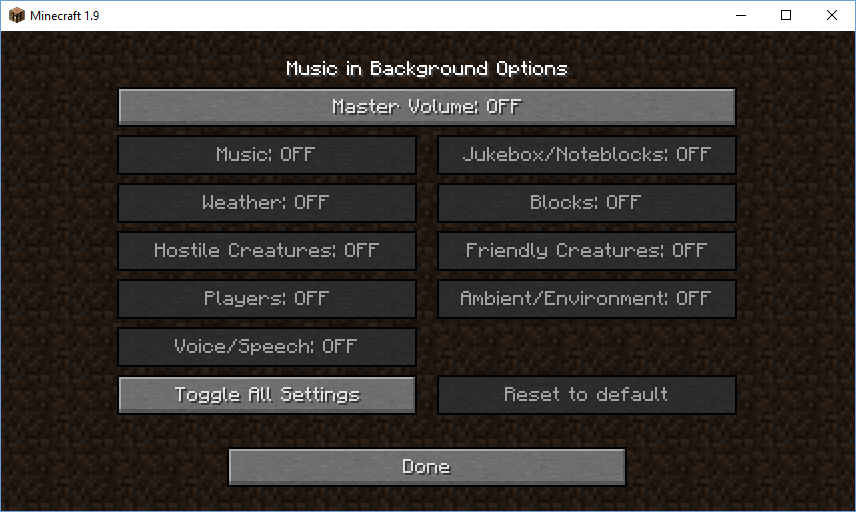
This menu controls the mod. Within this menu, you can toggle individual categories. If off, that category will be muted when Minecraft losses focus (goes to the background)

