

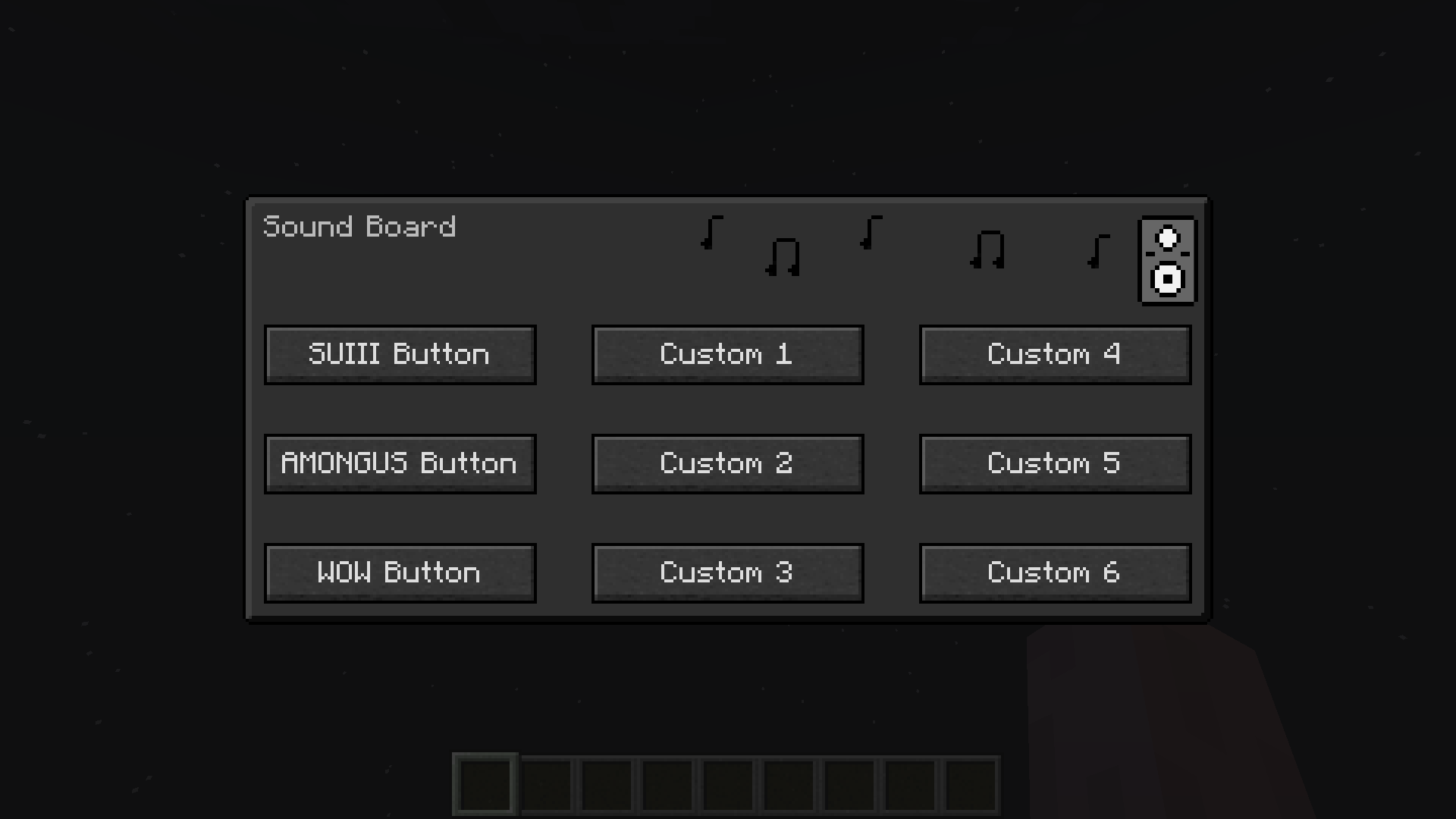
Dark Mode
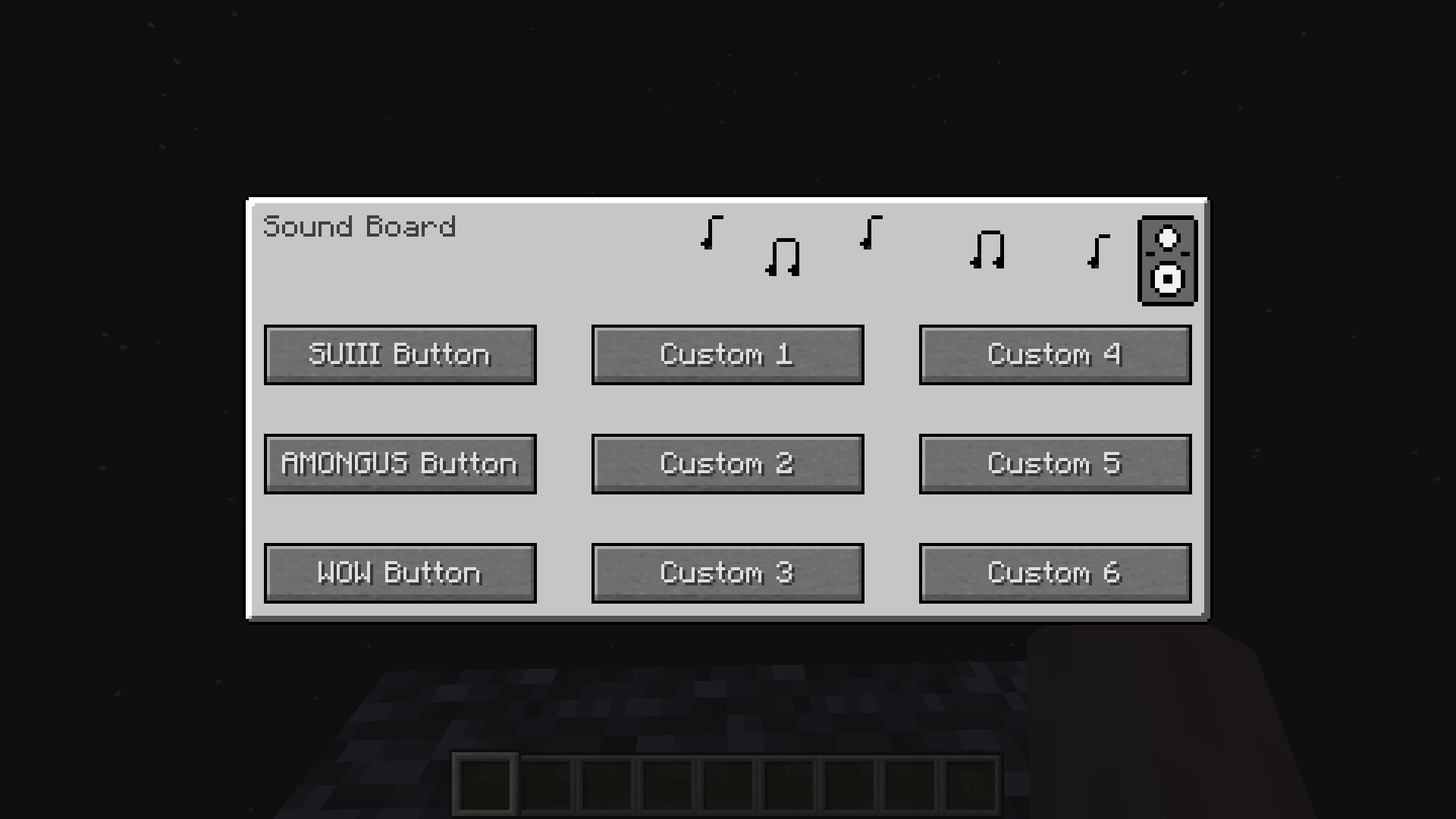
Light Mode
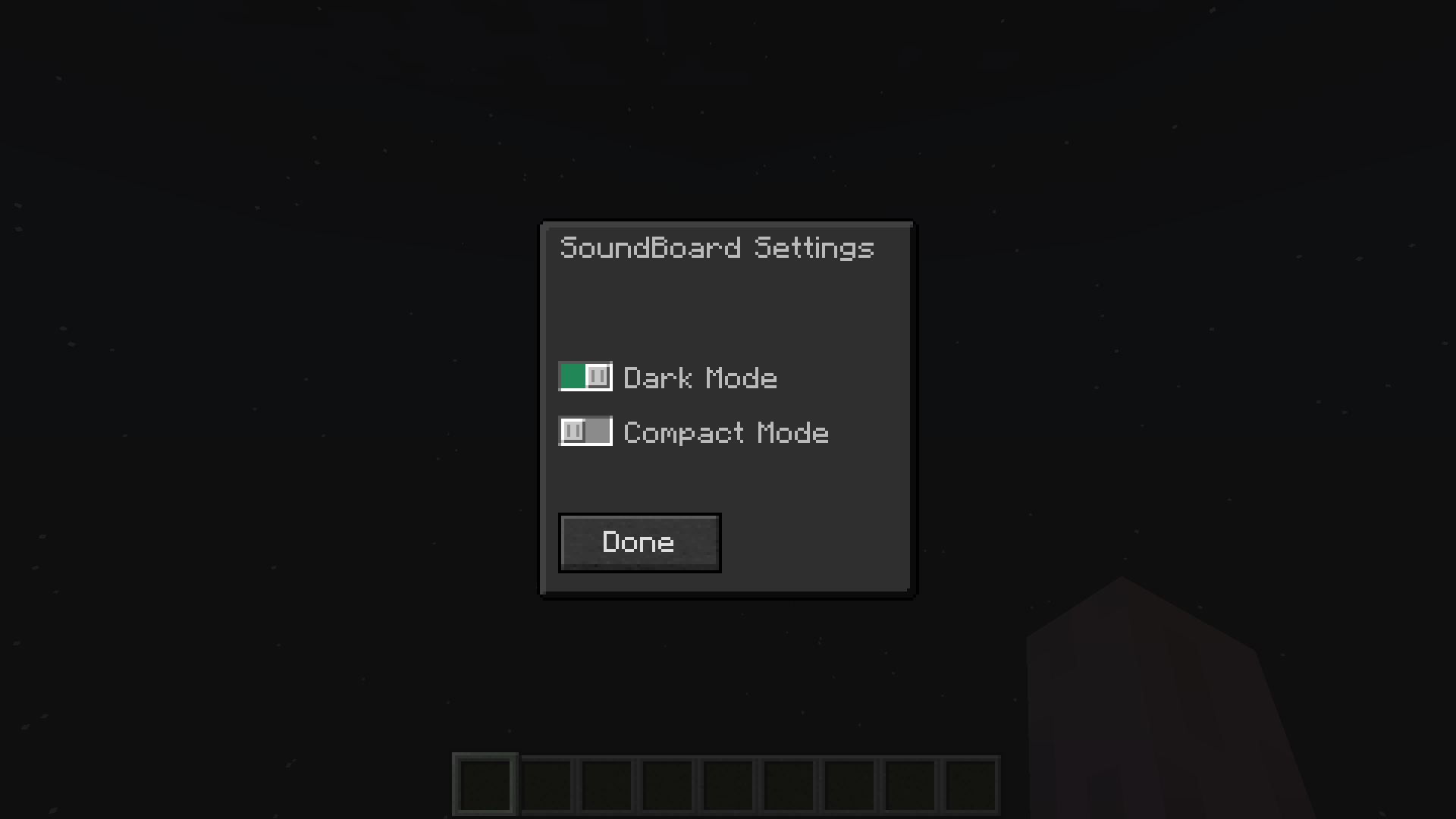
Dark Mode
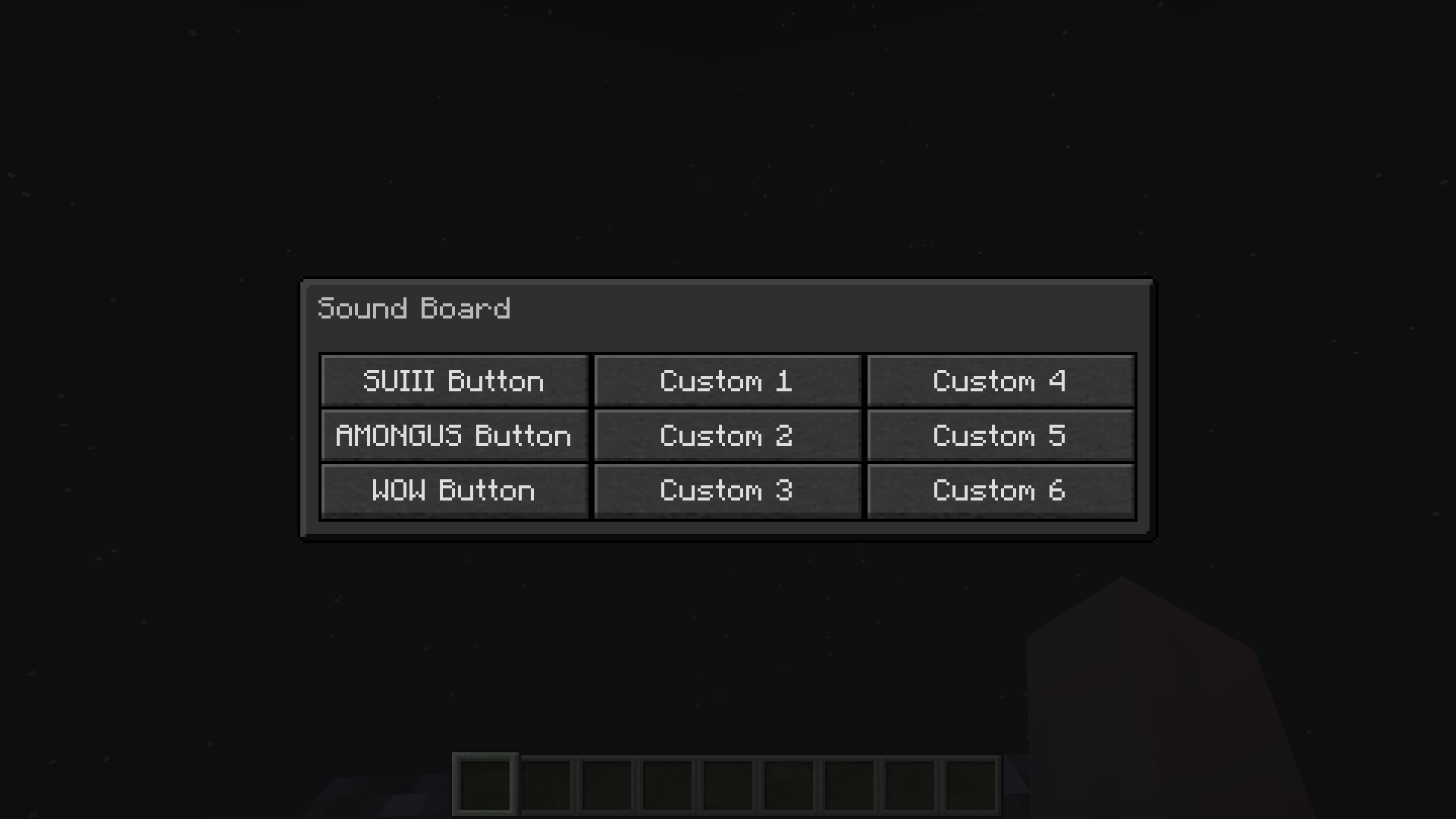
Compact Mode - Dark
Light Mode
Compact Mode - Light
Description
SoundBoard

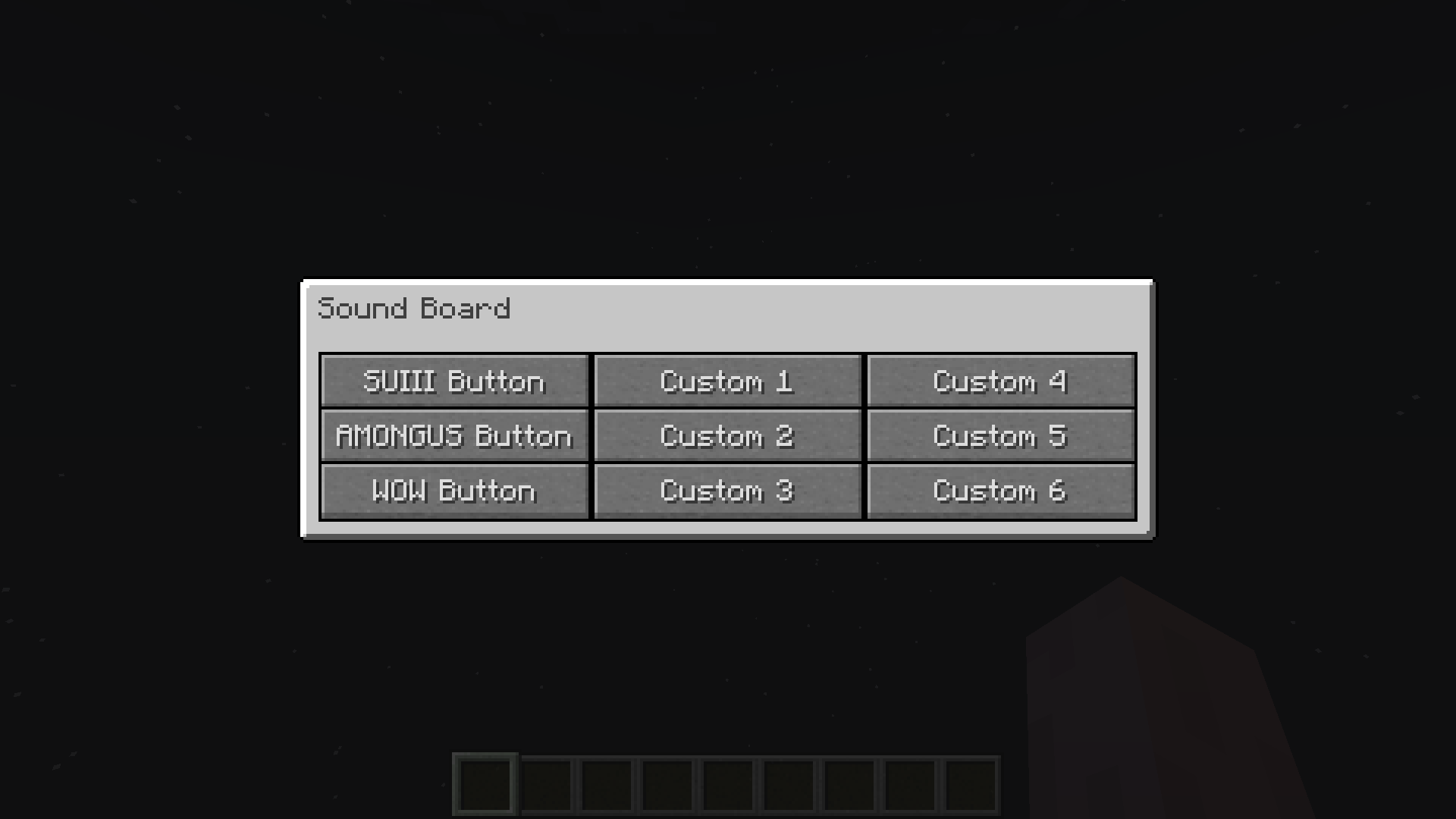
A Fabric mod that adds a client-side Sound Board
Use
Press "O" in-game to open the GUI
You can change this in Keyboard Settings
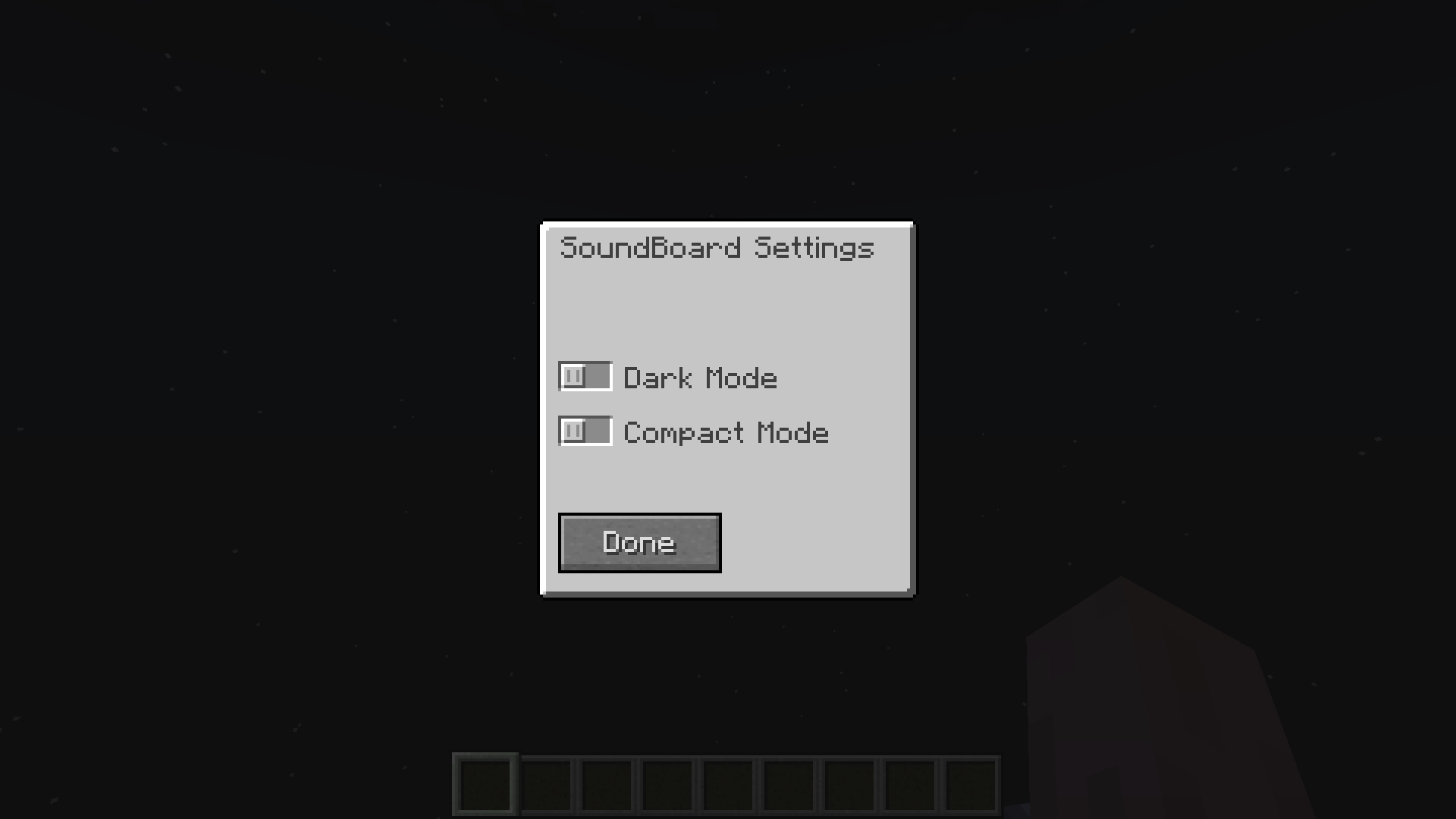
To enable Dark, Compact or Extended Mode install ModMenu and go to SoundBoard Config
Custom Sounds
Info
To add custom sounds you must use a resource pack
Template Resource Pack : GitHub Link
Guide
- Download the template resource pack and unzip it
- Download a .mp3 file
- Convert your .mp3 to .ogg
- Rename it custom1.ogg
- To add more just rename them custom2.ogg, custom3.ogg etc.
- Six sounds is the limit (8 in Extended Mode)
- Put it in the folder assets\soundboard\sounds
Optional
Subtitles
- Open assets\soundboard\lang\en_us.json
- Add subtitles or change button names
More Sounds
- You can also modify the sounds that come with the mod
- Just follow the guide for adding sounds but instead of naming the files custom1.ogg, ...
- Name them among.ogg, smg.ogg, sui.ogg, wow.gg
The Sound Board Team
