


soldiers_curseforge_2026-07-05_cropped_lower.png
soldiers_curseforge_2026-06-29_cropped_lower.png
2026-06-23_11.51.18_cropped.png
2026-07-14_22.56.56_cropped.png
2026-06-28_23.38.45_cropped.png
Description
SoldiersMOD
Turn real villagers into real defenders.
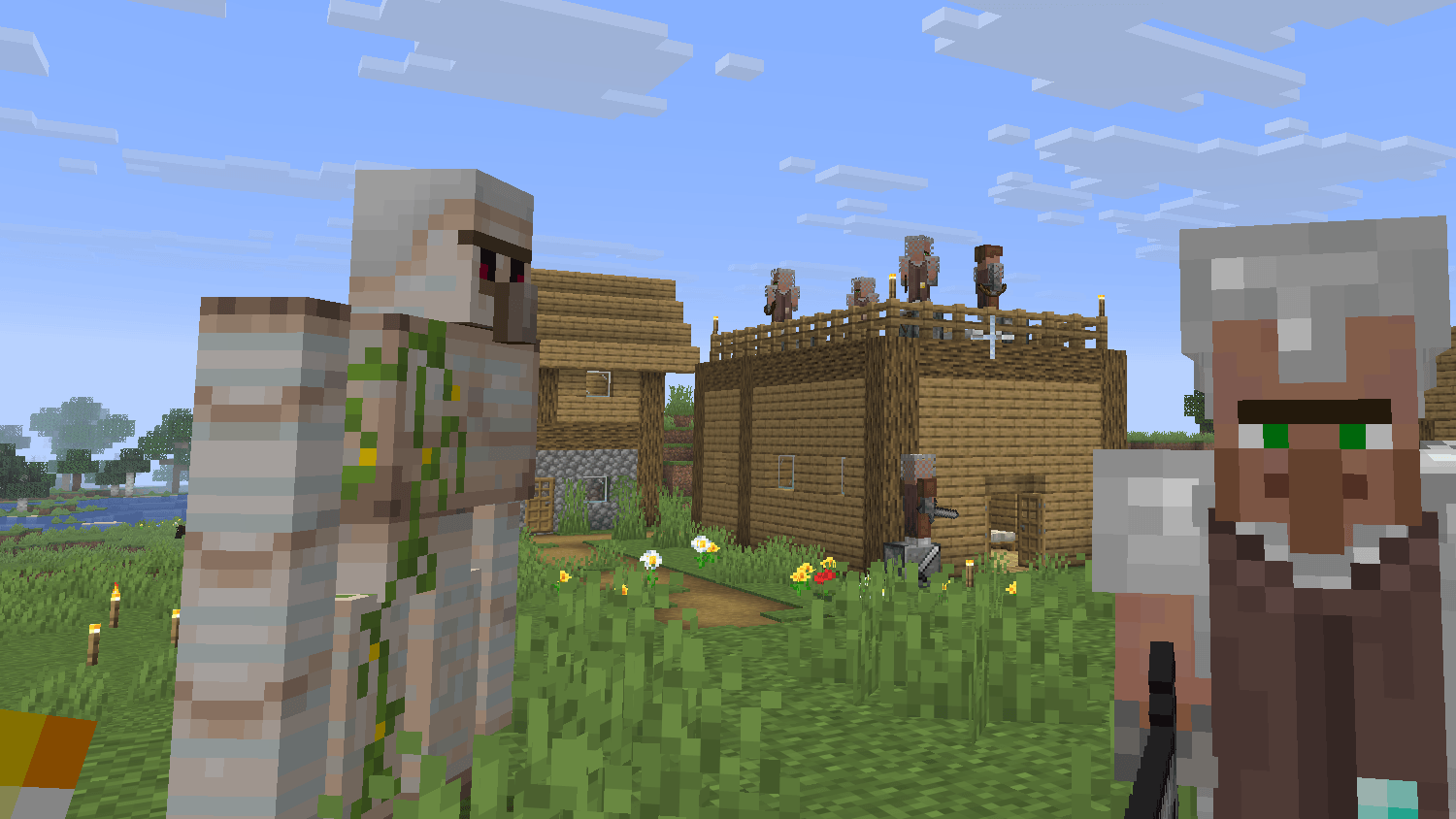
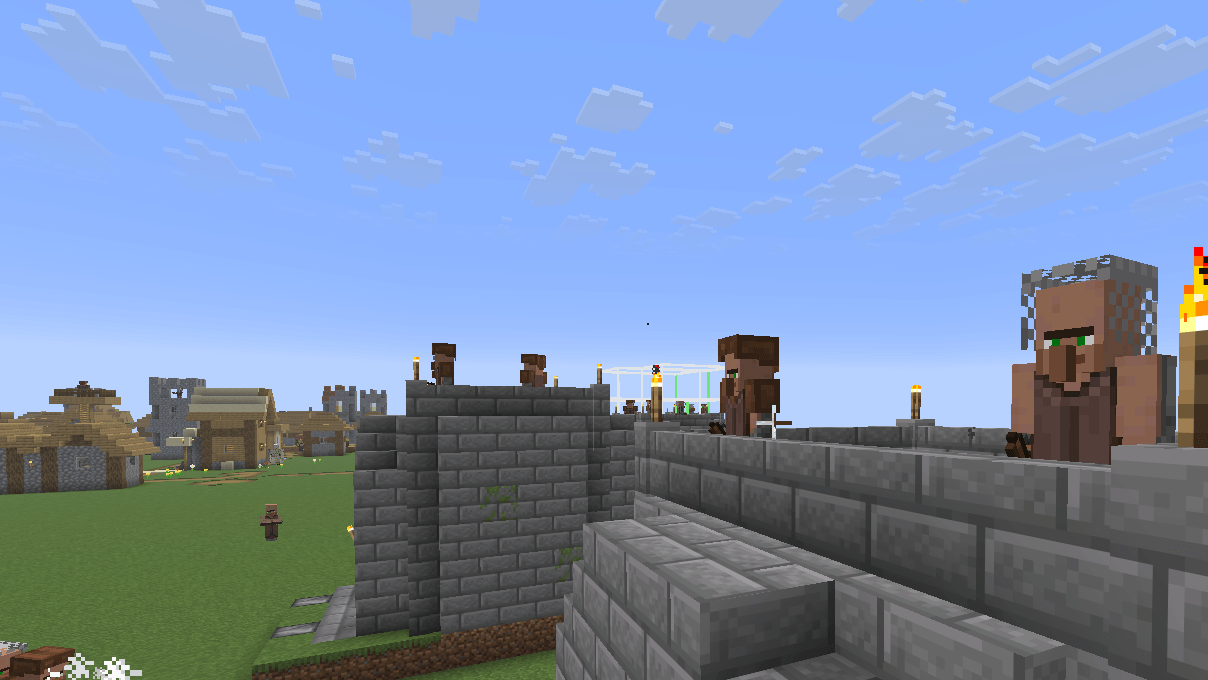
SoldiersMOD adds soldier villagers to Minecraft as genuine new villager professions, not separate villager-like mobs.
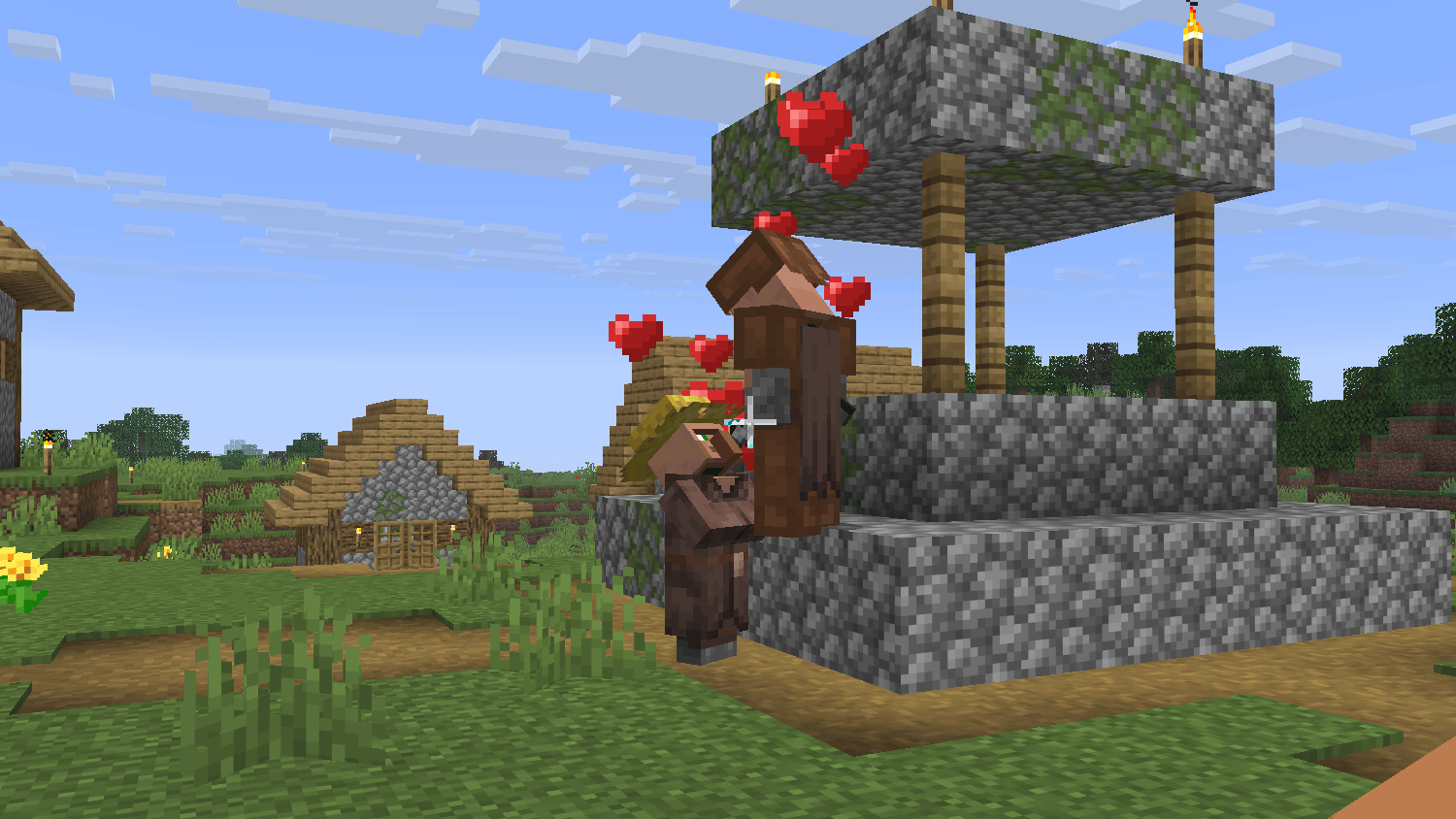
There are many mods with a similar idea, but SoldiersMOD takes a different approach. The soldiers added by this mod are still real vanilla villagers with new professions. Because of this, they remain part of normal village life: they can gather at meeting points, interact with other villagers, talk with them, and even breed like ordinary villagers.
But unlike normal villagers, soldiers do not simply sleep through the night. They stay awake, move around, guard important positions, and help protect the village when danger appears.
Features
- Adds soldier villagers as real villager professions
- Soldiers are integrated into vanilla village behavior
- Soldiers can participate in village life, including meeting, socializing, and breeding
- Soldiers stay active at night instead of sleeping like normal villagers
- Guard point workstations for assigning defensive positions
- Direction-based guard behavior using workstation orientation
- Player follow mode
- Equipment and class progression system
- Simple controls with no complicated commands
- Healer profession for support and recovery
- Medical workstation, healing trades, and zombie villager curing support
- Designed with mod compatibility in mind where possible
Soldier Villagers
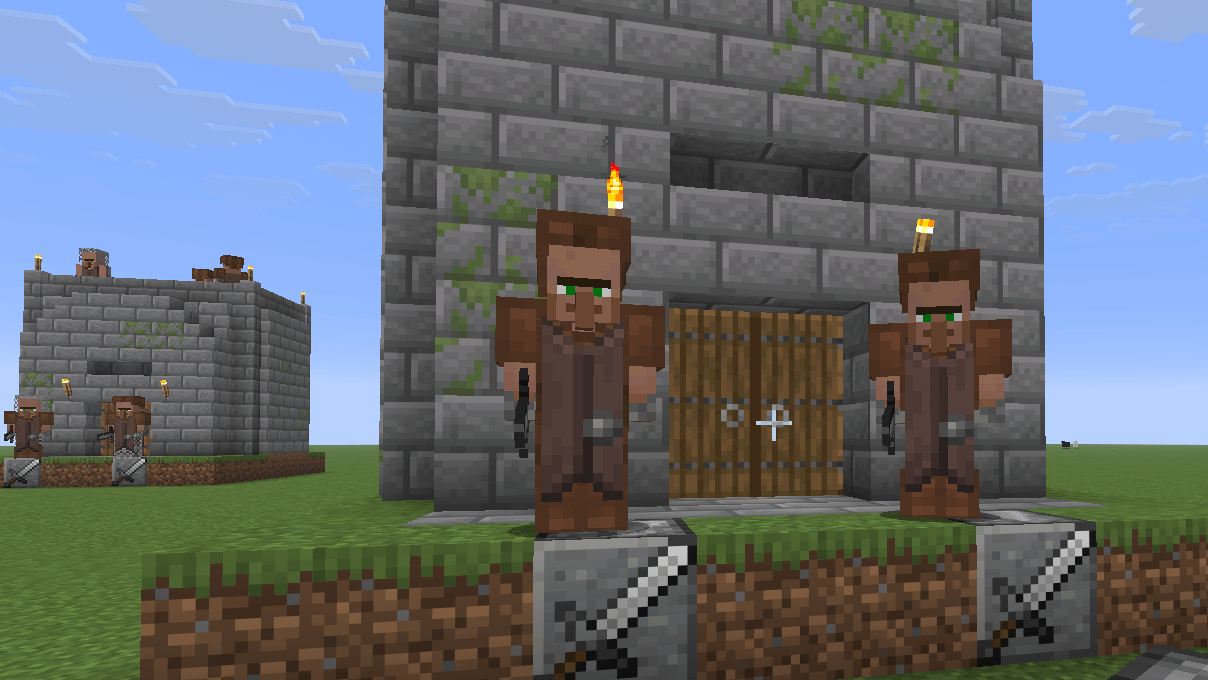
There are two types of soldier villagers: melee soldiers and ranged soldiers.
To create them, craft and place the corresponding soldier workstation. Unemployed villagers can take these workstations as their job sites and become soldiers.
Please note that soldier behavior changes depending on how the workstation is placed. For details, see the Workstations section.
If you want to hire a soldier, right-click them while holding an Emerald. Hiring is chance-based. If heart particles appear, the soldier has accepted you as their employer.
Once hired, try right-clicking the soldier without holding an emerald. This opens their GUI, where you can change their equipment.
Soldiers have two modes: Guard and Follow.
If you want a soldier to follow you, press Follow in the GUI. The soldier will follow you and act together with you.
If you want them to stop following you, press Guard. The soldier will return to their usual work behavior based on their workstation placement. For details, see the Workstations section.
You can also use emeralds to level up hired soldiers. Each level increases their health and attack damage.
At maximum level, soldiers can target Creepers and try to eliminate them before they explode. However, reaching the maximum level requires a serious investment.
Workstations
Soldier workstations are used both for crafting progression and for controlling soldier behavior.
Recipes for the guard workstation are unlocked when you obtain Polished Andesite.
The way you place a soldier workstation changes how soldiers behave in their default state and while they are in guard mode.
If the front face of the workstation, the side with the sword or bow icon, is placed facing upward or downward, the soldier will patrol the village. Soldiers in this state can still participate in village meetings.
If the front face is placed sideways, the soldier will stand on top of that workstation and use it as a defensive point. Unlike wolves, soldiers in this state do not simply wait in place. They can still chase and attack enemies, but if they move too far away or lose their target, they will return to their defensive point.
Soldiers using a workstation as a defensive point do not participate in village meetings.
In either state, if a soldier's health becomes low, they may go to a bed and rest.
Healer Villagers
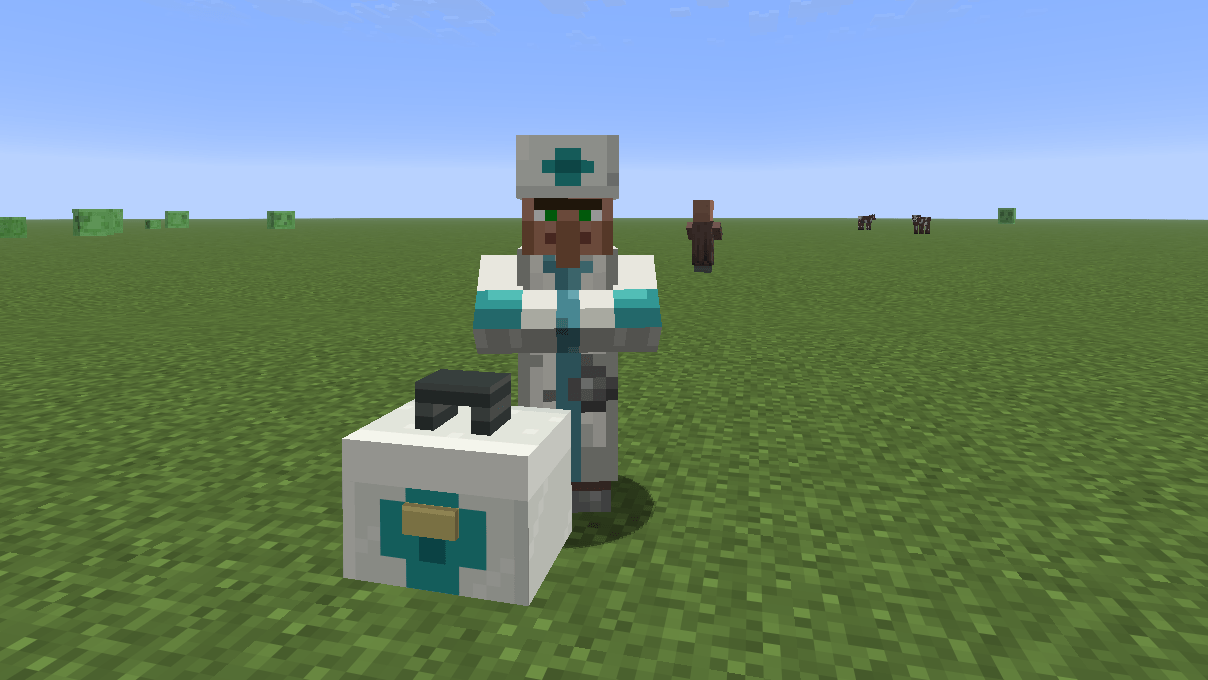
Healers are not soldiers.
They are a support-focused villager profession, and most of their behavior is close to ordinary vanilla villagers. Unlike soldiers, healers sleep at night like normal villagers.
To create a healer, you need the healer workstation, a medical kit block. It can be crafted with 3 Blocks of Quartz, Shears, a Golden Apple, and any Healing Potion. Place the three Blocks of Quartz on the bottom row, then place the Golden Apple in the center with the Shears and Healing Potion next to it.
Unemployed villagers can use this workstation to become healers.
However, healers can help when someone nearby is injured. They may throw healing potions at wounded players, villagers, and iron golems.
Healers can also defend themselves against undead enemies. Since healing potions damage undead mobs, healers can run away from undead threats while throwing healing potions back at them.
By trading with healers and leveling them up to the maximum level, you can obtain a special elixir that can instantly turn a zombie villager back into a villager.
Maximum-level healers can also use this elixir to cure zombie villagers themselves. However, there is one important difference: if a healer cures a zombie villager, that villager will not feel gratitude toward you. If you buy the elixir from a healer and use it yourself, the cured villager should recognize you as the one who cured them.
Compatibility
SoldiersMOD is designed with compatibility in mind where possible.
Since soldier villagers are implemented as villager professions instead of completely separate custom mobs, they are intended to remain close to vanilla villager behavior and village systems.
However, compatibility with other mods is not guaranteed. Some mods that heavily modify villager AI, professions, trading, schedules, POIs, or village behavior may still conflict with SoldiersMOD.
If you find a compatibility issue, please report it with the mod list and a short description of what happened.
Requirements
- Minecraft 1.26.1
- NeoForge 26.1.2+
Installation
- Install NeoForge.
- Download the latest version of SoldiersMOD.
- Put the jar file into the
modsfolder. - Launch Minecraft.
The Soldiers Villager Team
