SmoothCapes
- By
Turns the stiff vanilla cape into cloth that bends back when you walk and flutters when you sprint, LabyMod cloaks included.
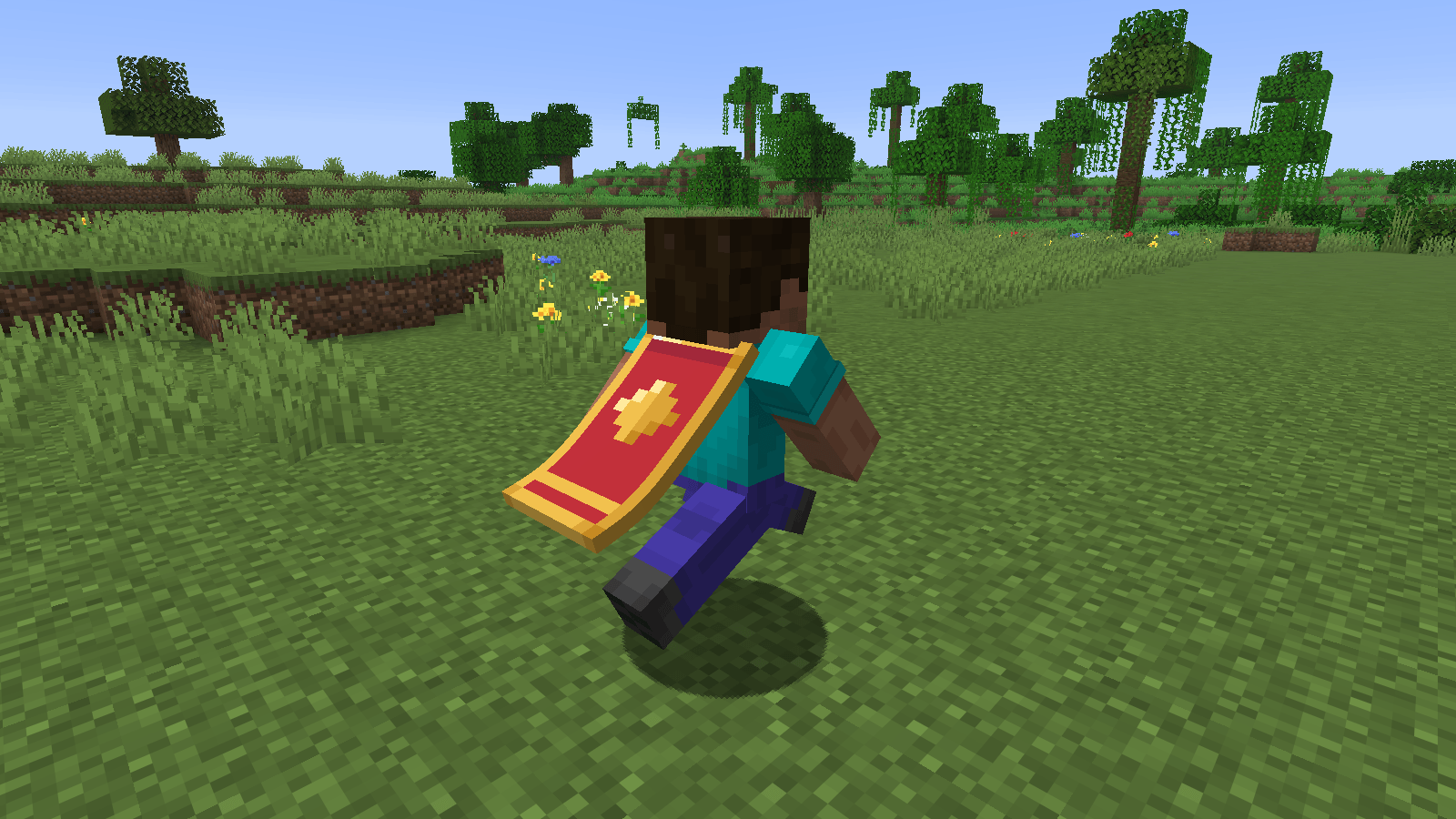
01-sprinting.png
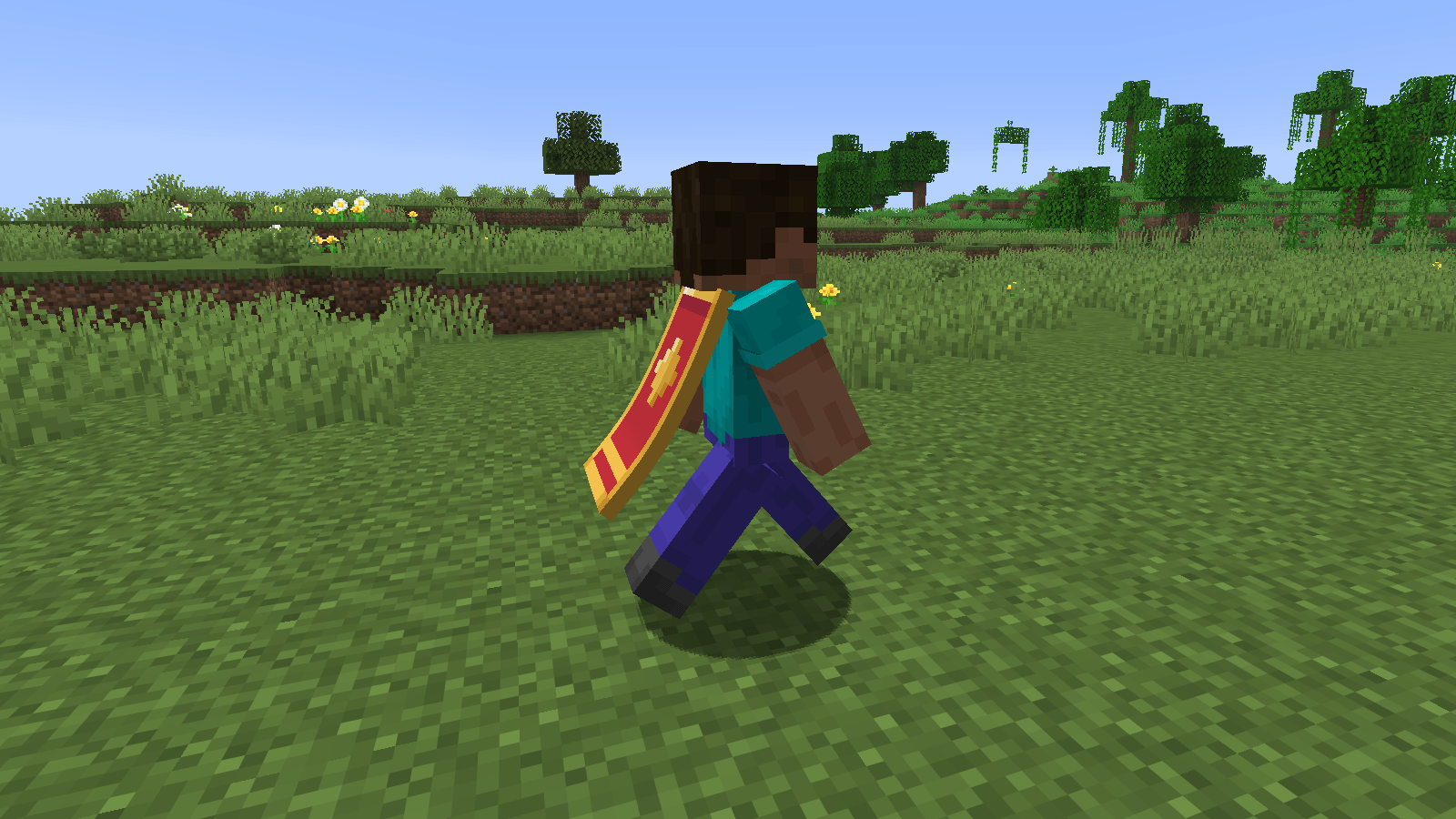
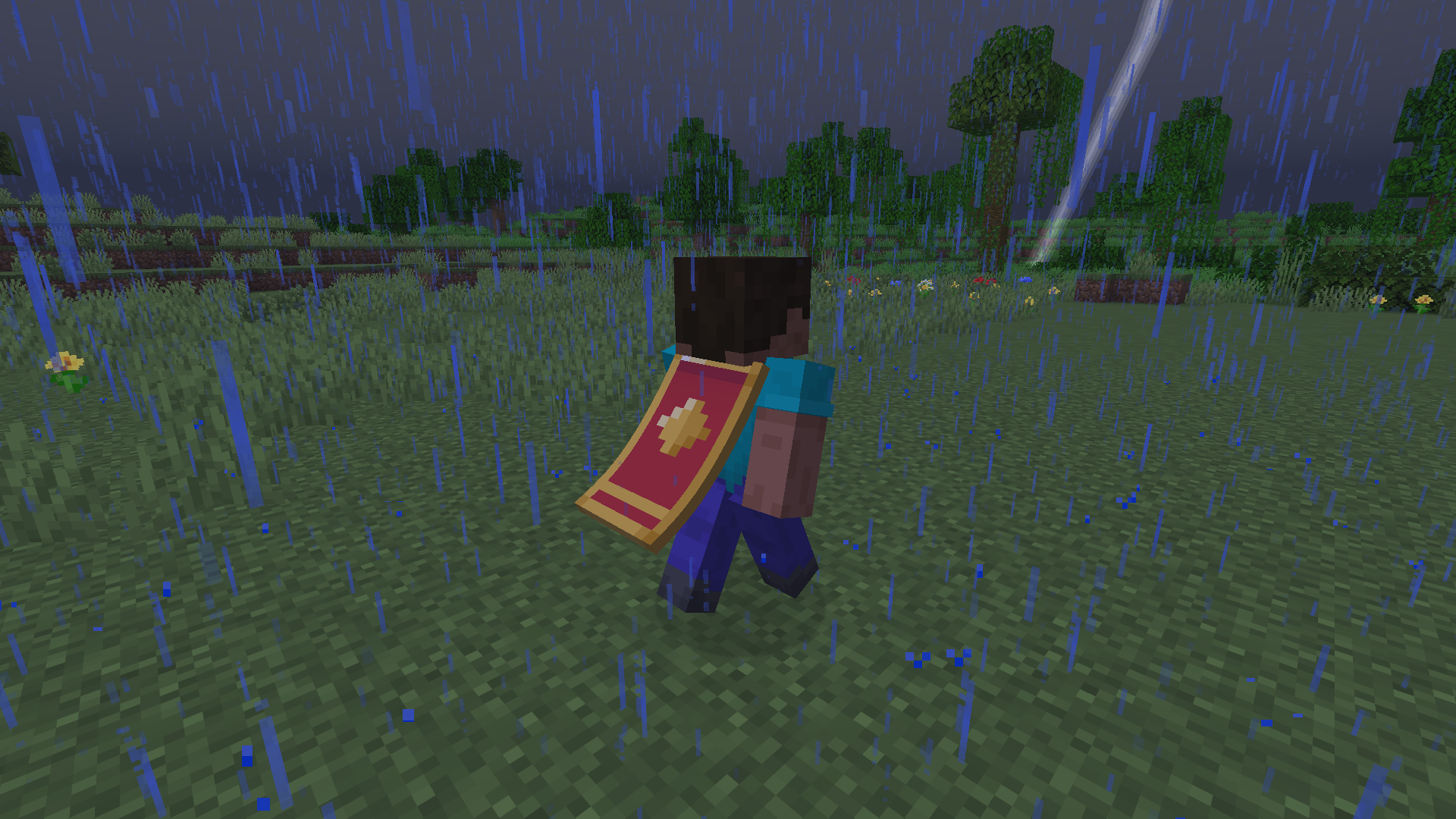
02-walking.png
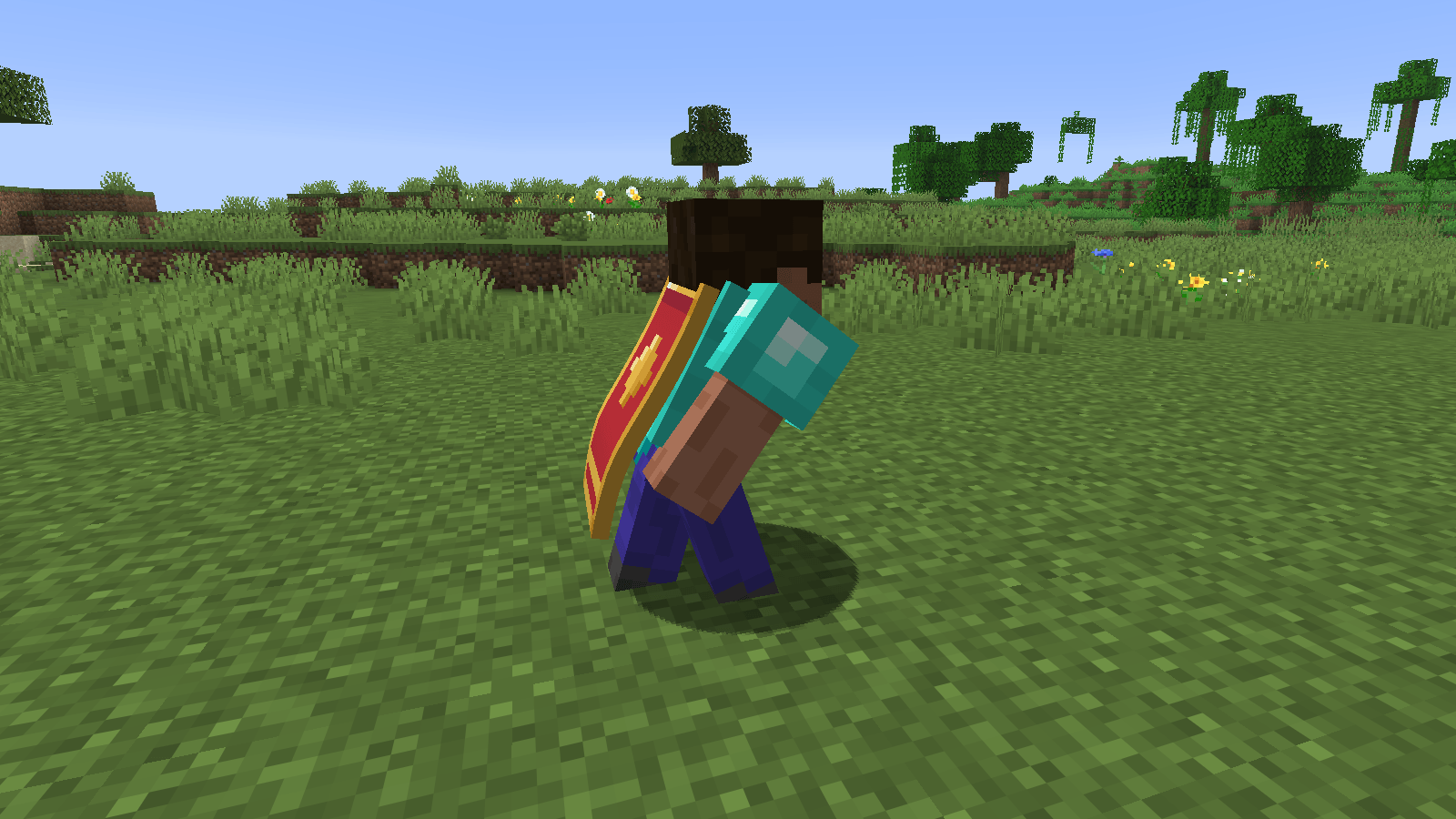
03-sneaking-chestplate.png
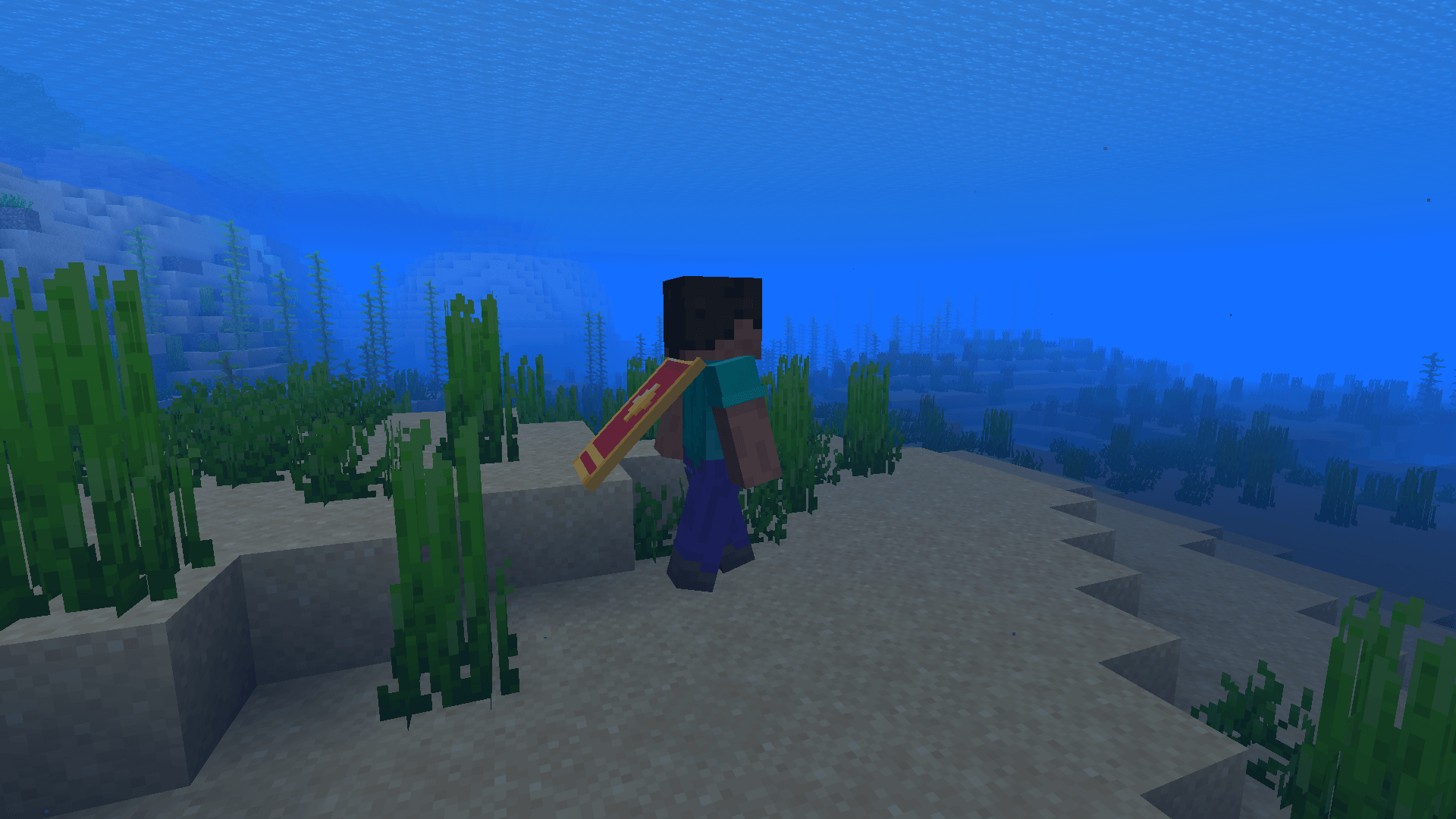
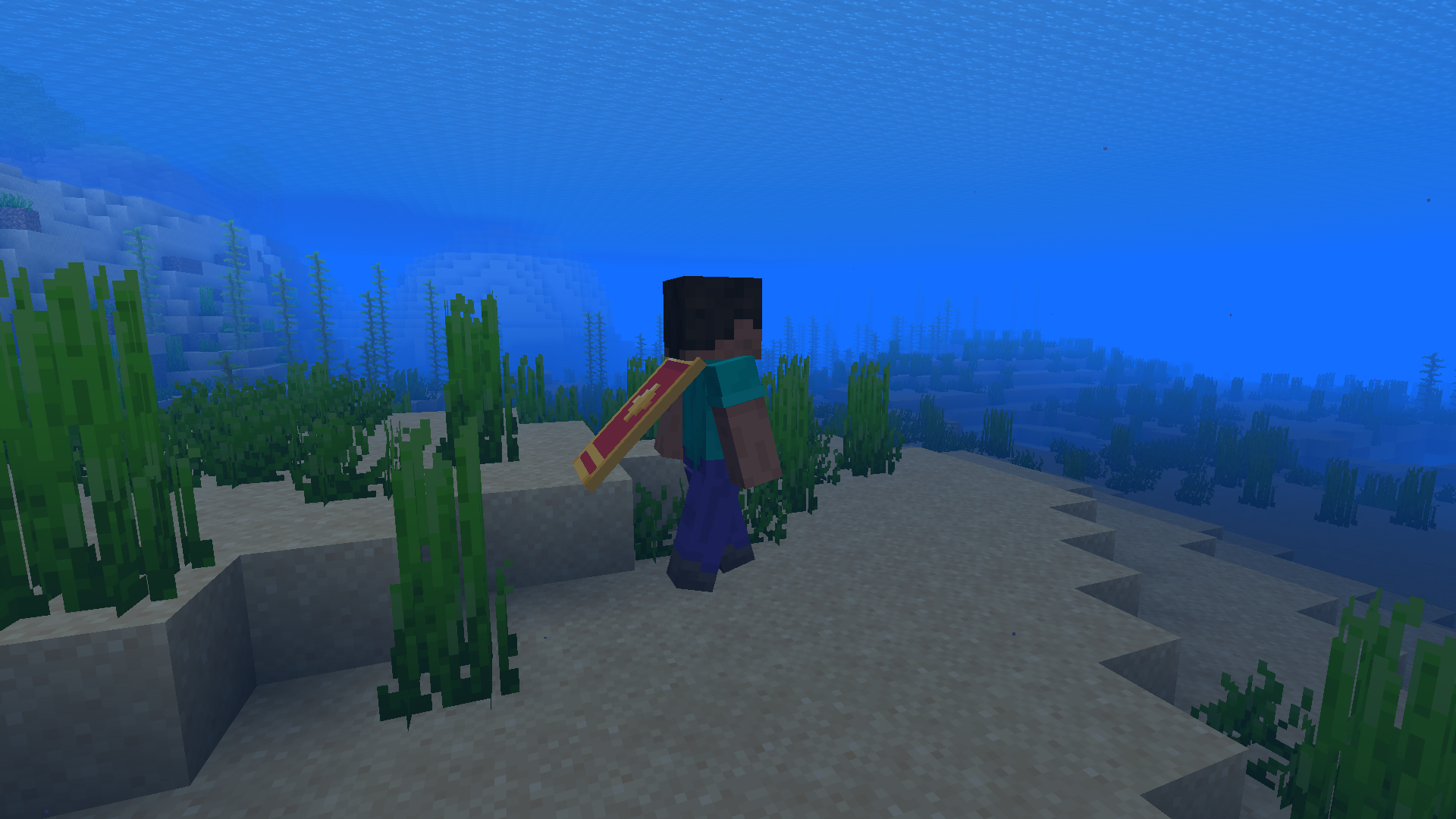
05-underwater.png
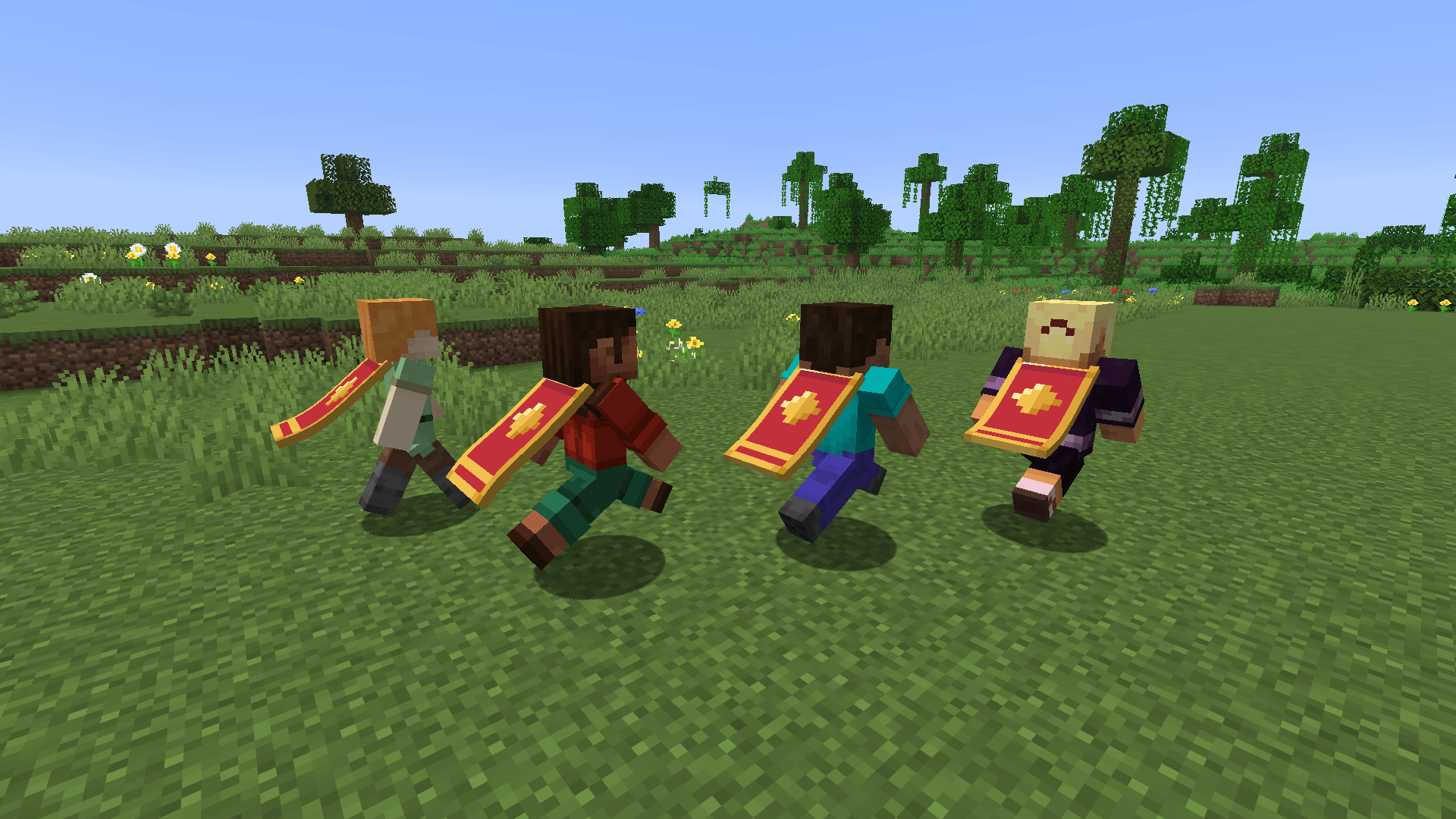
06-other-players.png
Description
The vanilla cape is basically a flat board stuck to your back. Smooth Capes turns it into cloth that hangs from your neck and actually moves. It bends back when you walk, and when you sprint it lifts and flutters. When you stop, it swings a little and then settles.
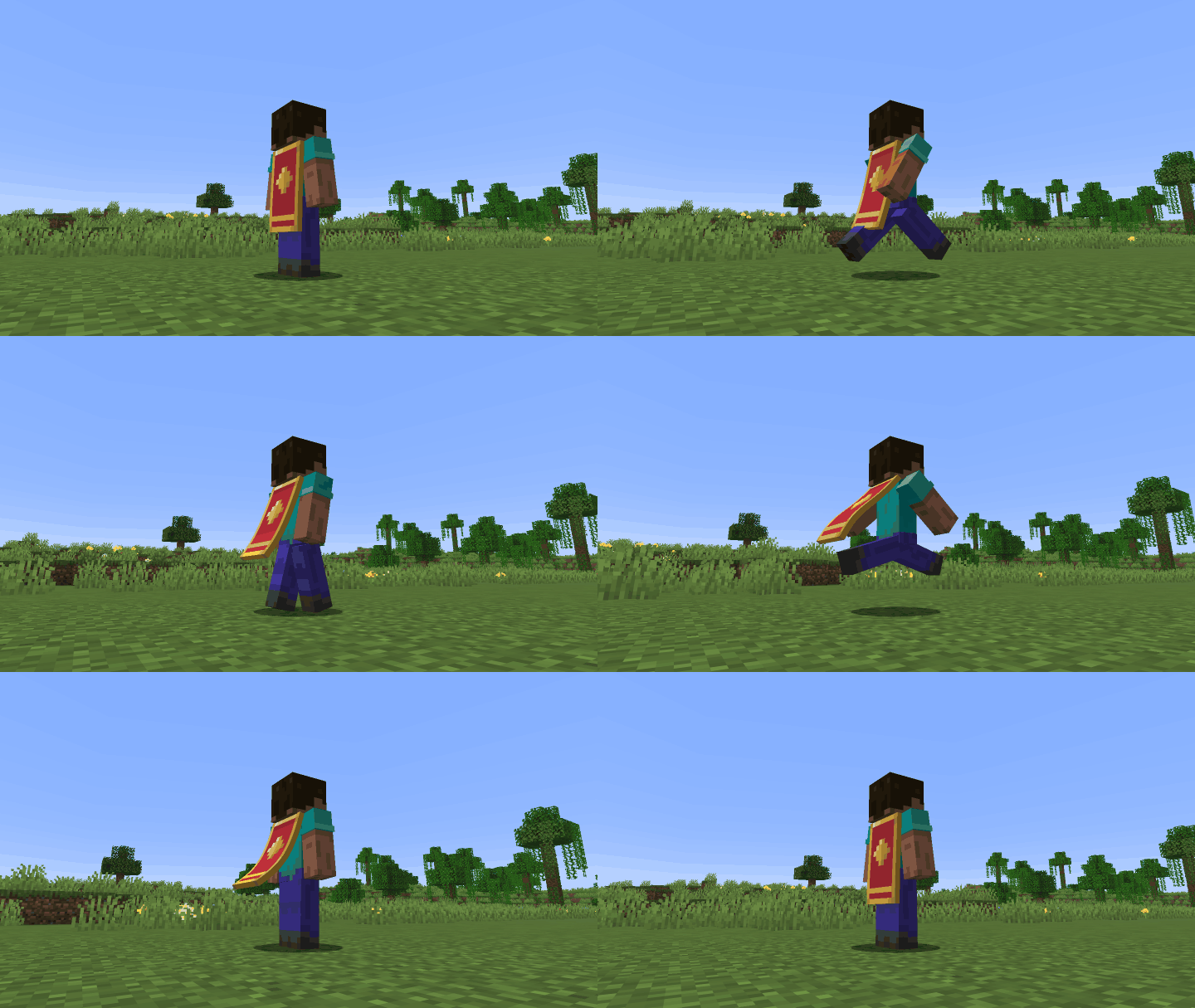
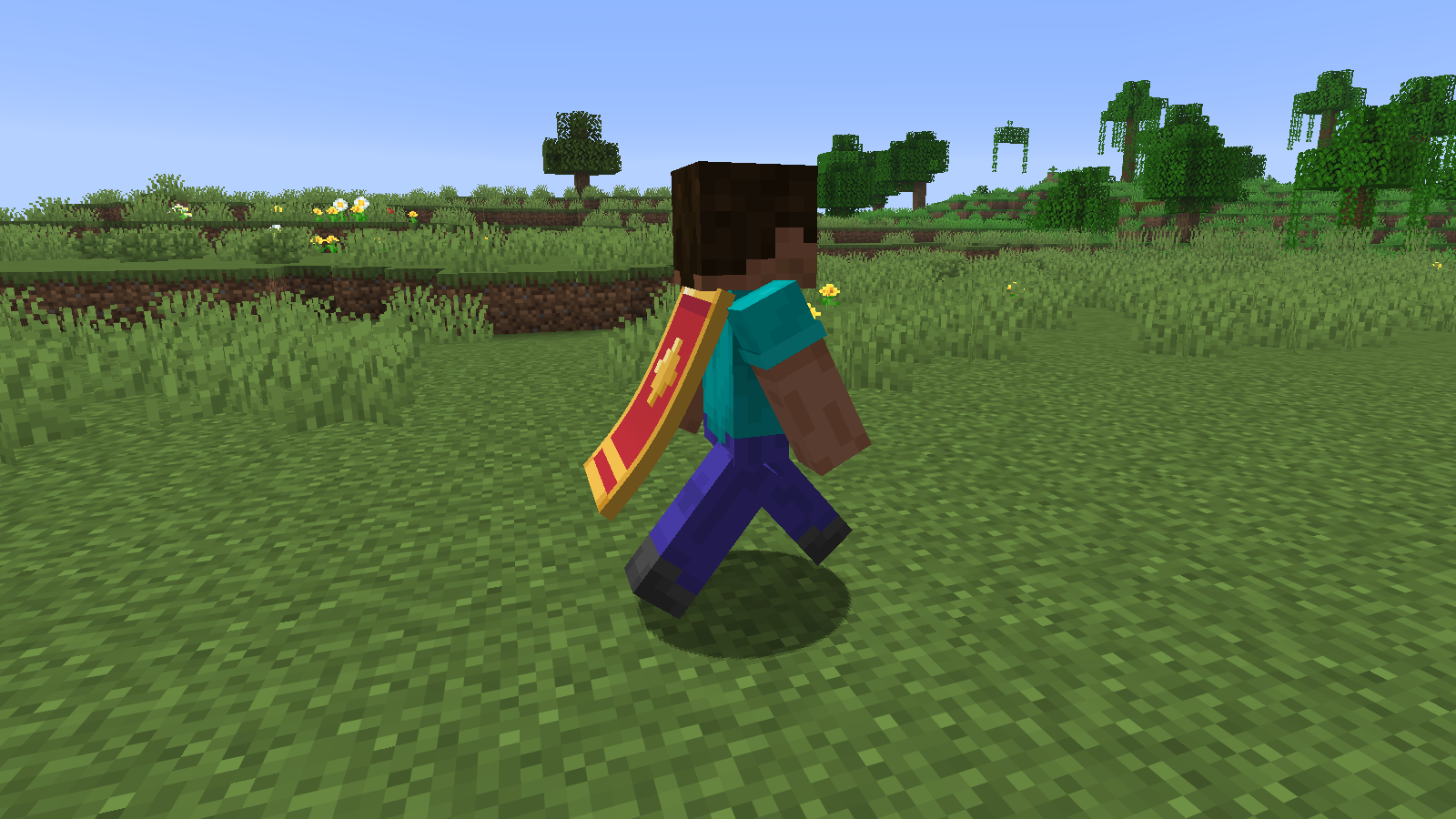
Sprint-jumping flicks it even higher, and when you fall the air blows it upward. If you strafe or turn on the spot, it swings out to the side before coming back behind you. It doesn't clip into your back or legs, even while sneaking or wearing a chestplate.
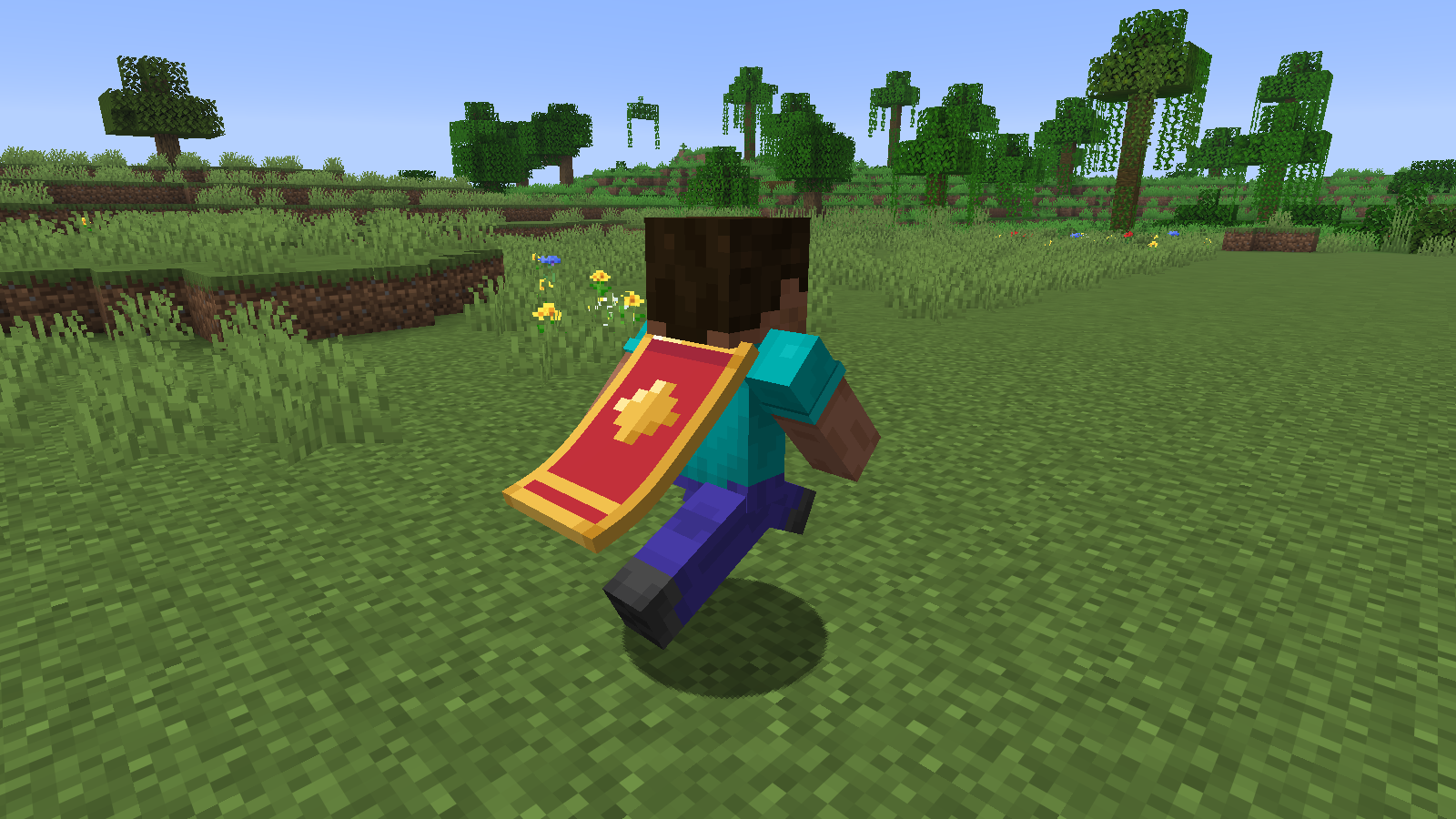
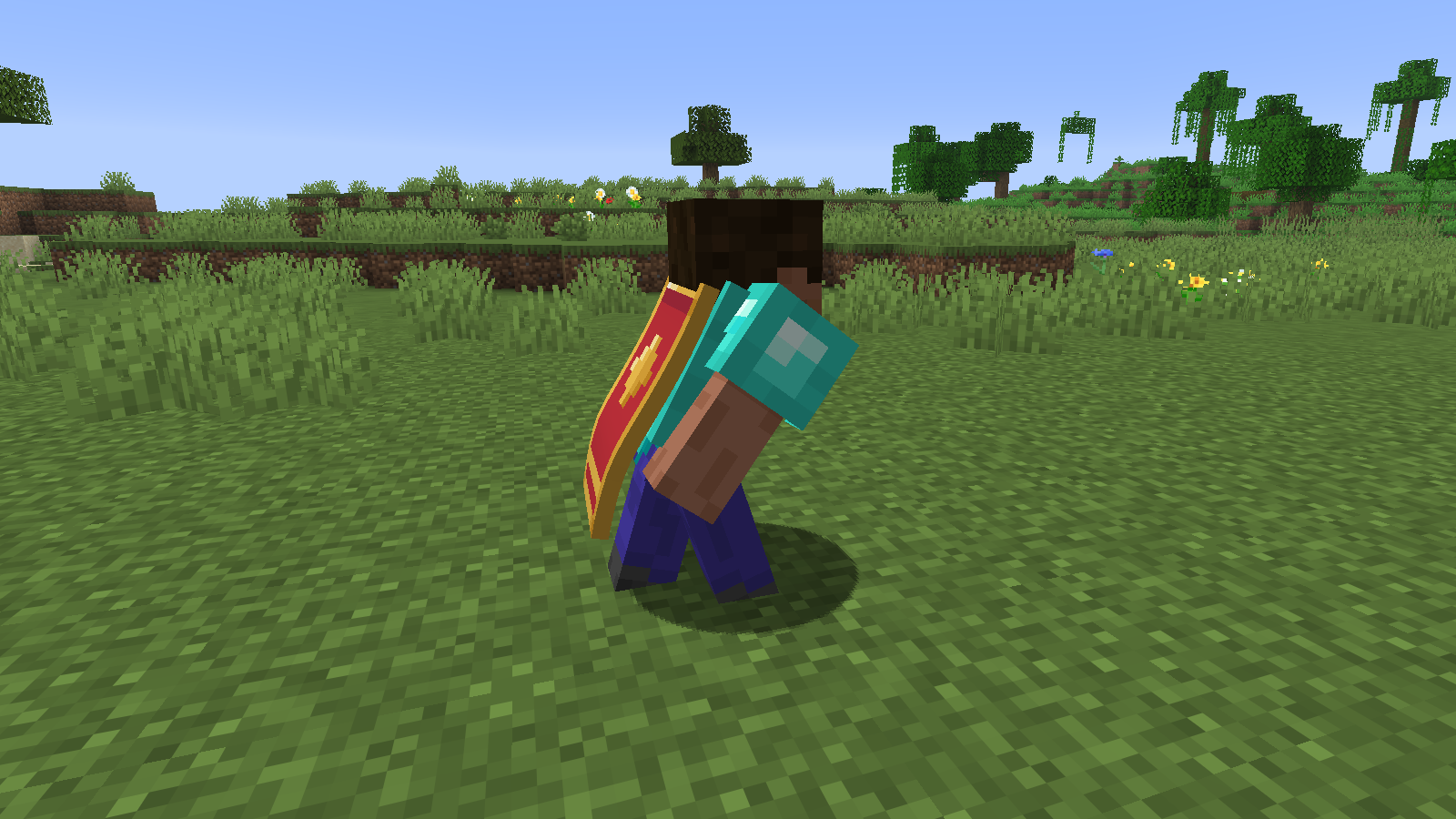
Even when you stand still, a light breeze keeps it moving a bit, and it gets gustier in rain and thunderstorms if you're out in the open. In water it hangs lighter and moves slowly.
It works with Mojang capes, with capes from other mods like Capes or HDSkins, and on mannequins. Elytra, invisibility and the Cape toggle in Skin Customization still hide it the same way vanilla does.
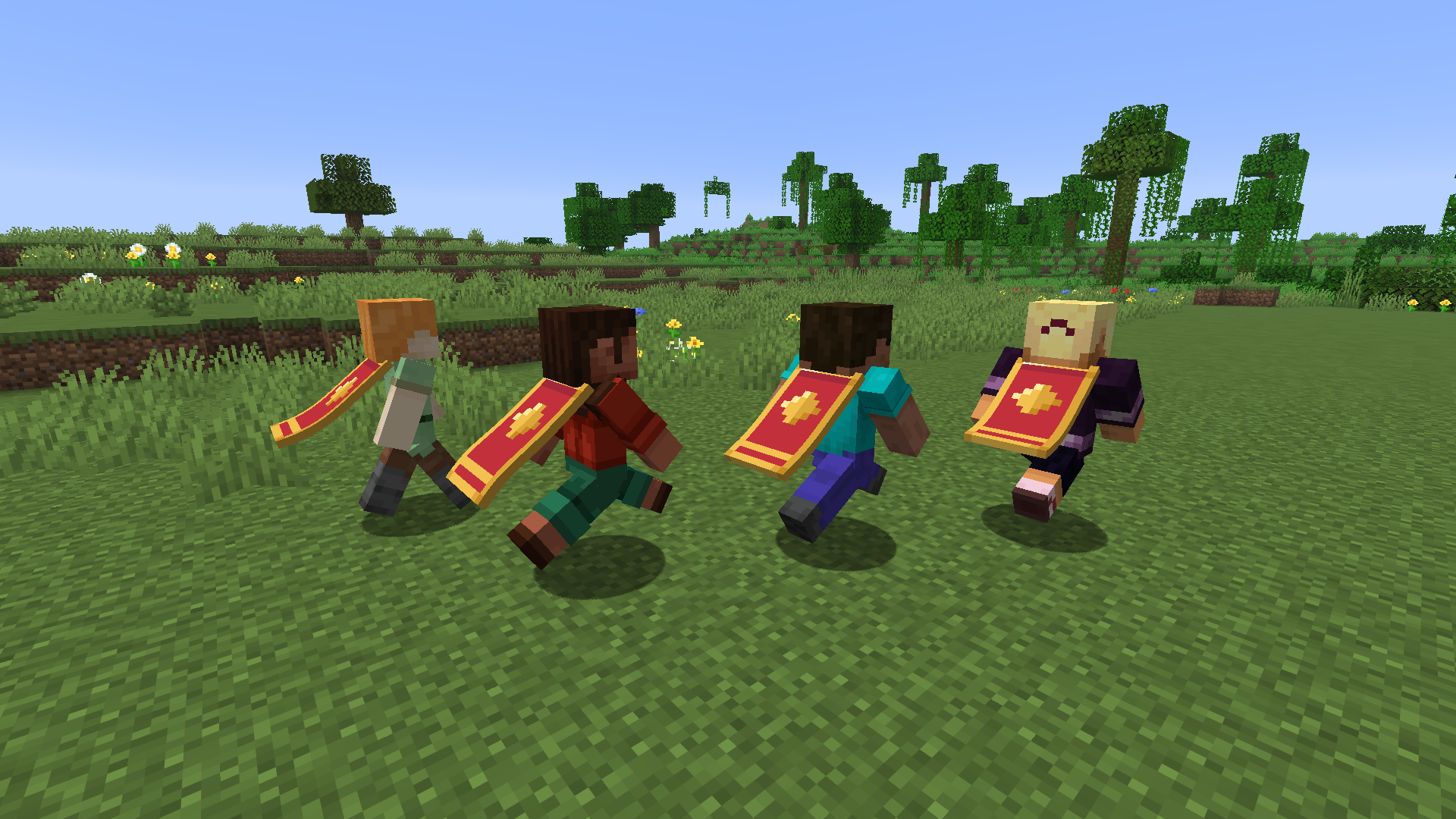
If you don't have a cape, turn on Test Cape in the settings. Every player without one then gets a test cape with markers that show which way it's facing. Only you can see it.
Smooth Capes is client side only, so servers don't need it. Other players only see your cape move if they have the mod themselves.
LabyMod
If you play with LabyMod 4, Smooth Capes shows up there as a cloak animation. Pick it and your LabyMod cloaks get the same cloth physics. They keep their own textures, even high resolution ones.
To set it up:
- In LabyMod, install the Fabric Loader addon.
- Put Smooth Capes and Fabric API into LabyMod's Fabric mods folder. The addon's settings have a Mods Folder > Open button for that, or you can find the folder at
.minecraft/labymod-neo/fabric/<version>/mods. - Restart the game, then go to Ingame > Cosmetics in the LabyMod settings and set Cloak Animation to Smooth Capes.
There's nothing to switch on in Smooth Capes itself. Its LabyMod Integration option is on by default. If you're not sure it worked, type /smoothcapes in chat. It tells you whether the LabyMod connection is active and whether Smooth Capes is picked as the cloak animation.
If you leave Cloak Animation on something else, LabyMod animates its cloaks the usual way and Smooth Capes leaves players with a LabyMod cloak alone, so you never see two capes on one player. Turning off LabyMod Integration does the same. If LabyMod is set to hide someone's normal cape behind their cloak, it still does.
Settings
You'll find the settings under Options > Skin Customization > Smooth Capes... and in Mod Menu if you have it. /smoothcapes config opens them from chat. If you use them a lot, you can bind a key under Options > Controls > Key Binds (none is set by default).
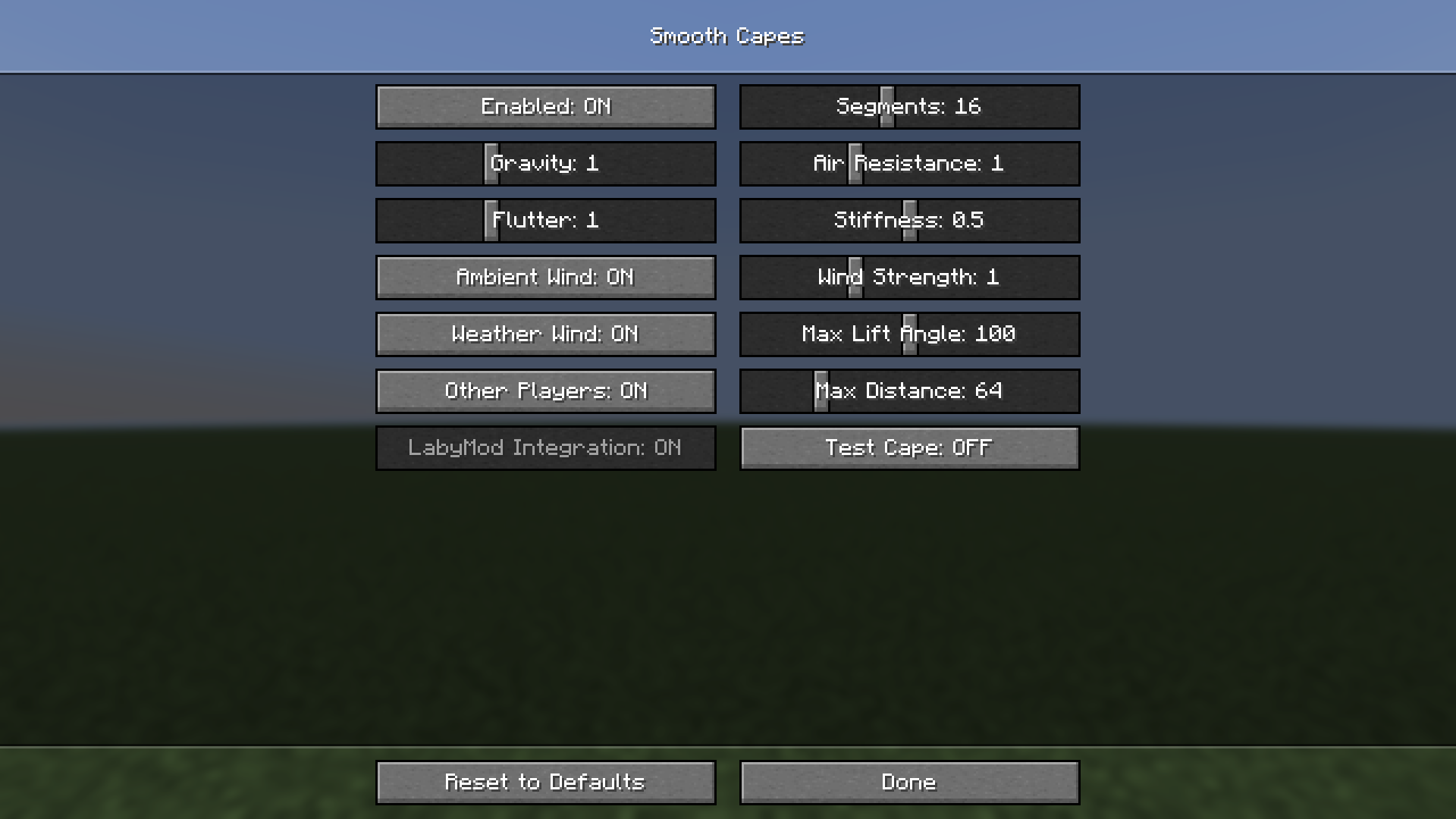
The ones you'll probably play with are Stiffness (0 is silk, 1 is leather), Gravity, Air Resistance and Flutter. Besides those you can turn the breeze and the weather gusts on or off, limit how far up the cape can swing, and decide if other players' capes get the physics and from how far away (64 blocks by default). Each option has a tooltip, so I won't go through all of them here.
You can change all of it from chat as well. /smoothcapes shows the current values, and /smoothcapes set <option> <value> changes one, for example /smoothcapes set stiffness 0.8. Tab completion lists the option names. /smoothcapes toggle turns the mod on or off, and /smoothcapes reset puts everything back to default.
SmoothCapes Team