Let's get a Minecraft server!
Create a server, get 25% off your first month

Smooth Third Person Camera
Features
- Smooth camera follow in third-person view
- Configurable
smoothnessandmaxDistance - Optional
Limit Breakmode for direct numeric input - ModMenu integration for in-game configuration (Fabric build)
Compatibility
Some Minecraft versions include compatibility support for:
- Better Third Person
- Shoulder Surfing Reloaded
Compatibility availability depends on the Minecraft version and mod loader.
Preview
Smooth camera enabled (third-person). Example settings: smoothness=0.14, maxDistance=50.0
Note: These are not the default values. Default is smoothness=0.30 and maxDistance=20.0.
Note: This preview is captured on the Fabric build.
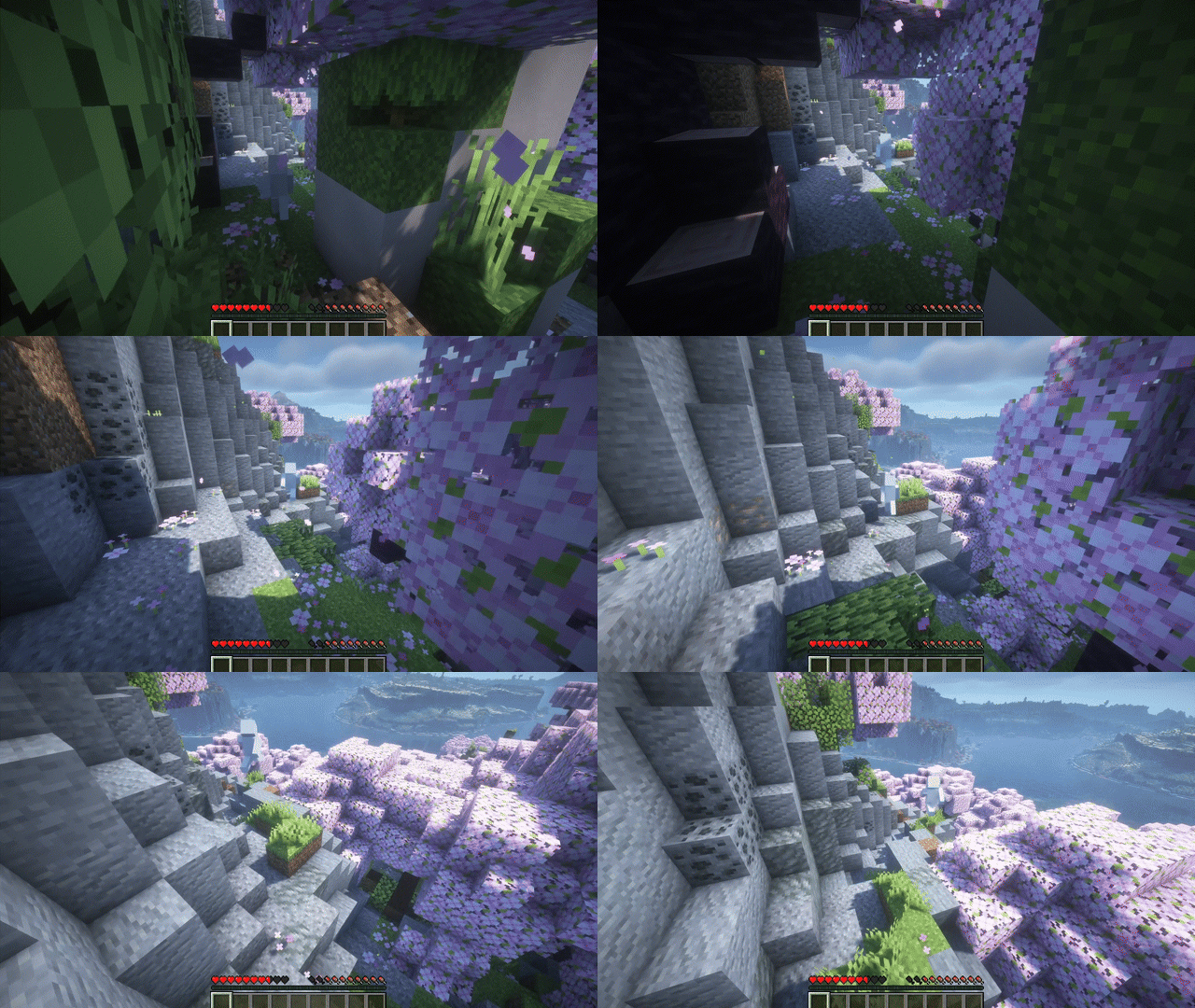
Comparison (Vanilla vs Smooth camera)
Left: Vanilla (no mod) Right: Smooth camera enabled
Note: Comparison GIFs are from the Fabric build.
| Scenario | Vanilla | Smooth camera |
|---|---|---|
| Elytra flight |  |
 |
The Smooth Third Person Camera Team